AI Tools Analysis
Top 9 CapCut Alternatives for High-End Motion Graphics (2026)
March 19, 2026

Selina ZFocused on in-depth research in AI tools, AI video, and generative AI.
| Tool | Starting Price | Category | Best For |
| AutoAE | $12–$39/mo | Structured Template Motion | Fast premium intros without manual animation |
| After Effects | $22.99/mo | Professional 2D Motion & Compositing | Full keyframe control and custom motion systems |
| Cinema 4D | ~$69+/mo | Commercial 3D Motion Graphics | Broadcast & brand-level 3D typography |
| Blender | Free | Open-Source 3D Suite | Cinematic 3D motion on a budget |
| Cavalry | ~£16/mo | Procedural Motion Systems | Scalable typography & structured motion |
| Jitter | ~$15/mo | Design-Focused Motion | Clean layout-driven motion |
| Davinci Resolve | $9.99~$39.99/mo | Node-Based Compositing | Integrated post-production workflow |
| Spline | ~$15/mo | Real-Time 3D / Interactive | Web & product motion graphics |
| Sora(OpenAI) | Invite / Usage-based | AI Generative Video | Scene-level cinematic motion |
The CapCut Ecosystem in 2026
By 2026, CapCut has solidified its role as a foundational tool in the creator economy. With AI-assisted editing, rapid feature deployment, and smooth integration within ByteDance’s ecosystem, it sets the efficiency benchmark for short-form production.
Its strength lies in speed, accessibility, and distribution readiness. For social-first workflows, it remains one of the most practical tools available.
However, as creator output increasingly overlaps with brand content, product marketing, and higher production standards, new demands emerge. The limitation isn’t visual quality — it’s structural depth.
CapCut is optimized for preset-driven social editing. It is not built for scalable motion systems, procedural logic, or native 3D scene construction.
The gap is not about effects.
It is about production architecture.
What “High-End” Motion Graphics Actually Requires
In motion design, “high-end” does not mean more effects or heavier visuals. It means greater control and intentional construction.
High-end motion graphics typically involve:
-
Custom-built animation rather than presets
-
Frame-level timing control and advanced easing
-
Multi-layer compositional systems
-
Spatial thinking, including camera movement and dimensional typography
It’s not about adding more motion.
It’s about designing motion deliberately.
Beyond CapCut: Choosing the Right Production Model
As motion requirements grow, upgrading is not simply about switching to a “better editor.”
It’s about selecting a production model that matches the level of control and scalability required.
|
Motion Upgrade Path
|
What Changes
|
Representative Tools
|
Best For
|
|
Template-Structured High-End Motion
|
Pre-built professional motion systems with controlled structure
|
AutoAE
|
Creators upgrading from presets without learning full motion pipelines
|
|
Design-Driven Motion Systems
|
Structured typography, procedural control, layout precision
|
Cavalry, Jitter
|
Designers building scalable motion graphics
|
|
Full Professional Motion Control (2D & 3D)
|
Frame-level construction, spatial systems, advanced compositing
|
After Effects, Cinema 4D, Blender, DaVinci Resolve
|
Designers & studios requiring maximum control
|
|
AI-Generated Cinematic Motion
|
Scene-level generative workflows
|
Sora 2
|
Concept-driven or experimental visuals
|
|
Interactive / Real-Time 3D Motion
|
Web-native spatial graphics and live 3D deployment
|
Spline
|
Product teams & interactive brand experiences
|
After Effects
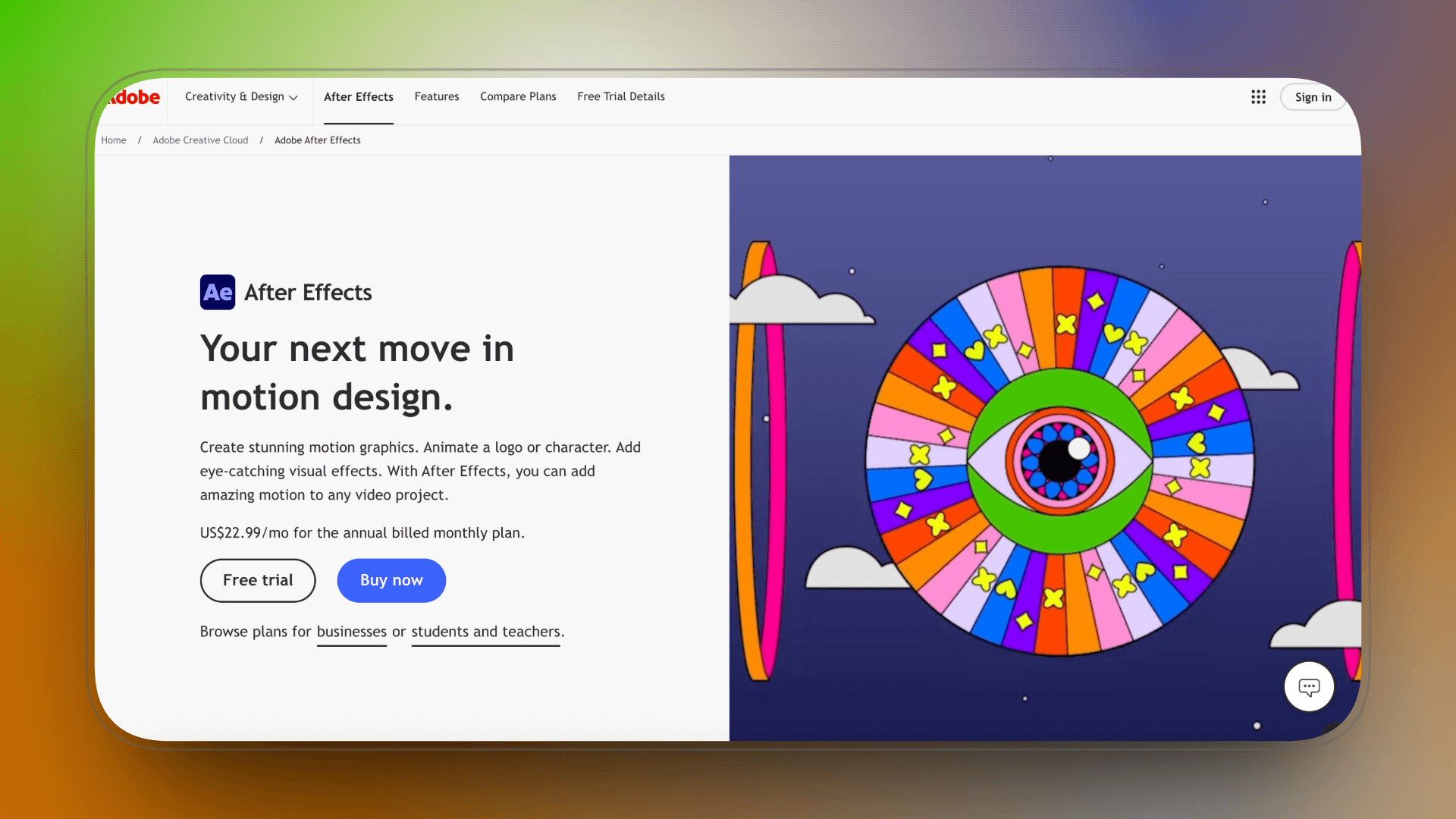
Industry-standard motion graphics system After Effects is widely regarded as the benchmark for high-end motion graphics. Unlike preset-driven editors, it provides complete control over keyframes, timing, easing curves, and layered compositions.
What It Enables
With After Effects, text animation can be built from the ground up. Designers can animate at the word, line, or character level, adjust velocity graphs manually, and stack multiple animation systems within a single composition. Complex kinetic typography, mask-based reveals, multi-layer parallax builds, and 3D camera-driven titles are all standard workflows.
Because it supports expressions and scripting, motion can also become system-based rather than manually repeated—something not possible in simplified editors.
Where It Surpasses CapCut
CapCut applies motion.
After Effects constructs motion.
The difference lies in precision. Every frame can be adjusted. Every easing curve can be shaped. Text is not limited to preset behaviors—it becomes a fully controllable design element within a larger visual system.
Price:
After Effects costs $22.99/month on its own.
In practice, most creators end up paying $41.99/month for the full Creative Cloud plan.
Key Strengths
-
Full keyframe-level control over typography timing and motion
-
Advanced easing via Graph Editor for precise motion shaping
-
Character-, word-, and line-level animation systems
-
Deep integration with plugins and expression-driven workflows
Pros
-
Complete creative control over kinetic typography
-
Supports complex multi-layer and 3D title compositions
-
Scalable for professional brands and studio-level production
Cons
-
Steep learning curve, especially for non-designers
-
Slower production speed compared to template or AI tools
-
Excessive for simple or repetitive short-form intros
AutoAE
After Effects is powerful — but slow to master.
The learning curve is steep, the workflow is manual, and even simple sequences can take hours to build correctly.
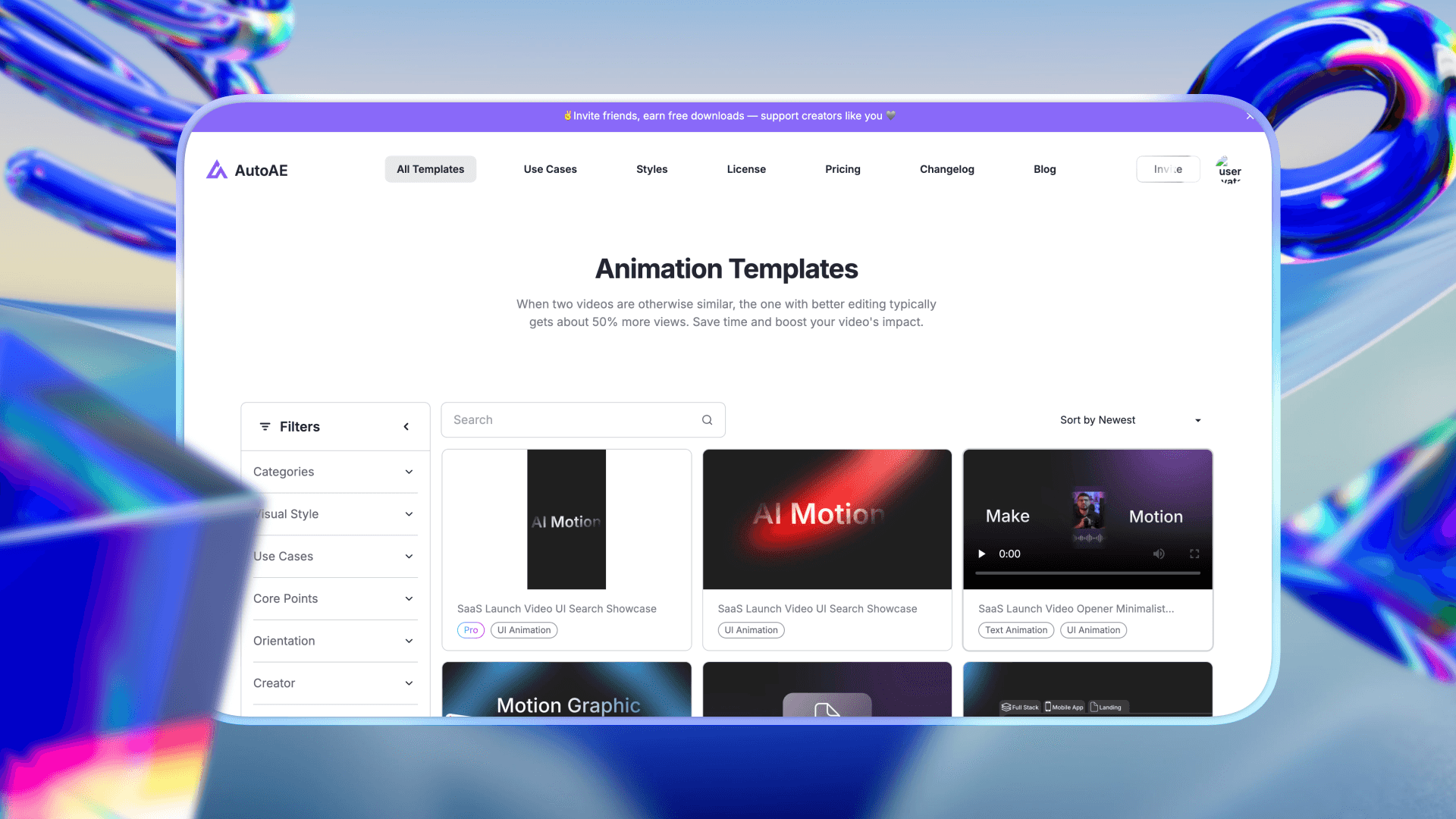
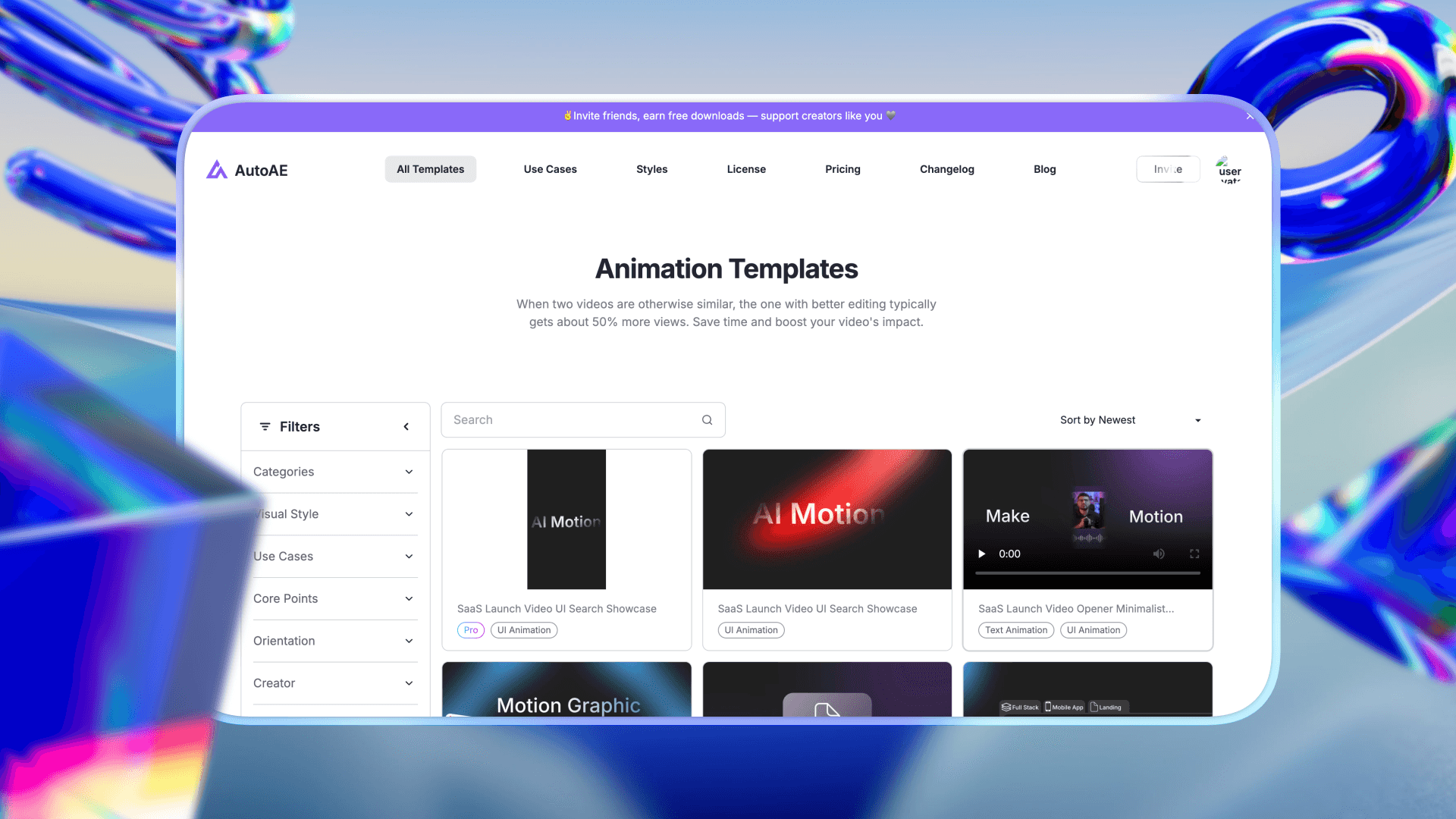
AutoAE exists to bridge that gap.
It packages high-end AE-style motion structures into usable systems.
Instead of learning animation theory, easing curves, and composition logic, users operate within pre-built frameworks designed by motion professionals.
AutoAE is not an industry-dominant tool.
It is a practical shortcut for creators who want professional motion output without becoming full-time motion designers.
What It Enables
-
High-end intro sequences without building from scratch
-
Structured motion pacing that feels intentional
-
Faster delivery for brand-style content
-
Repeatable premium outputs
-
A step above social-edit templates
It enables studio-style motion without studio-level training.
Where It Surpasses CapCut
CapCut prioritizes speed and trend-driven templates.
AutoAE prioritizes structure and polish.
The difference is in motion language.
CapCut effects feel applied.
AutoAE sequences feel composed.
While CapCut simplifies motion into quick overlays, AutoAE packages professional motion frameworks into accessible systems.
For creators who want a premium look but cannot invest months into mastering AE, AutoAE becomes a practical middle layer.
Key Strengths
-
Pre-built high-end motion frameworks
-
Faster than building inside AE
-
Designed around professional pacing and hierarchy
-
Bridges beginner and advanced motion workflows
Pricing
|
Plan
|
Price
|
Best for
|
|
Free
|
$0
|
Trying the platform or very small tests
|
|
Starter
|
$12 / month
|
Beginners or small projects
|
|
Creator
|
$39 / month
|
Regular content creators
|
|
Agency
|
$49.92 / month
|
Teams and agencies
|
|
Scale
|
$166.58 / month
|
High-volume or enterprise use
|
|
Single Video
|
$2.90 / video
|
Occasional one-off animations
|
Pros
-
Studio-style output without deep motion knowledge
-
Faster turnaround
-
Consistent visual quality
-
Good stepping stone toward advanced tools
Cons
-
Lower industry recognition
-
Template-bound flexibility
-
Limited compared to full 3D or node systems
-
Style constrained by available packs
Blender
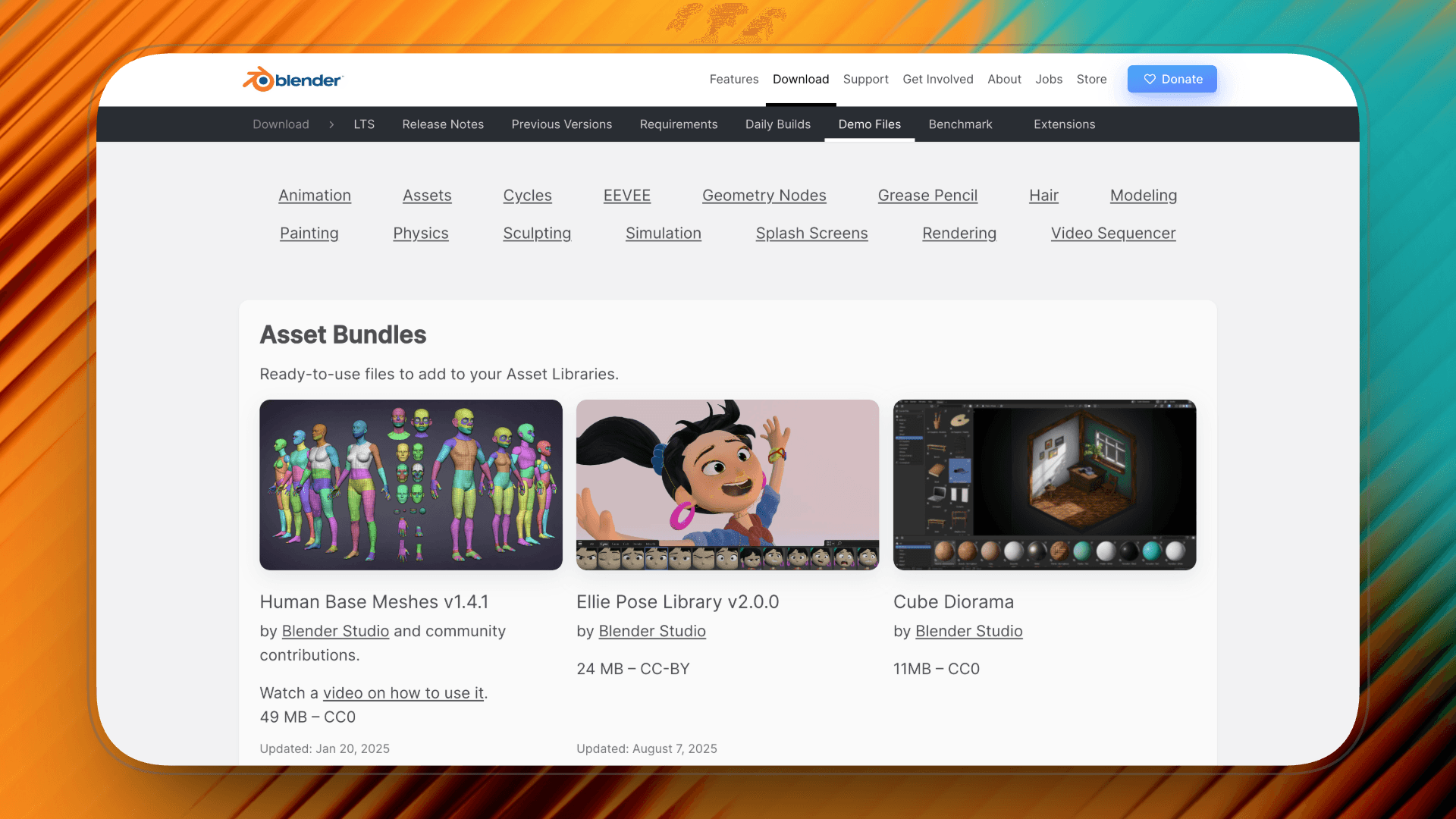
Blender is a free, open-source 3D creation suite that extends motion graphics beyond flat compositions into fully dimensional space. Unlike timeline-based 2D editors, Blender operates inside a true 3D environment with cameras, lighting, materials, and physics.
What It Enables
Blender enables motion graphics that exist in real space rather than simulated depth.
Text can have physical thickness, realistic shadows, reflections, and material properties. Camera movement is not a preset pan or zoom—it travels through a constructed environment. Lighting affects typography dynamically, and scenes can include particles, physics simulations, and environmental effects.
This allows for cinematic title sequences, immersive logo builds, and spatial typography that would be difficult or artificial in flat editing systems.
Where It Surpasses CapCut
CapCut works in a 2D editing space with limited depth simulation.
Blender operates in true 3D space.
The difference is structural. Instead of applying motion to text layers, Blender builds motion inside a physical environment. Depth, perspective, and lighting are not effects—they are native properties of the scene.
For creators seeking cinematic scale rather than social-media efficiency, the gap is significant.
Key Strengths
-
True 3D typography with depth, lighting, and material control
-
Cinematic camera movement within a fully built environment
-
Advanced rendering engines (Eevee & Cycles)
-
Node-based material and compositing systems
Price:
Completely free and open-source. Perfect if you want professional 3D tools without spending a dime - I often recommend it for beginners and self-learners.
Pros
-
Full dimensional control
-
Film-level rendering capability
-
Free and production-ready
Cons
-
High learning curve
-
Slower workflow for simple text animation
-
Requires 3D workflow knowledge
Cinema 4D (C4D)
If you’ve ever watched a Netflix title sequence, a luxury brand commercial, or a high-end product launch film with bold 3D typography — there’s a strong chance Cinema 4D was involved.
Cinema 4D isn’t just another animation tool.
It’s one of the core softwares behind modern broadcast motion graphics and commercial 3D title design.
Unlike CapCut, where text is a flat layer with applied effects,
C4D builds text as real 3D objects inside a scene.

What It Enables
Cinema 4D allows you to:
-
Create fully extruded 3D typography
-
Design spatial title sequences
-
Build logo reveals with real geometry
-
Animate text using physics and procedural systems (MoGraph)
-
Combine typography with particles, simulations, and dynamic motion
This is especially powerful for:
-
High-end brand intros
-
Tech product launch videos
-
Film and streaming title sequences
-
Commercial-level visual identity systems
Where It Surpasses CapCut
CapCut is built on a 2D editing framework, where depth and scale are largely simulated through presets and layered effects.
Cinema 4D operates in real 3D space.
The difference is structural. In CapCut, motion is applied to layers. In Cinema 4D, motion emerges from spatial construction—objects have physical depth, cameras move through environments, and lighting defines form rather than decorates it.
For creators moving toward commercial or cinematic motion graphics, this shift changes everything. Cinema 4D doesn’t refine CapCut’s workflow—it removes its dimensional ceiling.
Key Strengths
-
Industry-standard MoGraph system (Cloners, Effectors, procedural control)
-
Integrated Redshift for high-end rendering
-
GPU-accelerated simulation system
-
Strong integration with After Effects
-
Built specifically for motion designers
Price:
|
Plan/Product
|
Monthly Price
|
Annualized
|
Total Annual Price (USD)
|
|
Maxon One
|
$169.00
|
$105.41
|
$1,265.00
|
|
Cinema 4D
|
$109.00
|
$69.91
|
$839.00
|
|
Red Giant
|
$85.00
|
$53.25
|
$639.00
|
|
Redshift
|
$49.00
|
$24.08
|
$289.00
|
|
Universe
|
$32.00
|
$17.83
|
$214.00
|
|
ZBrush
|
$49.00
|
$33.25
|
$399.00
|
Pros
-
Built specifically for motion designers, not general 3D artists
-
Stable and reliable for large MoGraph-heavy scenes
-
Strong professional ecosystem (assets, plugins, training, studio adoption)
-
Faster to achieve polished 3D motion compared to more technical 3D software
Cons
-
Expensive for solo creators or casual users
-
Requires strong hardware for complex scenes
-
Not built for advanced character sculpting or high-end VFX simulation
-
Steeper learning curve compared to template-based tools
Cavalry
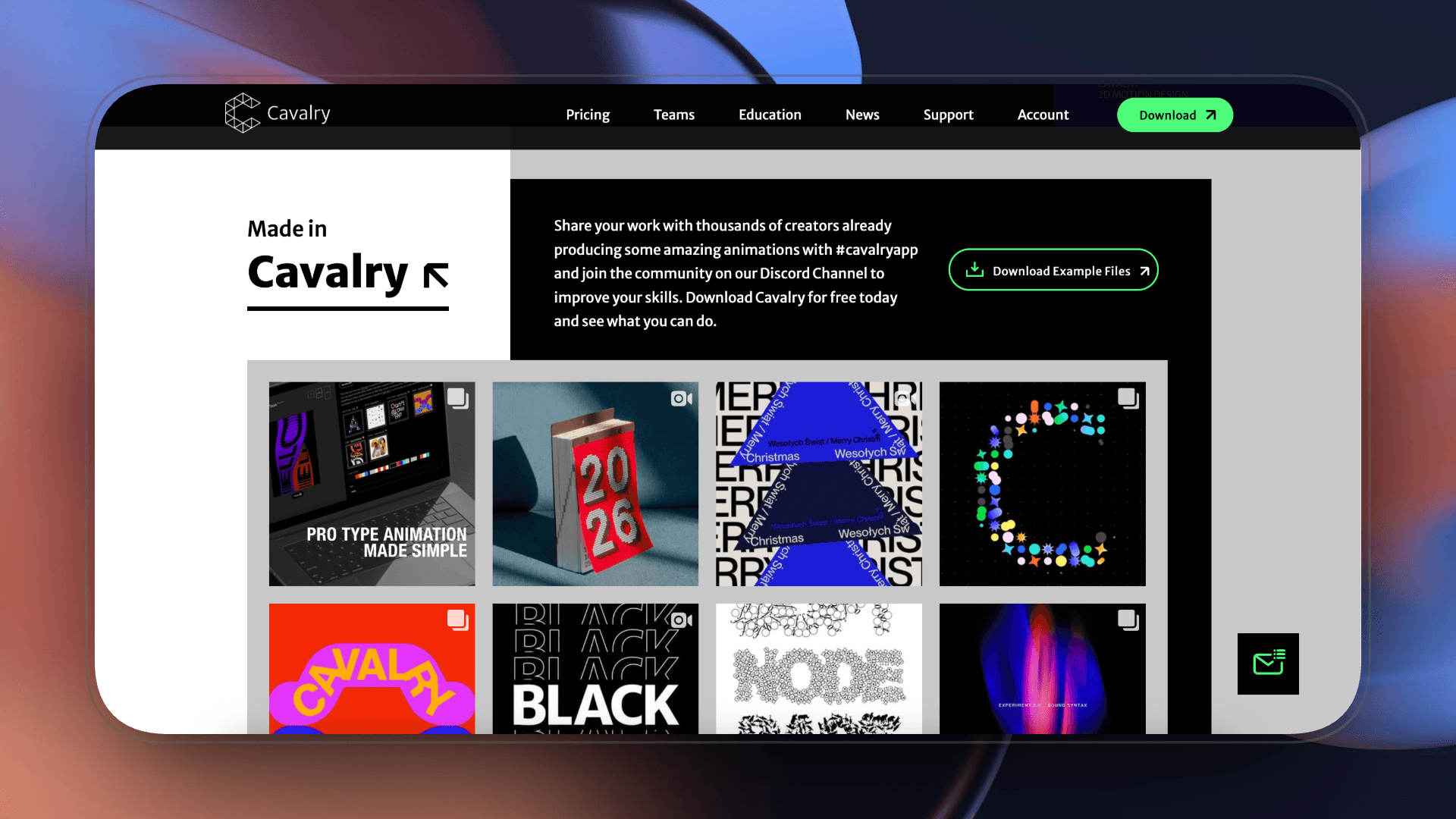
Cavalry is a motion graphics tool built around systems rather than timelines.
Instead of animating elements one by one, Cavalry allows designers to define relationships, behaviors, and parameters that control entire compositions. It is designed for structured motion graphics — especially typography-heavy layouts, broadcast packages, and repeatable visual systems.
It’s not a template tool, and it’s not a full 3D environment.
It’s a procedural design engine for motion.
What It Enables
-
Motion driven by rules instead of manual keyframes
-
Large typography systems that update automatically
-
Parameter-based timing control across multiple elements
-
Data-driven and generative layouts
-
Faster iteration when structure matters
Cavalry enables motion that scales cleanly.
Change one value, and the entire composition recalculates.
Where It Surpasses CapCut
CapCut is timeline-based and layer-driven.
Cavalry is system-based.
In CapCut, every layer must be adjusted individually.
In Cavalry, elements can be linked through behaviors and shared controls.
The difference is efficiency and scalability.
When working with structured layouts, repeated elements, or evolving typography systems, CapCut quickly becomes manual and fragile. Cavalry keeps motion organized through logic rather than layers.
For creators building motion graphics with hierarchy and structure, that shift is fundamental.
Key Strengths
-
Procedural animation workflows
-
Strong typography and layout control
-
Lightweight compared to full 3D pipelines
-
Built specifically for scalable motion graphics
Price:
Start with Starter (£0) to try out features, or go Professional (£16/mo, annual) if you need full advanced tools for serious projects.
Pros
-
Efficient for complex, repeatable systems
-
Clean design-focused workflow
-
Precise structural control
-
Faster iteration for layout-heavy motion
Cons
-
Smaller ecosystem than mainstream tools
-
Less suited for cinematic 3D environments
-
Requires system-thinking mindset
-
Not optimized for quick social edits
Sora 2 (OpenAI)
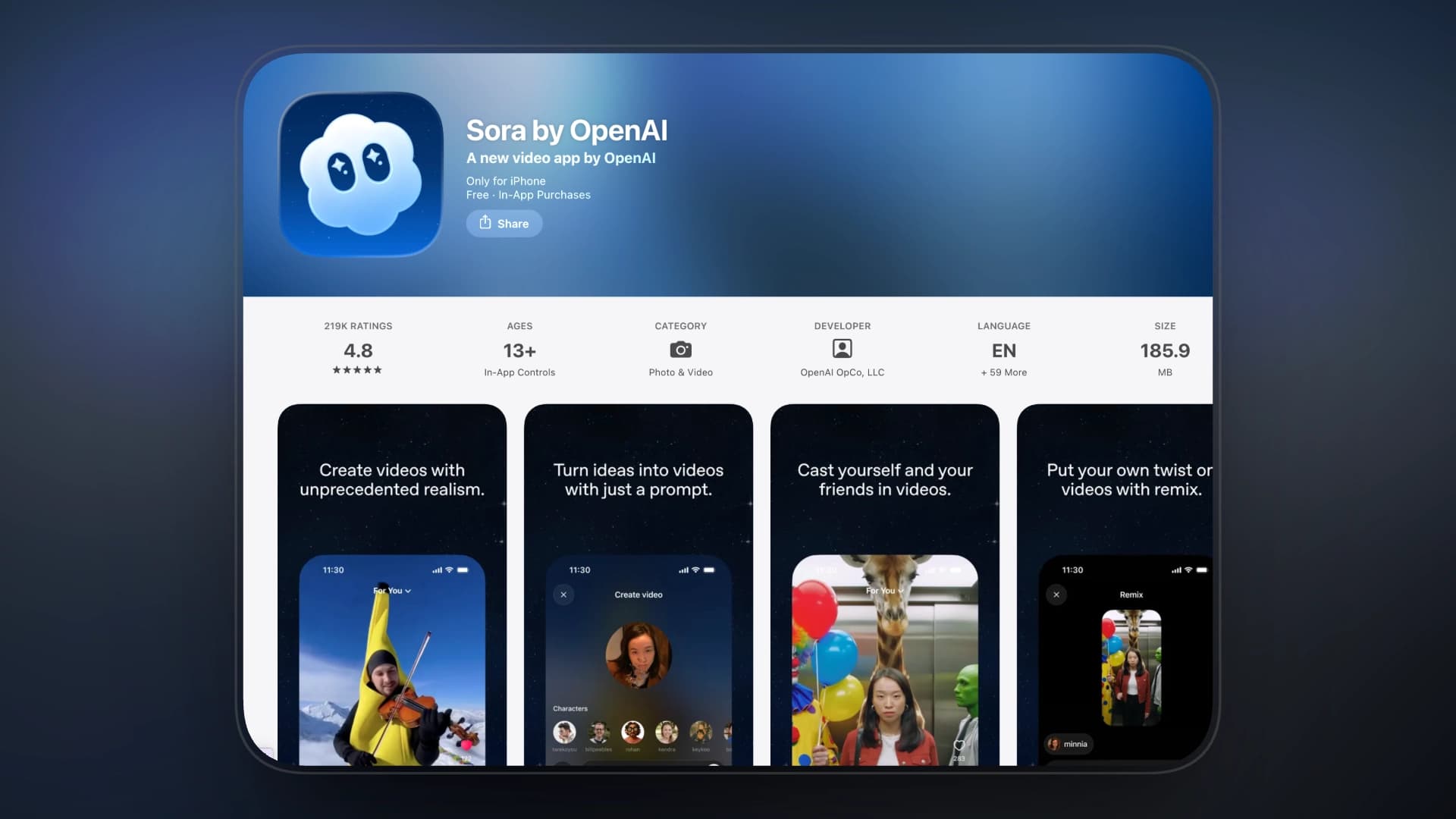
Sora 2 represents a different direction entirely.
Instead of constructing motion through timelines, systems, or 3D environments, Sora generates cinematic sequences from prompts. It shifts motion graphics from manual design to scene-level generation.
It is a generative engine.
For creators exploring concept visuals, abstract motion pieces, or cinematic transitions that would traditionally require full 3D production, Sora introduces a radically different workflow.
What It Enables
-
Scene-based cinematic motion generation
-
Complex camera movement without manual setup
-
Atmospheric lighting and environmental depth
-
Concept-driven visual sequences
-
Rapid prototyping of high-production visuals
It enables motion that would otherwise require modeling, lighting, simulation, and rendering pipelines.
Where It Surpasses CapCut
CapCut is a layer-based editing environment built for assembling assets inside a timeline.
Sora operates at the scene-generation level. It synthesizes full environments — including camera movement, lighting setup, depth cues, and atmospheric rendering — as a unified output.
The difference lies in the production pipeline.
CapCut edits motion within a compositing stack.
Sora generates motion at the scene-construction stage.
For high-end motion graphics concepts that would traditionally require 3D modeling, lighting, and rendering workflows, Sora shifts the process from manual build to generative synthesis.
Key Strengths
-
Scene-level AI generation
-
Cinematic depth without manual 3D setup
-
Fast concept visualization
-
Expands creative possibilities beyond editing
Pricing
-
Free (Invite-only Beta)
-
Full access available via invitation
-
Each accepted user receives 4 additional invite codes
-
-
Paid plans: Not publicly announced
-
Expected to transition to subscription-based or usage-based API pricing post-beta
-
Pros
-
No need for complex 3D pipelines
-
Rapid experimentation
-
Visually ambitious outputs
-
Reduces production time for concept work
Cons
-
Limited fine-grained control
-
Output variability
-
Not suitable for precise brand systems
-
Dependent on prompt quality
Spline
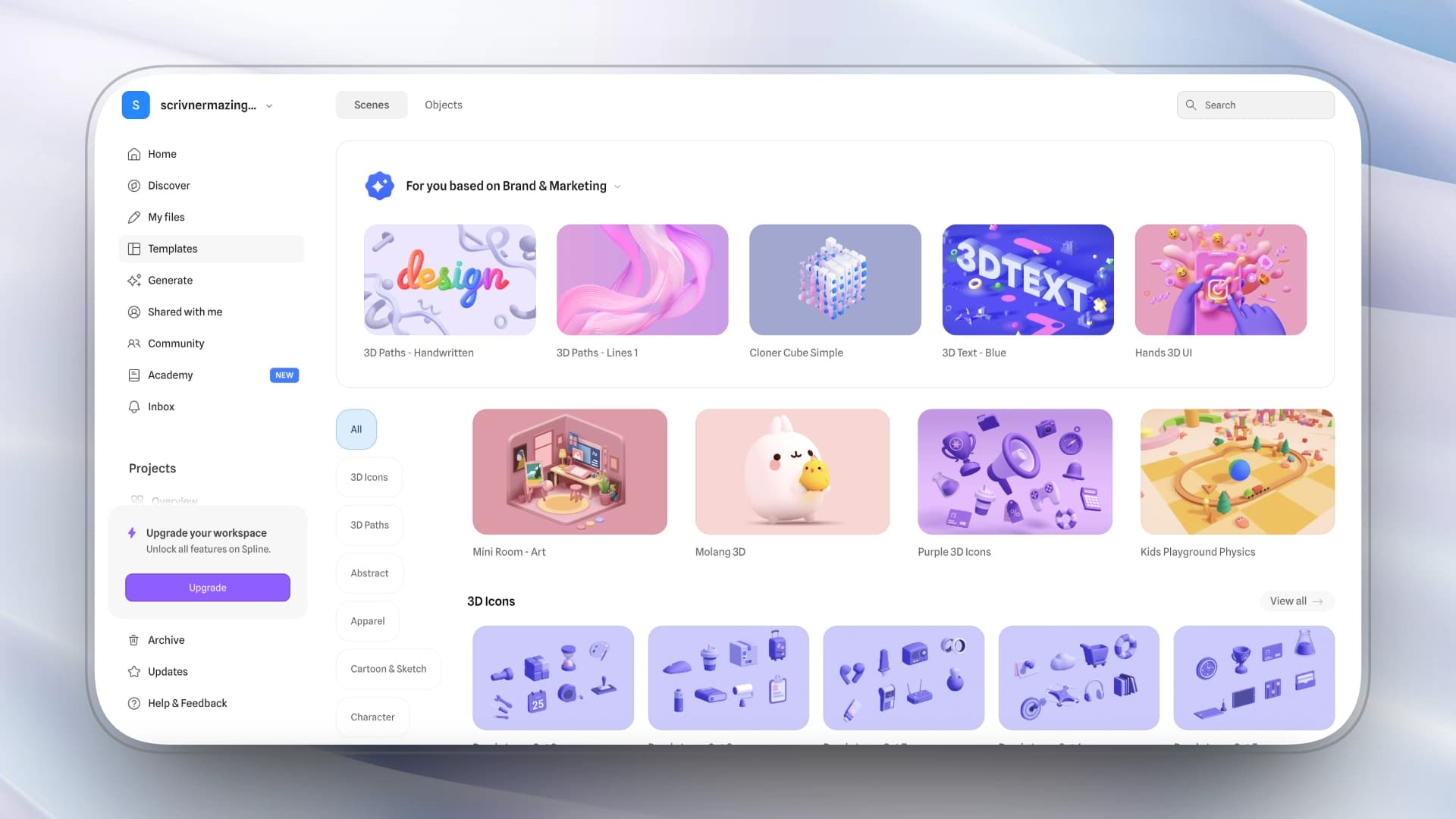
Spline is a real-time 3D design tool focused on interactive and web-based motion graphics.
Unlike traditional 3D software built for rendering pipelines, Spline is optimized for lightweight 3D composition, interactive scenes, and browser-native deployment.
It sits between motion graphics and digital product design — enabling spatial visuals without the complexity of full-scale 3D production software.
What It Enables
-
Real-time 3D scenes with interactive camera control
-
Lightweight 3D typography and object compositions
-
Web-embedded motion graphics
-
Interactive brand visuals and landing page motion
-
Rapid iteration without heavy rendering workflows
Spline enables spatial design that is responsive rather than pre-rendered.
Where It Surpasses CapCut
CapCut exports pre-rendered video sequences.
Spline builds real-time 3D scenes that remain interactive.
The difference is output format and deployment model.
CapCut produces flattened media assets.
Spline produces live 3D environments that can be embedded directly into digital products.
For high-end motion graphics used in web experiences, product showcases, or interactive branding, this distinction changes how motion functions within a design system.
Key Strengths
-
Real-time 3D rendering
-
Web-native deployment
-
Lightweight workflow
-
Accessible compared to traditional 3D tools
Pricing
-
Starter: $15 / month
-
Professional: $25 / month
-
Annual plans offer ~20% discounts.
Pros
-
Fast iteration
-
No heavy rendering pipeline
-
Ideal for product and web-focused motion
-
Lower learning barrier than full 3D suites
Cons
-
Limited compared to full 3D production software
-
Not designed for cinematic rendering
-
Smaller ecosystem
-
Less suitable for complex simulations
Jitter
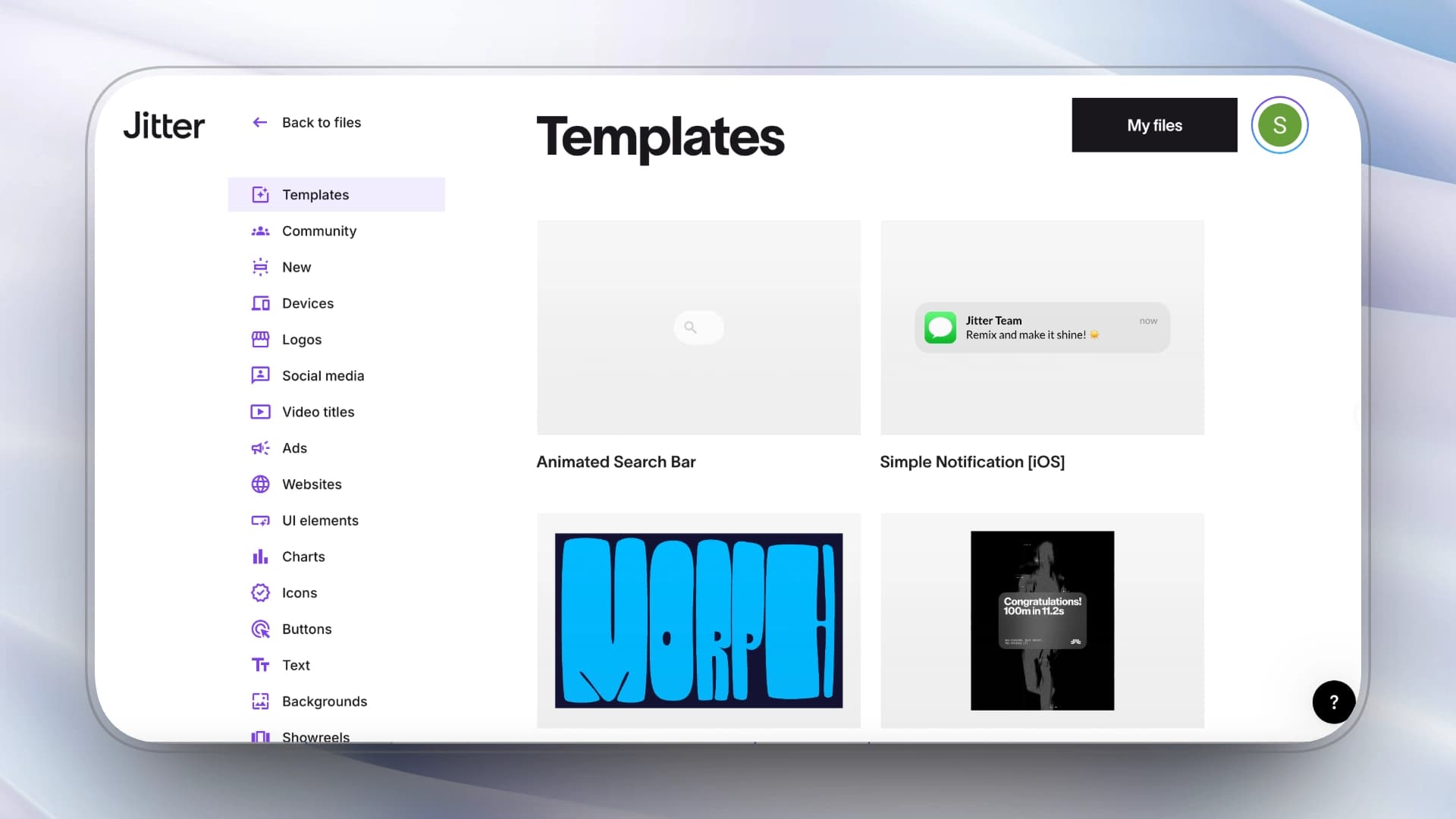
Jitter is a browser-based motion design tool built specifically for animated typography and layout-driven motion.
It focuses on precision timing, easing control, and clean kinetic layouts without the complexity of full production software. Unlike heavy pipelines, Jitter is optimized for speed and design clarity.
It sits between social editing tools and professional motion suites.
What It Enables
-
Precise control over timing and easing curves
-
Clean, typography-driven motion graphics
-
Fast iteration inside a browser workflow
-
Export-ready animated layouts for brand content
Jitter enables structured motion design without requiring a full compositing or 3D pipeline.
Where It Surpasses CapCut
CapCut relies heavily on preset-based animations.
Jitter provides direct control over keyframes, easing graphs, and layout relationships.
The difference lies in motion precision.
CapCut simplifies animation for speed.
Jitter allows refined control over hierarchy, spacing, and temporal rhythm — critical in high-end motion graphics where pacing defines quality.
For typography-focused MG, that control becomes essential.
Key Strengths
-
Strong timing and easing control
-
Typography-first workflow
-
Lightweight and browser-based
-
Fast iteration cycle
Pricing
-
Pro: $15 / month
-
Team: $35 / month
Commercial use
-
Free plan for learning and testing
-
Pro required for watermark-free exports and professional delivery
Pros
-
Clean interface
-
Precise motion without heavy software
-
Ideal for layout-driven motion
-
Accessible for designers
Cons
-
Limited 3D capability
-
Smaller ecosystem
-
Not built for complex compositing
-
Less scalable than system-based tools
DaVinci Resolve
DaVinci Resolve combines professional editing, color grading, and node-based compositing within a single production environment.
Its Fusion module provides a node-based motion and compositing system used in broadcast and film workflows. Unlike layer-based editors, Fusion builds visuals through structured node trees.
It is closer to a production pipeline tool than a social editing platform.

What It Enables
-
Node-based compositing and motion graphics
-
Advanced masking and visual effects
-
Structured motion logic through node networks
-
Integrated edit, color, and delivery pipeline
Resolve enables high-end motion graphics within a full post-production environment.
Where It Surpasses CapCut
CapCut operates with layers inside a simplified timeline.
Fusion operates through node-based compositing.
The difference is workflow architecture.
CapCut stacks elements visually.
Fusion constructs motion through connected processing nodes, allowing precise control over effects, blending, and render flow.
For high-end motion graphics integrated into larger production pipelines, this structure offers significantly more control and scalability.
Key Strengths
-
Node-based compositing system
-
Integrated professional post-production suite
-
Strong color grading and finishing tools
-
Studio-level workflow
pricing:
Music & SFX:9.99$/mo Artlist Max:39.99$/mo
Pros
-
Production-ready pipeline
-
Highly scalable
-
Professional-grade finishing
-
Strong integration across editing and color
Cons
-
Steeper learning curve
-
Less intuitive for beginners
-
Overkill for simple social intros
-
Heavier setup compared to lightweight tools
Recommended Tools by Creator Type (2026)
|
Creator Type
|
Primary Need
|
Recommended Tools
|
Why
|
|
A. Shorts / TikTok Creators
|
Faster premium visuals without heavy learning curve
|
AutoAE, Jitter
|
Structured high-end motion without full animation workflow
|
|
B. YouTube Long-Form Teams
|
Scalable production, layered composition, brand consistency
|
After Effects, DaVinci Resolve
|
Full compositing control and post-production pipeline integration
|
|
C. Designers / Motion Artists
|
Advanced control, 3D space, professional output
|
After Effects, Cinema 4D, Blender, Cavalry
|
Frame-level control, spatial systems, procedural workflows
|
|
D. Small Teams / Solo Creators
|
Cost-efficiency + professional upgrade path
|
Blender, Cavalry, AutoAE
|
Budget-friendly with scalable motion capability
|
Optional Strong Final Paragraph
If your content is built for trends, CapCut may still be enough.
But if your work is moving toward brand systems, dimensional motion, or scalable production, your tools must evolve accordingly.
The shift is not from simple to complex.
It ranges from applied motion to designed motion.