Changelog
Stay up to date with all of the latest animations and improvements we've made to AutoAE.
October 31, 2026
11 Animations Added
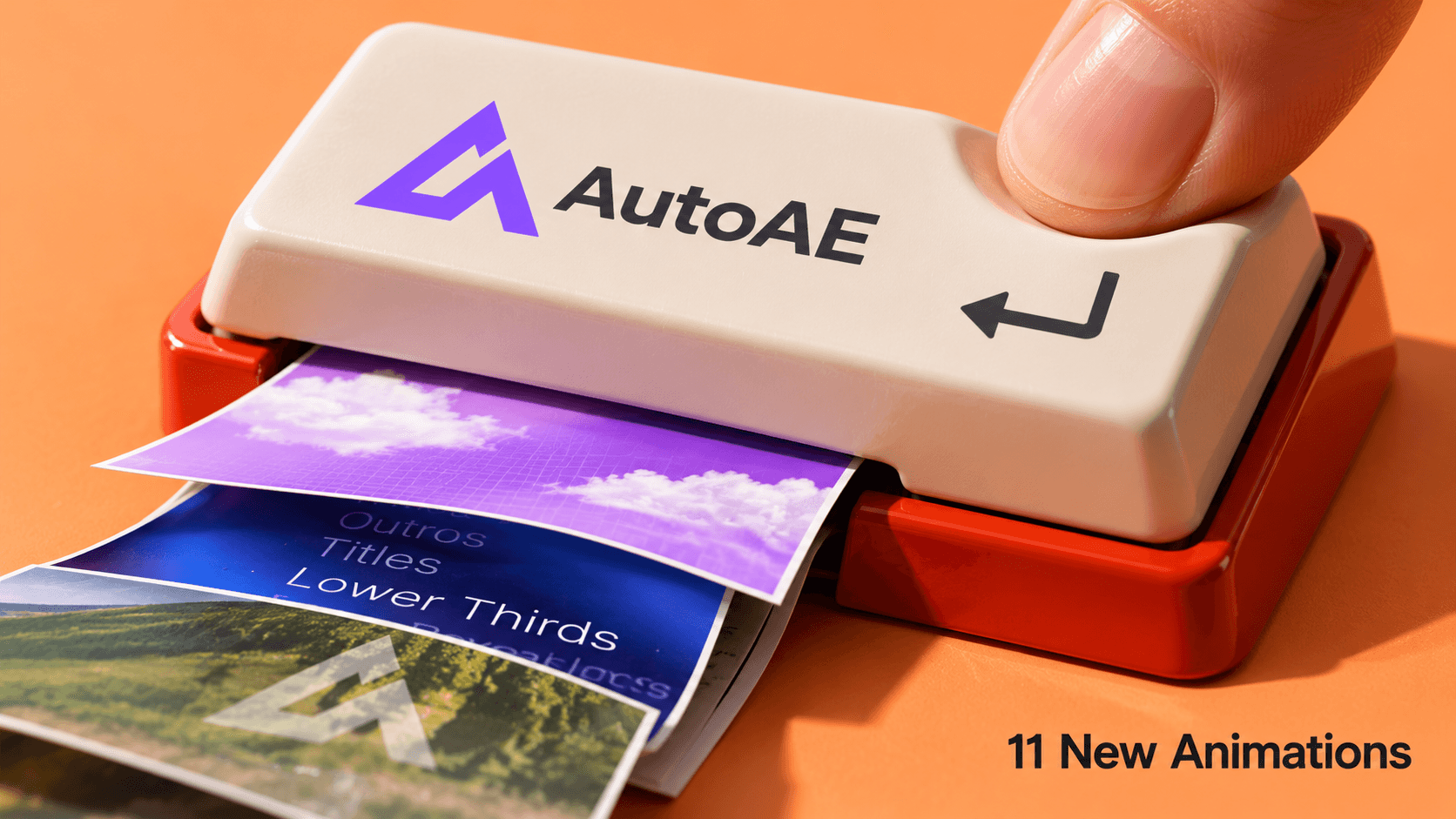
A typed question. A number worth sharing. Four projects ready to leave the folder.
KAmotion's latest 11 additions give those ingredients a little stage presence, with search interactions, moving type, and dimensional photo displays. Color and format variations are included.
-
Search Bar Promo: Move from cloudy titles to a typed search and cursor click, then finish on your logo. Also in Portrait.
-
AI Prompt Bar Promo: Bring scattered signals into focus, then carry a prompt through image cards, keywords, and your logo.
-
Social Media Photo Grid: Turn a question into photo blocks, search tags, and a scrolling grid with a Save click. Also in Purple.
-
Number Counter Promo: Count up to your milestone, then follow it with stacked photos, moving type, and a branded ending.
-
3D Word Wheel Promo: Spin through a word wheel and ten image cards for a showreel with a clear branded finish. Blue, with Purple and Teal versions too.
-
Portfolio Card Showcase · Orange: The curved four-project gallery returns in new colors, with floating cards and a closing call to action. Also new in Purple.
Bring the words and images you've been saving. Customize your chosen animation online, then render it in AutoAE.
October 17, 2026
21 Animations Added
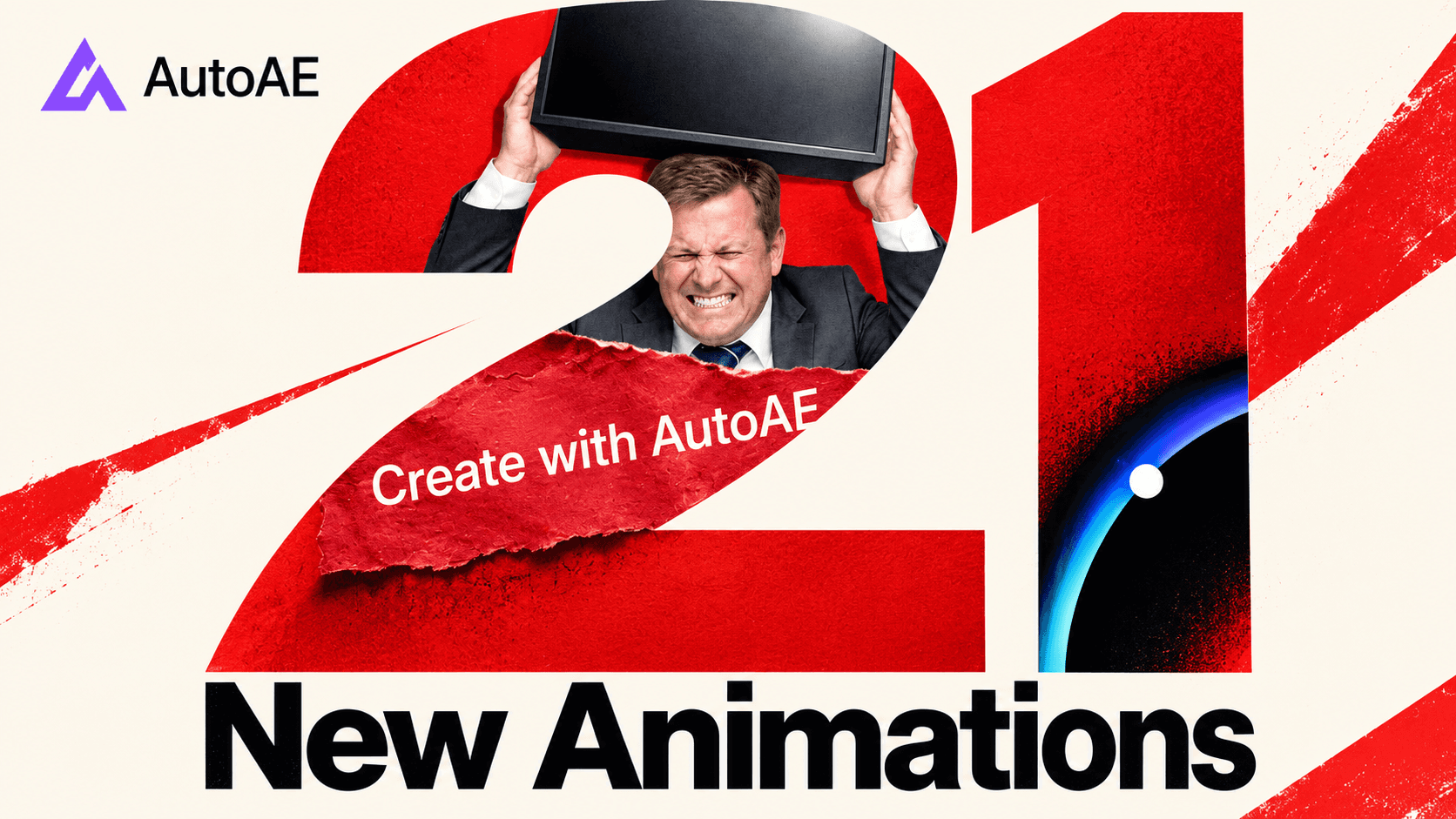
Some lines belong in the caption. This batch puts them across the frame: on torn paper, above a character, or inside a ring of light.
Moeinedits and KAmotion bring 21 new animations to AutoAE, including color variations. There are loud collage cuts, quieter title reveals, and places to put your product, portfolio, or next five steps. Here is the full swipe file.
-
Paper Strip Headline Opener: Put one headline on a torn red strip while textured backdrops cut behind it.
-
Social Post and TV Character Collage: Mix oversized type, social cards, and a TV reveal for a campaign with a little character.
-
Character Collage Promo: Lead with expressive cutouts, then bring your examples into a floating media-card showcase.
-
Brain Reveal and Five-Icon Toolkit: Open with a split-brain reveal before introducing five tools above a rising arrow.
-
Clockwork Typography and Media Cards: Move a short brand story through clock-inspired graphics, an audience motif, and two media cards.
-
5-Step Hand Process: Count five points on a luminous hand, then pull back into a readable vertical list.
-
Portfolio Card Showcase: Give four projects a curved gallery, floating cards, and a closing call to action.
-
Crowd Silhouette Spotlight: Bring one glowing figure forward from a layered crowd beside your two-line headline.
-
4-Icon Glass Dock: Introduce an app collection or brand toolkit with four icons in a translucent desktop-style dock.
-
Swinging Light Typography: Let a moving point of light uncover one headline against a dark background.
-
Glass Disc Typography: Resolve floating glass planes into a luminous disc, then give the title a moment to settle. Also in Blue, Purple, and Coral.
-
Phone Mockup and Search Bar: Frame a launch with four phones, orbiting logos, animated type, and a glass-style search bar. Also in Purple and Orange.
-
SaaS Prompt Bar: Pair a glowing prompt bar with your logo and footage for a focused product introduction. Also in Purple and Orange.
-
Social Profile Card: Finish a creator introduction with animated type, a profile card, and a clear follow-button transition.
Make the headline yours. Customize your chosen animation online, add your media, and render in AutoAE.
October 11, 2026
17 Animations Added
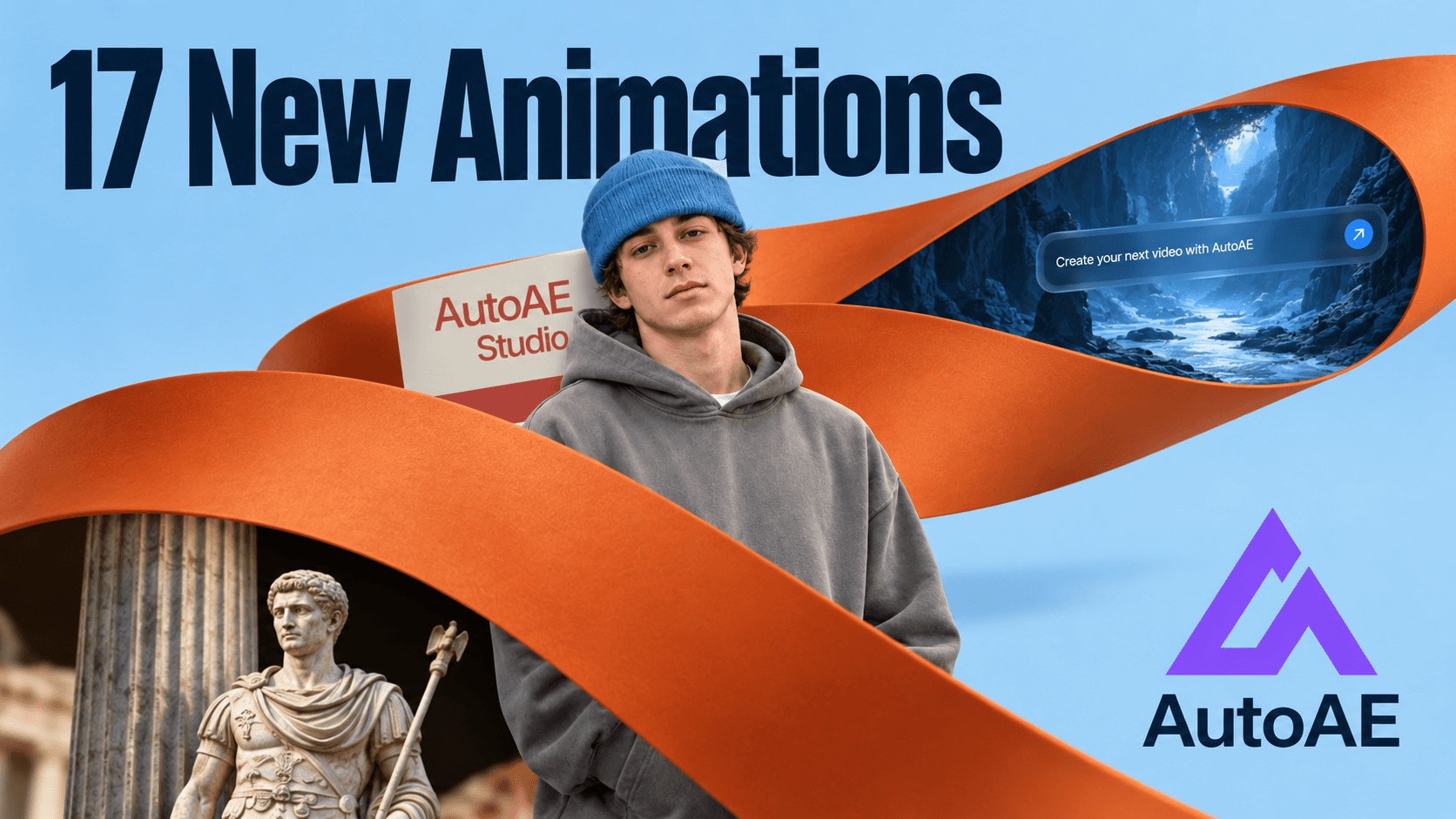
A ribbon crosses the frame, but the person stays in focus. That's the thread through this drop: motion that gives your subject room to stand out.
KAmotion and Moeinedits bring 17 new animations to AutoAE, including color and ripple variations. Glass-button clicks, creator portraits, storefront scenes, and dimensional type each offer a different way to direct attention.
Bring the person forward
-
Creator Profile Showcase: Pair cutout portraits with a scrolling six-thumbnail gallery to introduce yourself and the work behind your name. Also in Coral, Purple, and Blue.
-
Character Story Intro: Combine portrait cutouts, moving type, and geometric panels for a personal story with a clean editorial opening. Also in Coral, Purple, and Blue.
Let the click show
- Glass Button Click · Dot Ripple: A guided cursor sends dots across a frosted-glass interface, giving a demo's click a clear visual response. Blue · Green · Orange.
- Glass Button Click · Texture Ripple: Give the same small interaction a textured response when your interface showcase needs a more tactile finish. Blue · Green · Orange.
Give the message some depth
-
E-commerce Character Promo: Lead with a character, then introduce four products in a bold vertical storefront sequence.
-
3D Object Typography: Put three messages among floating objects and oversized moving type for a more emphatic social edit.
-
3-Character Parallax Showcase: Let a flowing ribbon connect three character-and-caption scenes, with layered depth giving each subject its own moment.
Bring your own portraits, products, and words. Customize online and render your version in AutoAE.
September 24, 2026
17 Animations Added
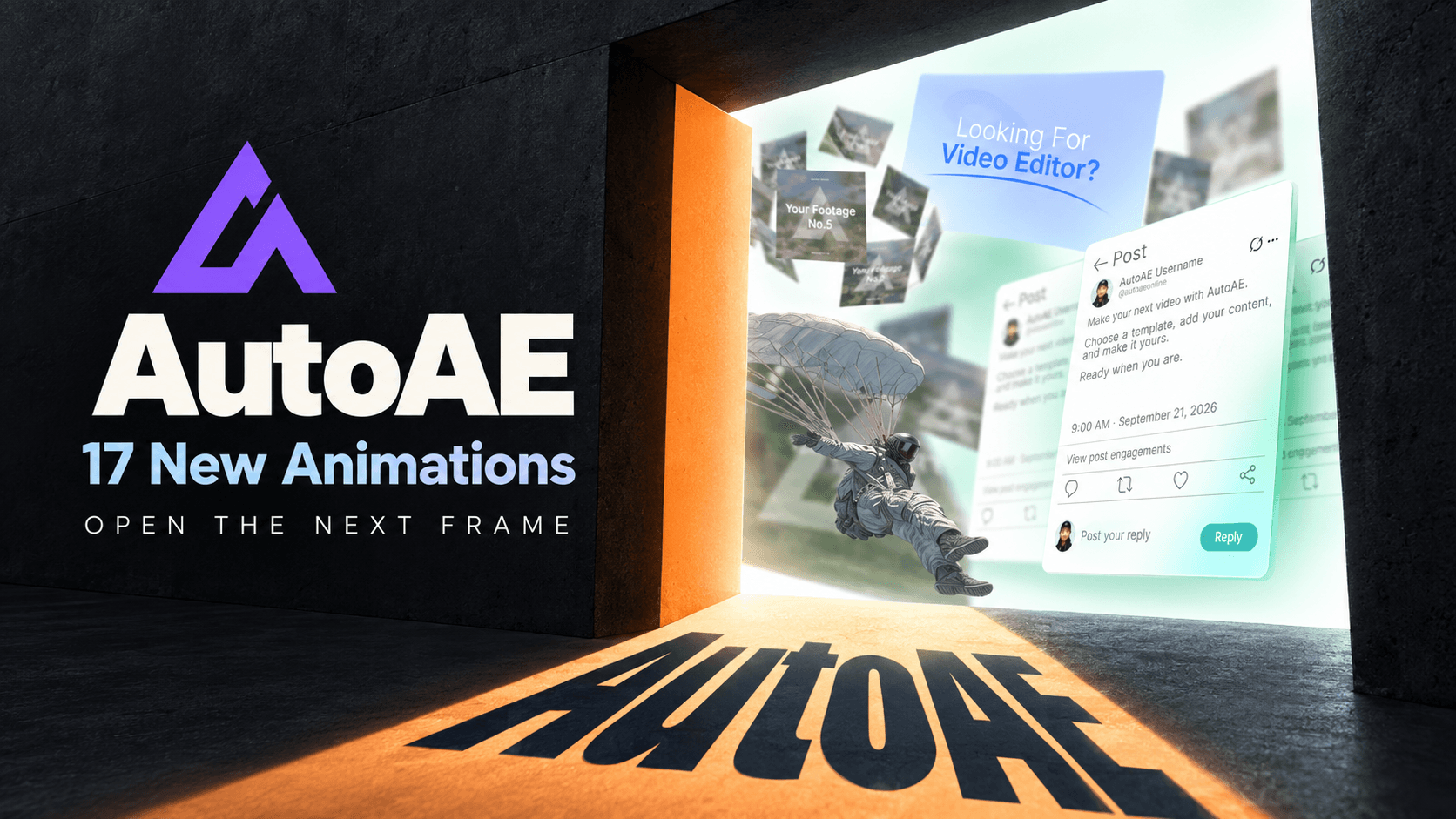
The door opens before anyone knows your name. What you put beyond it decides whether they stay.
Moeinedits and KAmotion have 17 new animations for that passage: introduce the maker, put the work in motion, then give the story a way into the conversation.
The entrance: make an identity visible
-
Video Editor Intro Pt.1 · Tagline Portfolio Board: Layer portfolio images and a concise line into an opening that shows the work alongside the maker.
-
Video Editor Intro Pt.2 · Door Reveal Statement: Open a bright doorway and project your message across the floor for a dramatic first beat.
-
Video Editor Intro Pt.3 · Spotlight Name Reveal: Put a name or brand inside a purple spotlight when the opening needs a little stage presence.
-
Video Editor Intro Pt.4 · Profile Credentials Card: Give a professional introduction room to breathe on a pale-blue card made for portfolios and profiles.
The gallery: let the work move
Eight variations on the same useful question: how should a collection enter the frame?
-
Rotating Footage Showcase Pt.1 · 8 Card Ring: Bring eight clips or images around a smooth 3D ring for a portfolio with movement.
-
Rotating Footage Showcase Pt.2 · 10 Card Ring: Give a larger set of ten media cards an orbit instead of flattening them into a grid.
-
Rotating Footage Showcase Pt.3 · 12 Panel Ring: Move twelve panels through a minimal rotation for a longer project or event recap.
-
Rotating Footage Showcase Pt.4 · 12 Card Carousel: Arrange twelve cards into a clean carousel for product lines, memories, or portfolio selections.
-
Rotating Footage Showcase Pt.5 · 7 Card Loop: Keep seven pieces moving in a continuous loop while the footage stays the focus.
-
Rotating Footage Showcase Pt.6 · 9 Card Twin Stack: Let nine media pieces cascade through two stacks for a more layered presentation.
-
Rotating Footage Showcase Pt.7 · 8 Card Oblique Wall: Angle eight cards into a moving wall that can mark a chapter or introduce a collection.
-
Rotating Footage Showcase Pt.8 · 8 Card Circular Board: Place eight visuals around a circular board for a compact collection or closing summary.
The other side: make the launch shareable
-
Corrra Launch Video Pt.1 · 5 Card Opener: Start with a spare branded beat before bringing five media cards into view.
-
Corrra Launch Video Pt.2 · Social Post Reply UI: Put an announcement into a social post, then let a typed reply become part of the scene.
-
Corrra Launch Video Pt.3 · Prompt to Footage: Lead with a prompt-like product moment and move through a faster sequence of visual points.
-
Corrra Launch Video Pt.4 · 7 Slot Footage Grid: Bring seven visual slots together for a concise launch overview or transition between ideas.
-
Corrra Launch Video Pt.5 · 4 Full Screen Reveals: Give four images their own full-screen moments, with text to tie the reveal together.
Pick the room your next edit needs. Add your media, customize online, and render your version in AutoAE.
September 9, 2026
22 Animations Added

Give the next frame a verb.
Search. Choose. Compare. Save. Explain. Erfan Talebizadeh and Moeinedits bring 22 new animations to AutoAE: 15 portrait, seven landscape, and plenty of ways to turn a line of copy into something worth pressing play on.
Think of this drop as a set of possible cuts—not a sequence you have to follow.
First, something to say
Before the interface or the chart, give the viewer a line to follow.
-
Sequential Text Reveal: Introduce an idea in stages, using abstract shapes to carry the transitions between statements.
-
SaaS Headline Reveal | 7 Text Cards: Give seven headlines their own beats for product benefits, chapter changes, or a launch message.
-
UI Text Sequence | 5 Key Points: Walk through five points with UI-inspired text reveals instead of crowding one frame.
-
Vintage Lined Paper Text Reveal: Let a quote or opening thought arrive line by line on textured notebook paper.
Then, a scene to put it in
A handheld console, a character, a connection: choose something the words can work with.
-
Gaming Device Mockup Text Reveal: Frame a headline around a handheld console on graph paper for a tactile tech introduction.
-
Animated Character | 5 Key Points: Pair five feature callouts with an animated character for explainers, introductions, or concise recaps.
-
Animated Character & Stacked Elements: Combine a glowing character, stacked shapes, and text for a playful brand or explainer beat.
-
AI Business Explainer | 3 Connected Concepts: Connect three ideas through simple graphics when the relationship matters as much as each part.
Let someone do something
Moeinedits' SaaS Launch S3 covers search, selection, and display. Erfan adds a lock and a floppy disk to make software actions feel physical.
-
SaaS Launch S3 · Search Bar Interaction: Put a query and cursor interaction in focus with a glowing purple search field.
-
SaaS Launch S3 · Content Card Grid: Present six content pieces inside an app-style gallery for portfolios, product clips, or feature collections.
-
SaaS Launch S3 · Tag Selection: Show a style or tag being selected through a clean interface with glowing accents.
-
SaaS Launch S3 · Ranking List: Pair a ranked list and animated progress bars with a prominent media preview.
-
SaaS Launch S3 · 3D Card Wall: Bring multiple clips, products, or portfolio pieces into a dimensional wall of cards.
-
SaaS Content Selection | 3 Footage Options: Present three footage choices in a minimal interface built around browsing and selection.
-
Padlock, Document & Button Reveal: Use a padlock opening onto a document and buttons to introduce access or exploration.
-
Floppy Disk, Buttons & Progress: Turn a save action into a desk scene with a floppy disk and progress indicator.
Give the numbers their own shot
Upward, downward, side by side, or alone. Match the chart to what your data actually says.
-
Growth Line Chart: Show progress with a rising curve and percentage highlight in a clean blue composition.
-
Single Metric Drop: Put a declining trend at the center of a dark chart with sharp red accents.
-
Two-Data-Set Line Chart: Compare two series using percentage labels and distinct lines on a blue glass-style chart.
-
Line Chart with Tracking Logo: Follow a changing trend with a moving brand mark in a focused dark composition.
-
Single Metric Highlight Card: Isolate one number or concept in a restrained card layout with vertical graphic elements.
Leave them with a next step
-
SaaS Launch S3 · Device Mockup End Card: Finish with a product visual, supporting text, and a clear invitation to take action.
Pick the beat your edit is missing, customize it online, and render it in AutoAE. Press play on your version.
August 31, 2026
19 Animations Added

Some ideas arrive as a number. Others need a network, a search field, or an old CRT before they feel real.
Erfan Talebizadeh's 19 new animations turn abstract systems into readable motion—mapping relationships, triggering interfaces, and carrying the final message all the way to the screen.
Map the System
-
Finance Numeric Value Animation | Percentage Drop Graph: Turn a changing financial value into a dark, dimensional story with an immediate visual payoff.
-
Tech Hierarchy Animation | 5 Branching Logo Reveals: Connect one identity to five branches for ecosystems, portfolios, and organizational stories.
-
Business Map Location Animation | 4 Regional Brand Marks: Plot regional presence and brand reach across four locations without slowing the narrative.
-
Finance Platform Animation | 5 Connected Institutions: Explain partnerships, transaction paths, or institutional networks around one central platform.
-
Trading App 1 Circular Progress Ring Animation | Numeric Value Display: Give one metric a focused dark-mode ring built for finance and product updates.
-
AI Ecosystem Animation | 3 Interconnected Entities: Make three agents, services, or business units feel visibly connected and active.
-
Multiple Logo Showcase Animation | 6 Brand Marks: Bring six identities together for brand families, partners, portfolios, or campaign lineups.
Shape the Interaction
-
SaaS UI Animation | Cursor Typing Input with Popup: Demonstrate an input, response, or AI action through a clean desktop interaction.
-
SaaS Search Bar UI Animation | Hook Question & CTA Card: Type the hook, hold attention, then move viewers toward a clear call to action.
-
Social Media Floating Avatar Animation | Call to Action Text: Turn community faces into a lightweight social signal that resolves into your message.
-
Animated Character Text Reveal Animation | 4 Lines of Text: Pair a striking character with four concise lines for intros and bold statements.
-
Word by Word Text Build-up Animation | Sequential Reveal: Pace an idea one word at a time so every beat stays readable.
-
Car Drive Text Reveal Animation | 2 Headline Statements: Let forward motion uncover two headlines for energetic openings and narrative transitions.
Land the Message
-
Geometric Shape Logo Reveal Animation | Brand Intro: Give one identity a polished arrival through clean geometric scale and depth.
-
Glassmorphism Text Reveal Animation | 3D Logo Showcase: Combine translucent surfaces, dimensional branding, and a crisp line for modern openers.
-
Retro Computer Abstract Figure Opener | Text Reveal: Mix an outdoor beige computer with an abstract figure for an unexpected retro-tech introduction.
-
Retro TV Mockup Animation | Welcome Banner Reveal: Place footage and a welcome line inside a warm, nostalgic television scene.
-
Retro Device Mockup Text Reveal Animation | Message Display: Deliver announcements and branded lines through a charming computer display with tactile character.
-
Message Box Reveal Animation | 1 Bold Statement: Put one important statement on screen with a direct, high-contrast finish.
Pick the signal your next story needs, customize it online, and render the message in minutes.
August 18, 2026
9 Animations Added
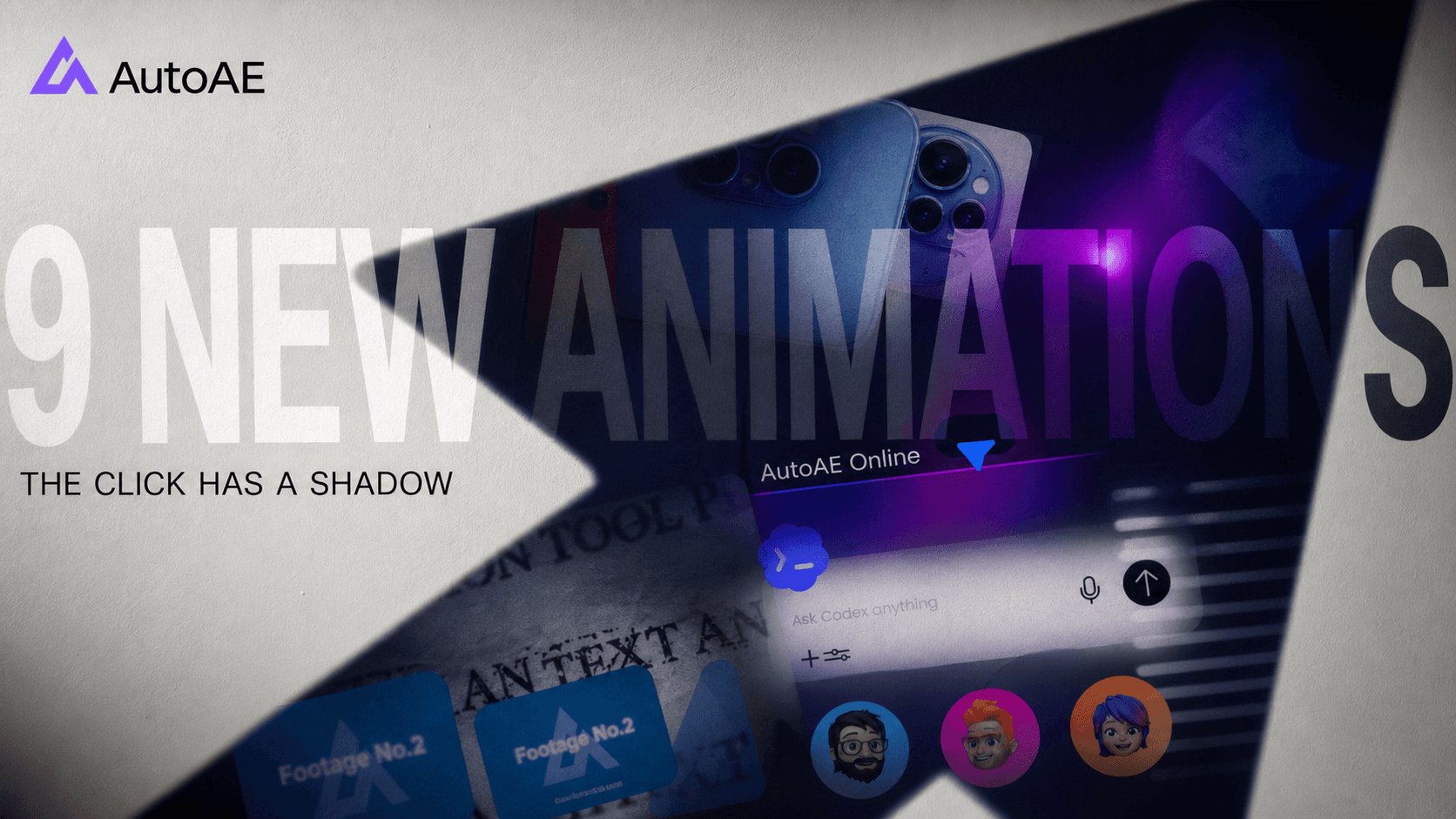
The click is the smallest action in a product story, but its consequence can fill the frame. And after our weekly update quietly stretched into a month-long pause, this one has had plenty of time to cast a longer shadow.
Nine new animations follow it across the interface: from the first message, through the interaction, to the proof that something changed.
Enter the Interface
-
Dynamic Text Reveal Animation | Brand Logo Showcase: Turn one key line or logo into a glowing arrival that earns the opening frame.
-
SaaS App UI Animation | Phone Mockup & Map Search: Move from phone hardware to map search while keeping the product story clean and tangible.
-
SaaS UI Animation | Cursor Interaction & Text Reveal: Let a cursor trigger the message, making software behavior feel immediate rather than explained.
Make It Answer
-
SaaS Status Update Animation | Online Icon Reveal: Make an online state or availability change land like a real product moment.
-
Tech-Style Text & Footage Reveal Sequence: Pair sharp messaging with footage beats for intros, topic shifts, and social calls to action.
-
Glitch Typography Animation | Multiple Headline Reveals: Break polished pacing with distressed headlines built for chapter changes and harder emphasis.
Show the Proof
-
UI Card Showcase | 2 Footage Blocks: Compare two visuals or proof points inside a calm, structured interface composition.
-
SaaS Chat UI Text Reveal Animation | Interactive Input Field: Turn prompts, replies, and feature explanations into a smooth input-led product sequence.
-
Animated Character UI Animation | File List & Avatars: Bring files, collaborators, and personality into one lightweight product or explainer scene.
One input. Nine visible consequences. Pick the response your next story needs.
July 6, 2026
AutoAE, Reworked From The Inside Out
You might notice that some parts of AutoAE feel a little different now.
Or maybe they feel almost the same.
That is intentional.
This update is mostly about the layer beneath the surface: the shared interface system, the creation and customization flow, the discovery pages, Brand Kit, billing, account areas, admin tools, tests, scripts, and the small pieces of reliability that make everything easier to keep improving.
The goal was not to make AutoAE feel unfamiliar overnight. It was to rebuild the inside while keeping the main path recognizable, so the product can move faster without making creators relearn the way they work.
What changed underneath
- The interface foundation has been reorganized around more consistent components, spacing, loading states, and page structure.
- Creation, customization, media selection, preview, and job flows received a round of polish so the path from idea to render can keep getting smoother.
- Discovery surfaces now have more room to grow across use cases, personas, collections, changelogs, and editorial pages.
- Brand Kit, billing, pricing, subscriptions, and account areas have been tightened so the product feels more coherent beyond the editor itself.
- Tests, local development tooling, scripts, docs, and operational paths were strengthened so future work has a better base to stand on.
There is still a lot more to do. This is not the end of the rebuild; it is the part that makes the next parts possible.
And quietly, all of this is also preparing the ground for something we are not ready to reveal yet.
For now, the outside may look familiar. The inside is already changing.
July 6, 2026
5 Animations Added
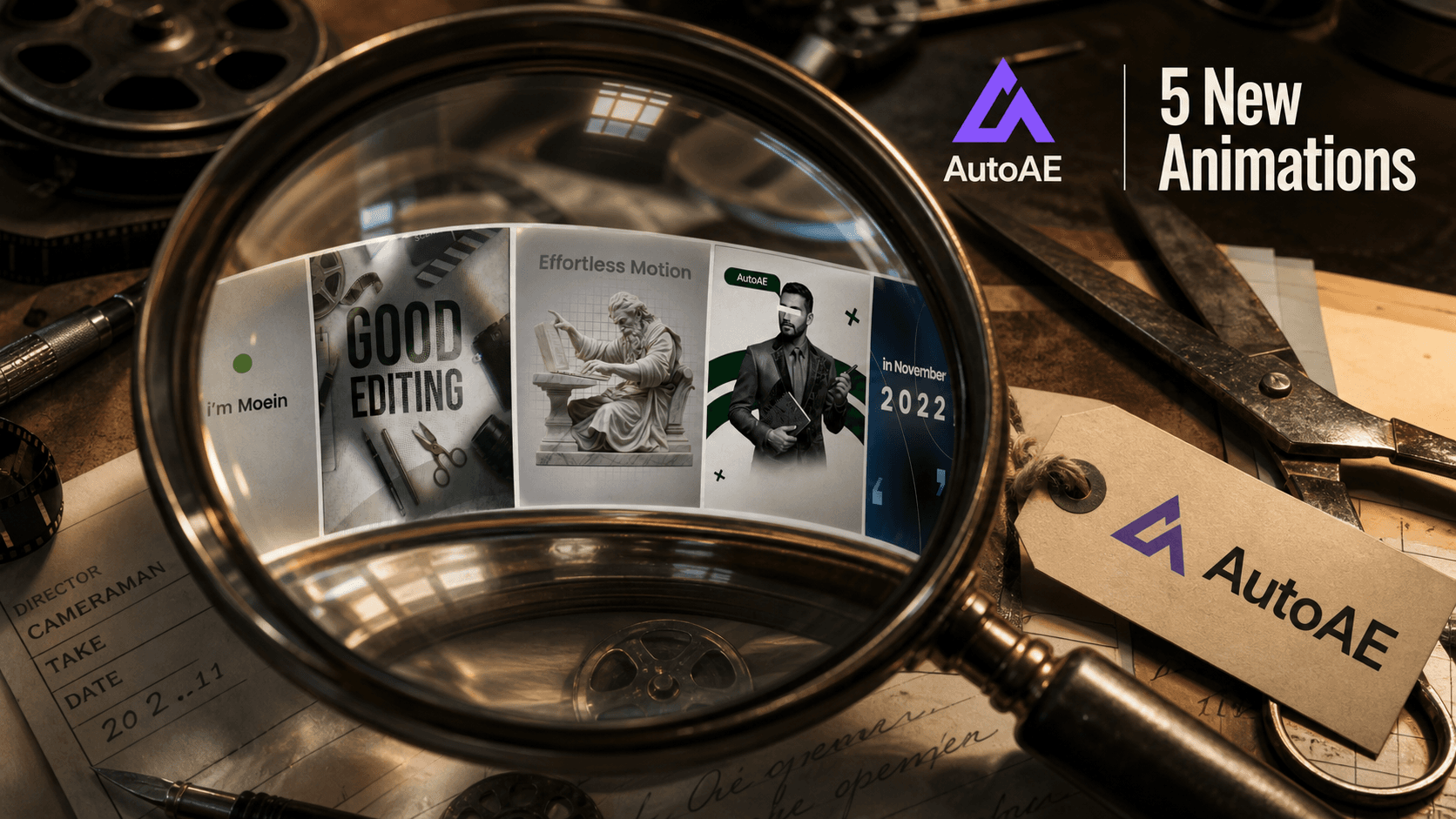
Moeinedits brought a clean little edit table this time: five new ways to put the first beat under a lens, sharpen it, and send it out with more intent.
Some of these cuts are loud. Some are restrained. The useful part is the range: quick hooks, retro type, classical authority, polished promo framing, and a report-style explainer all sitting in the same batch.
-
Energetic Kinetic Typography Editor's Self-Introduction: A fast, bold self-intro for social hooks, creator intros, and branded first impressions.
-
Retro Energetic Typography Opener: Vintage-flavored type energy for topic reveals, punchy intros, and dramatic message drops.
-
Minimalist Classical Tech Title Sequence: Marble, grid, and quiet motion for thoughtful intros with a more intellectual edge.
-
Energetic Minimal Promo Showcase: A clean promo frame for products, services, features, and social proof moments.
-
Retro Newspaper Documentary Explainer: News-report styling for case studies, explainers, and story-driven breakdowns.
Pick the opening that matches the pressure of the idea, customize it in AutoAE, and render the first frame with a little more authorship.
June 24, 2026
5 Animations Added
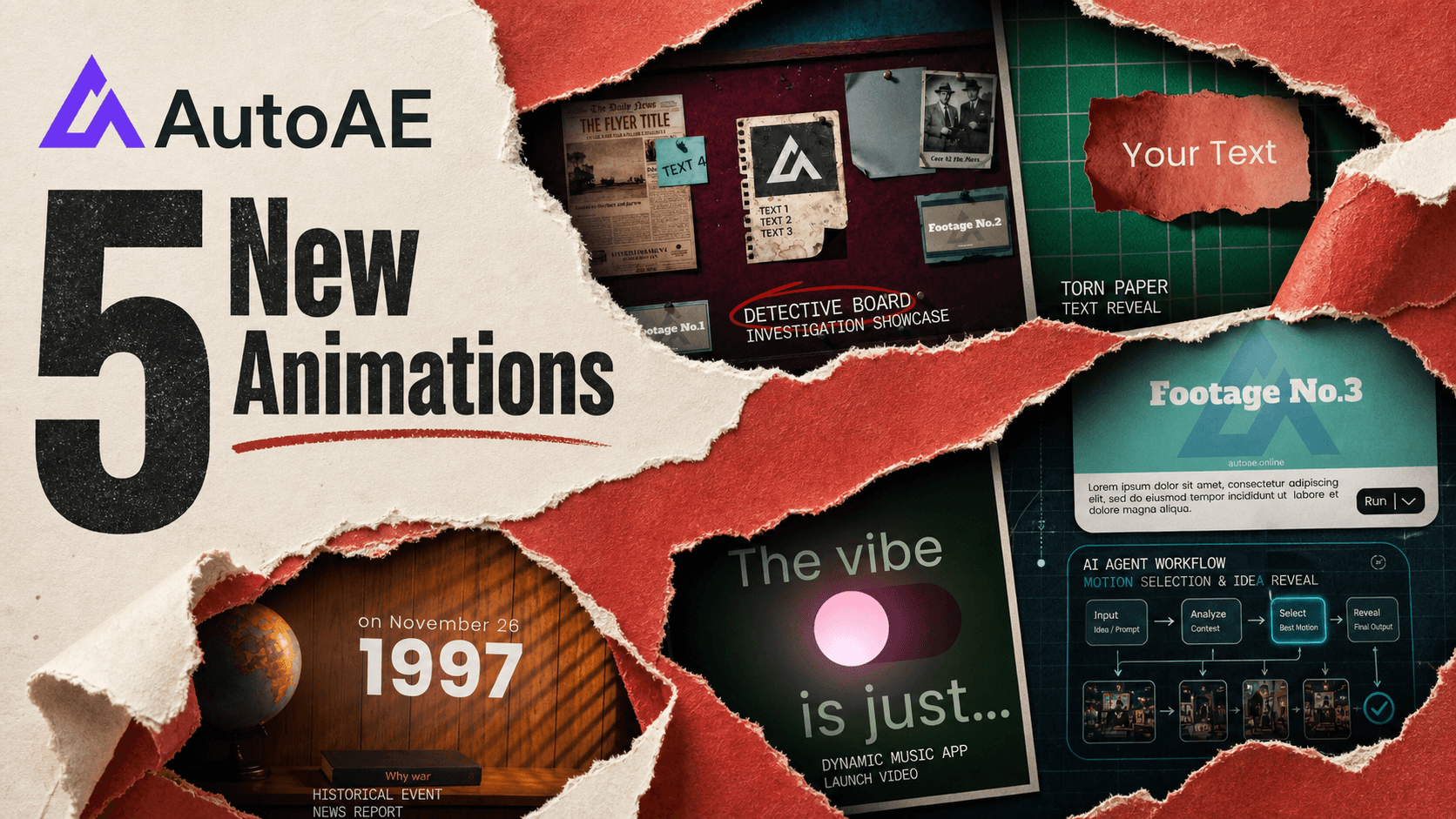
Some releases feel like a shelf. This one feels like tearing open a file.
Moeinedits added five new ways to make context arrive as a scene: a corkboard, a ripped note, a decision map, a mood switch, and a date stamped into a broadcast room.
-
Detective Board Investigation Showcase: Pin footage, notes, and case details into a suspenseful opening that feels instantly legible.
-
Torn Paper Text Reveal: Drop a short line onto ripped paper for chapter markers, quotes, or sudden emphasis.
-
Node-Based AI Agent Workflow: Motion Selection & Idea Reveal: Turn options into a visible decision path, then reveal the chosen idea with polish.
-
Dynamic Music App Launch Video: Frame a music product around search, song lists, and a satisfying vibe toggle.
-
Historical Event News Report: Set a date, build the headline, and land inside a nostalgic broadcast moment.
Use them when the edit needs a clue, a choice, a mood, or a timestamp before the main story begins. Customize online, swap in your media, and render the moment in minutes.