AutoAE
  • All Templates
  • Use Cases
    • Text Animation
    • Video Flowchart
    • Engagement Mockup
    • Google Search Animation
    • 3D Transformation
  • Styles
    • AutoAE X Arsacre
    • AutoAE X Erfan
    • AutoAE X Davinci
  • License
  • Pricing
  • Changelog
  • Blog
Try for free
AutoAE
  • All Templates
  • Use Cases
    • Text Animation
    • Video Flowchart
    • Engagement Mockup
    • Google Search Animation
    • 3D Transformation
  • Styles
    • AutoAE X Arsacre
    • AutoAE X Erfan
    • AutoAE X Davinci
  • License
  • Pricing
  • Changelog
  • Blog
Sign in

Footer

InstagramInstagramYoutubeYouTubeX (Twitter)XTiktokTikTokLinkedInLinkedInRedditReddit

Use cases

  • Text Animation
  • Video Flowchart
  • Engagement Mockup
  • Google Search Animation
  • 3D Transformation

Styles

  • AutoAE X Arsacre
  • AutoAE X Erfan
  • AutoAE X Davinci

Product

  • Pricing
  • Changelog
  • Blog

Support

  • Contact
  • Affiliate
  • License
  • Privacy
  • Terms

AutoAE vs Hera AI (2026): The Honest Comparison Nobody Writes

April 17, 2026
Keston Collins
Keston CollinsVideo editor with nearly 10 years of experience, exploring the intersection of motion graphics and AI.
AutoAE vs Hera AI (2026): The Honest Comparison Nobody Writes

AutoAE vs Hera AI (2026): The Honest Comparison Nobody Writes

Here's what most comparison articles won't tell you: both AutoAE and Hera AI are template-based tools. Neither is a free-form AI generator. The difference is what those templates look like, how many there are, and what range of styles they cover.

AutoAE has more templates, professionally crafted across a dramatically wider style range — from 3D brand showcases to logo reveals to mockup animations. Hera's library is focused on a narrower niche, centered around flat, structured animation styles.

Here's the real breakdown for 2026.


TL;DR — Side-by-Side

AutoAEHera AI
ApproachTemplate-based (professional motion designers)Template-based (Remotion framework, AI code-generated)
Template LibraryLarger, wider style rangeSmaller — recent additions noticeably flat in quality
Best ForHooks, logo reveals, brand showcases, 3D effects, mockup design, text animation, outrosStructured data animations, simple info-table displays
Style RangeUnlimited — 3D, brand, typography, mockup, UI motionNarrow — strong in flat/planar info graphics, limited elsewhere
Starting Price$9.90/mo (50 downloads) or $2.90/video~$16/mo Personal (unlimited 1080p)
Free Plan✅ 5 downloads/mo (720p, watermarked)✅ Limited (720p, watermarked)
Commercial Use✅ All paid plans✅ Personal and above
Render SpeedUnder 1 minute regardless of clip length2–10 min depending on complexity
Output ConsistencyIdentical — same template, same result every timeVariable
Visual CeilingHigh — professional designer-built qualityMedium — code-rendered, flat-leaning aesthetic

For most creators and marketers: AutoAE.

For the specific use case of structured data table animations and flat info graphics: Hera has a niche advantage.


What AutoAE Does

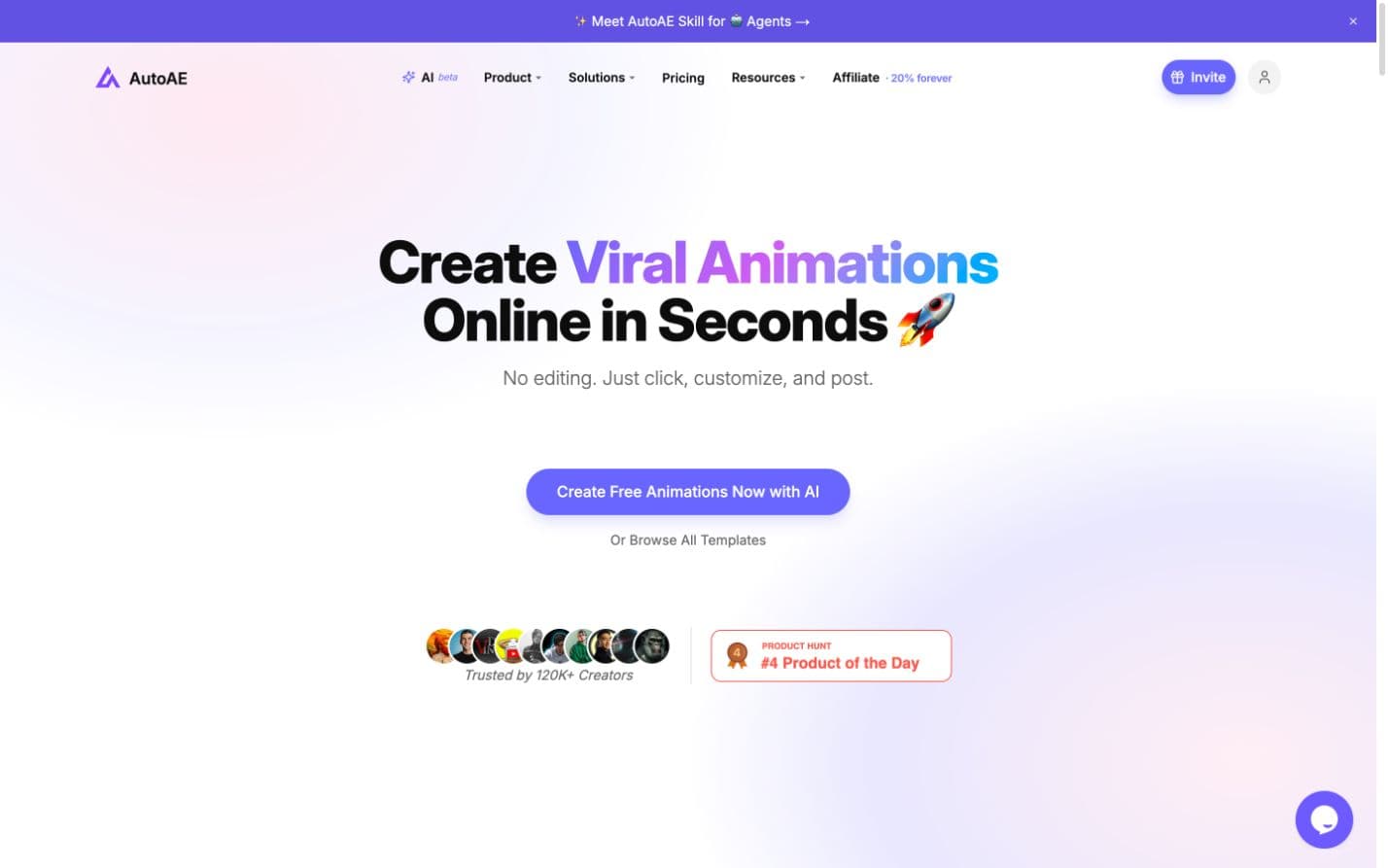
AutoAE is a motion snippet creator. You browse templates — logo reveals, brand showcases, 3D product animations, UI mockups, kinetic text, hooks, title cards, lower thirds, outros — designed by professional motion designers. Fill in your text or assets, preview, download.

The entire workflow runs under 5 minutes. Render time is under 1 minute regardless of clip length. That's not a marketing claim — it's a consistent technical reality across all template types and lengths.

The style range is what separates AutoAE from every other template tool in this category. It covers 3D animations, flat brand showcases, logo reveal sequences, UI mockup animations, kinetic typography, minimal text reveals, and everything in between. Creators, marketers, brand teams, and agencies all use it — because there's a style in the library that works for almost every brief. The only area it doesn't focus on is pure data table animations.

AutoAE is trusted by 700,000+ creators globally. The template library has been market-tested at scale across diverse industries and content types.

AutoAE's strengths:

  • Wide style range: logo reveals, 3D effects, brand showcases, UI mockup design, kinetic text, text animations, outros — all from one library
  • Professional motion designer-built templates — skilled human craft behind every animation
  • Render speed: under 1 minute, every time, regardless of clip length
  • Consistent output — identical result every single render
  • Commercial license on all paid plans ($9.90/mo Starter, $24.90/mo Creator, $2.90/video one-time)
  • Browser-based, 1080p, no install required

AutoAE's limitations:

  • Not a full video editor — assemble your final video in CapCut or Premiere after
  • Pure data table animations and structured info charts are not the focus of the library

What Hera AI Does

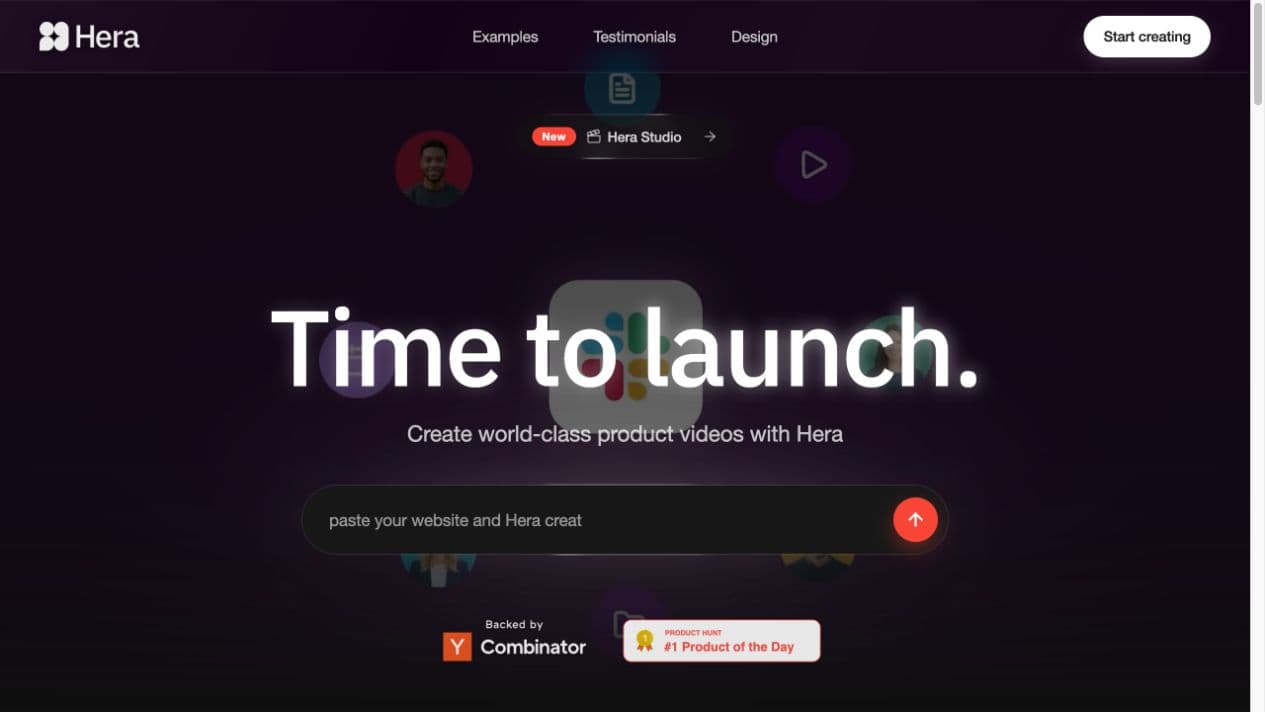
Hera is a motion tool built on the Remotion framework — it uses AI to generate animation code in response to prompts and templates. It's not a generative video tool. It's also template-based, with a smaller library than AutoAE.

That distinction matters because Hera is often marketed as a flexible, prompt-driven alternative to template tools — but in practice, what you're choosing from is a set of pre-built animation structures, same as any other template platform. The key difference is that Hera's framework excels at one specific output category: structured, flat, data-driven animations. Think animated info tables, simple bar charts, text-on-grid displays, countdown timers — clean, code-precise, and very flat by aesthetic nature.

That flatness is both Hera's strength and its ceiling. The Remotion foundation produces precise, controllable output for structured data — but the style range stays within flat, planar design. If you're looking for rich 3D effects, cinematic brand showcases, or complex logo reveals, those aren't what Hera is built for.

Hera's strengths:

  • Structured data animations: info tables, simple charts, countdown formats
  • Code-based parameter control — adjust colors, timing, and layout values after generation
  • Consistent formatted output for teams with repeating data animation needs
  • Figma integration for designers already in that workflow

Hera's limitations:

  • Style range is narrow — focused on flat, structured design rather than the breadth you'd find in a designer-built library
  • Not suited for hooks, intros, outros, logo reveals, 3D effects, or mockup animations
  • Entry price is ~$16/mo, higher than AutoAE Starter at $9.90/mo for comparable volume

The Core Technical Difference (Why It Matters)

This is the part most comparison articles get wrong.

AutoAE's templates are built by human motion designers. Someone with professional After Effects expertise keyframed every element, tuned every easing curve, and produced templates that carry real design craft. The output range covers 3D animation, cinematic logo reveals, complex brand showcases, UI mockups, and high-impact hooks — because human designers can work across every aesthetic direction.

Hera's animations are generated by code via the Remotion framework. The system writes animation code in response to prompts and templates. This approach has a genuine advantage for structured, precisely-formatted output — data tables, info displays, simple chart animations. Parameters are adjustable and the output is consistent within its format range.

The constraint is that code-rendered animation is inherently flat. Remotion produces 2D, planar output by its nature. The richness you get from 3D effects, depth-of-field motion, cinematic pacing, or complex brand visual systems — that doesn't come from code generation. It comes from a designer who made deliberate artistic choices that can't be parameterized.

In practice:

  • AutoAE → wide style range, professional quality across 3D/brand/mockup/text/motion categories, renders in under 1 minute
  • Hera → works best for flat data displays and structured info animation; doesn't compete outside that niche

For most creators: AutoAE covers the full range of motion graphic needs, at a lower price, faster. If your primary output is structured data table animations specifically, Hera is worth evaluating for that use case.


Pricing Comparison

AutoAE:

PlanPriceDownloadsResolutionCommercial
Free$05/mo720p, watermarked❌
Starter$9.90/mo501080p, no watermark✅
Creator$24.90/mo100 + Brand Kit1080p✅
One-time$2.90/video11080p, no watermark✅

Hera AI:

PlanPriceExportsResolutionCommercial
Free$0Limited720p, watermarked❌
Personal~$16/moUnlimited1080p, no watermark✅
Pro/Team~$49/moUnlimited + team4K✅
EnterpriseCustomUnlimited + API4K✅

At the entry paid tier: AutoAE Starter ($9.90) vs. Hera Personal (~$16). AutoAE is cheaper by about $6/month.

AutoAE's 50 downloads/month covers most solo creators. Hera's unlimited exports at a higher price targets production teams or marketers doing regular campaign graphics.

For someone who makes 2–3 motion snippets a week, AutoAE's $2.90/video one-time option is exceptionally economical — buy when you need it, no subscription commitment.


Use Case Breakdown: Who Should Pick Which

Pick AutoAE if:

  • You make YouTube, TikTok, or Reels content and need hooks, logo reveals, brand showcases, title cards, or outros
  • You need 3D effects, mockup animations, or cinematic motion design
  • You want the fastest path to a downloaded file — under 5 minutes total, renders in under 1 minute
  • You want a wide style library that covers marketing, branding, product launches, and creator content
  • Budget matters — $9.90/mo vs ~$16/mo for Hera

Pick Hera AI if:

  • Your primary output is structured data animations: info tables, animated charts, stats displays
  • You work in a Figma-based workflow and need to animate existing design assets
  • Flat, structured animation style covers your needs and you don't require 3D or brand-showcase motion

If...Then... Buying Guide

If you post 3+ videos per week and need hooks, intros, or outros → AutoAE Starter at $9.90/mo. 50 downloads, under 5 minutes each, renders in under 1 minute, commercial license included.

If you need a logo reveal, brand showcase, 3D effect, or mockup animation → AutoAE. Hera doesn't have these in its library.

If you just need one motion snippet this week → AutoAE one-time at $2.90. Download it, move on. No subscription.

If your primary output is data table animations and animated info displays → Hera is worth evaluating. Its Remotion-based approach is precise for that specific format.

If template quality is a priority → AutoAE's library is built by professional motion designers — every template goes through the same design bar before it ships. That standard shows in the output.

If visual quality and professional finish are the priority → AutoAE. The difference between professional motion designer craft and code-generated flat animation is visible on any decent screen.

If you need 4K output → Hera Pro at ~$49/mo. AutoAE exports at 1080p on standard plans — sufficient for all major platforms, but a real difference if 4K delivery is a client requirement.


FAQ

What is the difference between AutoAE and Hera AI?

Both are template-based motion tools, but the similarity ends there. AutoAE has a larger library with wider style range — 3D effects, logo reveals, brand showcases, mockup animations, kinetic text — built by professional motion designers. Hera uses a Remotion-based framework that generates code-rendered animations, which works well for structured data displays and flat info graphics but can't match AutoAE's visual depth or style range.

Is Hera AI worth paying for in 2026?

For a specific use case — structured data table animations, animated info displays — yes. For most other motion graphic needs, AutoAE covers more ground at a lower entry price ($9.90/mo vs ~$16/mo). The right choice depends on whether structured data animation is central to what you produce.

Does Hera AI have a free plan?

Yes. Hera's free tier supports limited exports at 720p with watermark. AutoAE's free plan offers 5 downloads per month at 720p with watermark. Both require paid plans for commercial-use downloads without watermarks.

Which motion graphics tool is better for YouTube creators?

AutoAE. Logo reveals, hooks, title cards, lower thirds, outros — AutoAE has professional-quality templates for every YouTube motion format. Hera's library is focused on a different output category.

How fast does AutoAE render?

Under 1 minute, regardless of clip length. That's consistent across all template types. Hera's render time is 2–10 minutes depending on complexity.

Can I use Hera AI for commercial projects?

Yes, on the Personal plan (~$16/mo) and above. AutoAE includes commercial licensing on all paid plans, including the $2.90 one-time option — no subscription required.

On this page

  • TL;DR — Side-by-Side
  • What AutoAE Does
  • What Hera AI Does
  • The Core Technical Difference (Why It Matters)
  • Pricing Comparison
  • Use Case Breakdown: Who Should Pick Which
  • If...Then... Buying Guide
  • FAQ