Course & Tutorial Video Maker
Lessons with title cards and callouts that keep people watching.
- Tutorial video maker
- How-to video
- Course intro
- Screen recording
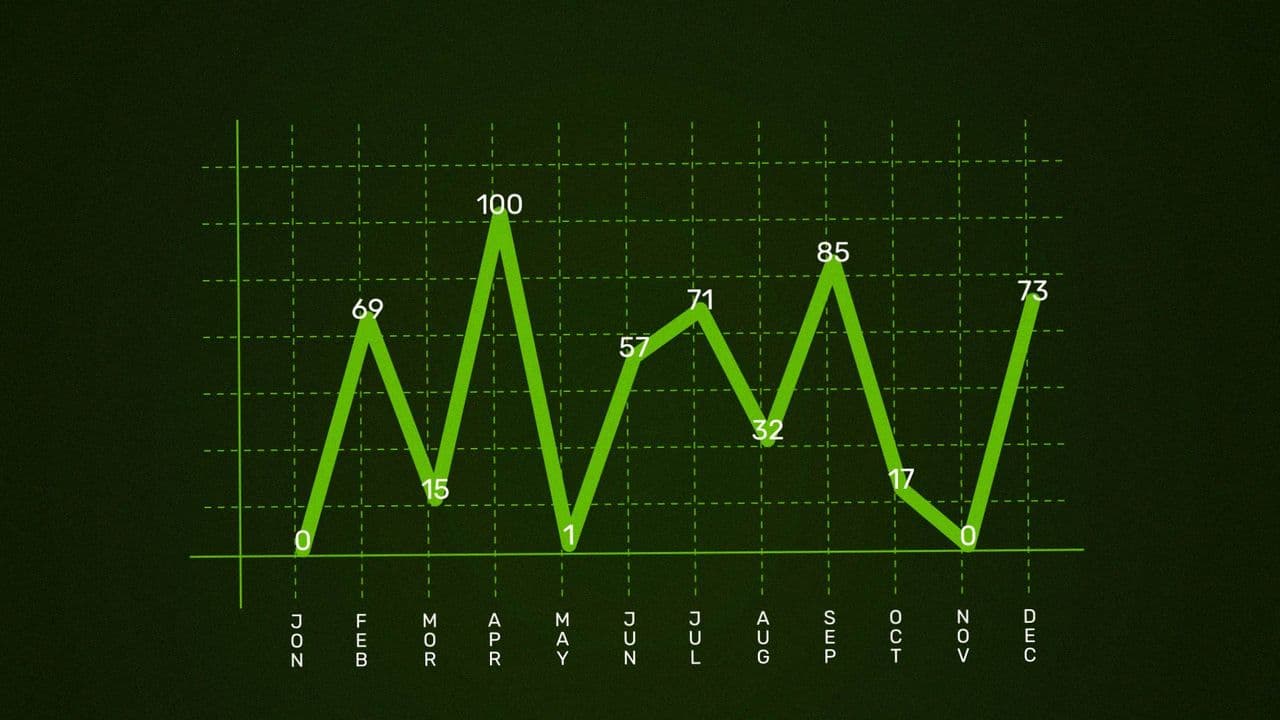
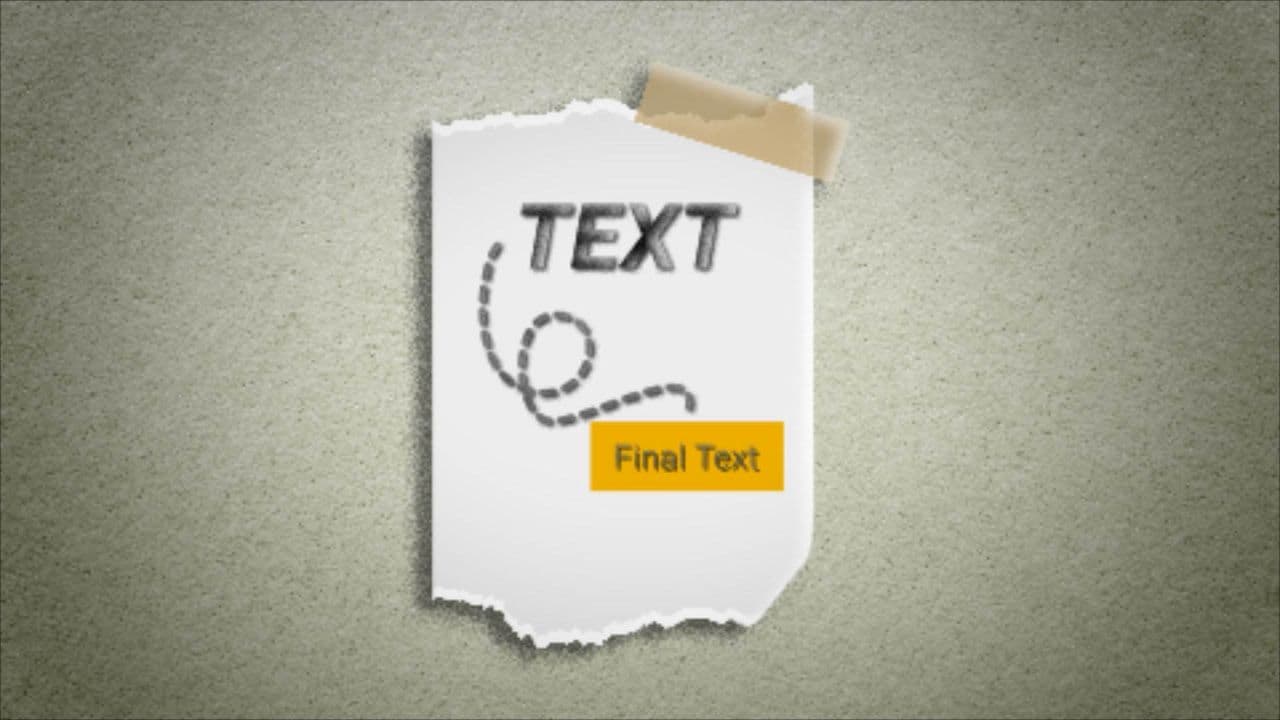
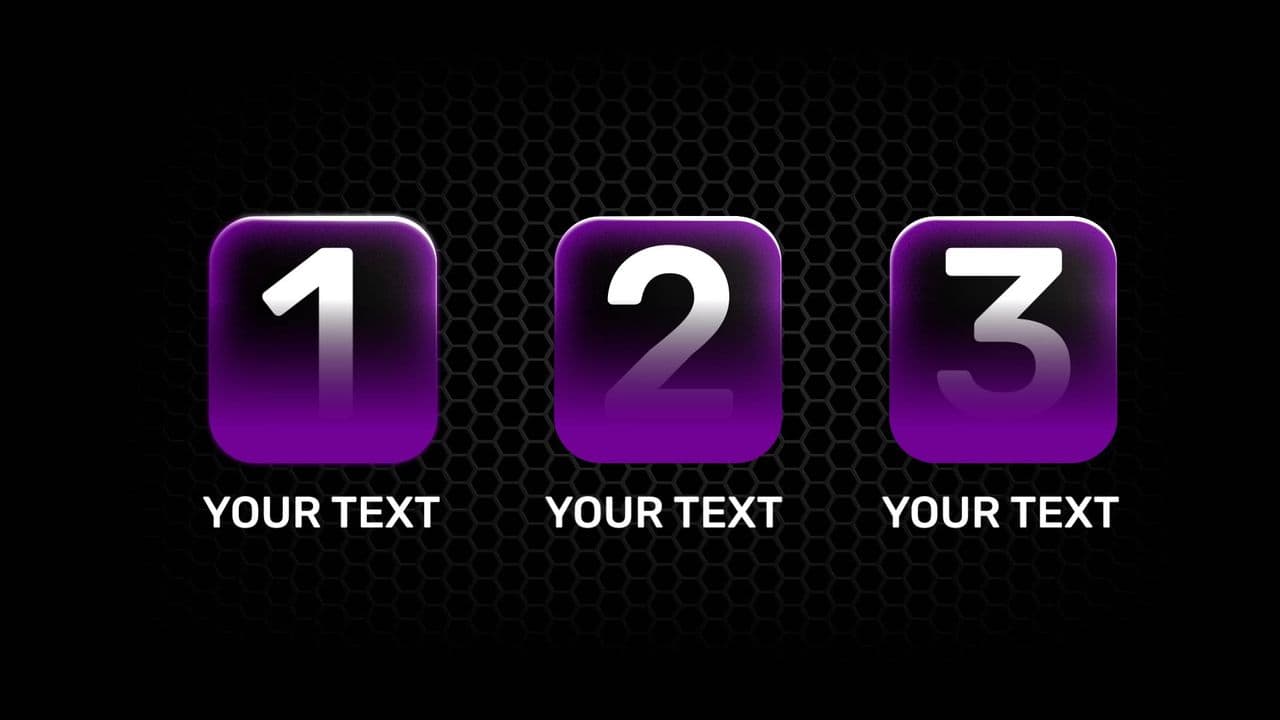
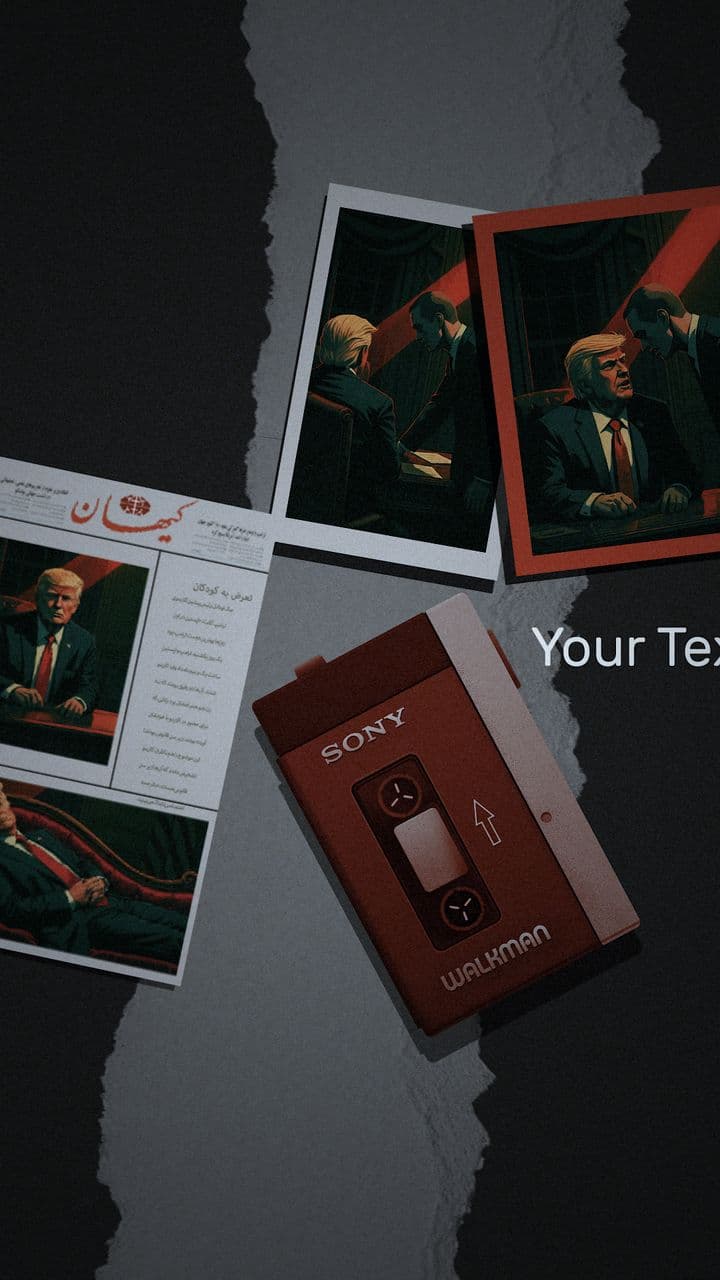
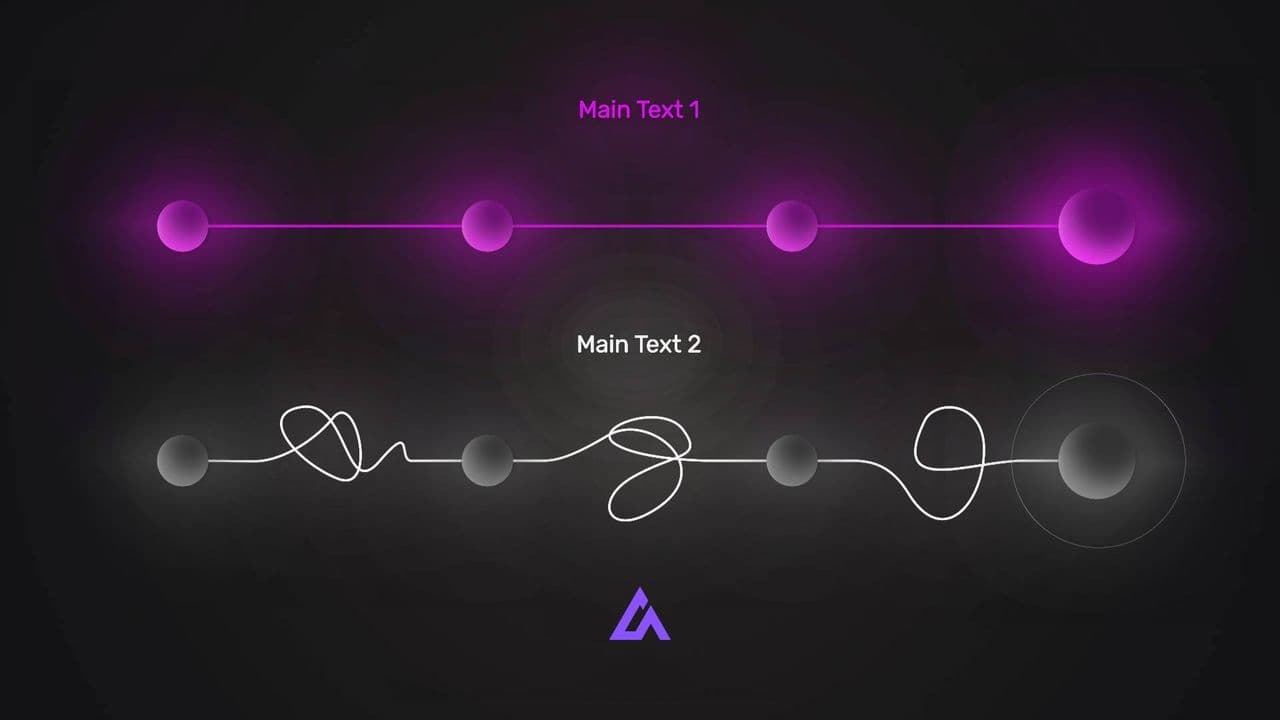
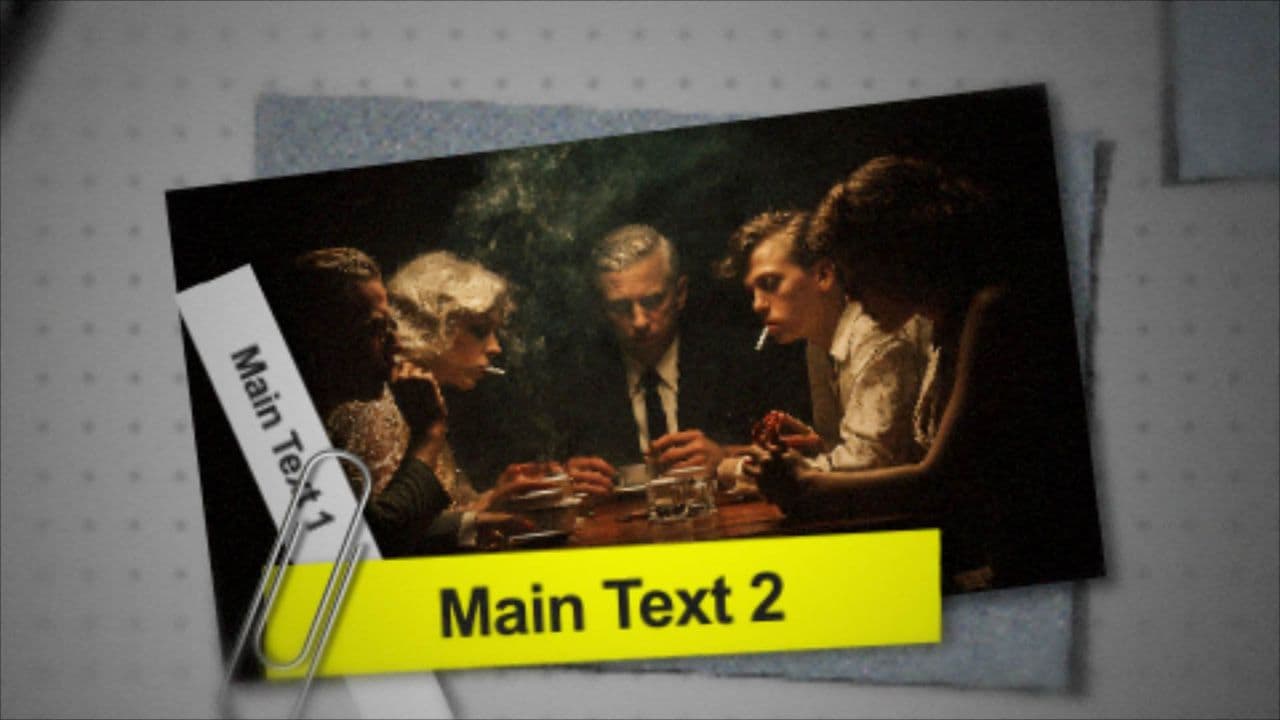
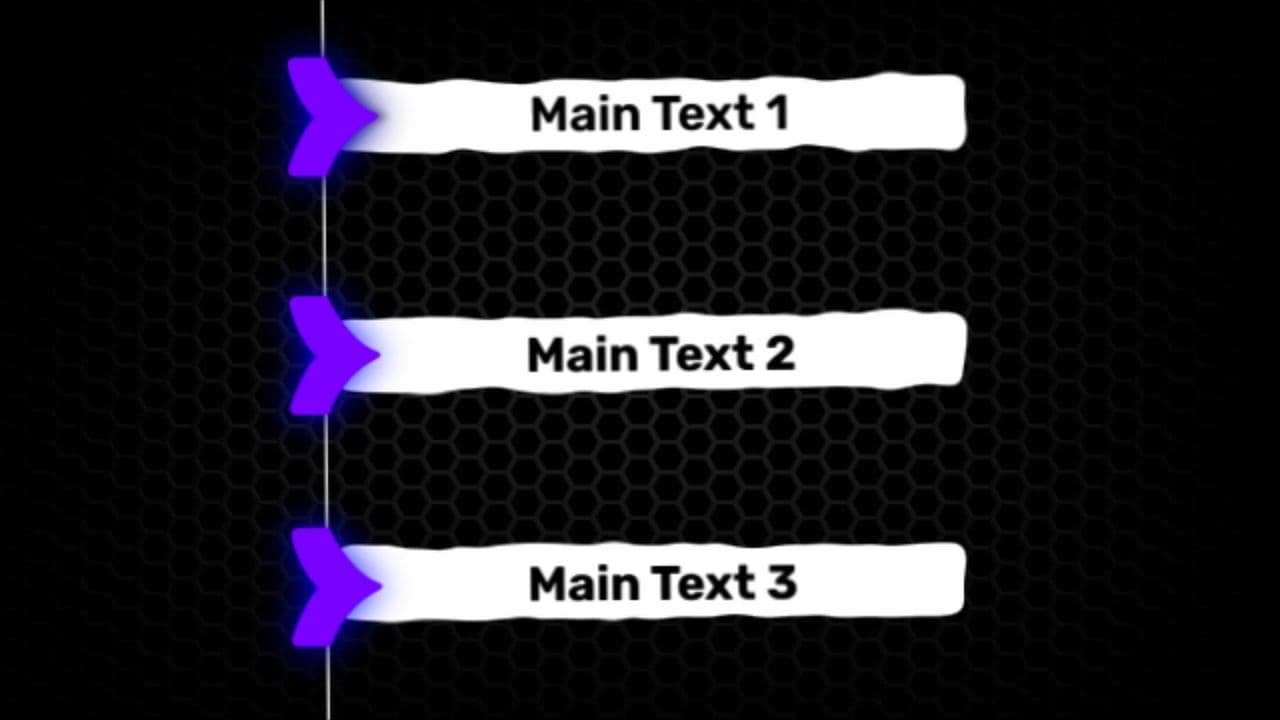
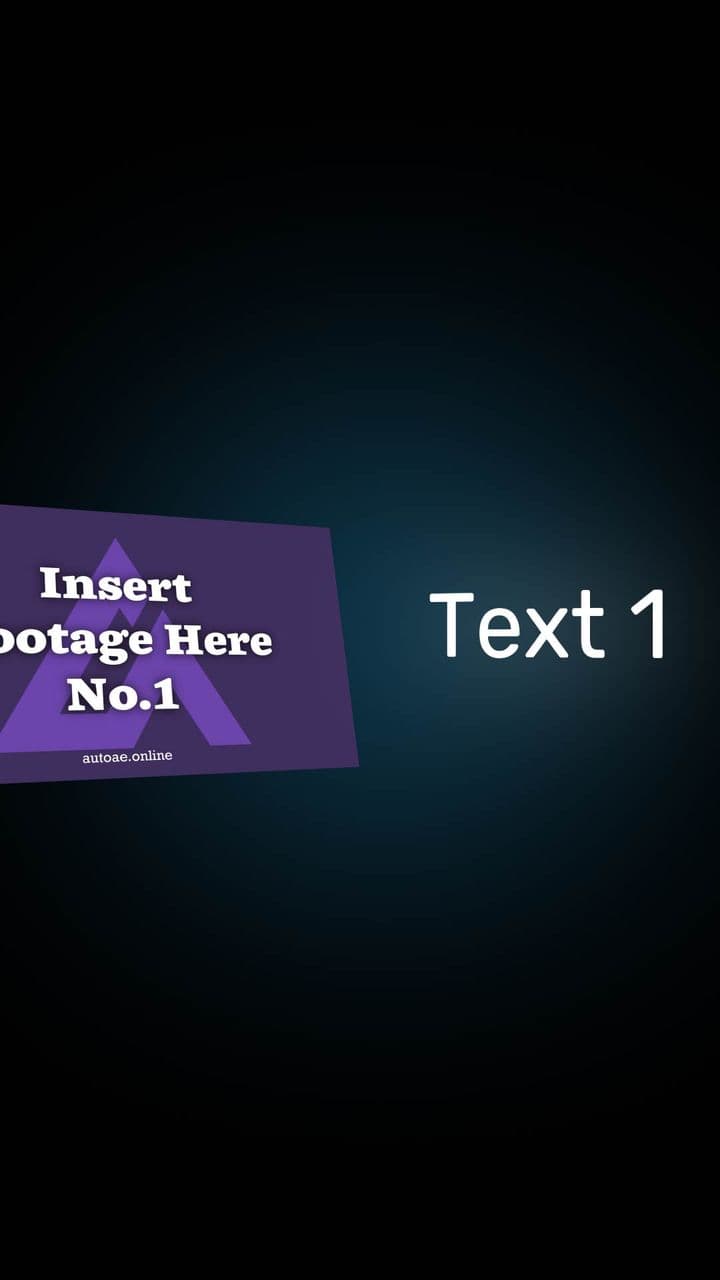
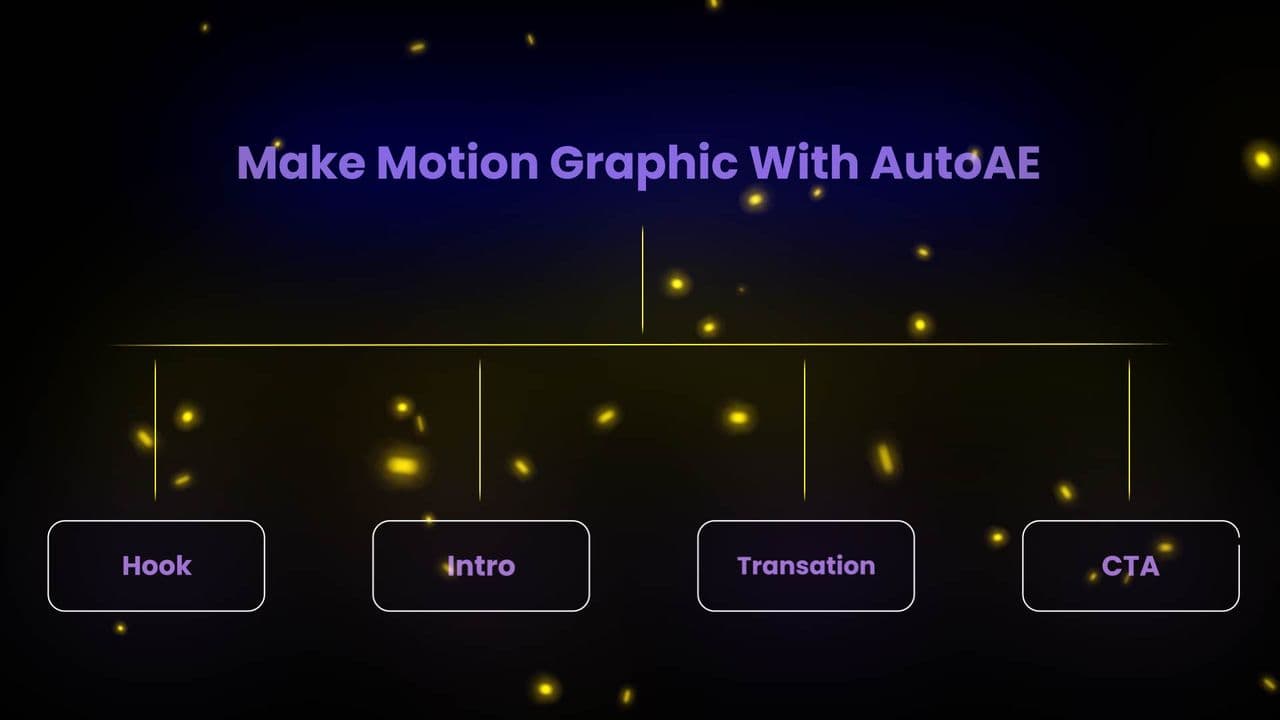
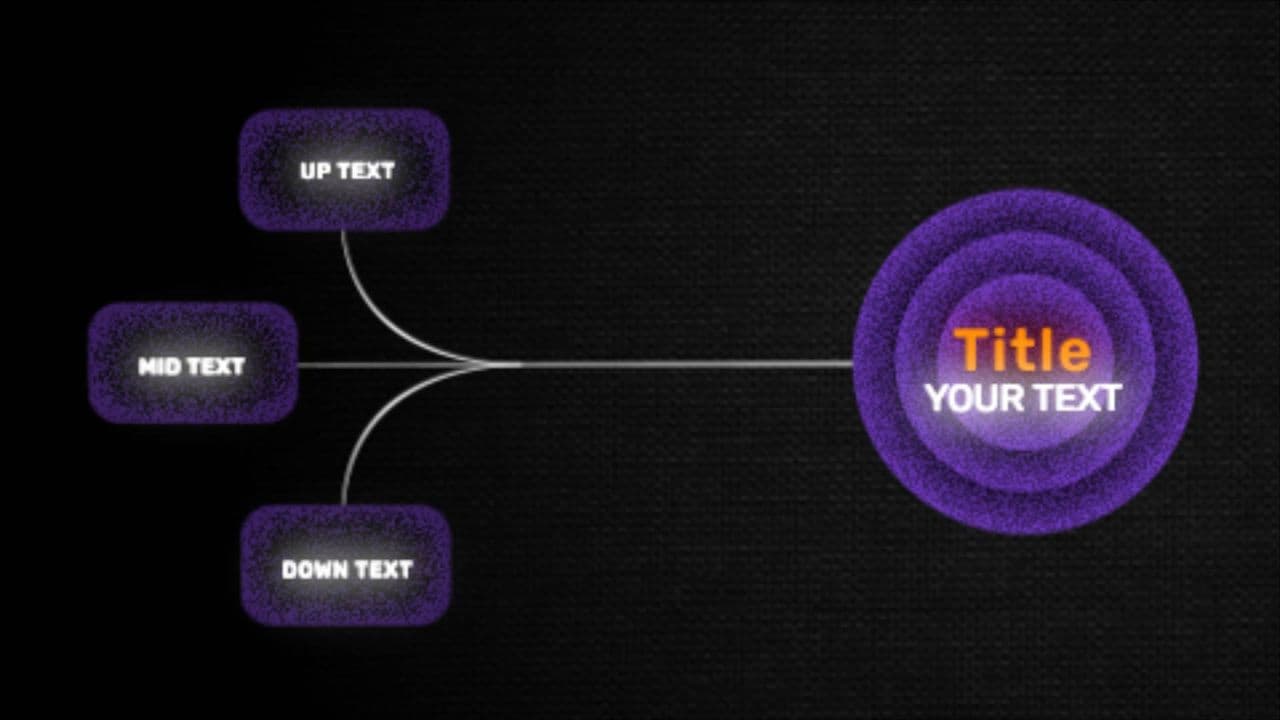
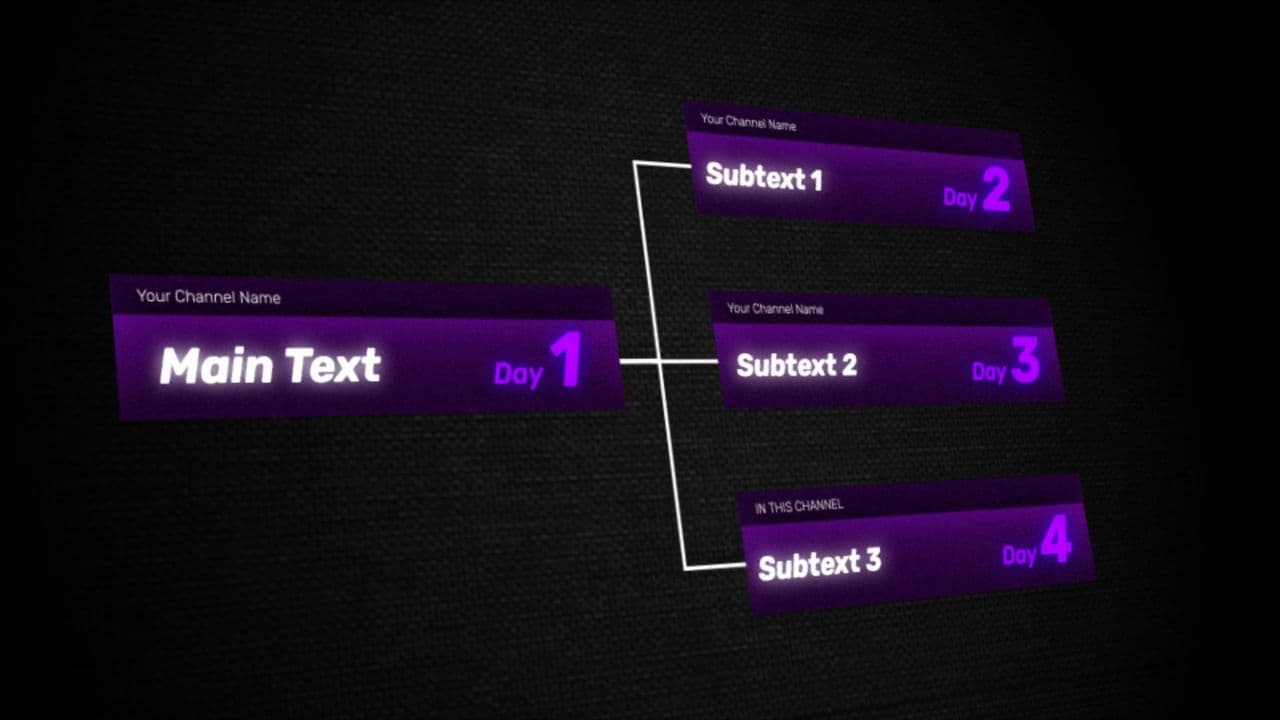
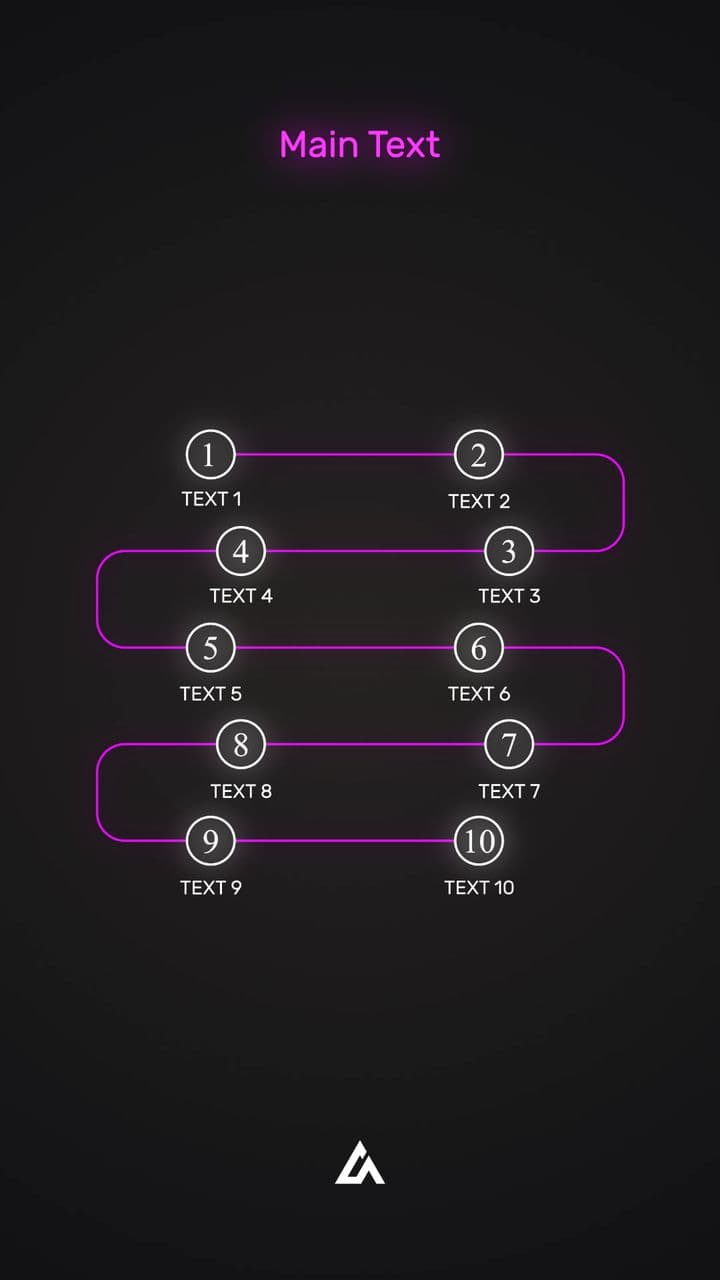
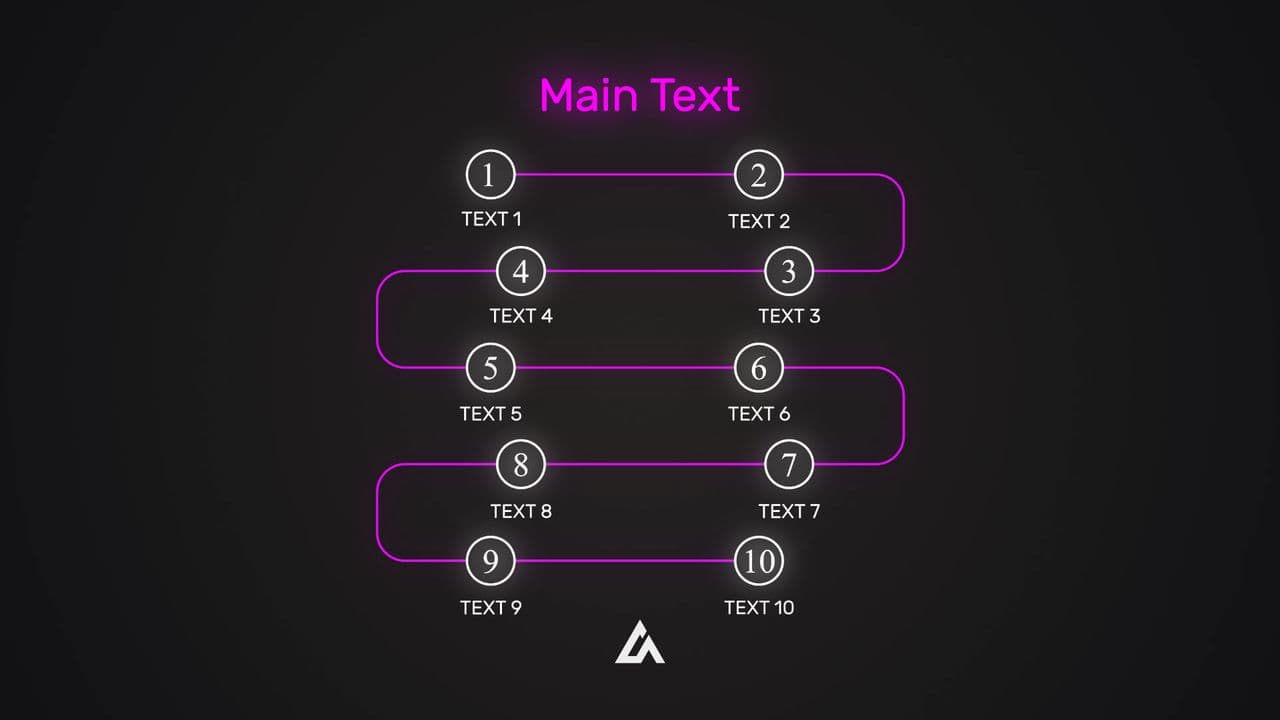
Use cases
Made for moments like these
- A lesson that is already recorded and still looks homemade.
- A tutorial that loses people early, where looking professional is what keeps them.
- A mid-lesson recap your students actually follow, in motion rather than a wall of text.
How it works
Turn anything into a professional motion graphics video.
- AutoAE AgentMake a 15-second promo video for my new product.1
Type your request and hit send
- Now available at mywebsite.com2
Drag in your logo, footage and text
- 1080p · no watermarkDownload3
Download studio-quality video in minutes
Testimonials
100% Real Feedback. Zero Paid Promotions.
All Thanks to Our Users🩷

YouTuber
I just watched your video and checked out AutoAE. It's amazing! I've been researching to make something similar, but I see you already did something close to what's in my mind.

YouTuber
The idea and the tool are very nice, would love to join👌 I'd be happy to share one of my project files for free with you, you can do as usual with your design team to recreate them and display them on the site.

YouTuber
The concept of AutoAE sounds intriguing! I'm sure my audience will love the AutoAE clips.

Founder of Microlaunch
Such an exciting release, congrats guys! Can't wait to play with all these hooks effects for my next tools :)

Founder @Gleans
I love the ability to create viral text transitions with dynamic effects. This feature is really fantastic for making videos stand out.

Doer - Hunter & Maker
As I already said, love to see creators solving problems they have! You know more than many others what a YouTuber need and you're building a solution based on that.

YouTuber
You're a genius. I received a couple of emails, and I haven't accepted any collaborations yet, but man, I liked your idea and website. Also, the price is not too high for users.

YouTuber
I really love the idea.

Co-founder @LinkedCRM AI
Amazing! AutoAE is the most practical video production tool I have seen recently. It can really help me improve efficiency when making YouTube videos. Many text-to-video tools are just interesting but can't be used in actual promotional videos. Keep going!

Product Manager
Most people only use camera captured footage for B roll, but honestly sometimes the best way to tell a story and hook the audience is graphics. This could be pretty powerful for folks to spice up their content or for virtual creators to build an entire channel.

YouTuber
AutoAE can definitely help my community. I'm more than happy to promote it to help others out.

Full Time Video Editor
I was just playing around with AutoAE so far. This definitely feels like a cheat code for video editor. The best thing is the price, you're definitely undercharging for this. The product is 100% Solid, I can confirm there definitely are a lot of editors who edit in capcut.

Other at Chop Wood Ventures
I'm really impressed with the tool and the team! I love how this tool simplifies creating animated text clips, making videos more engaging without the need for complex software.

Operations
Fantastic tool! It offers the easiest way to make viral hooks like top creators, helping you create engaging content that stands out. Perfect for anyone looking to increase their social media presence and create viral content. Highly recommend for boosting your creative strategy.

YouTuber
More videos are coming this month about editing like Huston kold and other top YouTubers on my channel. I will attach those files.

Video Editor of @Jurixnn
I really like this website. I like the way it has different editing ideas u implant or get creative from the videos I recommend anyone to try it out if ur beginner or pro at AE.

Video Editor
It's actually nice of you to help people in need. I could actually see people using this app.
YouTuber
I just watched your video and checked out AutoAE. It's amazing! I've been researching to make something similar, but I see you already did something close to what's in my mind.
YouTuber
The idea and the tool are very nice, would love to join👌 I'd be happy to share one of my project files for free with you, you can do as usual with your design team to recreate them and display them on the site.
YouTuber
The concept of AutoAE sounds intriguing! I'm sure my audience will love the AutoAE clips.
Founder of Microlaunch
Such an exciting release, congrats guys! Can't wait to play with all these hooks effects for my next tools :)
Founder @Gleans
I love the ability to create viral text transitions with dynamic effects. This feature is really fantastic for making videos stand out.
Doer - Hunter & Maker
As I already said, love to see creators solving problems they have! You know more than many others what a YouTuber need and you're building a solution based on that.
YouTuber
You're a genius. I received a couple of emails, and I haven't accepted any collaborations yet, but man, I liked your idea and website. Also, the price is not too high for users.
YouTuber
I really love the idea.
Co-founder @LinkedCRM AI
Amazing! AutoAE is the most practical video production tool I have seen recently. It can really help me improve efficiency when making YouTube videos. Many text-to-video tools are just interesting but can't be used in actual promotional videos. Keep going!
Product Manager
Most people only use camera captured footage for B roll, but honestly sometimes the best way to tell a story and hook the audience is graphics. This could be pretty powerful for folks to spice up their content or for virtual creators to build an entire channel.
YouTuber
AutoAE can definitely help my community. I'm more than happy to promote it to help others out.
Full Time Video Editor
I was just playing around with AutoAE so far. This definitely feels like a cheat code for video editor. The best thing is the price, you're definitely undercharging for this. The product is 100% Solid, I can confirm there definitely are a lot of editors who edit in capcut.
Other at Chop Wood Ventures
I'm really impressed with the tool and the team! I love how this tool simplifies creating animated text clips, making videos more engaging without the need for complex software.
Operations
Fantastic tool! It offers the easiest way to make viral hooks like top creators, helping you create engaging content that stands out. Perfect for anyone looking to increase their social media presence and create viral content. Highly recommend for boosting your creative strategy.
YouTuber
More videos are coming this month about editing like Huston kold and other top YouTubers on my channel. I will attach those files.
Video Editor of @Jurixnn
I really like this website. I like the way it has different editing ideas u implant or get creative from the videos I recommend anyone to try it out if ur beginner or pro at AE.
Video Editor
It's actually nice of you to help people in need. I could actually see people using this app.
YouTuber
I just watched your video and checked out AutoAE. It's amazing! I've been researching to make something similar, but I see you already did something close to what's in my mind.
YouTuber
The idea and the tool are very nice, would love to join👌 I'd be happy to share one of my project files for free with you, you can do as usual with your design team to recreate them and display them on the site.
YouTuber
The concept of AutoAE sounds intriguing! I'm sure my audience will love the AutoAE clips.
Founder of Microlaunch
Such an exciting release, congrats guys! Can't wait to play with all these hooks effects for my next tools :)
Founder @Gleans
I love the ability to create viral text transitions with dynamic effects. This feature is really fantastic for making videos stand out.
Doer - Hunter & Maker
As I already said, love to see creators solving problems they have! You know more than many others what a YouTuber need and you're building a solution based on that.
YouTuber
You're a genius. I received a couple of emails, and I haven't accepted any collaborations yet, but man, I liked your idea and website. Also, the price is not too high for users.
YouTuber
I really love the idea.
Co-founder @LinkedCRM AI
Amazing! AutoAE is the most practical video production tool I have seen recently. It can really help me improve efficiency when making YouTube videos. Many text-to-video tools are just interesting but can't be used in actual promotional videos. Keep going!
Product Manager
Most people only use camera captured footage for B roll, but honestly sometimes the best way to tell a story and hook the audience is graphics. This could be pretty powerful for folks to spice up their content or for virtual creators to build an entire channel.
YouTuber
AutoAE can definitely help my community. I'm more than happy to promote it to help others out.
Full Time Video Editor
I was just playing around with AutoAE so far. This definitely feels like a cheat code for video editor. The best thing is the price, you're definitely undercharging for this. The product is 100% Solid, I can confirm there definitely are a lot of editors who edit in capcut.
Other at Chop Wood Ventures
I'm really impressed with the tool and the team! I love how this tool simplifies creating animated text clips, making videos more engaging without the need for complex software.
Operations
Fantastic tool! It offers the easiest way to make viral hooks like top creators, helping you create engaging content that stands out. Perfect for anyone looking to increase their social media presence and create viral content. Highly recommend for boosting your creative strategy.
YouTuber
More videos are coming this month about editing like Huston kold and other top YouTubers on my channel. I will attach those files.
Video Editor of @Jurixnn
I really like this website. I like the way it has different editing ideas u implant or get creative from the videos I recommend anyone to try it out if ur beginner or pro at AE.
Video Editor
It's actually nice of you to help people in need. I could actually see people using this app.
YouTuber
I just watched your video and checked out AutoAE. It's amazing! I've been researching to make something similar, but I see you already did something close to what's in my mind.
YouTuber
The idea and the tool are very nice, would love to join👌 I'd be happy to share one of my project files for free with you, you can do as usual with your design team to recreate them and display them on the site.
YouTuber
The concept of AutoAE sounds intriguing! I'm sure my audience will love the AutoAE clips.
Founder of Microlaunch
Such an exciting release, congrats guys! Can't wait to play with all these hooks effects for my next tools :)
Founder @Gleans
I love the ability to create viral text transitions with dynamic effects. This feature is really fantastic for making videos stand out.
Doer - Hunter & Maker
As I already said, love to see creators solving problems they have! You know more than many others what a YouTuber need and you're building a solution based on that.
YouTuber
You're a genius. I received a couple of emails, and I haven't accepted any collaborations yet, but man, I liked your idea and website. Also, the price is not too high for users.
YouTuber
I really love the idea.
Co-founder @LinkedCRM AI
Amazing! AutoAE is the most practical video production tool I have seen recently. It can really help me improve efficiency when making YouTube videos. Many text-to-video tools are just interesting but can't be used in actual promotional videos. Keep going!
Product Manager
Most people only use camera captured footage for B roll, but honestly sometimes the best way to tell a story and hook the audience is graphics. This could be pretty powerful for folks to spice up their content or for virtual creators to build an entire channel.
YouTuber
AutoAE can definitely help my community. I'm more than happy to promote it to help others out.
Full Time Video Editor
I was just playing around with AutoAE so far. This definitely feels like a cheat code for video editor. The best thing is the price, you're definitely undercharging for this. The product is 100% Solid, I can confirm there definitely are a lot of editors who edit in capcut.
Other at Chop Wood Ventures
I'm really impressed with the tool and the team! I love how this tool simplifies creating animated text clips, making videos more engaging without the need for complex software.
Operations
Fantastic tool! It offers the easiest way to make viral hooks like top creators, helping you create engaging content that stands out. Perfect for anyone looking to increase their social media presence and create viral content. Highly recommend for boosting your creative strategy.
YouTuber
More videos are coming this month about editing like Huston kold and other top YouTubers on my channel. I will attach those files.
Video Editor of @Jurixnn
I really like this website. I like the way it has different editing ideas u implant or get creative from the videos I recommend anyone to try it out if ur beginner or pro at AE.
Video Editor
It's actually nice of you to help people in need. I could actually see people using this app.

Founder. Santelmomusic
Overall great product shortcut for content creators ! absolute genius!

Cofounder of ReadFlow
It's crystal clear that a great hook is the key to making your video go viral, and this tool nails it. I've witnessed firsthand how it can transform an ordinary video idea into something with massive potential.
Verified User
It's a true game-changer—transforming ideas into stunning animations with unmatched ease and creativity. Your team's effort and vision shine through, making AutoAE one of the most inspiring and impactful tools I've ever used.
Verified User
I'm already in love with this tool and so glad I found it on YouTube. As a beginner in editing, it's going to save me a huge amount of time.
Verified User
If you were to create the same effects manually, it would take hours, and the result still wouldn't be as smooth. To put it simply, most creators you see with engaging edits on their screens are likely using this tool.
Verified User
You really have built a phenomenal tool 👍Ease of use is already excellent 👌 Instructions & onboarding is fantastic 👍 AutoAE is about 80% of the way there to being a leader in its class IMO
Verified User
Wow… just wow. You guys have totally nailed it. The simplicity, the speed, the creative freedom—mind blown. 💥
Verified User
I'm in big support of what you guys are doing. AutoAE is way better than these by the way. I love the new stuff don't get me wrong. I really like what you guys are doing. Great tool and can't wait to see where it goes.
Verified User
It's inspiring to hear about your story and the passion behind building AutoAE—I admire your determination and vision. the value AutoAE brings to content creators.
Verified User
it's super helpful and I love the tool—seriously great work.
Verified User
Your AI tool makes it incredibly easy to create stunning motion graphics within seconds.
Verified User
I would also like to take this opportunity to commend your product. The variety of templates and the consistent improvements you make are truly impressive. I wish you continued success in developing such an outstanding product.
Verified User
I'm very glad you developed the crypto payment option. It has not only helped me but has opened a window of hope for many others like us.
Verified User
It's the kind of tool my audience of content creators and animation enthusiasts would find highly beneficial.
Verified User
I genuinely believe AutoAE has the potential to dominate the market—your editing effects are truly mind-blowing, and I see no real competition for you in this space.
Verified User
i am getting decent work and we have a high requirement of your tool to maximmise our efficiency. It's a very needful tool for a creator like me who doesn't know as much better.
Verified User
I was particularly impressed by its innovative automation tools for streamlining After Effects workflows, making complex animations simpler and faster.
Founder. Santelmomusic
Overall great product shortcut for content creators ! absolute genius!
Cofounder of ReadFlow
It's crystal clear that a great hook is the key to making your video go viral, and this tool nails it. I've witnessed firsthand how it can transform an ordinary video idea into something with massive potential.
Verified User
It's a true game-changer—transforming ideas into stunning animations with unmatched ease and creativity. Your team's effort and vision shine through, making AutoAE one of the most inspiring and impactful tools I've ever used.
Verified User
I'm already in love with this tool and so glad I found it on YouTube. As a beginner in editing, it's going to save me a huge amount of time.
Verified User
If you were to create the same effects manually, it would take hours, and the result still wouldn't be as smooth. To put it simply, most creators you see with engaging edits on their screens are likely using this tool.
Verified User
You really have built a phenomenal tool 👍Ease of use is already excellent 👌 Instructions & onboarding is fantastic 👍 AutoAE is about 80% of the way there to being a leader in its class IMO
Verified User
Wow… just wow. You guys have totally nailed it. The simplicity, the speed, the creative freedom—mind blown. 💥
Verified User
I'm in big support of what you guys are doing. AutoAE is way better than these by the way. I love the new stuff don't get me wrong. I really like what you guys are doing. Great tool and can't wait to see where it goes.
Verified User
It's inspiring to hear about your story and the passion behind building AutoAE—I admire your determination and vision. the value AutoAE brings to content creators.
Verified User
it's super helpful and I love the tool—seriously great work.
Verified User
Your AI tool makes it incredibly easy to create stunning motion graphics within seconds.
Verified User
I would also like to take this opportunity to commend your product. The variety of templates and the consistent improvements you make are truly impressive. I wish you continued success in developing such an outstanding product.
Verified User
I'm very glad you developed the crypto payment option. It has not only helped me but has opened a window of hope for many others like us.
Verified User
It's the kind of tool my audience of content creators and animation enthusiasts would find highly beneficial.
Verified User
I genuinely believe AutoAE has the potential to dominate the market—your editing effects are truly mind-blowing, and I see no real competition for you in this space.
Verified User
i am getting decent work and we have a high requirement of your tool to maximmise our efficiency. It's a very needful tool for a creator like me who doesn't know as much better.
Verified User
I was particularly impressed by its innovative automation tools for streamlining After Effects workflows, making complex animations simpler and faster.
Founder. Santelmomusic
Overall great product shortcut for content creators ! absolute genius!
Cofounder of ReadFlow
It's crystal clear that a great hook is the key to making your video go viral, and this tool nails it. I've witnessed firsthand how it can transform an ordinary video idea into something with massive potential.
Verified User
It's a true game-changer—transforming ideas into stunning animations with unmatched ease and creativity. Your team's effort and vision shine through, making AutoAE one of the most inspiring and impactful tools I've ever used.
Verified User
I'm already in love with this tool and so glad I found it on YouTube. As a beginner in editing, it's going to save me a huge amount of time.
Verified User
If you were to create the same effects manually, it would take hours, and the result still wouldn't be as smooth. To put it simply, most creators you see with engaging edits on their screens are likely using this tool.
Verified User
You really have built a phenomenal tool 👍Ease of use is already excellent 👌 Instructions & onboarding is fantastic 👍 AutoAE is about 80% of the way there to being a leader in its class IMO
Verified User
Wow… just wow. You guys have totally nailed it. The simplicity, the speed, the creative freedom—mind blown. 💥
Verified User
I'm in big support of what you guys are doing. AutoAE is way better than these by the way. I love the new stuff don't get me wrong. I really like what you guys are doing. Great tool and can't wait to see where it goes.
Verified User
It's inspiring to hear about your story and the passion behind building AutoAE—I admire your determination and vision. the value AutoAE brings to content creators.
Verified User
it's super helpful and I love the tool—seriously great work.
Verified User
Your AI tool makes it incredibly easy to create stunning motion graphics within seconds.
Verified User
I would also like to take this opportunity to commend your product. The variety of templates and the consistent improvements you make are truly impressive. I wish you continued success in developing such an outstanding product.
Verified User
I'm very glad you developed the crypto payment option. It has not only helped me but has opened a window of hope for many others like us.
Verified User
It's the kind of tool my audience of content creators and animation enthusiasts would find highly beneficial.
Verified User
I genuinely believe AutoAE has the potential to dominate the market—your editing effects are truly mind-blowing, and I see no real competition for you in this space.
Verified User
i am getting decent work and we have a high requirement of your tool to maximmise our efficiency. It's a very needful tool for a creator like me who doesn't know as much better.
Verified User
I was particularly impressed by its innovative automation tools for streamlining After Effects workflows, making complex animations simpler and faster.
Founder. Santelmomusic
Overall great product shortcut for content creators ! absolute genius!
Cofounder of ReadFlow
It's crystal clear that a great hook is the key to making your video go viral, and this tool nails it. I've witnessed firsthand how it can transform an ordinary video idea into something with massive potential.
Verified User
It's a true game-changer—transforming ideas into stunning animations with unmatched ease and creativity. Your team's effort and vision shine through, making AutoAE one of the most inspiring and impactful tools I've ever used.
Verified User
I'm already in love with this tool and so glad I found it on YouTube. As a beginner in editing, it's going to save me a huge amount of time.
Verified User
If you were to create the same effects manually, it would take hours, and the result still wouldn't be as smooth. To put it simply, most creators you see with engaging edits on their screens are likely using this tool.
Verified User
You really have built a phenomenal tool 👍Ease of use is already excellent 👌 Instructions & onboarding is fantastic 👍 AutoAE is about 80% of the way there to being a leader in its class IMO
Verified User
Wow… just wow. You guys have totally nailed it. The simplicity, the speed, the creative freedom—mind blown. 💥
Verified User
I'm in big support of what you guys are doing. AutoAE is way better than these by the way. I love the new stuff don't get me wrong. I really like what you guys are doing. Great tool and can't wait to see where it goes.
Verified User
It's inspiring to hear about your story and the passion behind building AutoAE—I admire your determination and vision. the value AutoAE brings to content creators.
Verified User
it's super helpful and I love the tool—seriously great work.
Verified User
Your AI tool makes it incredibly easy to create stunning motion graphics within seconds.
Verified User
I would also like to take this opportunity to commend your product. The variety of templates and the consistent improvements you make are truly impressive. I wish you continued success in developing such an outstanding product.
Verified User
I'm very glad you developed the crypto payment option. It has not only helped me but has opened a window of hope for many others like us.
Verified User
It's the kind of tool my audience of content creators and animation enthusiasts would find highly beneficial.
Verified User
I genuinely believe AutoAE has the potential to dominate the market—your editing effects are truly mind-blowing, and I see no real competition for you in this space.
Verified User
i am getting decent work and we have a high requirement of your tool to maximmise our efficiency. It's a very needful tool for a creator like me who doesn't know as much better.
Verified User
I was particularly impressed by its innovative automation tools for streamlining After Effects workflows, making complex animations simpler and faster.
Verified User
the pro version of the Auto AE which is very helpful, ... it's the best for Growing Content Creators like me who are still not good with video editing.
Verified User
I love your services and it's genuinely a great enabler for people who are learning editing and still want to use premium design elements of Premium pro .
Verified User
I genuinely admire your platform and the essential support it provides to freelancers and digital creators like myself. found your app very interesting
Verified User
It's clearly a great platform, and I genuinely respect the vision you're building. they definitely sound interesting for long-term collaboration.
Verified User
I'd love to feature your tool in an upcoming video and introduce it as a must-have for making viral-ready content faster and smarter.
Verified User
We are big fans of your work! I really like the design of your website — it has great potential, and I believe it's only a matter of time before it goes viral.
Verified User
Your AI tools sound amazing We admire AutoAE's features, like animated text clips and 3D transformations, which are game-changers for creators.
Verified User
I was impressed by the unique editing templates you provide. Your platform offers incredible value for content creators
Verified User
your platform is very simple to understand and cool i am very impressed to see your platform features do you provide us.
Verified User
you guys are doing amazing job in the support here besides the great website tool.
Verified User
I just saw yout website and found it amazing you guys did a great job its very time saving animation
Verified User
I recently came across your product, AutoAE, and I'm impressed! I believe our audience would find great value in it.
Verified User
I've been following your startup's progress in the AI SaaS space and am impressed by your recent achievements.
Verified User
I like the software you built. we'd be happy to enroll in one of your higher tier plans.
Verified User
I really liked AutoAE's features, especially the one-click editing. I'm really impressed by the one-click video editing feature.
Verified User
your app has been a game-changer... thanks for creating something so amazing
Verified User
the pro version of the Auto AE which is very helpful, ... it's the best for Growing Content Creators like me who are still not good with video editing.
Verified User
I love your services and it's genuinely a great enabler for people who are learning editing and still want to use premium design elements of Premium pro .
Verified User
I genuinely admire your platform and the essential support it provides to freelancers and digital creators like myself. found your app very interesting
Verified User
It's clearly a great platform, and I genuinely respect the vision you're building. they definitely sound interesting for long-term collaboration.
Verified User
I'd love to feature your tool in an upcoming video and introduce it as a must-have for making viral-ready content faster and smarter.
Verified User
We are big fans of your work! I really like the design of your website — it has great potential, and I believe it's only a matter of time before it goes viral.
Verified User
Your AI tools sound amazing We admire AutoAE's features, like animated text clips and 3D transformations, which are game-changers for creators.
Verified User
I was impressed by the unique editing templates you provide. Your platform offers incredible value for content creators
Verified User
your platform is very simple to understand and cool i am very impressed to see your platform features do you provide us.
Verified User
you guys are doing amazing job in the support here besides the great website tool.
Verified User
I just saw yout website and found it amazing you guys did a great job its very time saving animation
Verified User
I recently came across your product, AutoAE, and I'm impressed! I believe our audience would find great value in it.
Verified User
I've been following your startup's progress in the AI SaaS space and am impressed by your recent achievements.
Verified User
I like the software you built. we'd be happy to enroll in one of your higher tier plans.
Verified User
I really liked AutoAE's features, especially the one-click editing. I'm really impressed by the one-click video editing feature.
Verified User
your app has been a game-changer... thanks for creating something so amazing
Verified User
the pro version of the Auto AE which is very helpful, ... it's the best for Growing Content Creators like me who are still not good with video editing.
Verified User
I love your services and it's genuinely a great enabler for people who are learning editing and still want to use premium design elements of Premium pro .
Verified User
I genuinely admire your platform and the essential support it provides to freelancers and digital creators like myself. found your app very interesting
Verified User
It's clearly a great platform, and I genuinely respect the vision you're building. they definitely sound interesting for long-term collaboration.
Verified User
I'd love to feature your tool in an upcoming video and introduce it as a must-have for making viral-ready content faster and smarter.
Verified User
We are big fans of your work! I really like the design of your website — it has great potential, and I believe it's only a matter of time before it goes viral.
Verified User
Your AI tools sound amazing We admire AutoAE's features, like animated text clips and 3D transformations, which are game-changers for creators.
Verified User
I was impressed by the unique editing templates you provide. Your platform offers incredible value for content creators
Verified User
your platform is very simple to understand and cool i am very impressed to see your platform features do you provide us.
Verified User
you guys are doing amazing job in the support here besides the great website tool.
Verified User
I just saw yout website and found it amazing you guys did a great job its very time saving animation
Verified User
I recently came across your product, AutoAE, and I'm impressed! I believe our audience would find great value in it.
Verified User
I've been following your startup's progress in the AI SaaS space and am impressed by your recent achievements.
Verified User
I like the software you built. we'd be happy to enroll in one of your higher tier plans.
Verified User
I really liked AutoAE's features, especially the one-click editing. I'm really impressed by the one-click video editing feature.
Verified User
your app has been a game-changer... thanks for creating something so amazing
Verified User
the pro version of the Auto AE which is very helpful, ... it's the best for Growing Content Creators like me who are still not good with video editing.
Verified User
I love your services and it's genuinely a great enabler for people who are learning editing and still want to use premium design elements of Premium pro .
Verified User
I genuinely admire your platform and the essential support it provides to freelancers and digital creators like myself. found your app very interesting
Verified User
It's clearly a great platform, and I genuinely respect the vision you're building. they definitely sound interesting for long-term collaboration.
Verified User
I'd love to feature your tool in an upcoming video and introduce it as a must-have for making viral-ready content faster and smarter.
Verified User
We are big fans of your work! I really like the design of your website — it has great potential, and I believe it's only a matter of time before it goes viral.
Verified User
Your AI tools sound amazing We admire AutoAE's features, like animated text clips and 3D transformations, which are game-changers for creators.
Verified User
I was impressed by the unique editing templates you provide. Your platform offers incredible value for content creators
Verified User
your platform is very simple to understand and cool i am very impressed to see your platform features do you provide us.
Verified User
you guys are doing amazing job in the support here besides the great website tool.
Verified User
I just saw yout website and found it amazing you guys did a great job its very time saving animation
Verified User
I recently came across your product, AutoAE, and I'm impressed! I believe our audience would find great value in it.
Verified User
I've been following your startup's progress in the AI SaaS space and am impressed by your recent achievements.
Verified User
I like the software you built. we'd be happy to enroll in one of your higher tier plans.
Verified User
I really liked AutoAE's features, especially the one-click editing. I'm really impressed by the one-click video editing feature.
Verified User
your app has been a game-changer... thanks for creating something so amazing
FAQ
Questions, answered.
What this scenario needs, what you get back, and what you can do with it.
Still need help? Contact us
Keep exploring
Another scenario, same five minutes.
Every scenario gets its own page, with the templates and the prompt tuned for that job.
SaaS Product Launch Video
Announce your product without sounding like an indie devlog.
See SaaS Product Launch Video
Vibe Coding Launch
You shipped a real product. Make a video that proves it.
See Vibe Coding Launch
Viral Reels Templates
Motion-designer-grade reels, made in a browser tab.
See Viral Reels TemplatesExplore motion graphics templates
Find the right motion for your video.
Browse editable templates, add your text and media, and make the clip yours.
Browse templates