Skip to content
AutoAE
AIAll Templates
Prompt World NEW
Pricing

Footer

InstagramInstagramYoutubeYouTubeX (Twitter)XTiktokTikTokLinkedInLinkedInRedditReddit

Features

  • Text Animation
  • Video Flowchart
  • Engagement Mockup
  • Google Search Animation
  • 3D Transformation

Solutions

  • SaaS Product Launch Video
  • Vibe Coding Launch
  • Viral Reels Templates
  • Course & Tutorial Video Maker

For creators

  • YouTuber
  • TikToker
  • Creator
  • Marketer
  • Agency
  • Freelancer

Resources

  • AutoAE Skill
  • Blog
  • Tutorials
  • Changelog
  • AI Tools Analysis

Company

  • Pricing
  • Contact
  • Affiliate
  • License
  • Privacy
  • Terms

Prompt World

Motion design prompts for Claude Code and ChatGPT.

Browse prompts
City Glow 3D Travel Story
Key Pad 3D Product Intro
Keycap Words 3D Typography Explainer
Market Mind Finance Explainer
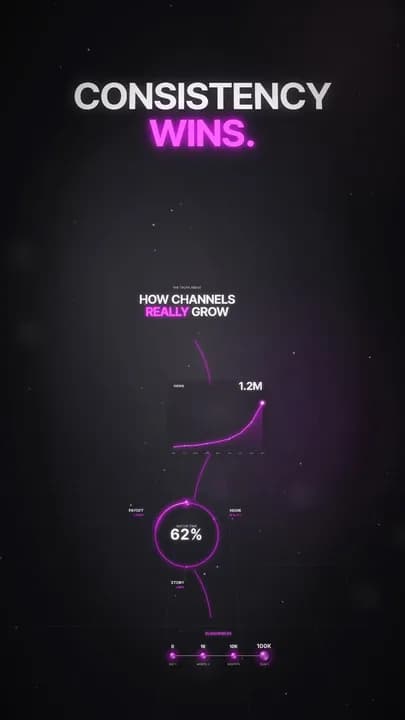
Neon Glass Infographic Explainer
Pink Glow Cartoon Character Story
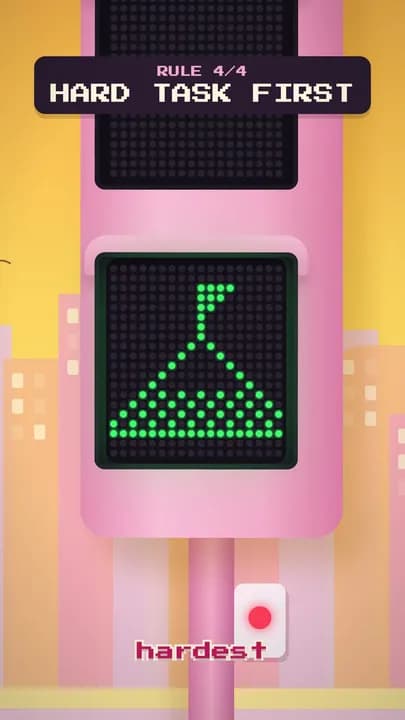
Pixel Walk Tips Listicle
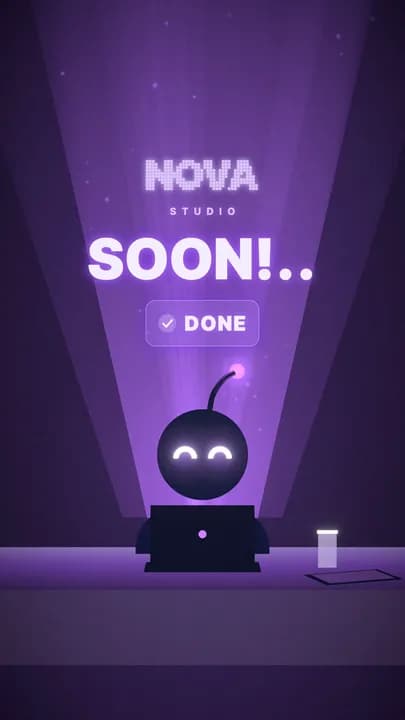
Screen Glow Coming Soon Teaser
Synth Street Cyberpunk Story
Encore Events & Ticketing Promo
Keyring Smart-home & Hosting Explainer
Voltline Tech Product Explainer
Particle Text Morph
Halftone Slit Open
Halftone Verdict Essay
Eyelid Transition
Tabletop 3D Camera
Sound Layer Removal

Drag to explore

The collection

71 resources

Arcade Screen Pixel Game Explainer
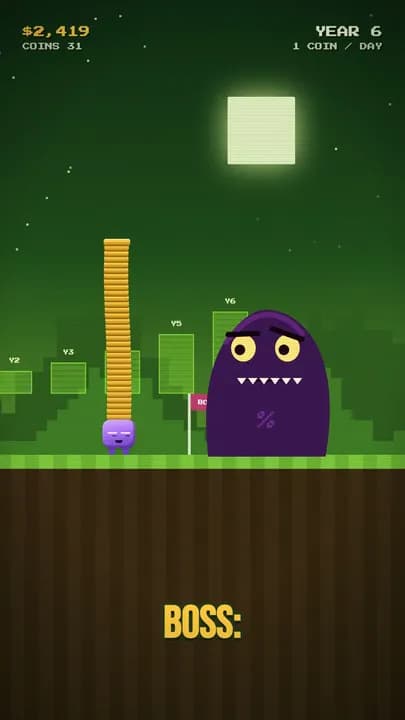
Arcade Screen Pixel Game Explainer

Chess Glow Cinematic Game Recap

Chess Glow Cinematic Game Recap

City Glow 3D Travel Story

City Glow 3D Travel Story

Doom Scroll Fast Facts Listicle

Doom Scroll Fast Facts Listicle

Ink Splash 2D Science Explainer

Ink Splash 2D Science Explainer

Key Pad 3D Product Intro

Key Pad 3D Product Intro

Keycap Words 3D Typography Explainer

Keycap Words 3D Typography Explainer

Market Mind Finance Explainer

Market Mind Finance Explainer

Neon Glass Infographic Explainer

Neon Glass Infographic Explainer

Pink Glow Cartoon Character Story

Pink Glow Cartoon Character Story

Pixel Walk Tips Listicle

Pixel Walk Tips Listicle

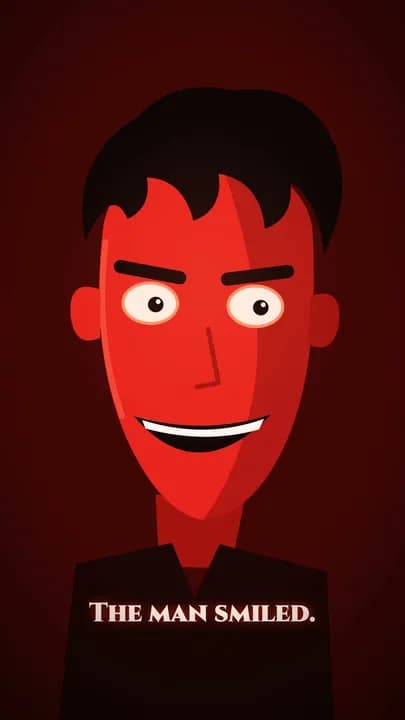
Red Devil Horror Cartoon Story

Red Devil Horror Cartoon Story

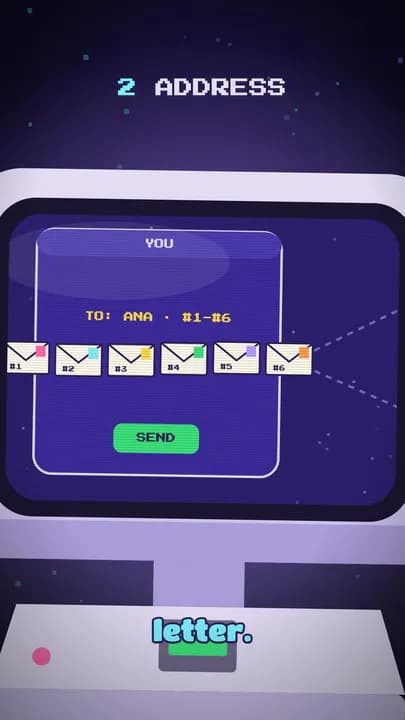
Retro Console CRT Tech Explainer

Retro Console CRT Tech Explainer

Screen Glow Coming Soon Teaser

Screen Glow Coming Soon Teaser

Synth Street Cyberpunk Story

Synth Street Cyberpunk Story

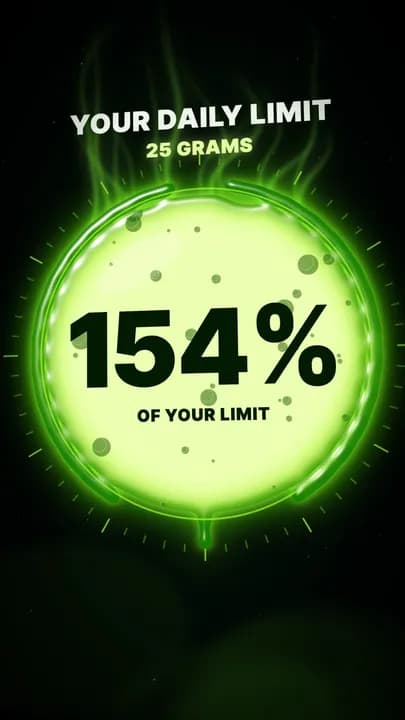
Toxic Glow Liquid Motion Explainer

Toxic Glow Liquid Motion Explainer

Aperture Cloud & Storage App Explainer

Aperture Cloud & Storage App Explainer

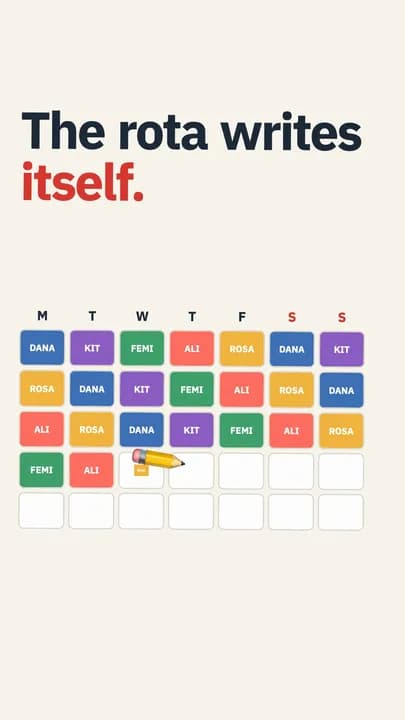
Atlas Shift Team & Scheduling Tool Explainer

Atlas Shift Team & Scheduling Tool Explainer

Brickyard B2B Tool Explainer

Brickyard B2B Tool Explainer

Chipin Playful App Explainer

Chipin Playful App Explainer

Encore Events & Ticketing Promo

Encore Events & Ticketing Promo

Fetch Pet & Care Service Explainer

Fetch Pet & Care Service Explainer

Hushly Calm App Explainer

Hushly Calm App Explainer

Keyring Smart-home & Hosting Explainer

Keyring Smart-home & Hosting Explainer

Kilnly Booking & Local-business Promo

Kilnly Booking & Local-business Promo

Lumen Health & Data Explainer

Lumen Health & Data Explainer

Margins Books & Culture App Explainer

Margins Books & Culture App Explainer

Overture Elegant Event & Service Promo

Overture Elegant Event & Service Promo

Parkside City Service Explainer

Parkside City Service Explainer

Tidewise Forecast & Data App Explainer

Tidewise Forecast & Data App Explainer

Patchwork Developer Tool Explainer

Patchwork Developer Tool Explainer

Petalpost Delivery & E-commerce Promo

Petalpost Delivery & E-commerce Promo

Rally Sports & Community App Promo

Rally Sports & Community App Promo

Sandglass Productivity App Explainer

Sandglass Productivity App Explainer

Simmer Food & Kitchen App Explainer

Simmer Food & Kitchen App Explainer

Spin Cycle Everyday-service Explainer

Spin Cycle Everyday-service Explainer

Tempo Fitness App Explainer

Tempo Fitness App Explainer

Voltline Tech Product Explainer

Voltline Tech Product Explainer

Verso Education App Explainer

Verso Education App Explainer

Wander Travel App Explainer

Wander Travel App Explainer

Website PiP

Website PiP

Text Animation Showcase

Text Animation Showcase

Cutout Split Listicle

Cutout Split Listicle

Newspaper Negative Captions

Newspaper Negative Captions

Split Steps Flowchart

Split Steps Flowchart

Listicle Growing Card

Listicle Growing Card

Glow UI Explainer

Glow UI Explainer

Curved Shoulder Captions

Curved Shoulder Captions

Particle Text Morph

Particle Text Morph

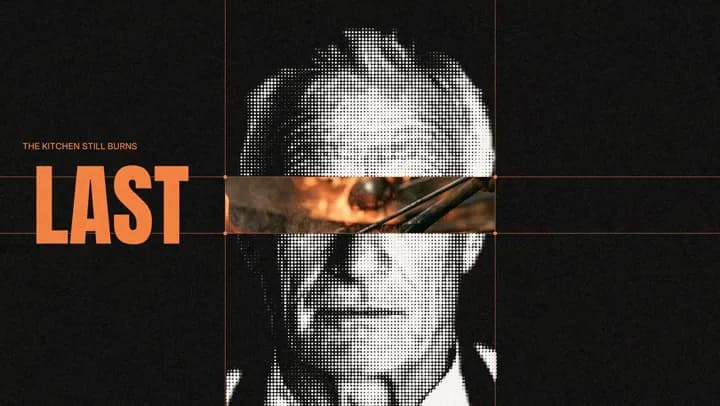
Halftone Slit Open

Halftone Slit Open

Halftone Verdict Essay

Halftone Verdict Essay

Text Behind Person

Text Behind Person

Text on a Tracked Wall

Text on a Tracked Wall

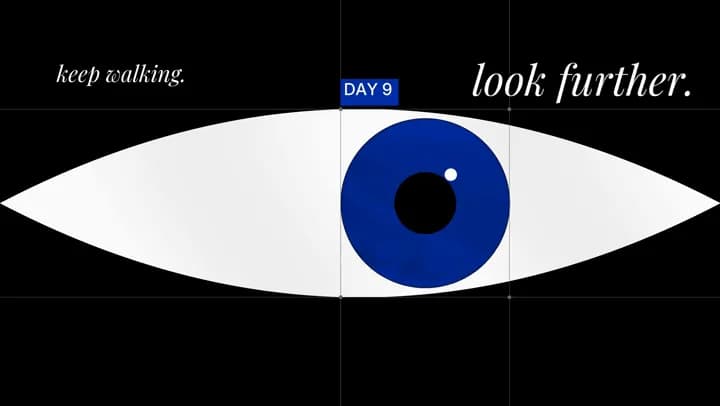
Eyelid Transition

Eyelid Transition

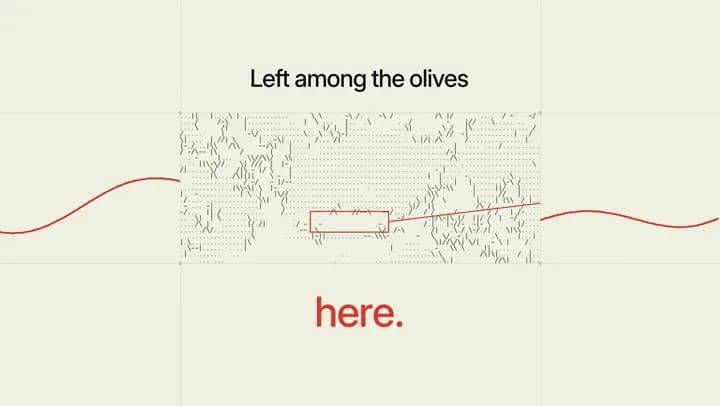
ASCII Footage

ASCII Footage

Negative Big Word

Negative Big Word

Grey to Colour Reveal

Grey to Colour Reveal

Freeze Cutout Spotlight

Freeze Cutout Spotlight

Tabletop 3D Camera

Tabletop 3D Camera

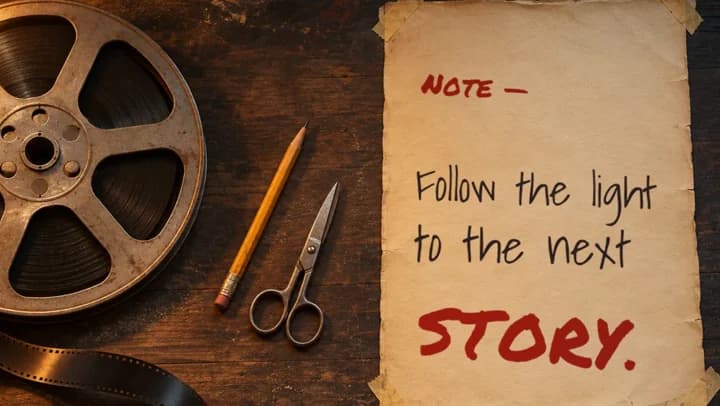
Handwritten Note

Handwritten Note

Burn and Shatter Transition

Burn and Shatter Transition

Sound Layer Removal

Sound Layer Removal

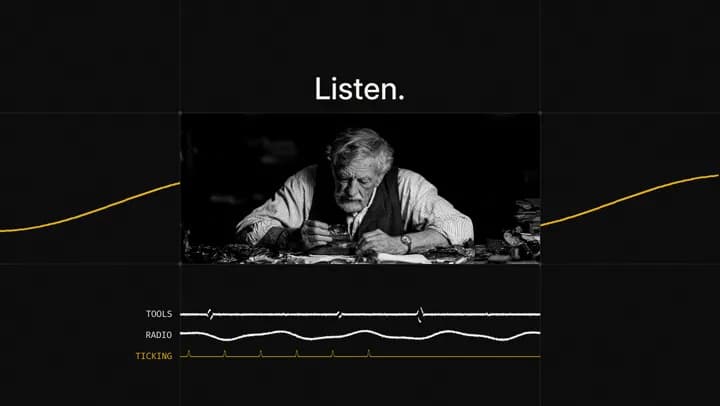
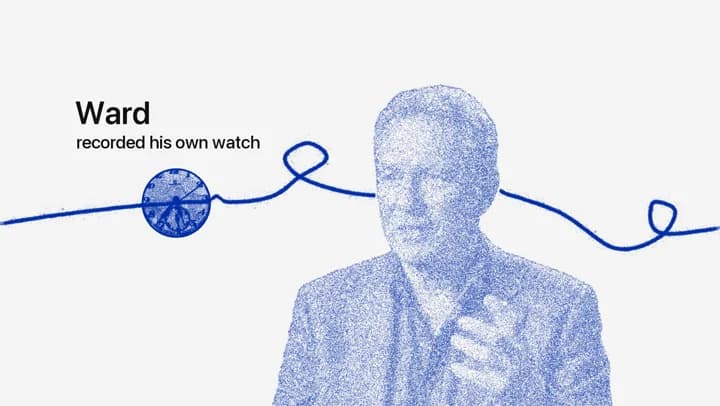
Hidden Thread Essay

Hidden Thread Essay

Thread Line Transition

Thread Line Transition

Recurring Motif Essay

Recurring Motif Essay

Grid Negative Type Essay

Grid Negative Type Essay

Letters as Window

Letters as Window

Kinetic Space Type Essay

Kinetic Space Type Essay

Strip Take Shuffle

Strip Take Shuffle

Text Around Object

Text Around Object

Typewriter Reveal

Typewriter Reveal

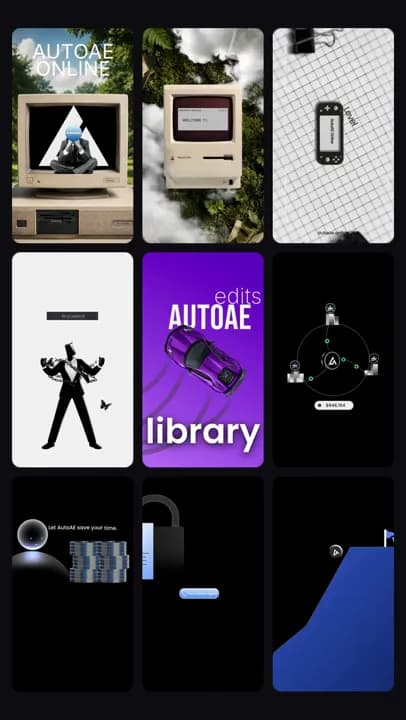
From a prompt to your next motion.

  1. Find your direction

    Explore the previews and choose a motion you want to make.

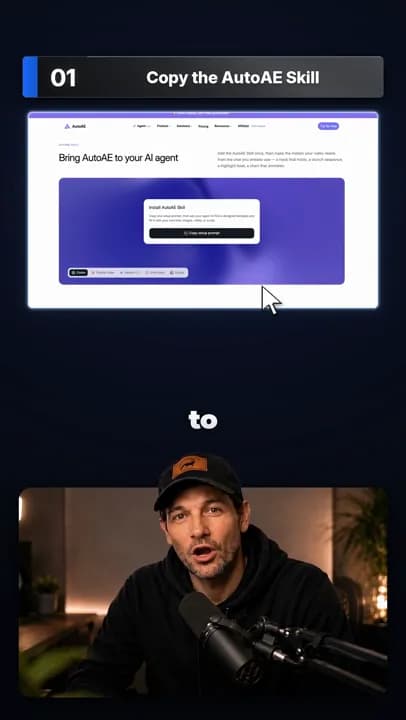
  2. Download the Skill

    Unlock to get the Skill with everything it needs, plus a short prompt for your agent. VFX is 100 Credits, Full video 500.

  3. Make it yours

    Build with your agent. Change the text, colors and movement in your own project.

About motion prompts

What is a motion design prompt?

A set of instructions for an AI coding agent. It describes the visual direction, animation and implementation so you can build and adapt motion in your own project.

Which AI tools can I use?

Claude Code or ChatGPT work best. Other AI agents work too. Swap in your own text, images and footage to make it yours. Check each resource’s tool labels and instructions for any frameworks, assets or setup it requires. You use your own AI account; its subscription and usage costs are separate.

How is this different from AutoAE templates?

Here, you download a Skill and build the animation with your own AI agent. AutoAE templates are ready-made designs you customize and render online on AutoAE.

How do Credits and Pro access work?

VFX costs 100 Credits and Full video costs 500 Credits. An unlock lasts 24 hours. During that time you can download the Skill and copy the prompt again at no extra cost, and refreshing shows the latest version. After that, unlocking again costs Credits. Files you already downloaded stay yours. Only the latest version is available to download, and nothing can be downloaded after the 24 hours. Pro resources follow the same access rules as AutoAE Pro templates. Referral Credits are for standard resources only. If an unlock fails, retrying on the same page never charges twice.
Will my animation look exactly like the preview?

The preview is a visual reference. Your result can vary with the agent, model, project setup and your changes. Follow SKILL.md in the download before building.
Can I resell a Skill?

No. You may not resell the Skill, its prompt or the files it includes, whether as they are or with small changes.