7 Best SaaS Demo Video Tools in 2026 (Ranked by Speed and Conversion)
April 19, 2026
Keston CollinsVideo editor with nearly 10 years of experience, exploring the intersection of motion graphics and AI.
7 Best SaaS Demo Video Tools in 2026 (Ranked by Speed and Conversion)
The phrase "SaaS demo video" now means five completely different things depending on who you ask. A founder launching on Product Hunt needs something different from a sales team doing async outreach. A pre-launch startup needs something different from a team with a live product and a complex UI.
Most "best tools" lists mix these use cases together. This one doesn't.
We tested these 7 tools across real SaaS launch scenarios β from Product Hunt day ads to async sales demos β and ranked each by what it actually does well, not what's on the marketing page. AutoAE is in here, but it's not the answer for every use case. Neither is Loom. Neither is Supademo. The right tool depends on what kind of demo you're making and where it's going.
TL;DR: Best SaaS Demo Video Tools 2026
Tool
Best For
Starting Price
Speed
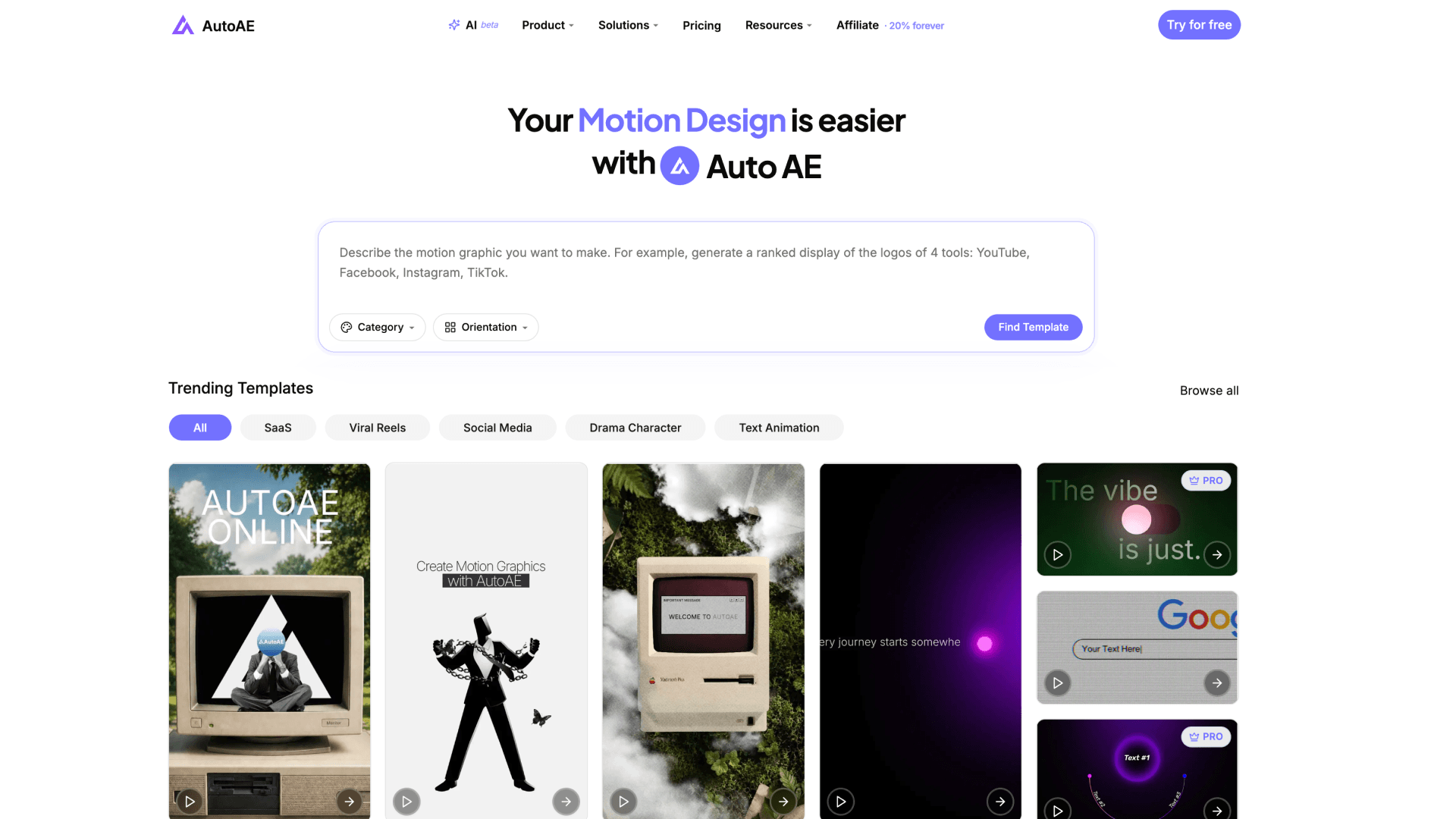
AutoAE
Motion graphics layer (hooks, intros, CTAs)
$2.90/video
β‘β‘β‘ (10 min)
Loom
Fast async screen recording + sharing
Free / $18/user/mo
β‘β‘β‘ (5 min)
Screen Studio
Cinematic polished screen recordings
$29/mo (or $19/mo annual)
β‘β‘ (30β60 min)
Supademo
Interactive clickable product tours
Free / $38/mo
β‘β‘ (20β40 min)
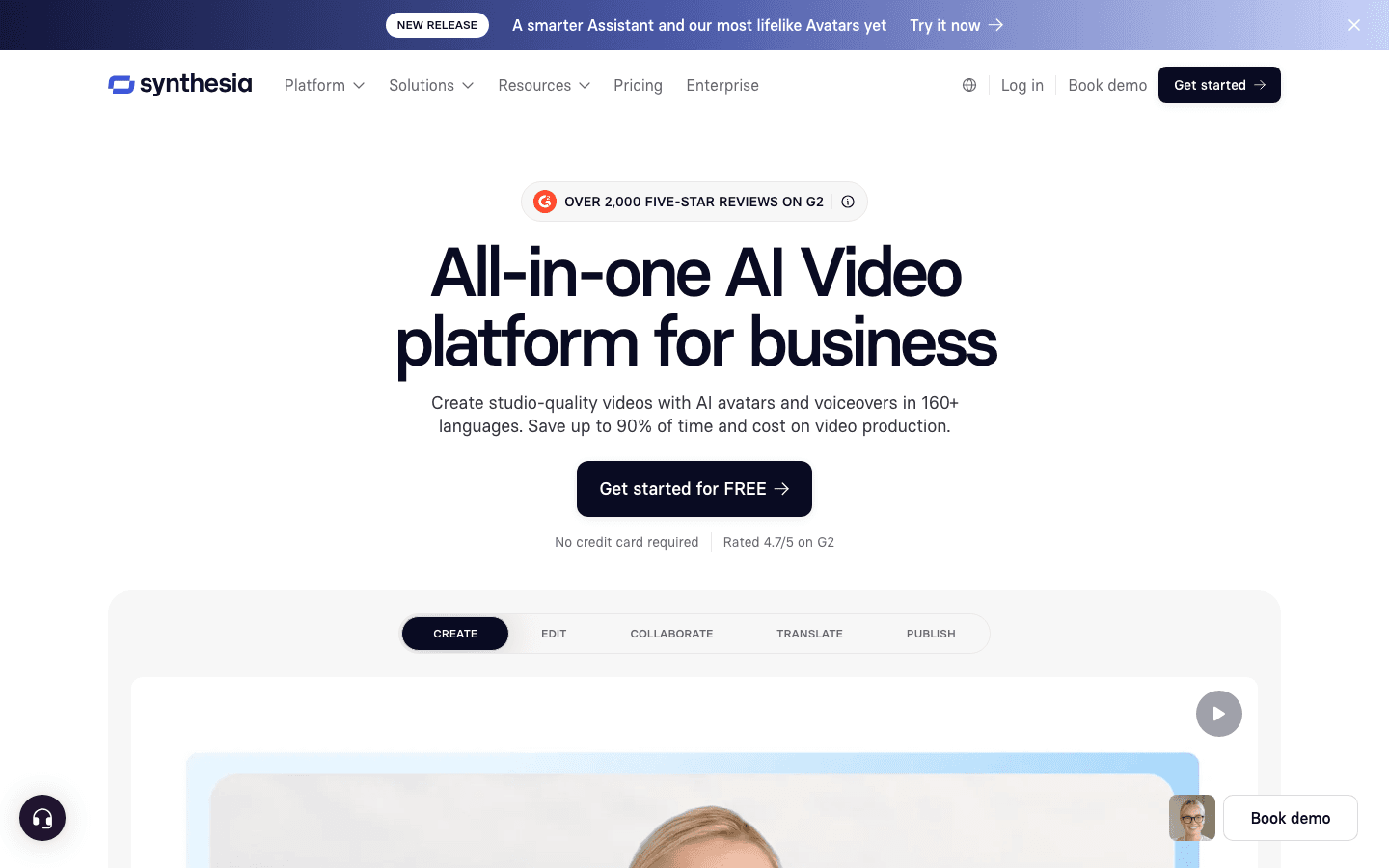
Synthesia
AI avatar presenter-led explainer
$29/mo
β‘ (1β2 hrs)
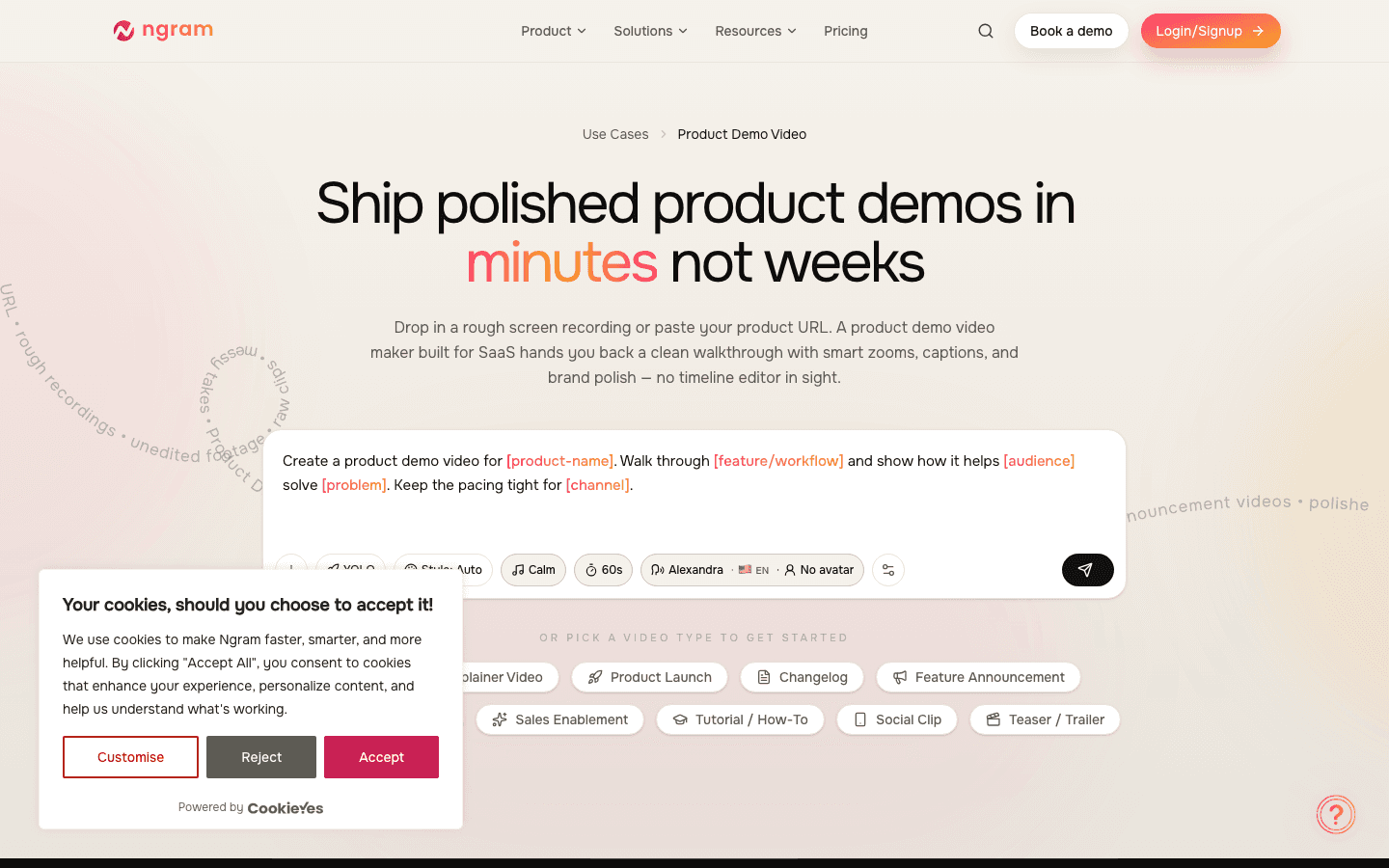
ngram
AI-powered full production pipeline
$39/mo
β‘β‘ (30β60 min)
Descript
Post-recording editing and cleanup
Free / $15/mo
β‘β‘ (varies)
Pricing as of April 2026. Competitor pricing changes frequently β verify current rates at each tool's official pricing page before purchasing.
The Real Problem with SaaS Demo Videos in 2026
Before picking a tool, it helps to know why so many SaaS demo videos underperform.
Reddit's r/SaaS is consistent on this: recording is easy, polishing is the actual problem. Founders can spin up a Loom in five minutes. The harder question is whether that Loom looks credible on a landing page or in a paid ad β and the honest answer is often no.
The second problem is maintenance. Every feature that ships can invalidate a recorded demo. Teams that invested in polished long-form demos often find themselves with outdated clips living on their homepage, because re-recording and editing is expensive enough to procrastinate.
The third problem is category confusion. "Demo video" is used to mean a 30-second social ad, an async sales walkthrough, an interactive product tour, a founder-led YouTube video, and a landing page hero video. These are four different formats with four different production needs.
Get the category right first. Then pick the tool.
1. AutoAE β Best for Motion Graphics Layer
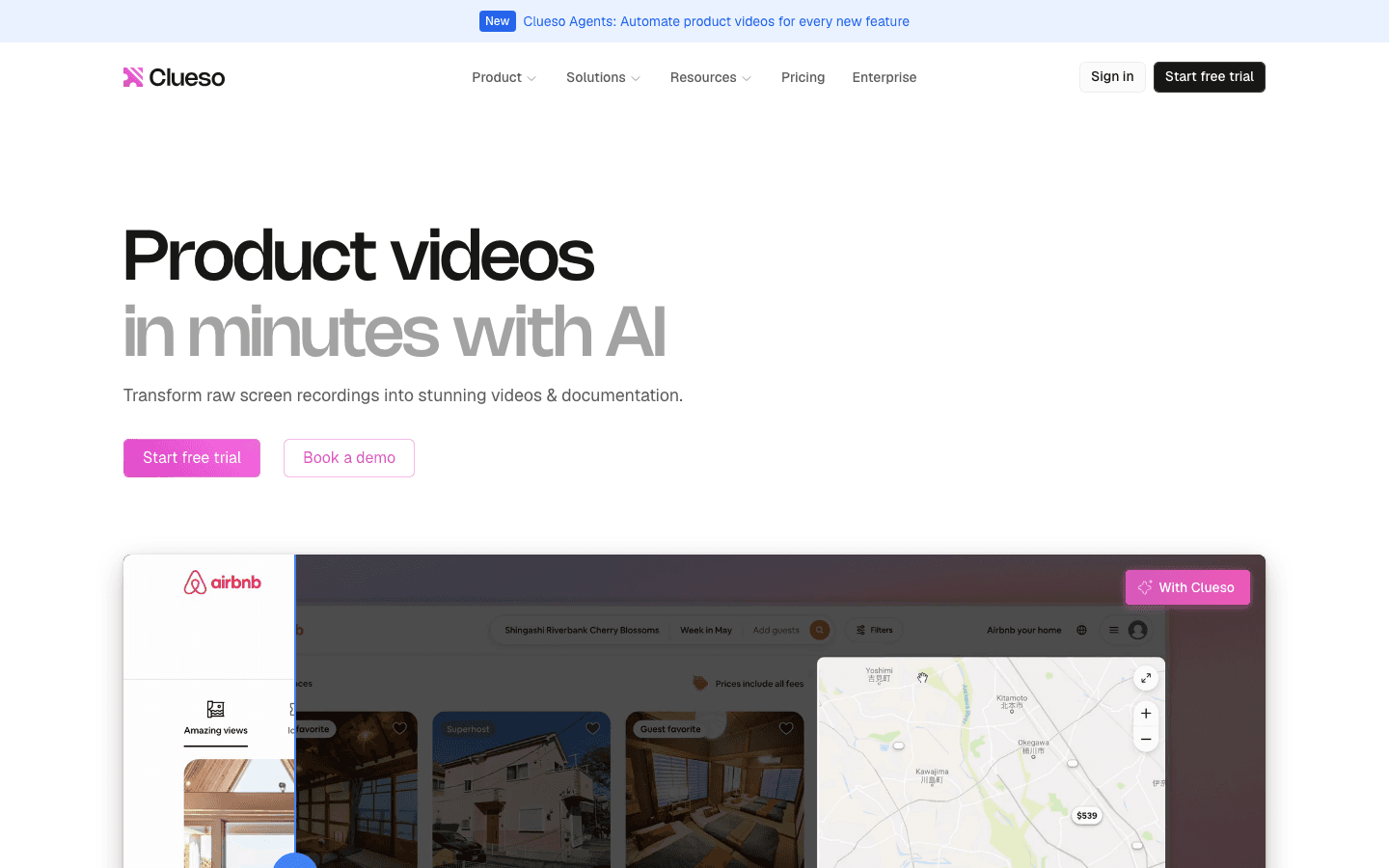
What it does: AutoAE is not a screen recording tool. It's a motion template platform β you use it to create the visual hooks, animated intros, logo reveals, UI highlights, and CTA outros that wrap around your demo footage or stand alone as short promotional clips.
The distinction matters. A Loom recording shows your product accurately. An AutoAE clip makes your product look worth paying attention to.
The typical workflow: record your product screen with Loom or Screen Studio, then use AutoAE for the 5-second branded opener, a text animation overlay for a key feature, and a motion CTA at the end. Import all of it into CapCut or Premiere to assemble.
Best for:
Product Hunt launch day ads (30 seconds, motion-first)
LinkedIn video ads requiring brand-polished visuals
Landing page hero clips (especially for pre-launch or early-stage products without a live UI to record)
Animated feature announcement posts
Pros:
Zero screen recording dependency β works even before your product is built
Templates created by professional motion designers
$2.90 per video (one-time) is the lowest cost per polished asset in this comparison
Preview doesn't cost a credit β you only download when you're happy
Cons:
Not a standalone demo tool β AutoAE does the motion layer, not the screen recording layer
You'll still need another tool (Loom, Screen Studio) if you need to record actual product UI
Not built for interactive or clickable demos
Pricing: Free plan available (720p, watermark, non-commercial). Paid starts at $2.90 per video (one-time) or $9.90/month (Starter, 50 downloads/month, commercial use).
2. Loom β Best for Fast Async Screen Recording
What it does: Loom records your screen, webcam, or both β and shares it instantly via a link. No export, no upload, no waiting. It's the fastest path from "I need to show someone how this works" to "they're watching it."
Loom is the default for most founders and sales teams because it removes friction at every step. Record, share, done.
Best for:
Sales outreach (personalized async demos sent directly to prospects)
Internal team demos and handoffs
Quick customer support recordings
MVP-stage products where polish matters less than speed
Pros:
Fastest tool in this list to produce a watchable demo
Auto-generated chapters and transcript
Deep CRM integration (HubSpot, Salesforce) for sales teams
Engagement analytics per viewer (who watched, how far they got)
Cons:
Video quality can look soft/blurry compared to cinematic tools, especially for public-facing pages
Not designed for landing page hero content where first impressions carry full weight
Limited motion graphics or animation capabilities
Free plan limits recording length and storage
Pricing: Free (5-minute recording limit, limited storage). Business at $18/user/month. Business + AI at $24/user/month. Check loom.com/pricing for current plans.
3. Screen Studio β Best for Cinematic Polished Recordings
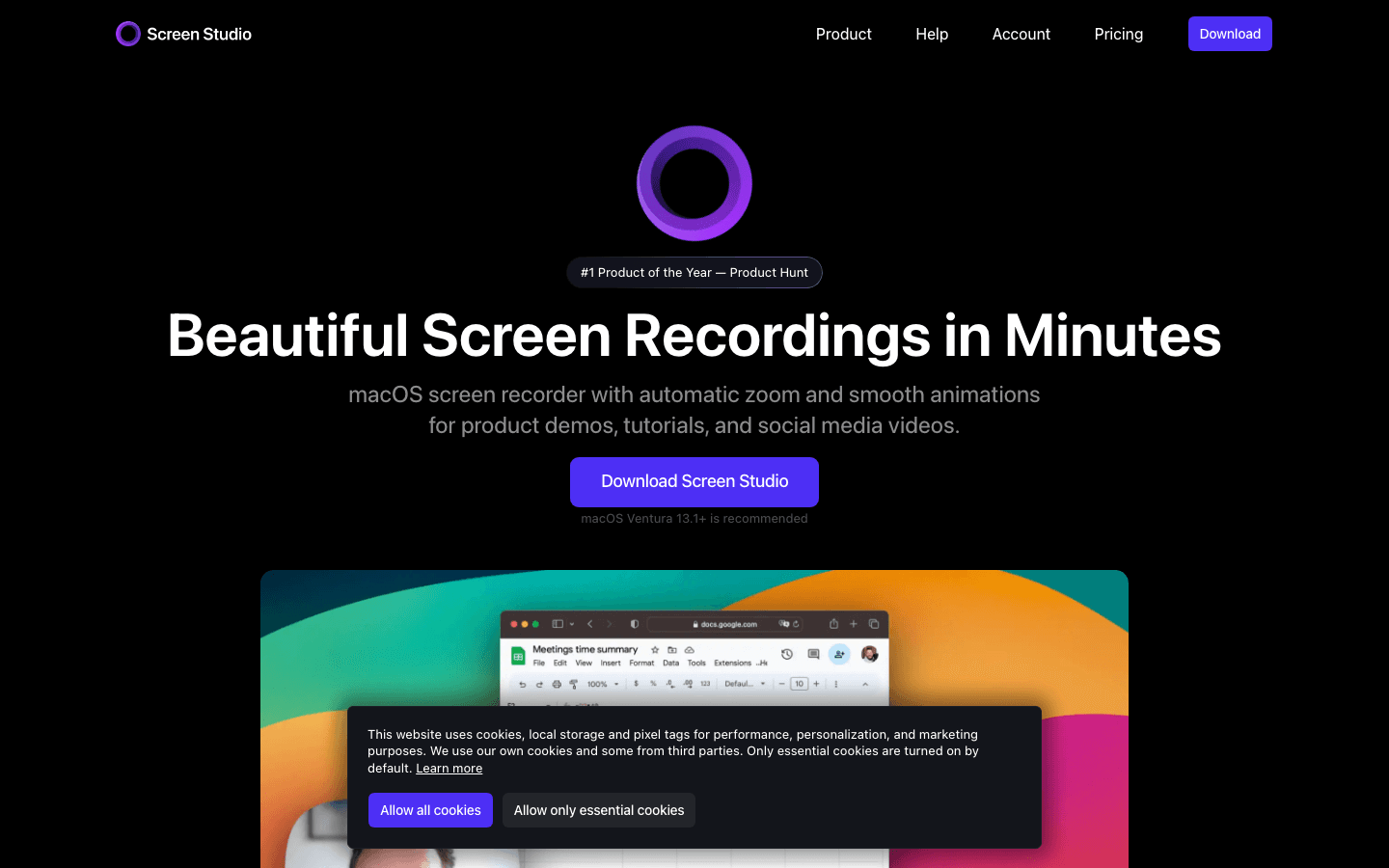
What it does: Screen Studio records your Mac screen and automatically applies smooth cursor motion, zoom effects, rounded corners, drop shadows, and background treatments. The output looks like a professional product video without manual post-production.
It's the tool of choice when a screen recording needs to look like it belongs on a landing page, not a Slack message.
Best for:
Landing page hero demo videos
App Store video previews
Product Hunt gallery videos
Marketing site feature explanations that need visual polish
Pros:
Automatic zoom-to-cursor makes complex UIs readable without manual editing
Background customization and window framing without editing software
One-time purchase pricing (no subscription)
Output quality significantly better than Loom for public-facing content
Cons:
Mac only β no Windows support
No interactive or animated motion graphics capabilities
Editing features are limited; complex cuts still need Descript or Premiere
No async sharing infrastructure like Loom
Pricing: $29/month (monthly) or $19/month (annual). Mac only. Check screen.studio for current pricing β Screen Studio has shifted from one-time to subscription.
4. Supademo β Best for Interactive Clickable Product Tours
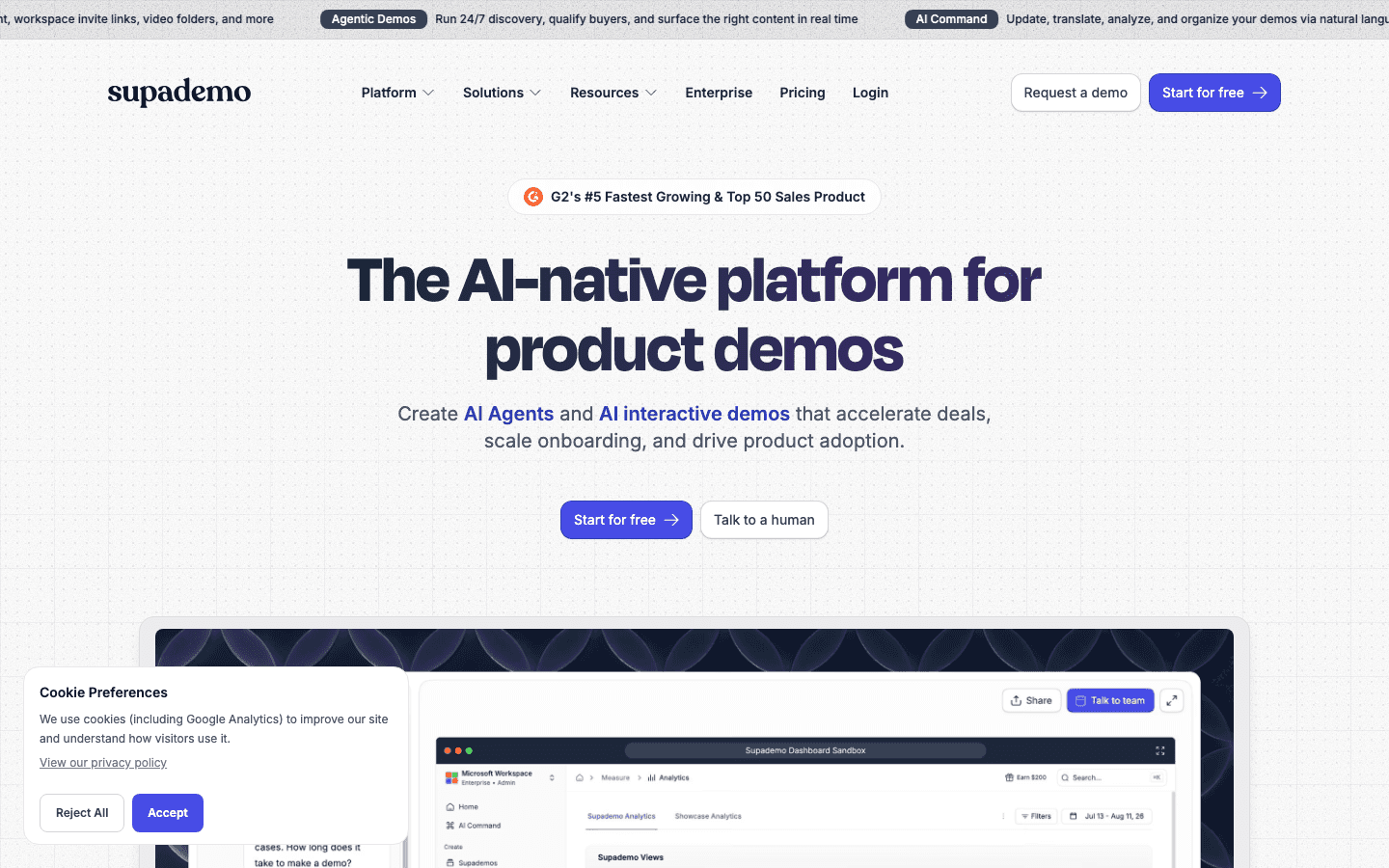
What it does: Supademo records your product's UI and converts it into a clickable, guided tour that prospects can navigate themselves. Instead of watching a video, they click through your actual product flow.
For in-product onboarding and high-intent landing pages, interactive demos beat recorded video almost every time β watching someone click through your product is never going to convert like clicking through it yourself.
Best for:
Landing page interactive demos (higher-intent conversion path than video)
Sales follow-ups where prospects want to explore at their own pace
Onboarding flows and help centers
Investor pitch appendix material ("explore the product here")
Pros:
No live product access needed β records a scripted UI flow
Clickable hotspots guide users through the key workflow
Analytics on where users click, where they drop off
Can be embedded in any page
Cons:
Not a video β can't be run as a social ad or video ad format
Requires a working UI to record (can't use before product exists)
Can feel generic if the demo script is too broad (works best for one focused use case)
Higher price point vs screen recording tools
Pricing: Free (limited demos). Scale at $38/month per creator. Growth at $350/month for 5 creators. Check supademo.com/pricing for current plans.
5. Synthesia β Best for AI Avatar Presenter-Led Demos
What it does: Synthesia generates video of a presenter delivering your script β using an AI avatar instead of a real person on camera. You type a script, choose a presenter, and get a polished talking-head video without filming anyone.
This category is useful when you need a human voice and face in the frame, but don't have a willing presenter or production setup.
Best for:
Training and onboarding videos for customers or internal teams
Localized explainer videos in multiple languages (Synthesia supports 130+)
Long-form product walkthroughs where a human guide improves retention
Companies where no one wants to be on camera
Pros:
No filming, no studio, no need for a spokesperson
130+ languages including realistic lip-sync
Custom AI avatar creation (for consistent brand presenter)
Strong integration with teleprompter-style script workflow
Cons:
AI avatars still look AI β the "uncanny valley" gap is narrowing but visible to most viewers
High cost relative to tools in this comparison ($18β$89/month depending on plan)
Not built for quick, spontaneous demos β requires scripting and rendering time
Less effective for technical audiences who are skeptical of AI-generated content
Pricing: Basic (Free). Starter at $29/month (10 minutes of video/month). Creator at $89/month (30 minutes/month). Enterprise custom. Check synthesia.io/pricing for current plans.
6. ngram β Best for AI-Powered Full Production Pipeline
What it does: ngram is a full-stack AI video production tool β it combines screen recording, smart zoom, AI voiceover, motion graphics, and video editing in one platform. The promise is a polished SaaS demo with less back-and-forth between tools.
Where Loom records fast and Screen Studio records beautifully, ngram tries to do both and add a production layer on top.
Best for:
Teams who want one tool for recording + editing + basic motion, without a separate editor
AI voiceover-powered demos where no human voiceover is available
Rapid iteration of multiple demo variations
Product marketing teams that produce demos regularly and need a structured workflow
Pros:
One platform for record, edit, and export
Smart auto-zoom identifies key UI actions during recording
AI voiceover removes the need for separate audio recording
Built-in brand kit integration
Cons:
More complex than Loom for quick async demos
Motion graphics less sophisticated than dedicated template platforms like AutoAE
AI voiceover quality is improving but still not indistinguishable from human delivery
Subscription pricing means a monthly commitment for infrequent use
Pricing: Starts at $39/month. Team and Enterprise tiers available.
7. Descript β Best for Post-Recording Edit and Cleanup
What it does: Descript edits video through transcript editing β delete a word in the transcript and the corresponding audio and video are removed. It also handles captions, filler word removal, and multi-track editing without requiring traditional timeline experience.
Descript is not where you start a demo video. It's where you take a Loom or Screen Studio recording and make it tighter.
Best for:
Trimming raw screen recordings after capture
Adding accurate captions for accessibility and muted autoplay
Removing filler words, long pauses, and recording mistakes
Teams producing moderate-volume video content who need efficient editing
Pros:
Transcript-based editing is dramatically faster than traditional timeline editing
Filler word removal in one click
AI gap-fill can regenerate short audio segments to cover edits (Overdub feature)
Collaborative editing with team comments
Cons:
Not built for creating demo content from scratch β it's an editing layer, not a recording tool
Overdub AI voice cloning requires training time and can sound robotic under pressure
Free plan limitations make it impractical for regular use
Less suited for fast async sharing (that's Loom's domain)
Pricing: Free (limited). Creator at $15/month (or $12/month billed annually). Pro at $30/month (or $24/month billed annually). Check descript.com/price for current plans.
How These Tools Work Together
No single tool here does everything. Talk to any SaaS team shipping great demo content right now and you'll find the same pattern: two tools, not one.
For public-facing content (landing pages, ads, Product Hunt):
Screen Studio (record) + AutoAE (motion layer) + CapCut or Premiere (assembly)
For async sales demos:
Loom (record + share instantly)
For interactive landing page demos:
Supademo (standalone)
For large-scale video content programs:
ngram or Descript (depending on whether the bottleneck is production or editing)
For presenter-led explainers without filming:
Synthesia (with realistic script and a good avatar choice)
If... Then Decision Guide
If you need a 30-second social ad or Product Hunt video today β AutoAE (motion templates, 10 min, $2.90)
If you need to send an async demo link to a prospect in the next 30 minutes β Loom
If you need your recording to look good enough for a landing page or homepage β Screen Studio (Mac) or ngram (cross-platform)
If you want prospects to click through your product themselves β Supademo or Arcade
If you need a presenter-led video in multiple languages β Synthesia
If you have raw footage that needs tightening before publishing β Descript
If your product isn't built yet and you need visual content β AutoAE (no screen recording required)
If you produce 10+ demo videos per month and need a unified workflow β ngram
FAQ
Do I need more than one of these tools?
Almost always yes. The most common combination is Loom for quick internal/sales demos and AutoAE or Screen Studio for public-facing content. These tools serve different moments in the same workflow.
Which tool is best for a pre-launch SaaS that doesn't have a working product yet?
AutoAE β it doesn't require screen recording, so you can build polished animated demo content around UI mockups or concept screens before your product ships.
Is Loom good enough for a landing page hero video?
For an early-stage product where speed matters more than polish β yes. For anything going into a paid funnel or a high-intent landing page where first impressions carry full weight β Screen Studio or AutoAE will produce noticeably better results.
What's the cheapest way to build a credible SaaS demo video?
Loom Free (record your screen) + AutoAE one-time at $2.90 (animated intro and CTA) + CapCut Free (assembly). Total cost: $2.90.
How do I keep my demo video from going stale when the product changes?
Motion-template-based content (AutoAE) ages better than screen recordings because you're animating concepts and text, not recording an interface that changes with every sprint. For screen-recorded demos, Descript makes re-editing faster by letting you cut to the transcript instead of the timeline.