How to Get Free Credits by Inviting Friends to AutoAE


How the Invite Program Works
If you want to invite more people to AutoAE, make sure to do it through your personal invite link. This is one of the easiest ways to earn FREE credits while also giving your friends a reward when they join the platform.
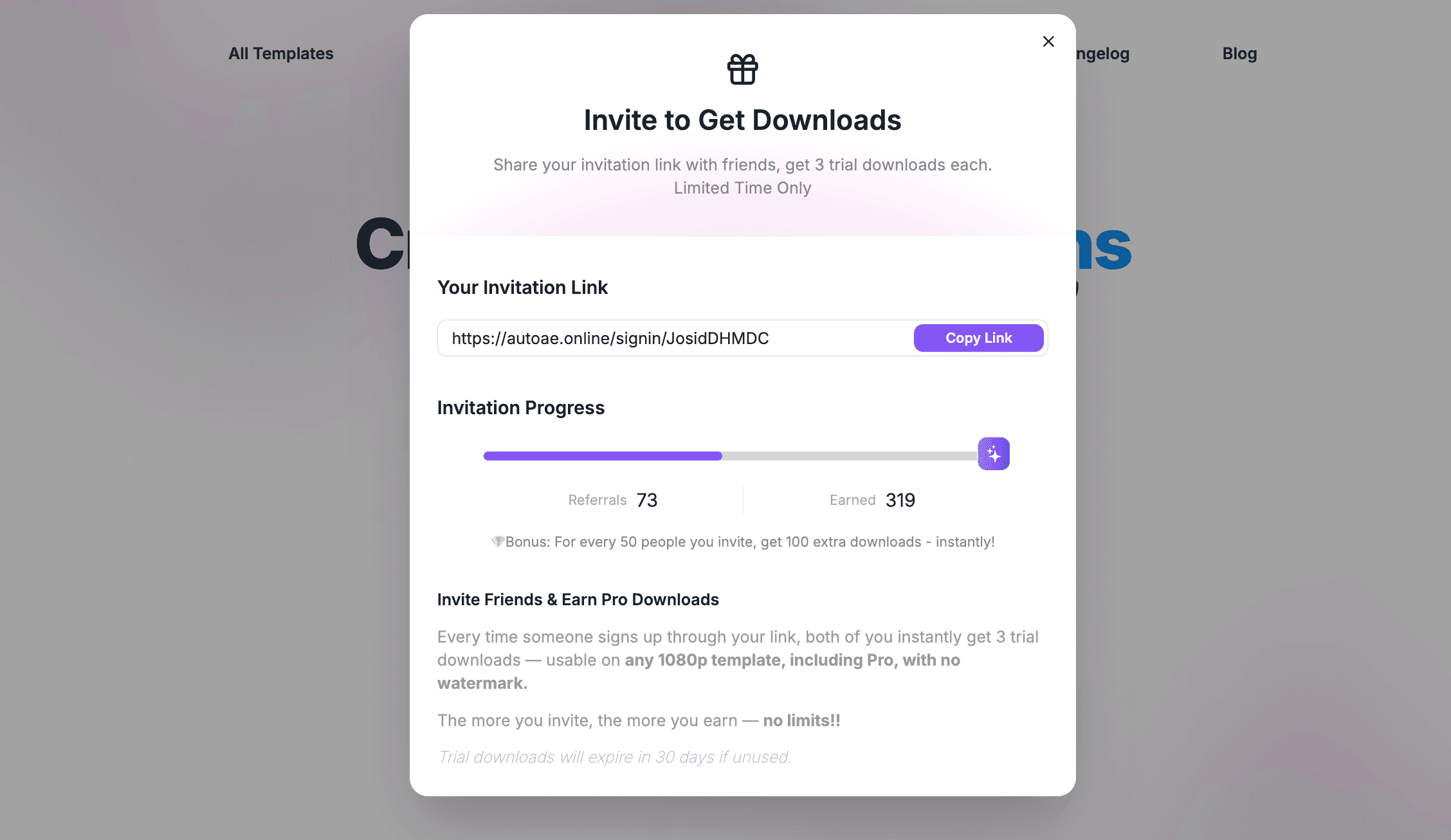
Each time a friend signs up using your invite link, both you and your friend will receive 3 free credits. These credits can be used for downloads on the platform.
Where to Find Your Invite Link
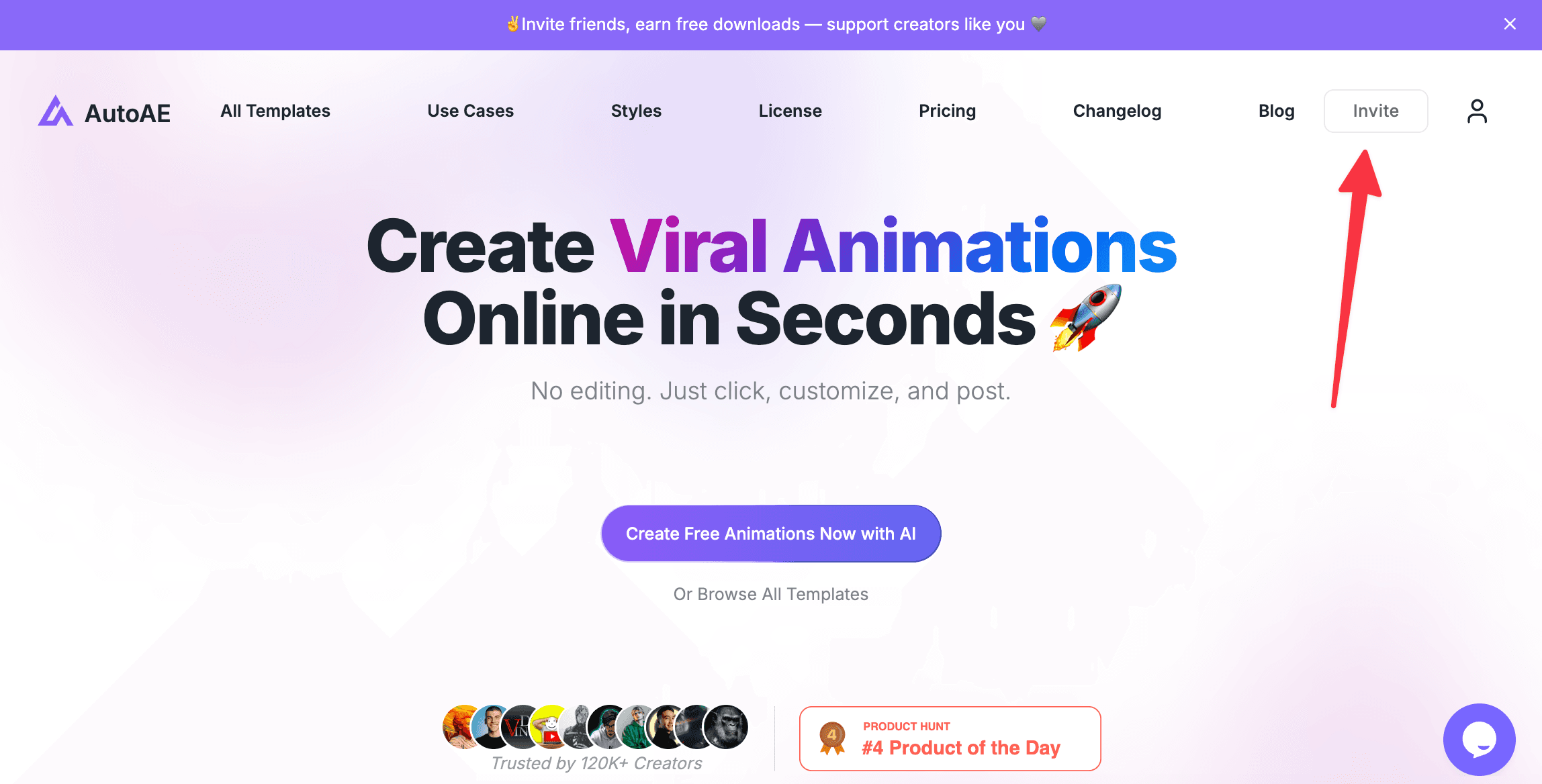
Your personal invite link is already created for you inside your account, so there is no extra setup required.
To find it, go to your profile and click the Invite button at the top right. From there, you can copy your link and share it with friends, teammates, or anyone who may be interested in AutoAE.
Bonus Reward for More Invites
If you successfully invite 50 friends, you will also receive an extra 100 bonus credits.
This makes the invite program especially valuable for creators, community builders, and users who want to unlock more downloads over time.
Important Note About Commercial Use
Please note that free credits earned through invitations are not allowed for commercial use.
If you want to use downloaded content for client work, monetized videos, business projects, or any other commercial purpose, you will need to purchase a paid plan instead.
For commercial usage options, please visit our Pricing page.