7 HyperFrames Alternatives (2026): Motion Graphics and Video Tools

A HyperFrames alternative can solve three very different jobs. It can give you another code project and rendering system, a hosted AI workflow that generates video, or professionally designed Motion Graphics you adapt to your content.
Those products may all produce video, but they leave you with different work. Some deliver a rendered result. Others leave you with a project, template or rendering system to maintain. This comparison separates seven relevant alternatives by production model.
What HyperFrames is now
 HyperFrames homepage, captured September 5, 2026
HyperFrames still uses HTML, CSS and JavaScript as the source of truth for a video, but its current workflow is built around AI coding agents. You describe the video; an Agent creates an editable project; HyperFrames previews and renders it. The project can then be changed through the Agent, Studio or source files.
The current system also includes a Studio and timeline, website capture, media preparation, local and Docker rendering, and several hosted or distributed deployment paths. Personal coding ability no longer settles the choice. You also need to decide whether you want to own a source project and its production system, or mainly want the finished visual work.
HyperFrames alternatives at a glance
The table compares what each product starts from and what it is mainly designed to deliver.
| Alternative | Starting point | Main deliverable |
|---|---|---|
| AutoAE | Professionally designed Motion Graphics visual model | Rendered SaaS Launch scenes, Viral Reels, YouTube Motion Graphics and Product Showcase ads |
| Remotion | React project created by a developer or coding Agent | Editable source, video apps and programmable rendering infrastructure |
| Hera | Prompt, website or template | Hosted, editable Motion Graphics and launch-video scenes |
| Motionvid.ai | Prompt, document or media brief | Multi-scene video with Motion Graphics, narration, music and optional footage |
| Creatomate | Reusable template plus data, API or automation | Repeated and personalized video or image renders at scale |
| Revideo | TypeScript scenes and rendering code | Open-source engine for video apps, editors and self-hosted rendering |
| Motion Canvas | TypeScript generator animations | Programmatic informative vector animation synchronized with voice-over |
On smaller screens, scroll horizontally to read the full table.
Where AutoAE is different
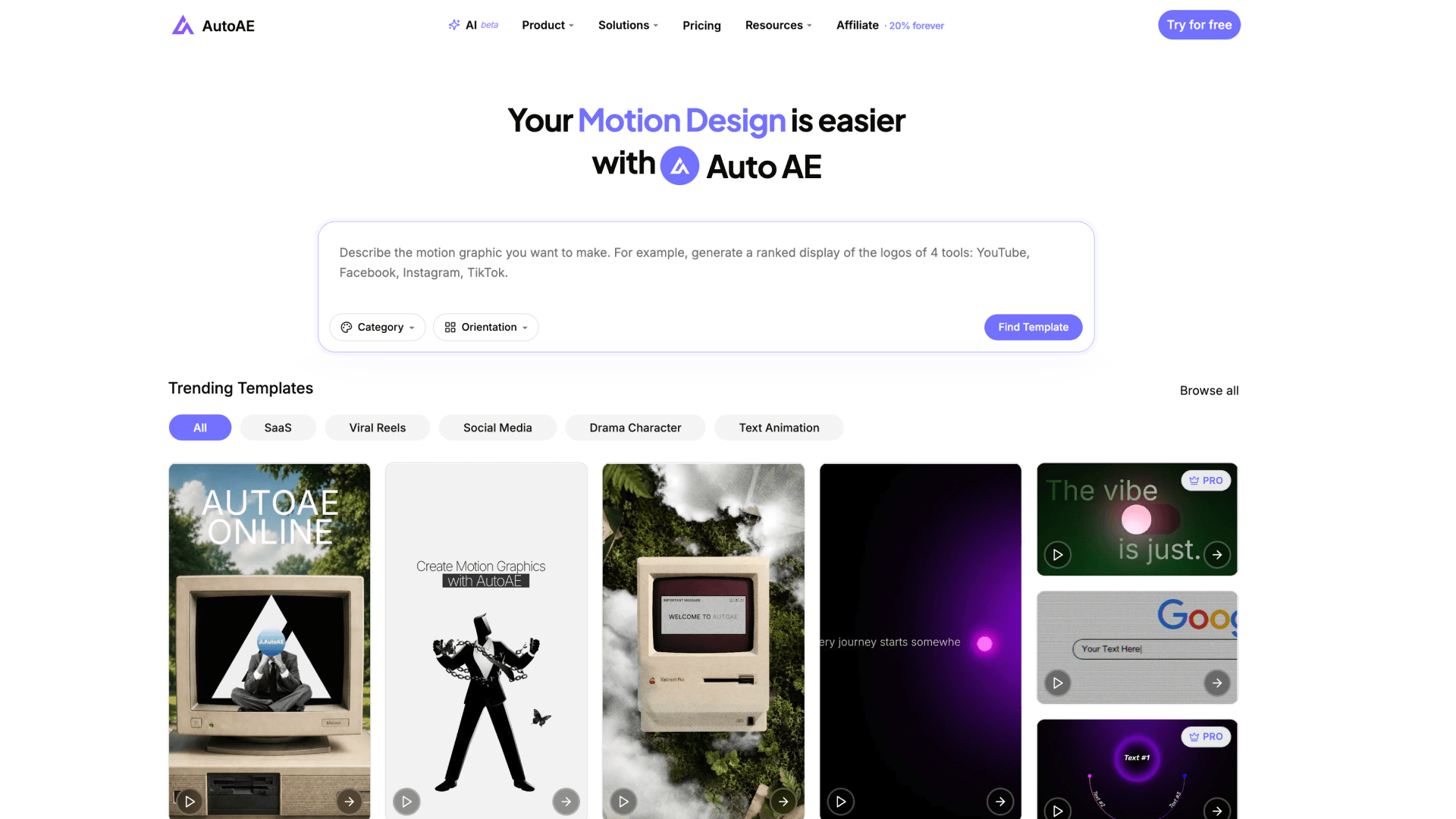 AutoAE AI page, captured September 5, 2026
AutoAE and HyperFrames can both be used through an Agent, but the Agent receives a different working object. In HyperFrames, it creates and restructures an open source project. In AutoAE, it searches professionally designed Motion Graphics visual models and adapts the selected design to the user's content.
That starting point matters when the desired result needs more than functional movement. AutoAE already contains complete Viral Reel formats, coordinated SaaS Launch scene sets, YouTube Motion Graphics and Product Showcase ads, with typography, composition, pacing, transitions, UI interaction, product mockups and layered 2.5D or 3D scenes designed together.
Users can replace the supported text, images, video, screenshots, logos, icons, backgrounds, fonts and colors. The result is rendered Motion Graphics, ready to use directly or place in any external editor. AutoAE is not a source-code framework or a traditional video timeline, because that is not the job it is designed to solve.
The seven alternatives
1. AutoAE: professionally designed Motion Graphics
AutoAE is an alternative for the production task rather than the framework. Much of the art direction and Motion Design is already complete when the user starts. The current AI workflow recommends several visual models from a script or idea. The editor handles supported content and brand inputs, while AutoAE Skill lets a compatible Agent search, fill, recolor supported fields, preview, render and check the result.
2. Remotion: the closest programmable framework alternative
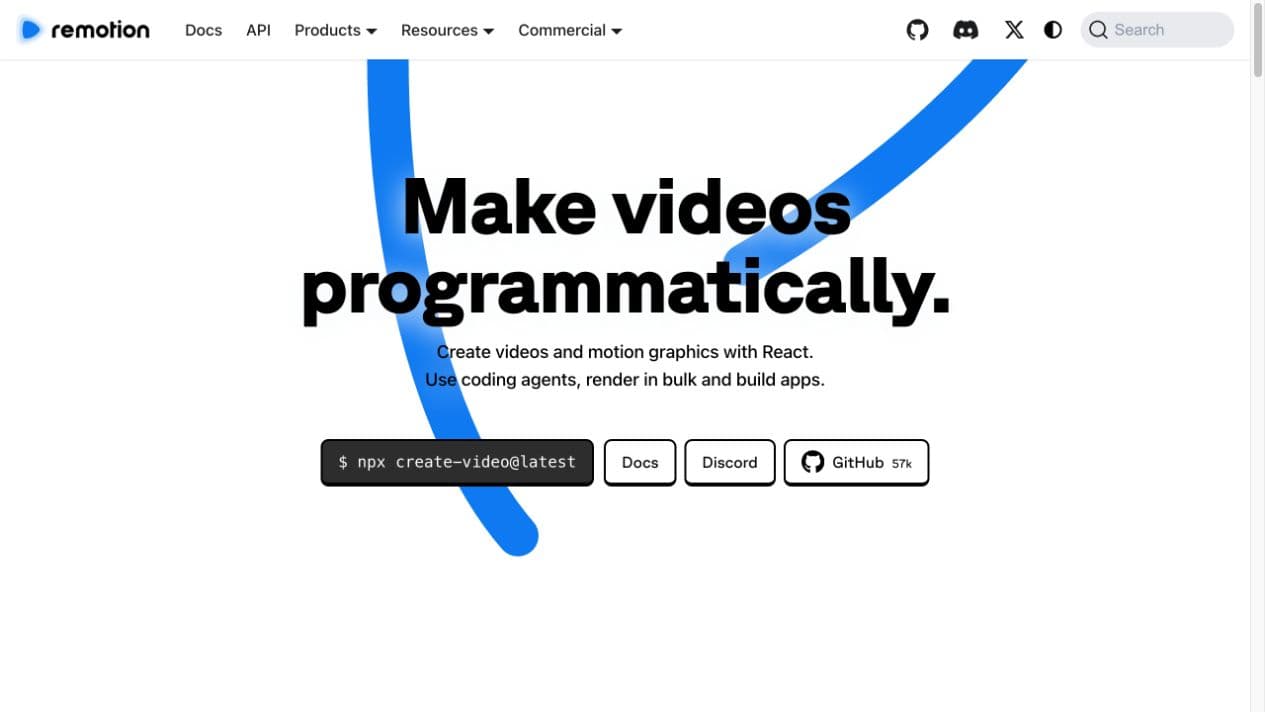 Remotion homepage, captured September 5, 2026
Remotion uses React as the source of truth and supports coding Agents, Studio editing, parameterized projects, bulk rendering and video applications. It is the closest alternative when the buyer wants another programmable production system rather than a library of finished visual models. Current licensing is free for individuals and organizations of up to three people; larger organizations use the current company-license models.
3. Hera: a hosted AI Motion Designer
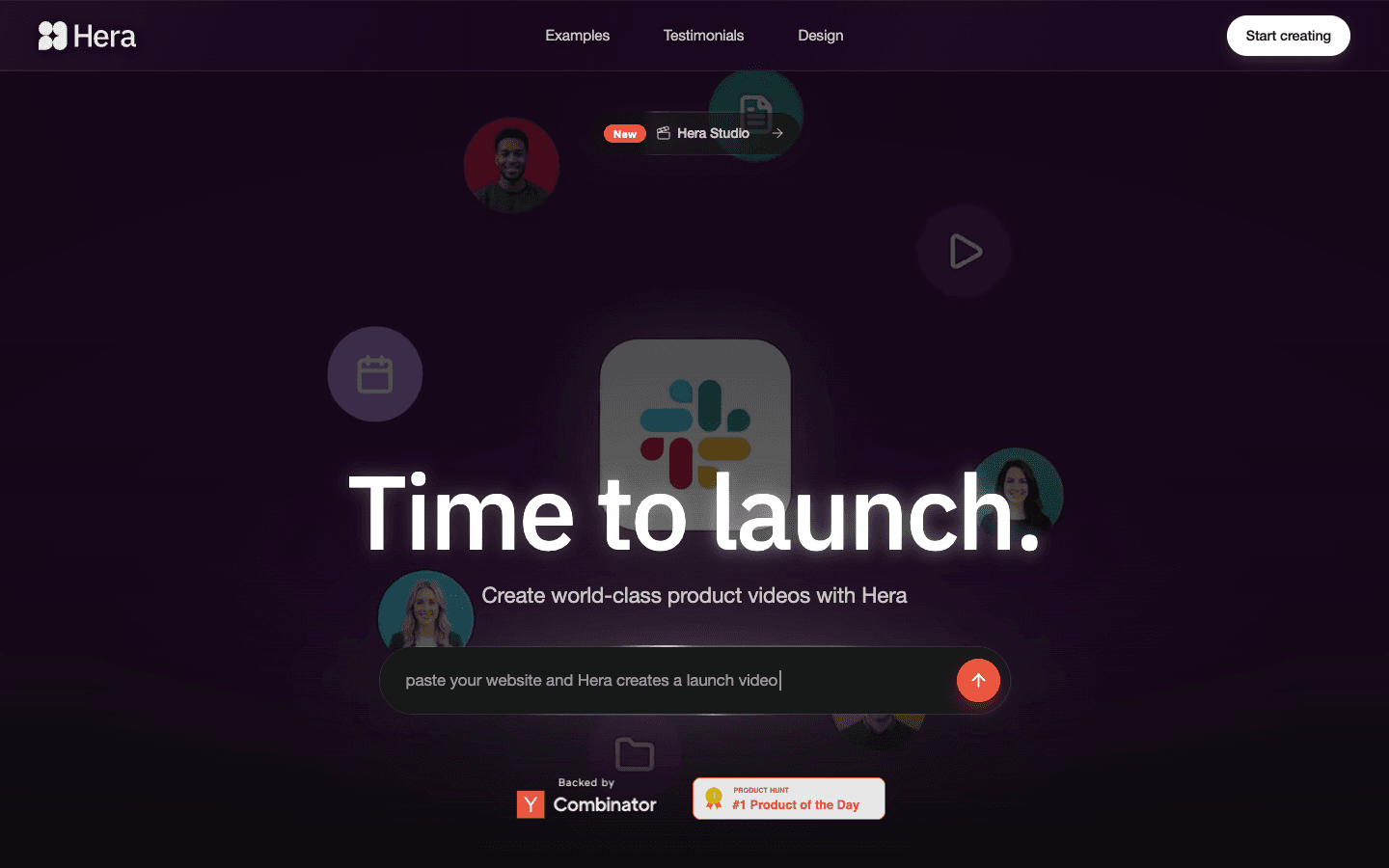 Hera homepage, captured September 5, 2026
Hera is relevant when the user wants a hosted prompt-led workflow rather than a local source project. Its public workflow starts from a description, website or template, generates editable Motion Graphics, and supports follow-up prompts and detailed changes. Hera currently promotes product launches, app demos, social formats, explainers, data graphics and ads. Those pages establish its intended use, not the quality of a particular output.
4. Motionvid.ai: multi-scene video production
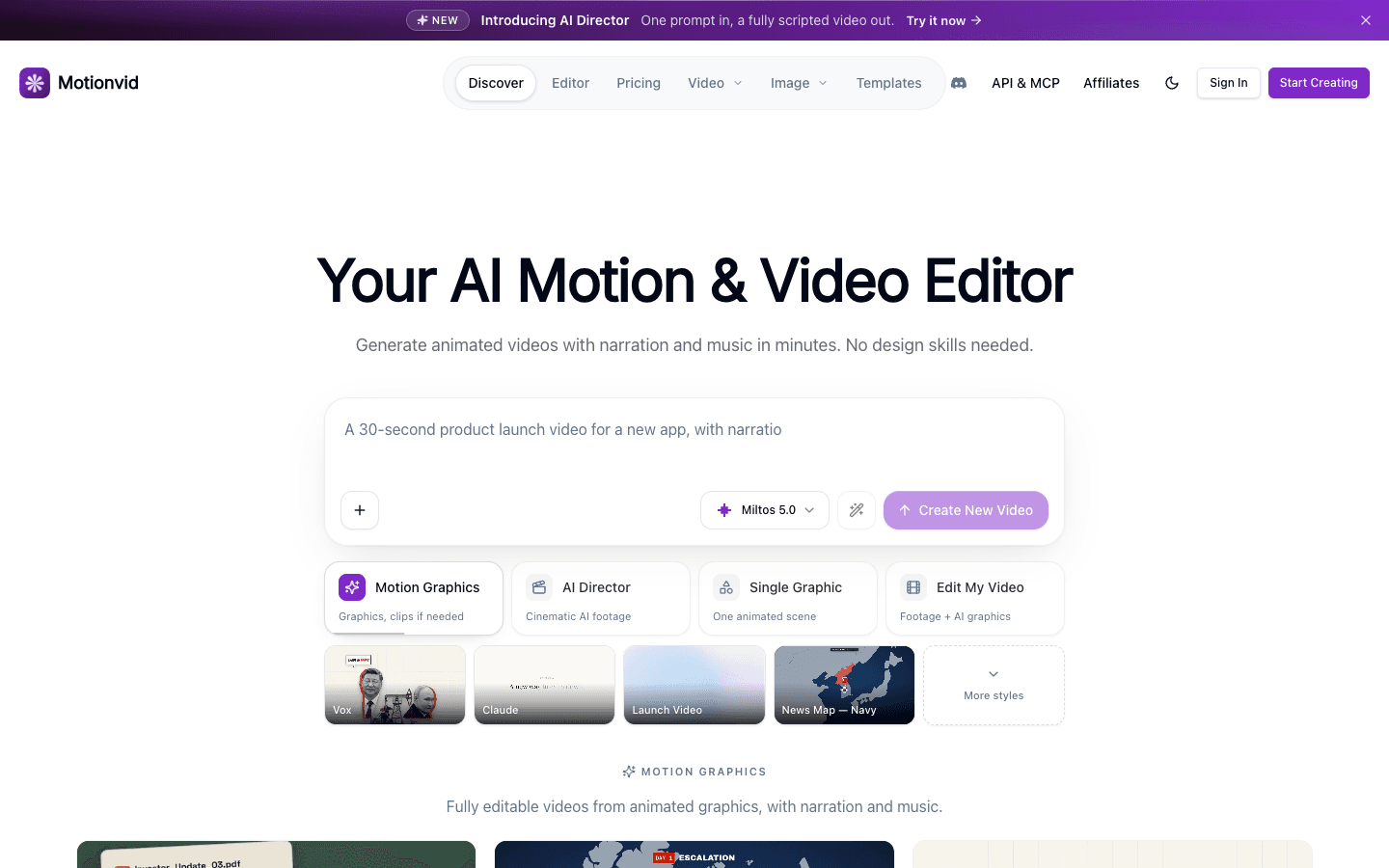 Motionvid homepage, captured September 5, 2026
Motionvid combines Motion Graphics with a broader AI video workflow. Its official product and API materials describe multi-scene generation with narration, music and optional AI footage. It also supports individual graphics, brand kits, API access and MCP operation. This is relevant when one service needs to handle more of the video and audio assembly.
5. Creatomate: reusable template automation
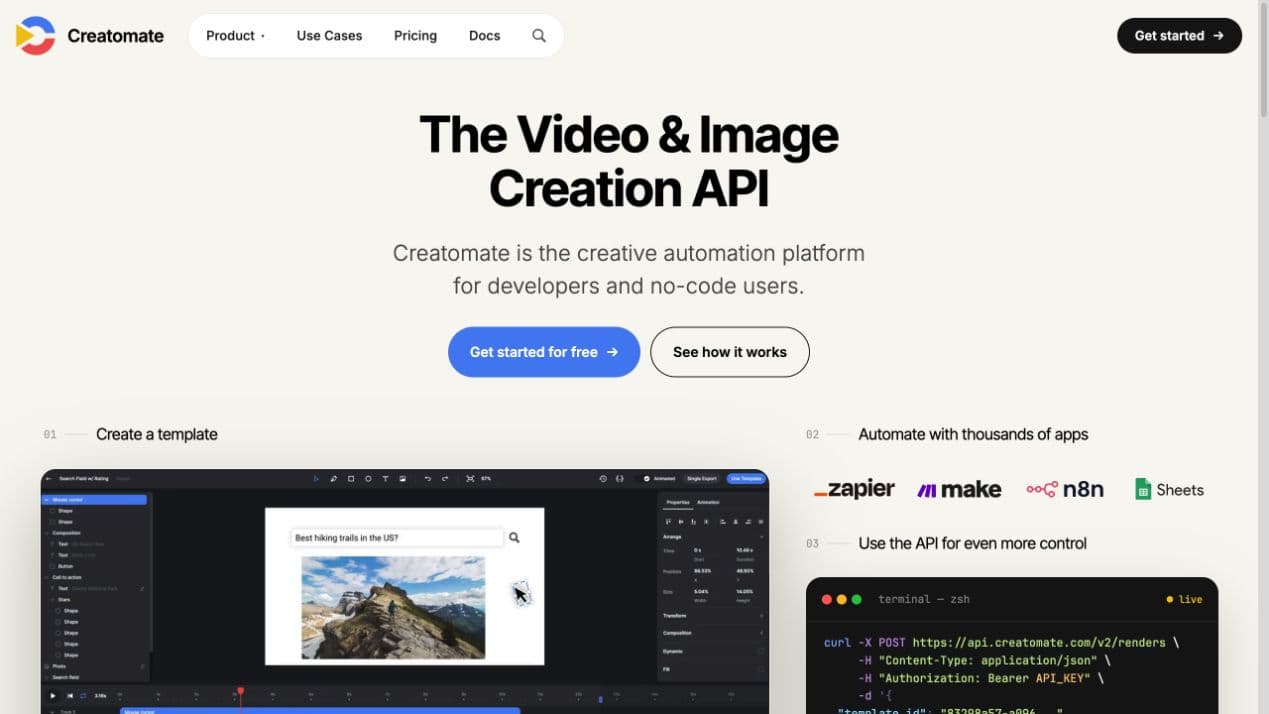 Creatomate homepage, captured September 5, 2026
Creatomate starts with a reusable template, then changes text, images, footage, colors, dimensions and other dynamic properties through spreadsheets, integrations or an API. It is relevant when the main problem is producing repeated or personalized versions at scale. The team still needs an appropriate template and automation design; the platform does not make those production decisions identical to an Agent-authored HyperFrames project.
6. Revideo: an open-source engine for video applications
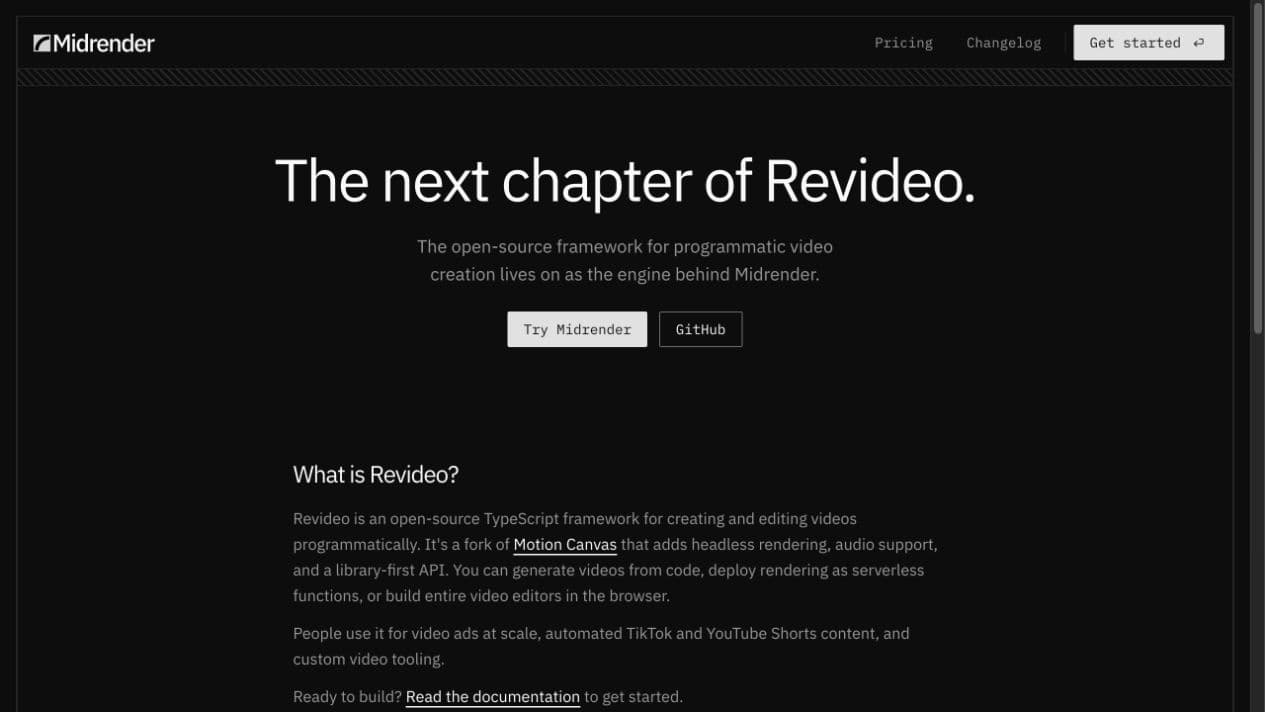 Revideo product page, captured September 5, 2026
Revideo is an MIT-licensed TypeScript rendering engine with a headless render API and React preview player. It supports dynamic inputs, media, audio, frame synchronization and self-deployed rendering endpoints. Its current product page calls Revideo the engine behind Midrender and says the team now concentrates its visual-editor work there. Revideo fits teams building a video product or custom rendering service.
7. Motion Canvas: programmatic informative animation
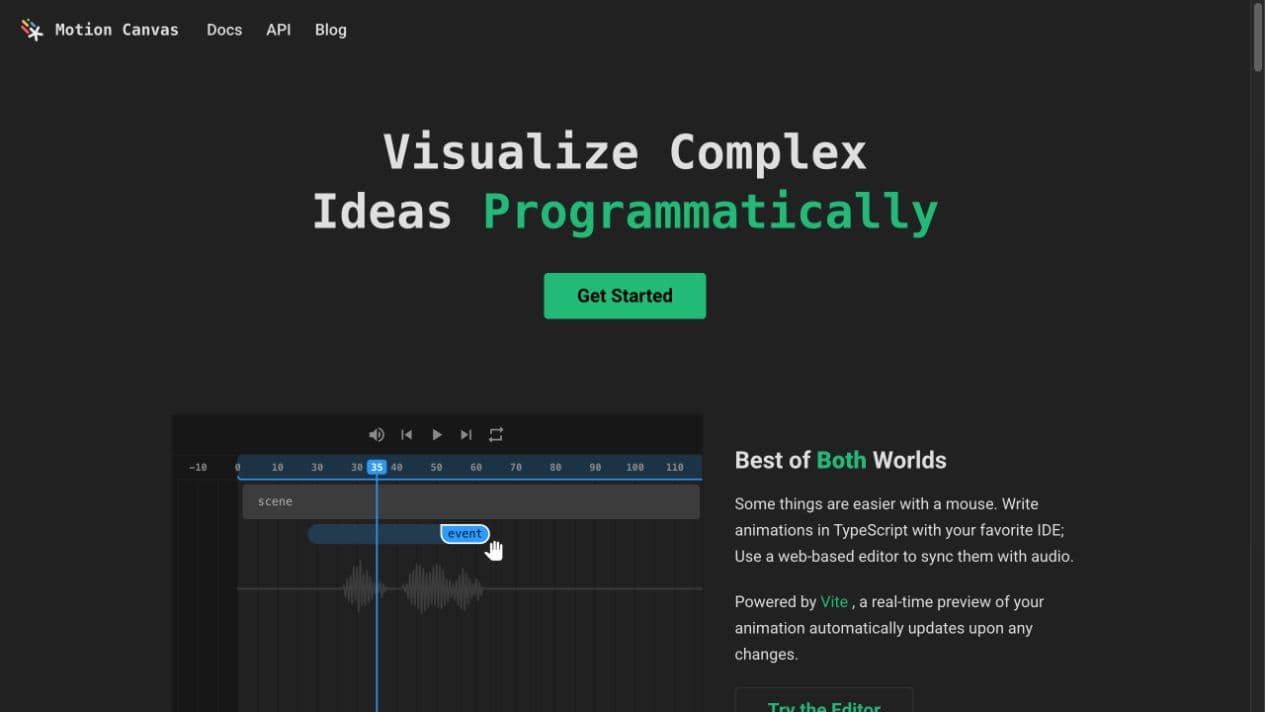 Motion Canvas homepage, captured September 5, 2026
Motion Canvas uses TypeScript generator functions to program animation and provides a web editor for real-time preview and voice-over synchronization. Its official scope is informative vector animation rather than traditional video editing. That makes it especially relevant to technical explainers and educational video, while launch, Reel and advertising systems must be designed and implemented for the project.
Questions people ask when comparing HyperFrames alternatives
Direct answers about code, Agents, editing, rendering and the finished video.
Do I have to write code to use HyperFrames?
Not necessarily by hand. HyperFrames' current official workflow lets a compatible coding Agent create the HTML, CSS and JavaScript project from your brief. Code remains the source of truth, so the workflow still assumes an Agent or user can inspect and maintain a source project when needed.
Does HyperFrames work with Codex or Claude Code?
Yes. Its official quickstart documents Agent Skills for Codex, Claude Code, Cursor and Gemini CLI. AutoAE Skill can also be used by compatible Agents, but it operates AutoAE's designed visual models instead of creating a new HTML video project.
What is the closest code-based alternative to HyperFrames?
Remotion is the closest programmable framework alternative in this list. It uses React rather than HTML as the source of truth and supports coding Agents, Studio, parameterization, video apps and bulk rendering. Revideo is closer when the goal is an embeddable TypeScript rendering engine.
What is the alternative when I want finished Motion Graphics instead of a framework?
AutoAE starts from professionally designed Motion Graphics visual models. It is designed for users who want SaaS Launch scenes, complete Viral Reels, YouTube Motion Graphics or Product Showcase ads without first building the animation and rendering system.
Which alternative handles more of a complete video workflow?
Motionvid's public workflow includes multi-scene video, narration, music, sound effects and optional footage. AutoAE can provide complete visual Viral Reels, pure-MG videos and coordinated SaaS Launch scenes, but music, voice-over and long-form assembly are normally completed in an external editor.
Is there a hosted prompt-based alternative?
Hera and Motionvid provide hosted prompt-led workflows. Hera focuses on editable Motion Graphics and launch-video scenes; Motionvid extends into multi-scene video, audio and optional generated footage. AutoAE AI matches a brief to several designed visual models before the user continues in its editor.
Which alternatives are open source?
HyperFrames is Apache-2.0 licensed. Revideo and Motion Canvas are MIT licensed. Remotion publishes its source but uses its own license and requires a company license for organizations of four or more people under the terms checked on September 5, 2026.
Is HyperFrames free?
The HyperFrames framework can be used commercially under Apache 2.0, and its documentation says local creation and rendering do not require an account. Compute, storage, managed rendering and optional voice, music or other providers can still create operating costs.
Can I use my website, screenshots, images and video?
HyperFrames documents website capture and project media workflows. AutoAE accepts supported screenshots, images, video, text, logos, icons and backgrounds in the selected visual model. Hera documents website-or-brief input, while the other products expose different project, template or API inputs.
Can I change the animation structure?
HyperFrames, Remotion, Revideo and Motion Canvas expose source-level animation systems. AutoAE lets users change the supported content and brand inputs while preserving the professionally designed composition and motion logic. Hera offers prompt revision and detailed editing inside its hosted workflow. These are different kinds of flexibility.
Does HyperFrames have a visual editor and timeline?
Yes. The current HyperFrames Studio includes preview, source editing, property inspection, player controls and a timeline editing surface. Its working object remains an HTML project. AutoAE's online editor instead exposes the inputs prepared for a selected Motion Graphics visual model.
Which option is relevant for SaaS Launch videos?
AutoAE provides coordinated, professionally designed SaaS Launch scenes including UI interactions, product showcases, openers, transitions and CTAs. Hera and Motionvid publish direct launch or product-video workflows. HyperFrames, Remotion and Revideo can construct custom launch systems when a team wants to own the source project.
Which option is relevant for Viral Reels?
AutoAE has complete vertical Viral Reel formats built from distinct visual models, not only isolated title animations. Hera and Motionvid support social or vertical prompt-led workflows. Creatomate is relevant when the main goal is repeatedly generating and publishing template-based social variants.
Which option is relevant for YouTube education videos?
AutoAE has extensive YouTube Motion Graphics including hooks, openers, flowcharts, charts, text and search animation, UI displays and explanatory scenes. Motion Canvas is directly designed for informative vector animation synchronized with voice-over. Code frameworks are relevant when the creator wants to build and maintain a reusable custom system.
Which option is relevant for ads?
AutoAE offers Product Showcase designs and short visual ads. Creatomate is relevant for personalized or repeated ad variants. Motionvid includes a broader generated-video and audio workflow, while a technical team can build its own ad-rendering system with HyperFrames, Remotion or Revideo.
Which products can render in my own infrastructure?
HyperFrames documents local, Docker and distributed cloud deployment paths. Remotion supports server-side and client-side rendering products. Revideo provides self-deployed rendering endpoints. AutoAE, Hera, Motionvid and Creatomate are primarily hosted services for the workflows discussed here.
Can I export source code from AutoAE?
No. AutoAE exports rendered Motion Graphics, not an After Effects project or animation source code. The output can be used in any external editor. If owning and restructuring the source project is the main requirement, HyperFrames, Remotion, Revideo or Motion Canvas fits that production model more directly.
Does AutoAE include music or voice-over?
No. AutoAE focuses on Motion Graphics and does not provide music or voice-over licensing. Those elements can be added in any external editor. HyperFrames and Motionvid document audio workflows, but provider access and costs depend on the current setup.
Which product has the best visual quality?
That cannot be established from feature pages or homepage screenshots. A defensible answer requires the same brief, assets, time limit and revision request in each product, followed by direct comparison of the rendered videos. This article therefore compares verified production models and documented workflows rather than inventing a quality ranking.
Start from the Motion Graphics you need
If your goal is the finished visual layer rather than a new rendering framework, describe the scene, script or idea to AutoAE AI. It will recommend several professionally designed visual models, and you can continue with your own text, images, video and brand assets in the editor.
Sources
Product statements were checked against first-party pages on September 5, 2026. Marketing descriptions are treated as positioning, not as proof of output quality, speed or reliability.
- HyperFrames: homepage, quickstart, repository
- AutoAE: AI, Skill, template library
- Remotion: homepage, templates, license and pricing
- Hera: homepage, product launch workflow
- Motionvid: homepage, API documentation
- Creatomate: homepage, template automation
- Revideo: current product page, repository
- Motion Canvas: homepage, documentation