AI Tools Analysis
Top 12 Text Animation Tools for Viral Intros (2026)
March 17, 2026
Selina ZFocused on in-depth research in AI tools, AI video, and generative AI.
| Tool name | Pricing | Best for (Text Animation Intros) |
| After Effects | ~$22.99 (Adobe CC Single App) | Full-control, professional-grade text animation where timing, hierarchy, and motion precision matter most |
| AutoAE | start free | High-impact text & logo intros with AE-style motion, optimized for speed and repeatability |
| Renderforest | $15 / $30 / $50 / $250 | Polished, preset-based 3D text and logo openers for brand intros |
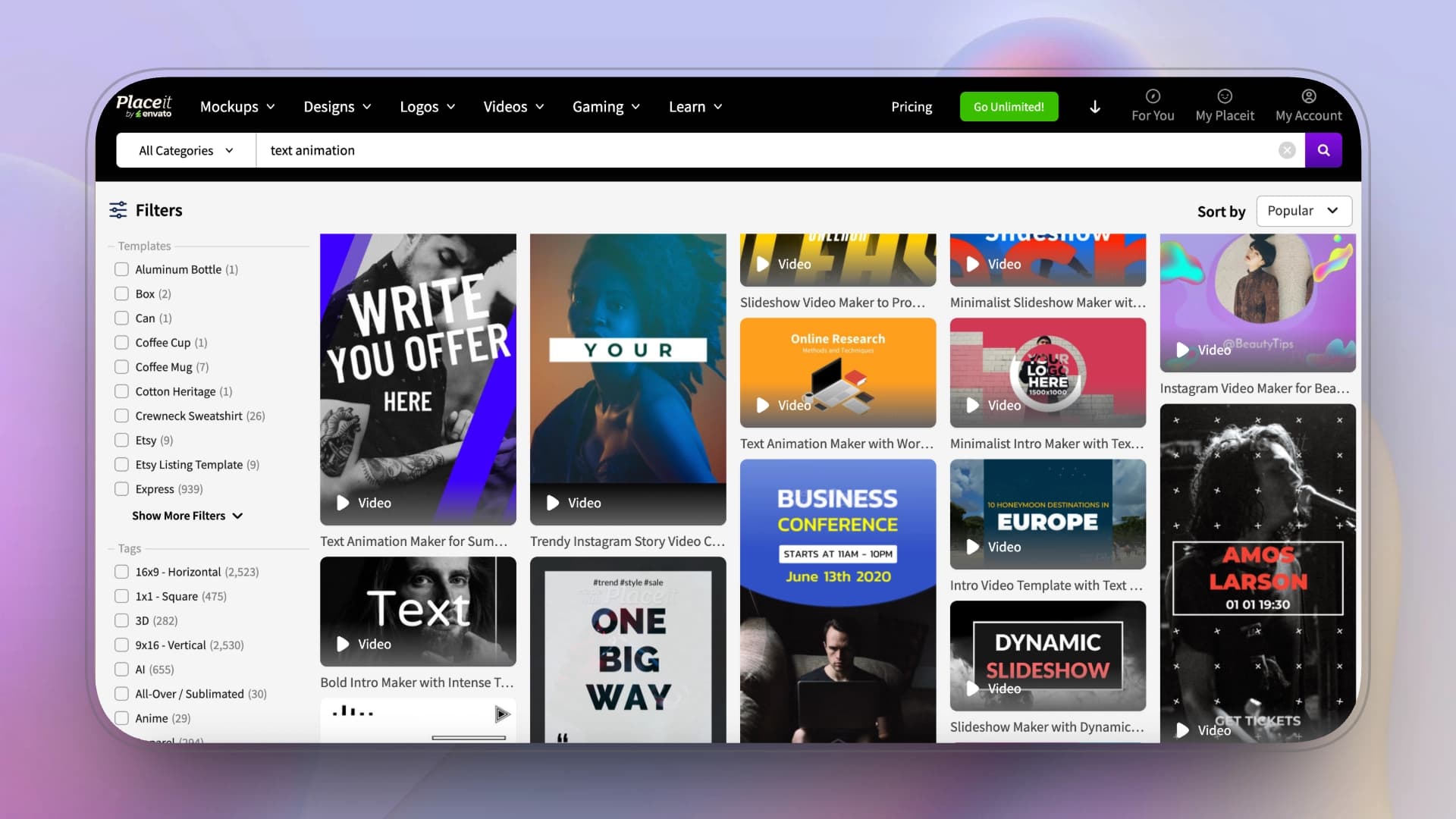
| Placeit | $7.47 (Unlimited) | Ultra-fast logo and text intros prioritizing realism and simplicity over motion depth |
| VEED | $24 / $55 | Lightweight kinetic text intros for short-form social content |
| Jitter | $15 / $35 | Designer-driven motion typography, UI-style text animation, and Lottie exports |
| Spline | $15 / $25 | Interactive or spatial text intros for web, landing pages, and product experiences |
| Adobe express | $49.99 | Clean, brand-safe text animation with premium fonts for marketing content |
| Kling | $6.99–$127.99 (credit-based) | AI-generated branded video clips and short intro sequences with strong visual realism |
| Hera | $20 / $40 / $100 | Data-driven text intros such as maps, charts, and explainer-style visuals |
| InVideo | $35 / $60 / $120+ | Script-to-video intros for faceless YouTube videos and ad creatives |
| Animaker | $45 / $79 | Character-based animated intros and explainer-style openings |
Intro
Text animation plays a critical role in viral intros, where typography—not footage—often carries the first impression. In this article, text animation refers to motion where text drives rhythm, emphasis, and visual impact, rather than serving as a static overlay.
Viral intros operate under different rules: the goal is to establish momentum within the first 1–3 seconds, prioritizing speed, clarity, and repeatability over narrative depth.
As a result, creators rely on a mix of tools—from professional motion software to templates and AI generators. This list reflects real-world usage, mapping tools based on how they support text-driven intros at different levels of control and speed, rather than ranking a single “best” option.
Before comparing tools, it’s important to clarify what kind of text animation you actually need.
|
Type
|
What It Looks Like
|
Common Use
|
|
Subtitle Animation
|
Word-by-word captions, bounce, scale, highlight
|
Shorts, TikTok
|
|
Highlight Text
|
Key words enlarge, change color, pulse
|
Hooks & ads
|
|
Kinetic Typography
|
Full-screen moving text synced to rhythm
|
Music videos, bold intros
|
|
Logo Reveal Text
|
Text builds into a logo or brand name
|
Channel intros
|
|
3D Text Animation
|
Text in depth with lighting & camera moves
|
Cinematic intros
|
|
Data / Informational Text
|
Maps, labels, lower-thirds
|
News, explainers
|
|
Character-Synced Text
|
Text tied to a character or dialogue
|
Cartoon intros
|
After Effects
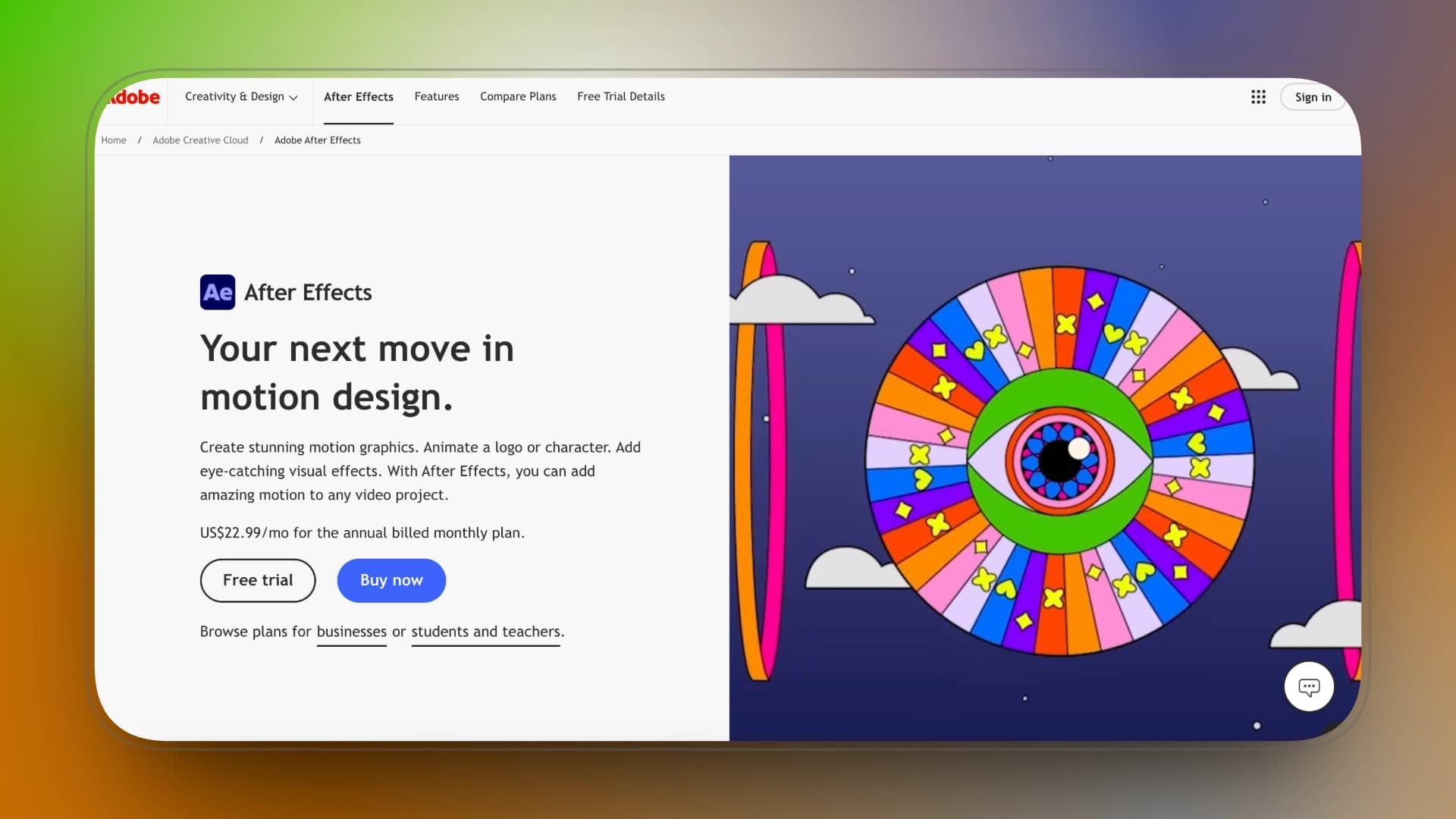
After Effects sits at the core of modern text animation. Nearly every template-driven or AI-assisted motion tool ultimately borrows its animation language—timing curves, easing, text animators, and compositing logic—from AE workflows.
In the context of viral intros, AE is not included because it is fast or accessible, but because it defines the upper limit of control. Every other tool in this list can be understood as a trade-off against AE: sacrificing control in exchange for speed, automation, or simplicity.
AE functions as the reference point against which all other text animation tools are evaluated.
Key strengths (Text Animation–focused)
-
Industry-leading text animation controls (animators, expressions, presets)
-
Unlimited creative flexibility for kinetic typography
-
Deep ecosystem of plugins, templates, and professional workflows
Pros
-
Industry-leading text animation controls (animators, expressions, presets)
-
Unlimited creative flexibility for kinetic typography
-
Deep ecosystem of plugins, templates, and professional workflows
Cons
-
Steep learning curve for beginners
-
Slower turnaround compared to template- or AI-driven tools
-
Overkill for simple or repetitive viral intro formats
Price:
You can use After Effects alone for $22.99/month, but once you need the wider Adobe ecosystem, the $41.99/month Creative Cloud Pro plan quickly becomes the realistic choice.
Best for
-
Fully custom, typography-driven text animations
-
Precise control over text timing, hierarchy, easing, and motion behavior
-
Brand-critical intros where consistency and polish matter more than speed
-
Motion designers and creators who need absolute creative flexibility
Not ideal for
-
Rapid, high-volume intro production
-
Creators without motion design experience
-
Situations where setup time outweighs creative gains
-
One-off social intros that prioritize speed over refinement
Text Animation Use Case
Best at: Advanced kinetic typography, complex subtitle systems, 3D title builds.
How it works: Text is animated through manual keyframing on a timeline. You control position, scale, opacity, per-word animation, and can combine text with masks, shapes, cameras, and expressions for full customization.
Control level: Maximum control, highest flexibility. Requires motion design skill and time.
AutoAE
AutoAE is designed for situations where full After Effects control is unnecessary, but visual impact still matters. Instead of building animations from scratch, users select pre-built motion modules, insert text or logos, and export ready-to-use intro clips that drop directly into Premiere, CapCut, or Final Cut timelines.
In the context of viral intros, AutoAE functions less as a creative sandbox and more as a precision tool for hooks—delivering AE-style motion density in seconds, without adding production drag or workflow complexity.
Key Features
-
AE-grade motion modules for text and logo intros Short, reusable intro animations distilled from After Effects–level motion design.
-
Drop-in workflow for existing editors Clean exports designed to integrate smoothly into common NLE timelines.
-
Deterministic, repeatable output Consistent visual results with no prompt variance, ideal for brand or series-based content.
Pros
-
After Effects–level impact without AE overhead No timelines, expressions, or render setup required.
-
Optimized specifically for hooks and intros Excels in the first 3–7 seconds where attention and retention matter most.
-
Commercially reliable Predictable outputs suitable for repeat client and brand work.
Cons
-
Not a full video editor Requires an existing editing workflow to assemble complete videos.
-
Narrow creative scope Built for intros and titles, not long-form or exploratory motion design.
Pricing
|
Plan
|
Price
|
Best for
|
|
Free
|
$0
|
Trying the platform or very small tests
|
|
Starter
|
$12 / month
|
Beginners or small projects
|
|
Creator
|
$39 / month
|
Regular content creators
|
|
Agency
|
$49.92 / month
|
Teams and agencies
|
|
Scale
|
$166.58 / month
|
High-volume or enterprise use
|
|
Single Video
|
$2.90 / video
|
Occasional one-off animations
|
Best for
Creators who want After Effects–style text or logo intros without learning AE, and already edit in Premiere, CapCut, or Final Cut.
Not ideal for
Users looking for an all-in-one editor or fully AI-generated videos from text prompts.
Text Animation Use Case
Best at: Fast hook-style highlights text and short intro bursts.
How it works: You enter text into a motion template. The system applies preset timing, scaling, and impact effects automatically. Motion is structured around pre-designed intro modules rather than manual editing.
Control level: Low control, high speed. Built for repeatable hooks, not custom choreography.
Renderforest
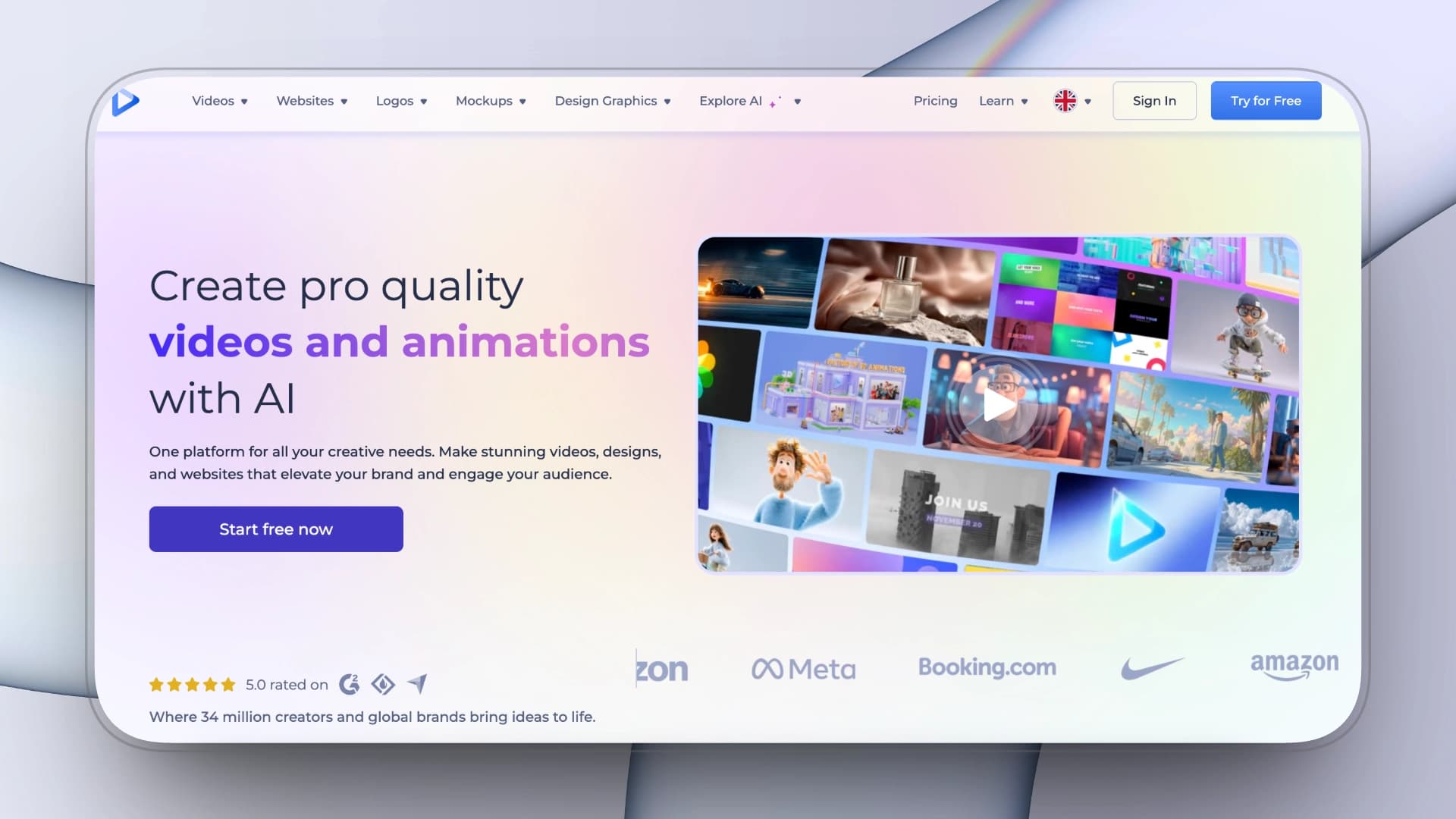
Renderforest is built for speed-first, template-driven text and logo intros, where visual polish matters more than motion control. Instead of designing animations, users choose from a large library of pre-made intro and logo reveal templates and generate platform-ready openers with minimal setup.
In the context of viral intros, Renderforest works best as a branding shortcut—producing clean, often 3D-styled opening visuals that establish identity quickly, without requiring motion design knowledge or timeline-based editing.
Key Features
-
Large template library for intros and logo reveals Ready-made text and logo animations designed for fast output.
-
Script-to-video assistance AI-assisted workflows for turning simple scripts into structured video content.
-
Multi-format export Supports common aspect ratios for YouTube, ads, and social platforms.
Pros
-
Extremely low learning curve Intros can be generated without any motion or design experience.
-
Polished, high-end 3D look Produces visually refined logo and brand openers from templates.
-
All-in-one branding output Covers intros, logo reveals, and basic explainer visuals in one platform.
Cons
-
Rigid customization Limited control over timing, typography, and motion details.
-
Render-dependent workflow Iteration speed is constrained by cloud render wait times.
Pricing
-
Monthly plans
-
Basic: $15 / mo
-
Standard: $30 / mo
-
Ultimate: $50 / mo
-
Creator: $250 / mo
-
-
Annual plans: ~30% discount
Best for
Businesses, YouTube channels, and brands that need polished 3D logo intros or branded openers with minimal setup.
Not ideal for
Creators who require fine-grained control over text timing, typography, or custom motion behavior.
Text Animation Use Case
Best at: The cinematic logo reveals and branded intro sequences.
How it works: You insert text into fully pre-designed intro templates. Animation timing, transitions, and camera motion are built into the template structure.
Control level: Very limited control. High visual impact within fixed scenes.
Placeit
Placeit is a mockup-first branding tool that happens to support simple animated intros. It prioritizes realism, speed, and visual cleanliness over expressive motion design, making it ideal for creators who want their text or logos to appear naturally inside real-world scenes rather than animated environments.
For viral intros, Placeit functions more like a visual wrapper than an animation engine—best used for fast, believable openers and title cards where immediacy and recognizability matter more than motion sophistication.

Key Features
-
Extensive smart mockup library Photorealistic mockups and intro-style scenes designed for instant branding visuals.
-
Instant logo and text design tools One-click logo and typography generators that can be exported as simple animated assets.
-
Commercial usage included Assets downloaded under subscription come with long-term commercial rights.
Pros
-
Highly realistic visual output Ideal for product, merch, and streamer-style branding.
-
Extremely fast, browser-based workflow No setup, no learning curve, no timelines.
-
All-in-one branding toolkit Covers mockups, logos, thumbnails, and basic intros in one place.
Cons
-
Very limited animation control Motion options are minimal and mostly template-bound.
-
Not a true text animation tool Video features are secondary to mockups and static branding assets.
Pricing
-
Unlimited Subscription: $7.47 / month
Best for
Streamers, POD sellers, and small brands that need fast, realistic logos or text intros without learning any design or motion tools.
Not ideal for
Motion designers or creators looking for expressive, timing-driven text animation.
Text Animation Use Case
Best at: Simple logo text intros and lightweight animated branding.
How it works: You replace placeholder text inside fixed animation mockups. Motion is entirely defined by the template.
Control level: Minimal control. Extremely easy to use, very limited flexibility.
VEED
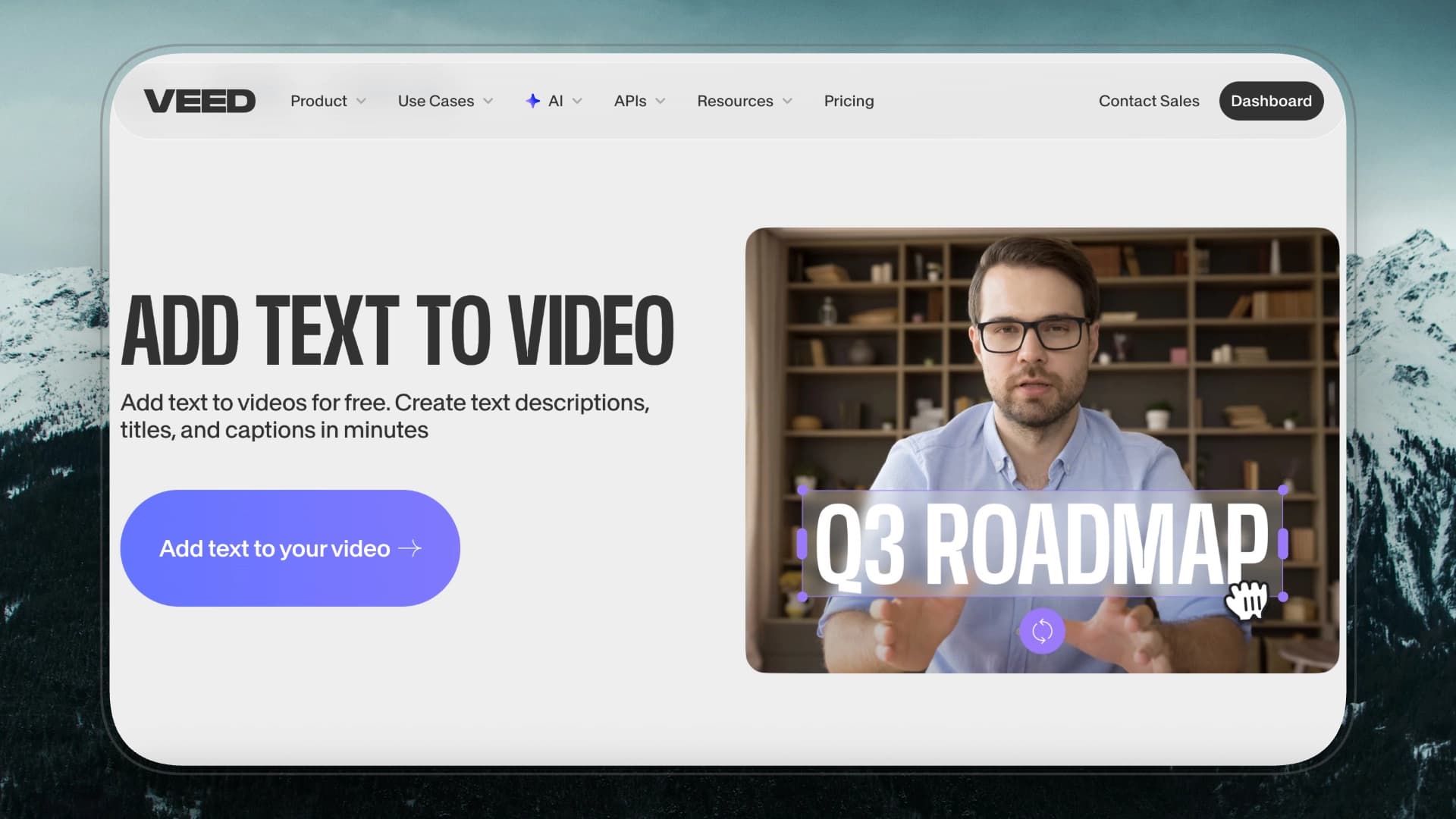
VEED sits closer to a lightweight online editor than a motion design tool. It focuses on helping creators add clear, readable kinetic text to fast-moving social videos with minimal setup, rather than crafting expressive or layered text animations.
For viral intros, VEED is best understood as a text-enhanced editing layer—useful when speed, pacing, and platform formatting matter more than animation depth.
Key Features
-
AI-assisted editing tools Magic Cut and automated trims reduce manual setup for short intros.
-
Built-in content repurposing Quickly adapts text-based intros to different platforms and aspect ratios.
-
Talking-head enhancements AI avatars and eye contact tools support presenter-style openings
Pricing
-
Monthly plans
-
Lite: $24 / mo
-
Pro: $55 / mo
-
-
Annual subscription: up to 50% discount
Pros
-
All-in-one browser-based workflow Handles text, video, and audio in a single interface.
-
Very low learning curve Easy to produce usable kinetic text intros quickly.
-
Strong audio utilities Helpful for subtitle-heavy or voice-led openings.
Cons
-
Limited animation depth Text motion options are basic and not highly customizable.
-
Feature gating at higher tiers Many AI tools require Pro-level plans.
-
Online-only workflow Not suitable for offline or high-control editing environments.
Best for
Social media creators produce simple kinetic text intros for Shorts, Reels, and TikTok within a fast, browser-based workflow.
Not ideal for
Creators who need precise motion control, layered text animation, or AE-level polish.
Text Animation Use Case
Best at: Subtitle animation and short-form caption emphasis.
How it works: Captions can be auto-generated from audio and styled using preset animation effects such as slide-ins, fades, and word highlights.
Control level: Low–medium control. Optimized for speed and readability.
Jitter
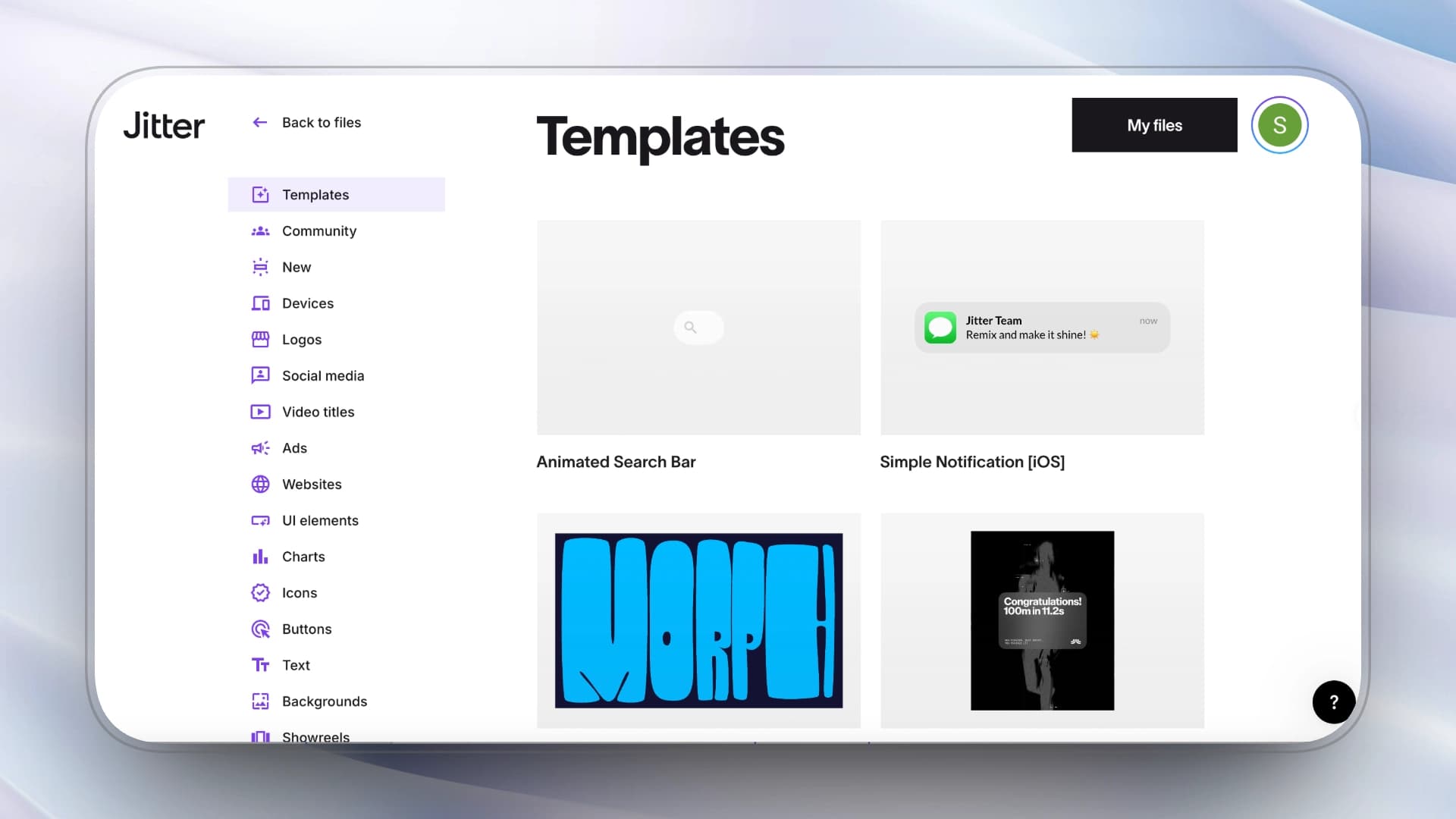
Jitter is a design-first motion typography tool built for creators who want deliberate control over how text moves, not just how fast an intro can be generated. Instead of relying on one-click templates or AI automation, it emphasizes timing, easing, and visual rhythm, making it well suited for short-form intros where motion quality matters as much as content.
In the context of text animation, Jitter sits closer to a browser-based motion design environment than a video editor—ideal for creators who care about how text behaves frame by frame, but don’t want the overhead of After Effects.
Key Features
-
Browser-based motion design workspace A full motion typography workflow that runs entirely in the browser.
-
Reusable components and templates Enables consistent intro styles across videos or brand systems.
-
Real-time preview and export Instant playback with support for high-resolution exports on paid plans
Pros
-
High level of motion control Strong control over timing, easing, and text hierarchy.
-
Clean, modern visual output Well suited for UI-style and design-led text animations.
-
Faster iteration than AE for small animations Real-time previews remove long render cycles.
Cons
-
Not optimized for instant output Requires manual setup and design decisions.
-
Opinionated design language Default motion styles may not fit every brand.
-
Browser performance limits Less suitable for very complex or long animations.
Pricing
-
Pro: $15 / month
-
Team: $35 / month
Commercial use
-
Free plan for learning and testing
-
Pro required for watermark-free exports and professional delivery
Best for
Designers and creators who want precise control over text motion, UI-style intros, or Lottie-based animations without using After Effects.
Not ideal for
Creators expecting one-click generation, AI automation, or full video editing.
Text Animation Use Case
Best at: Clean kinetic typography and UI-style motion text.
How it works: Text layers are animated on a browser-based timeline with manual keyframe control. Motion is built layer by layer rather than applied through presets.
Control level: Medium–high control. Structured and design-focused without full AE complexity.
Spline
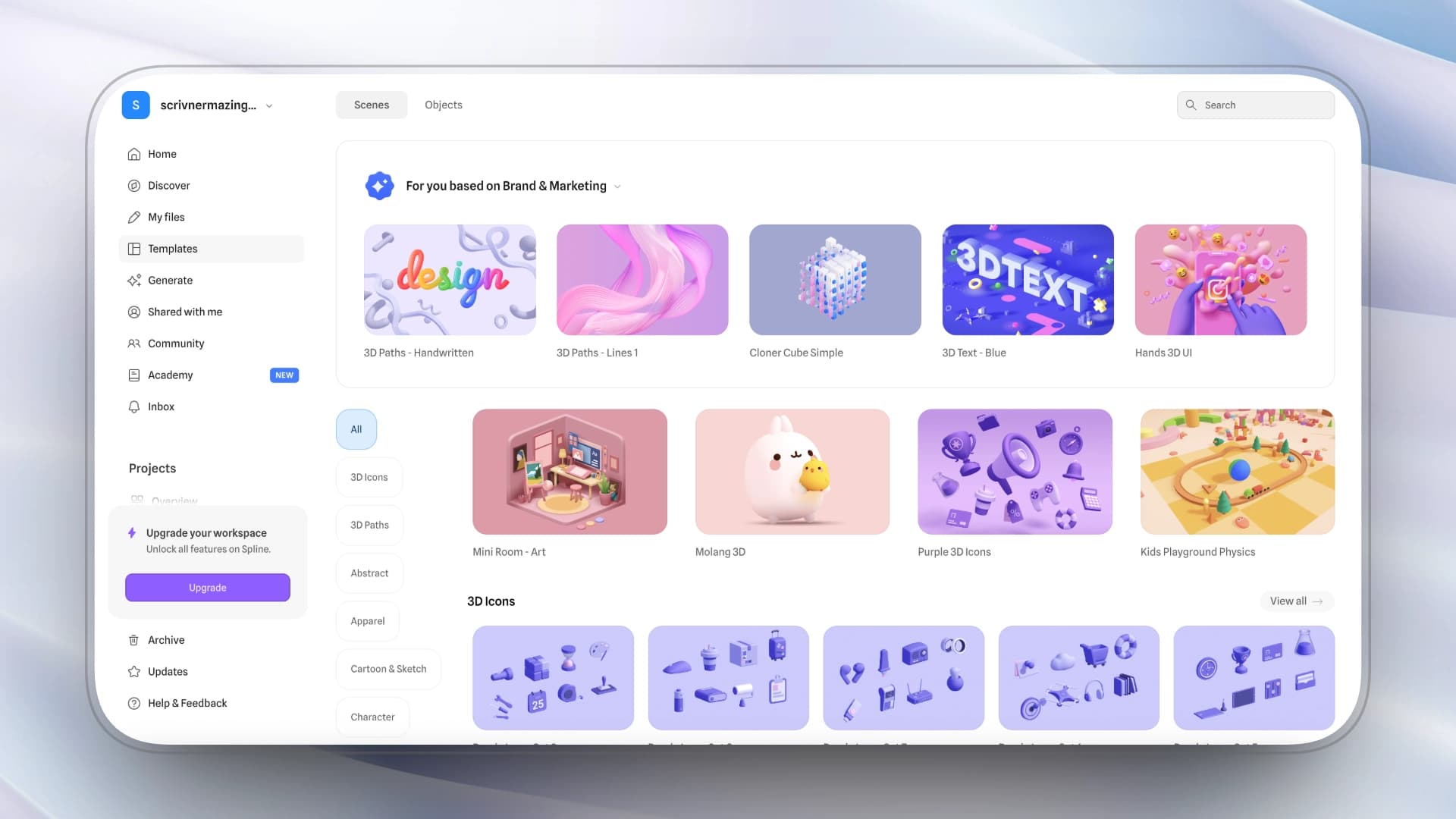
Spline is a real-time 3D and interaction design tool, not a traditional text animation or video intro platform. It excels when text is treated as a spatial object—floating, reacting, and existing inside a live 3D environment rather than along a timeline.
For viral intros, Spline is best used in web-first contexts such as landing pages or interactive showcases, where depth, perspective, and user interaction themselves act as the hook. Instead of exporting rendered video clips, Spline prioritizes live control and embed-ready experiences.
Key Features
-
Real-time 3D design in the browser Create and preview 3D text and objects with instant visual feedback.
-
No-code interactivity Supports hover states, scroll triggers, and basic interactions without coding.
-
Web-native integration Designed for embedding into websites and web apps rather than video timelines.
Pros
-
True real-time 3D interaction Text and objects respond dynamically instead of playing pre-rendered animations.
-
Accessible 3D workflow Much easier to approach than traditional 3D software.
-
Optimized for web performance Lightweight enough for modern landing pages and demos.
Cons
-
Not video-centric Limited relevance for standard video intros or social clips.
-
Constrained 3D depth Less powerful than full-featured 3D tools.
-
Learning curve for non-designers Requires basic understanding of 3D space and interaction logic.
Pricing
-
Starter: $15 / month
-
Professional: $25 / month
-
Annual plans offer ~20% discounts.
Commercial use
-
Free tier allows public commercial use with visible Spline branding
-
Professional plan required for private or client-facing projects without branding
Best for
Web designers create interactive or 3D text intros for landing pages, product sites, or interactive experiences.
Not ideal for
Video editors or short-form creators who need exportable, timeline-based intros.
Text Animation Use Case
Best at: 3D spatial and interactive text animation.
How it works: Text is treated as a 3D object inside a scene. Movement is created through transforms, camera motion, and interactive triggers.
Control level: High spatial control. Not built for subtitle or kinetic typography workflows.
Adobe Express
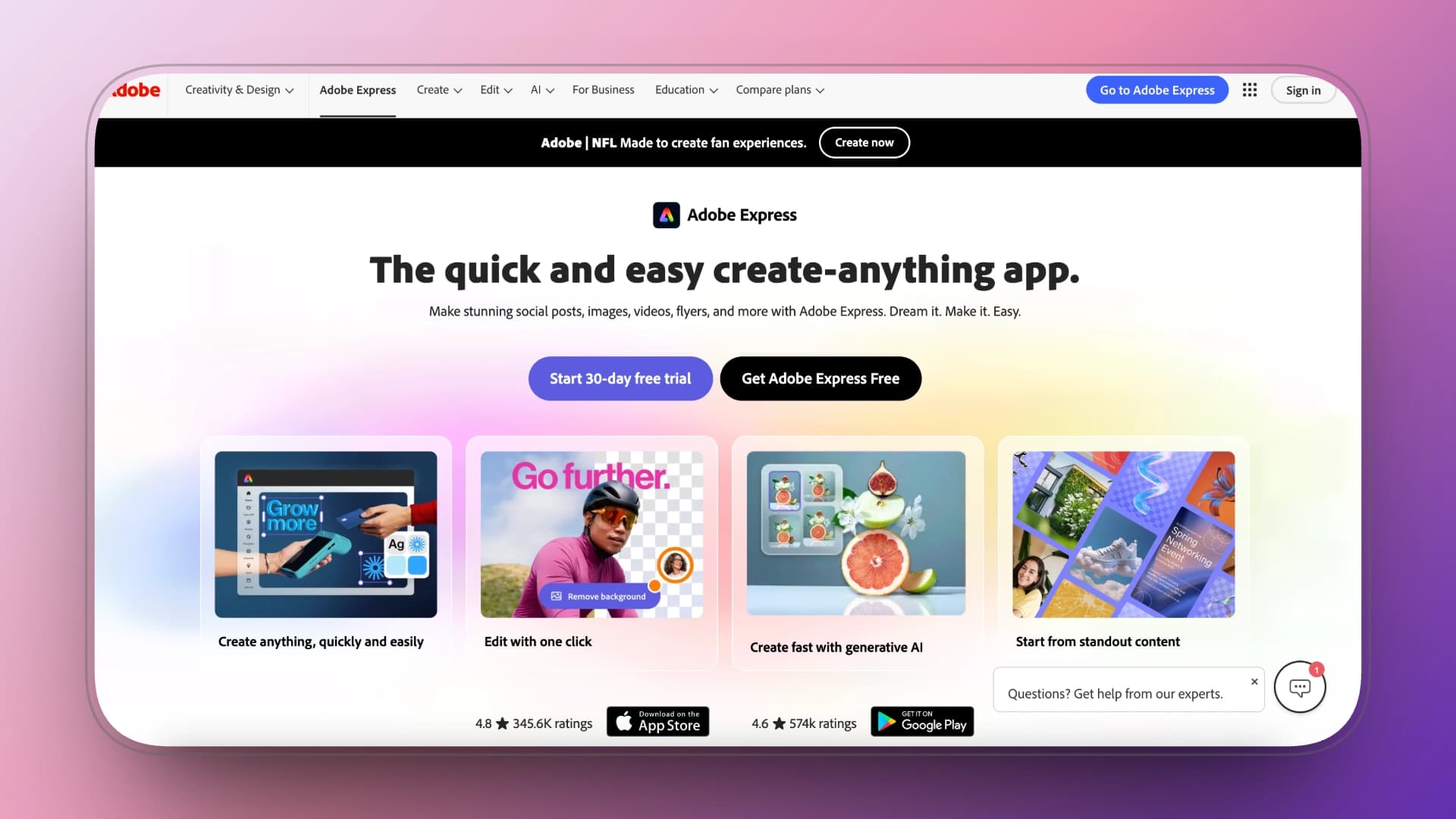
Adobe Express is a brand-focused content tool built for fast, polished text animations rather than detailed motion design. It emphasizes typographic quality, audio sync, and visual consistency, making it a strong choice for creators and teams who want intros that look premium without managing timelines, keyframes, or complex motion logic.
Within the text animation landscape, Adobe Express sits between template tools and professional motion software—offering higher visual refinement than one-click generators, but far less control than After Effects.
Key Features
-
Generative AI text effects Apply stylized text treatments quickly without manual animation setup.
-
One-click animations and layouts Predefined motion styles optimized for speed and consistency.
-
Animate from audio Sync text motion to voice or music for rhythm-driven intros.
Pros
-
High-quality typography and assets Access to Adobe fonts and brand-safe design elements.
-
Fast, low-friction workflow Ideal for quick social and marketing intros.
-
Strong consistency for teams Helps maintain brand look across multiple outputs.
Cons
-
Limited motion control No deep timeline or keyframe-based animation.
-
Feature gating on paid plans Many premium effects require subscriptions.
-
Lightweight layer management Not suited for dense or multi-layer text animations.
Pricing
-
Team: $49.99 / month
-
Enterprise: Contact sales
Commercial use
-
Allowed on both free and paid plans
-
Assets downloaded under Adobe’s license are cleared for commercial use
Best for
Marketing teams and creators who value clean typography, premium fonts, and brand consistency in fast-turnaround intros.
Not ideal for
Creators who need precise timing, complex choreography, or AE-level motion control.
Text Animation Use Case
Best at: Polished marketing titles and brand-safe intro text.
How it works: You apply preset animation styles to text blocks. Motion timing is automatically structured around selected effects.
Control level: Low control. Clean and reliable, but not deeply customizable.
Hera
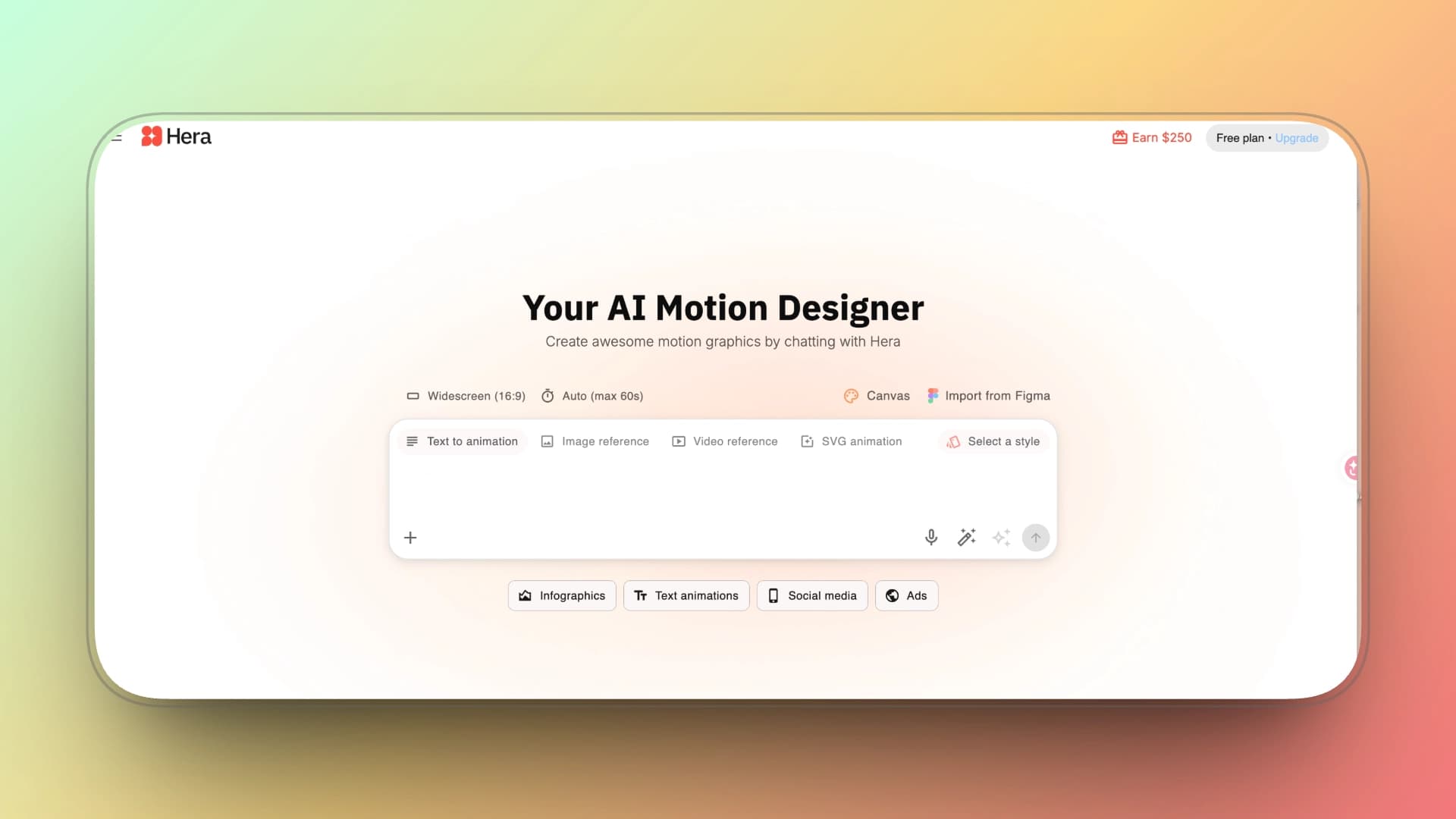
Hera functions more like a broadcast graphics system than a creative animation tool. It is designed to turn structured information—such, such as locations, data points, and hierarchical text—into motion graphics that prioritize clarity, consistency, and speed.
Rather than encouraging stylistic exploration, Hera enforces predefined visual logic and layout rules. This makes it highly effective for explainers and newsroom-style intros, but unsuitable for expressive or kinetic text animation.
Key Features
-
Structured text-to-motion generation Automatically converts formatted text into motion graphics.
-
Purpose-built map and data modules Specialized tools for geographic and chart-based visuals.
-
Brand guardrails for teams Enforces consistent visual output across organizations.
Pros
-
Extremely fast for data-driven visuals Ideal for maps, charts, and explainer intros.
-
Non-destructive, vector-based assets Outputs remain clean and editable.
-
High consistency across outputs Well suited for team and newsroom workflows.
Cons
-
Limited expressive range Not designed for kinetic or stylistic text animation.
-
Template and logic constraints Outputs are bounded by predefined systems.
-
Inconsistent results outside core use cases Performance drops when used beyond maps and data visuals.
Pricing
-
Standard: $20 / month
-
Pro: $40 / month
-
Mega: $100 / month
-
Annual plans: Up to 40% discount
Best for
Journalists, educators, and marketers producing map-based, chart-driven, or explainer-style intros with a strong emphasis on clarity.
Not ideal for
Creators seeking expressive typography, kinetic text, or stylistic motion design.
Text Animation Use Case
Best at: Data-driven lower thirds and informational overlays.
How it works: Text is generated from structured input (numbers, labels, maps). Motion follows predefined formatting logic rather than expressive typography.
Control level: Low creative control. Designed for clarity and consistency.
Kling AI
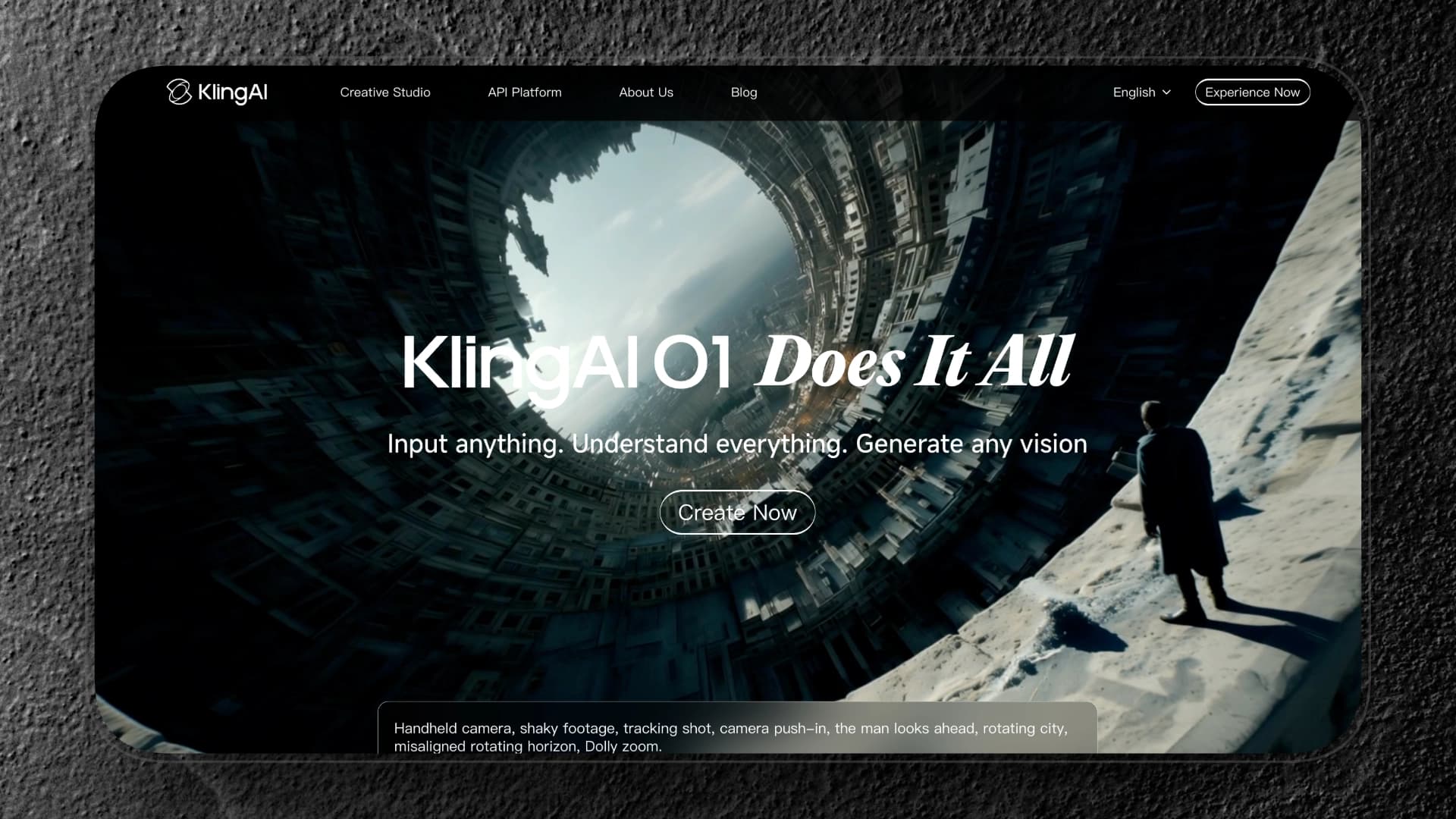
Kling does not function like a traditional text animation tool. It does not provide a timeline, templates, or direct typographic controls. Instead, it generates full video scenes from prompts, where text appears as part of the environment.
When you describe something like “a dramatic metallic title emerging from smoke,” Kling renders a cinematic clip in which the text exists inside the scene—with lighting, depth, and camera motion automatically applied.
This means you are not animating text in the conventional sense. You are generating a scene that contains text. Timing, layout, and motion are determined by the model rather than precise user control.
Kling is best understood as a generative visual system, not a motion typography platform.
Key Features
-
Text-to-video and image-to-video workflows Generate short video clips from prompts or existing visual assets.
-
Native 1080p output Produces HD video without external upscaling.
-
Mobile-first creation flow Optimized for phone and tablet use for fast iteration.
Pros
-
Strong visual realism Lighting, depth, and physicality outperform most template-based intro tools.
-
Well-suited for short branded clips 5-second outputs align well with social intro formats.
-
Solid prompt interpretation Handles scene descriptions more reliably than many newer AI tools.
Cons
-
Limited control over text behavior Typography timing and motion are largely dictated by the generation.
-
Queue and generation delays Peak usage can slow down iteration.
-
Output variance Results can vary between generations, making consistency harder for series or brands.
Pricing
-
Standard: $6.99 / month (660 credits)
-
Pro: $25.99 / month (3,000 credits)
-
Premier: $64.99 / month (8,000 credits)
-
Ultra: $127.99 / month (26,000 credits)
⚠️ Pricing may vary by region and operating system.
Commercial Use Policy
-
Full commercial rights granted to users with active paid subscriptions
-
Generated content ownership belongs exclusively to paid users
Best for
Creators produce AI-generated branded clips or short cinematic intro segments where realism matters more than text precision.
Not ideal for
Workflows that require repeatable text animation, tight typographic control, or guaranteed turnaround times.
Text Animation Use Case
Best at: Polished marketing titles and brand-safe intro text.
How it works: You apply preset animation styles to text blocks. Motion timing is automatically structured around selected effects.
Control level: Low control. Clean and reliable, but not deeply customizable.
InVideo
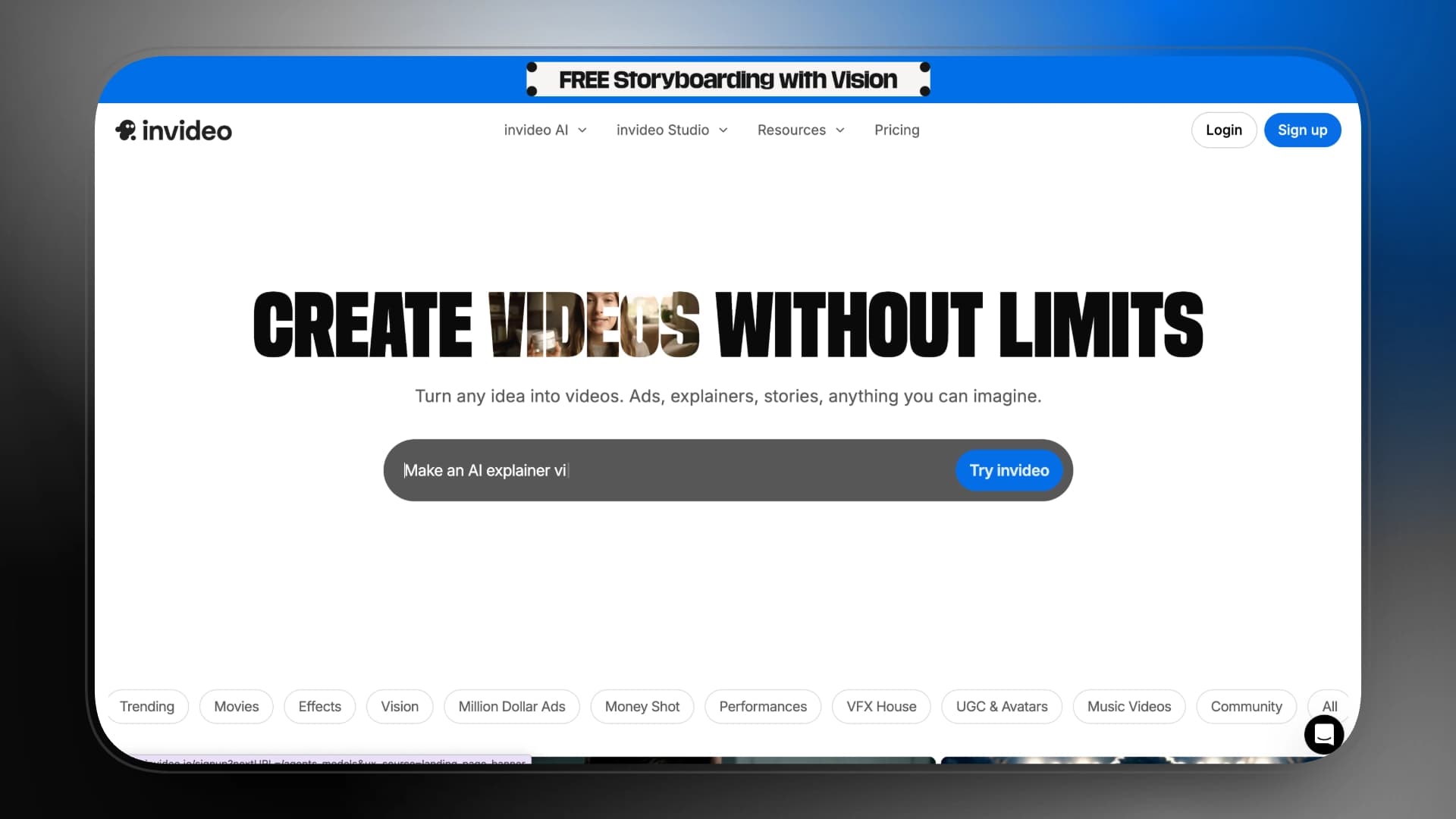
InVideo is an end-to-end AI video generation platform designed for speed, scale, and automation rather than animation craft. Starting from a single text prompt, it assembles scripts, voiceovers, stock footage, and basic text motion into ready-to-publish videos.
For viral intros, InVideo functions best as a faceless intro factory—optimized for YouTube, Shorts, and ads where volume, consistency, and turnaround time matter more than visual originality or typographic nuance
Key Features
-
Text-to-video generation Converts prompts into complete videos with scripts, visuals, and narration.
-
Magic Box global editing Apply changes across multiple scenes without timeline-level editing.
-
Voice cloning and multi-language support Enables consistent narration across large content batches and regions.
Pros
-
Highly scalable workflow Built for producing large volumes of similar intros efficiently.
-
Integrated stock library Reduces the need for external footage or assets.
-
Preset-driven consistency Suitable for repeatable formats and series-based content.
Cons
-
Generic visual output Limited differentiation in motion style and branding.
-
Script and scene inaccuracies AI-generated content can require manual correction.
-
Cost increases with scale Higher tiers become expensive for sustained output.
Pricing
-
Plus: $35 / month
-
Max: $60 / month
-
Generative: $120 / month
-
Team: $999 / month
-
Annual plans: Up to 20% discount
Commercial Use Policy
-
Free plan: No commercial rights, strong branding enforced
-
Paid plans:
-
Remove watermarks and allow monetization on platforms like YouTube
-
Most stock assets included; certain premium assets may incur extra fees
-
Best for
Creators produce faceless YouTube intros, Shorts, or ads at scale from scripts with minimal manual editing.
Not ideal for
Projects requiring custom motion design, expressive typography, or distinct visual identity.
Text Animation Use Case
Best at: Template-based intro titles and auto subtitle scenes.
How it works: Text blocks are inserted into pre-animated templates or script-generated scenes. Motion styles are applied through preset options.
Control level: Low–medium control. Efficient for marketing workflows.
Animaker
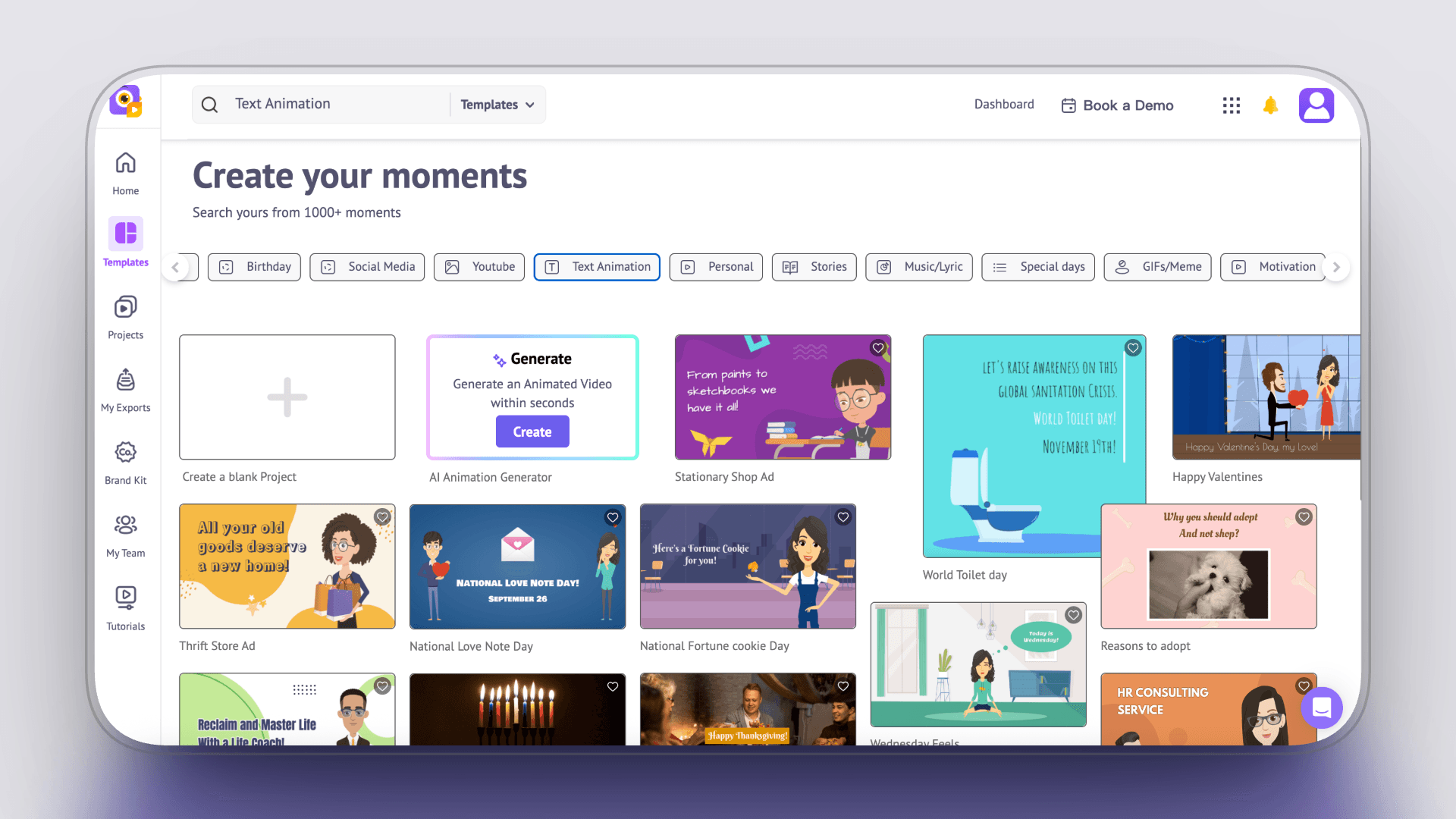
Animaker is a character-driven animation platform designed for creators who need a visible spokesperson or animated persona in their intros. Instead of focusing on cinematic motion or typographic expression, it centers on characters, narration, and clear action beats, making it well suited for explainers, talking-character hooks, and cartoon-style branding.
In the context of viral intros, Animaker works best when personality and clarity matter more than motion sophistication—especially for educational, promotional, or brand-led openings.
Key Features
-
Custom character builder Create reusable characters to anchor a channel or brand identity.
-
Action+ and Smart Move system Predefined gesture and movement logic for entrances, exits, and expressions.
-
Auto lip-sync Sync mouth movements to generated or uploaded voiceovers.
Pros
-
Accessible to non-designers No drawing or animation background required.
-
Large character and scene library Supports fast production of explainer-style intros.
-
Narration-friendly workflow Text-to-speech and lip-sync work well for voice-led openings.
Cons
-
Dated visual style Cartoon and Flash-like aesthetics feel less modern.
-
Limited motion sophistication Not suitable for refined text animation or cinematic visuals.
-
Performance constraints Complex scenes or long timelines can become slow.
Pricing
-
Starter: $45 / month
-
Pro: $79 / month
-
Annual plans: Up to 45% discount
Commercial Use Policy
-
Free plan: No full commercial rights
-
Paid plans: Grant complete commercial usage rights
Best for
Teams creating character-based animated intros, explainers, or narration-led openings where a consistent persona is important.
Not ideal for
Creators seeking modern motion graphics, expressive typography, or cinematic text animation.
Text Animation Use Case
Best at: Character-led explainer captions and animated intro titles.
How it works: Text is added within a scene-based timeline and animated using preset entrance and emphasis effects, often synced with character motion.
Control level: Medium control within preset logic. Strong for explainer formats.
Conclusion
There is no single “best” tool for viral intros—only tools that match how you work.
Some creators need frame-level precision to make the first three seconds hit. Others prioritize speed, automation, or scalable production. That’s why this list spans everything from motion design software to AI video generators.
What matters most is:
-
how much control you have over text timing and hierarchy
-
how reliable the output is for repeatable use
-
how easily it fits into your workflow
If your intro needs to feel designed, choose a motion-focused tool.
If it needs to feel generated, choose an AI-first platform.
The strongest viral intros don’t come from using more tools.
They come from choosing the right level of control for the first three seconds.
Quick Tool Picker
Testing ideas / low commitment → Placeit, AutoAE (Free / Single)
Short-form creators (speed first) → AutoAE, VEED, Jitter
Brand or marketing intros → Renderforest, Adobe Express
Explainers & data visuals → Hera
AI-generated experiments → Kling AI, Sora 2
One-Glance Decision Guide
A | Shorts / TikTok (Speed First) → AutoAE / VEED / Placeit
B | YouTube Long-Form Teams (Quality & Workflow First) → AutoAE / Adobe Express / Renderforest
C | Designers & Motion Artists (Control First) → After Effects / Jitter
D | Small Teams / Solo Creators (Budget & Commercial Use First) → Placeit / AutoAE (Single) / Hera
Rule of Thumb
Need it fast → templates or editors
Need it reliable → AutoAE
Need full control → AE or Jitter
Need it low-cost & commercial-safe → Placeit