7 Remotion Alternatives in 2026: Code, API and No-Code Options

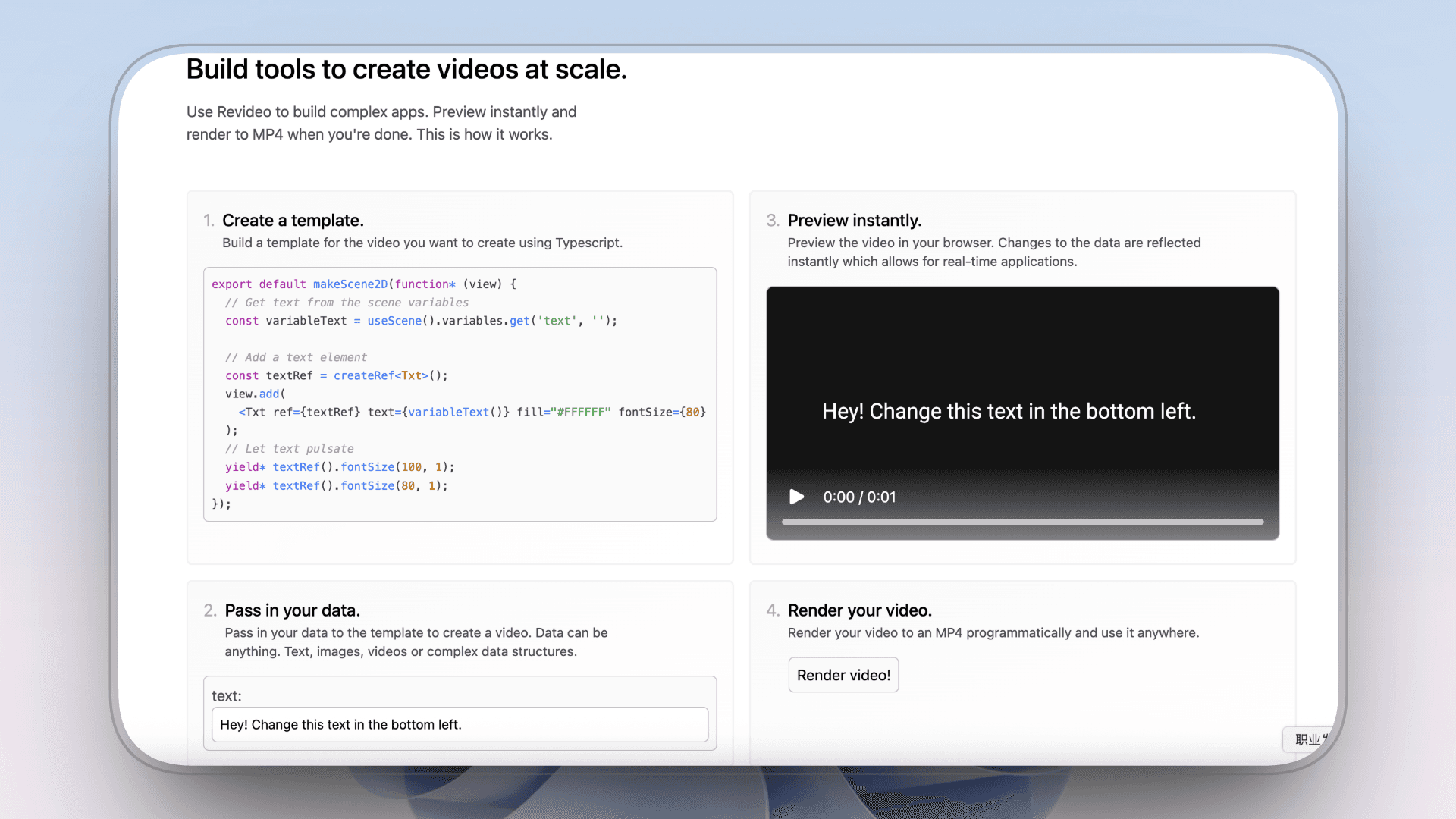
Remotion is no longer just a React library with a command line. Its current workflow includes coding agents, an interactive Studio and programmatic rendering. Code still defines the video, which is exactly why some users look for an alternative.
Choose an alternative by the part of the production system you no longer want to own. Some teams want another code framework. Others want an API, an After Effects automation layer or a visual editor. Creators who only need professional Motion Graphics may not need to build a rendering system at all.
The seven options below cover those distinct paths. Generative footage tools sit outside this comparison because they do not replace Remotion's repeatable composition workflow.
Why look for a Remotion alternative?
Remotion is a strong fit when a team wants video to behave like software. React components define the design, data changes the content, and the team controls the player and render infrastructure. That control also means someone must design the scenes, maintain the project and operate the rendering workflow.
A different tool makes sense when one of those responsibilities is unnecessary. AutoAE removes most of the Motion Design work. Revideo and Motion Canvas change the programming model. Creatomate and Plainly turn reusable templates into automated production. Jitter moves authoring into a visual browser workspace. HyperFrames lets an Agent build an editable HTML project.
Remotion alternatives at a glance
The main difference is the starting point and the work that remains before the video is usable.
| Alternative | Starting point | Work that remains | Main reason to consider it |
|---|---|---|---|
| AutoAE | Professionally completed Motion Graphics | Replace content and supported brand inputs, then render | You want the design work completed before customization |
| Revideo | A TypeScript project and visual preview | Design, code and operate the video system | You want an MIT-licensed programmatic framework |
| Motion Canvas | TypeScript generators and a preview editor | Program the animation and create its visual direction | You make informative vector animation synchronized to voice-over |
| Creatomate | A browser template, JSON definition or existing design | Create the reusable design and connect the automation | You need API, spreadsheet or no-code bulk production |
| Plainly | An After Effects design turned into a reusable template | Build or supply the AE project and mark dynamic fields | You already use AE and need many data-driven versions |
| Jitter | A visual canvas, imported design or editable AI draft | Direct and refine the animation yourself | You want hands-on visual control without React |
| HyperFrames | A request that becomes an editable HTML project | Review the first cut, direct revisions and maintain the project | You want an Agent-first, Apache-licensed code route |
On smaller screens, scroll horizontally to read the full comparison.
Seven alternatives, compared by real production work
1. AutoAE: use finished professional Motion Graphics
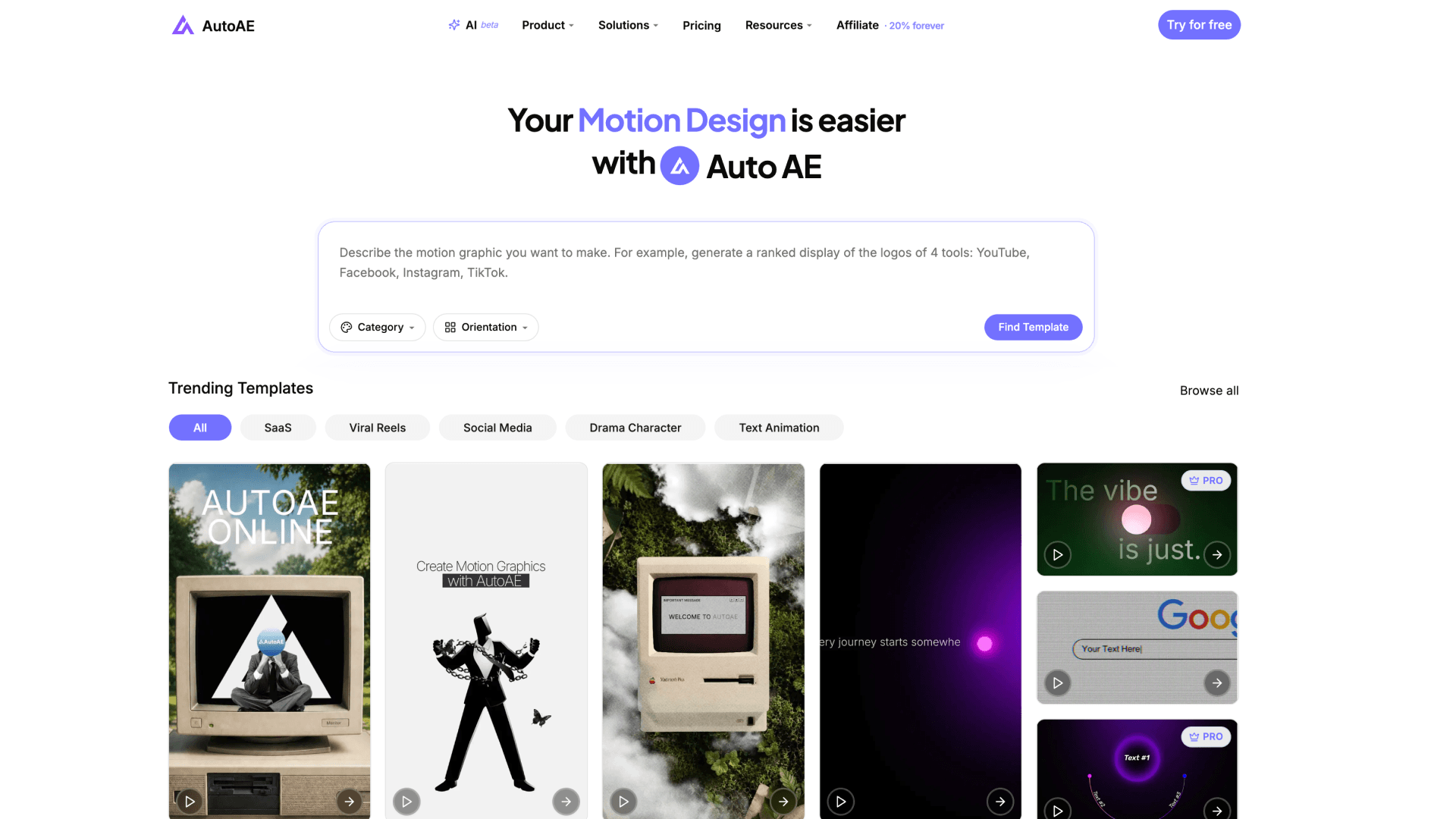 AutoAE homepage and Motion Graphics library
AutoAE changes the starting point. The composition, typography, pacing, transitions, UI interaction and layered 2.5D or 3D motion have already been designed. Users choose a visual model, replace the supported content and render it.
The library covers complete Viral Reels, pure-MG videos, coordinated SaaS Launch scenes, YouTube hooks, openers, charts, flowcharts and CTAs, plus short Product Showcase ads. Text, images, video, screenshots, logos, icons, backgrounds, fonts and supported colors can be adapted in the online editor.
AutoAE AI recommends several matching designs from a description or script. AutoAE Skill lets a compatible Agent search, fill, recolor, crop, preview, render and inspect the result. Both use the same online editing and rendering system.
The practical difference: Remotion helps a team build a video system. AutoAE helps a team use professional Motion Graphics without first building that system. AutoAE is not a traditional timeline editor, so voice-over, music, B-roll and complex assembly can still happen in any external editor.
2. Revideo: keep programmatic video and switch frameworks
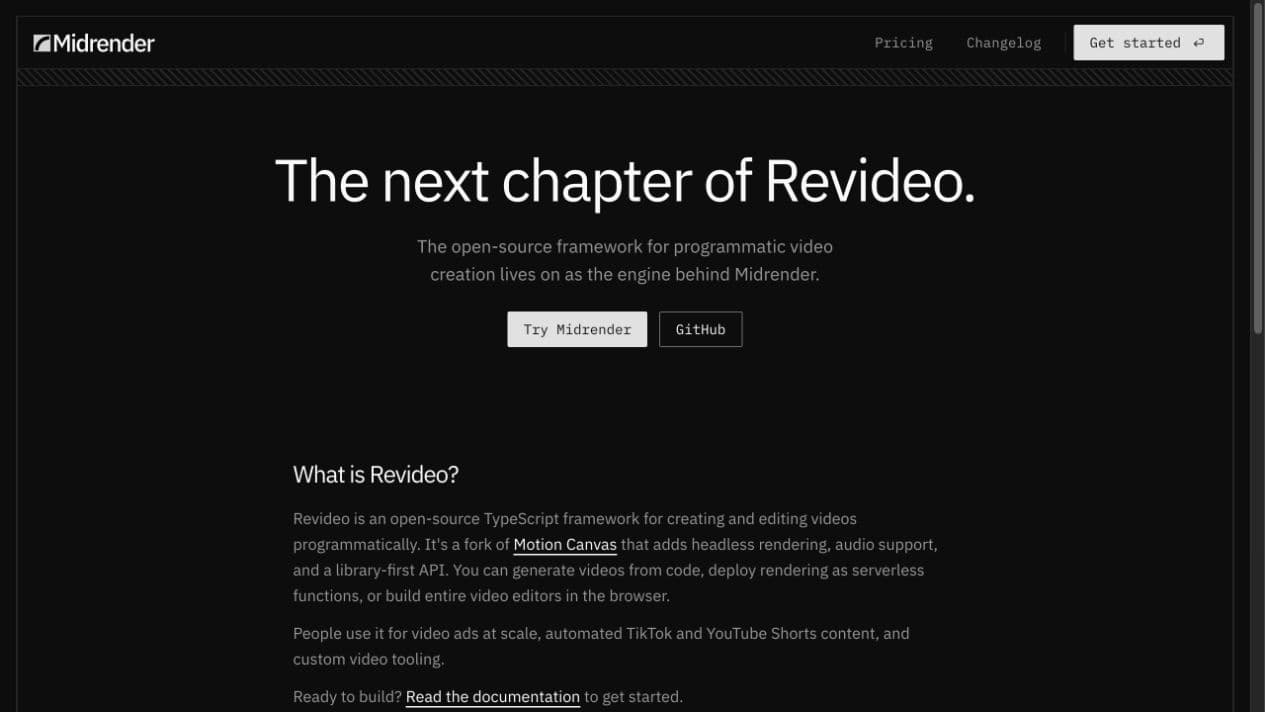 Revideo homepage, captured September 5, 2026
Revideo is an MIT-licensed framework for programmatic video editing. It uses TypeScript templates with dynamic inputs, provides a browser preview and can render through a Node process. It is based on Motion Canvas rather than Remotion.
What remains: Revideo changes the framework, not the production responsibility. The team still designs the scenes, writes the animation logic, tests the output and operates its rendering environment. AutoAE is more direct when the desired result already exists as a professional visual model.
3. Motion Canvas: program informative vector animation
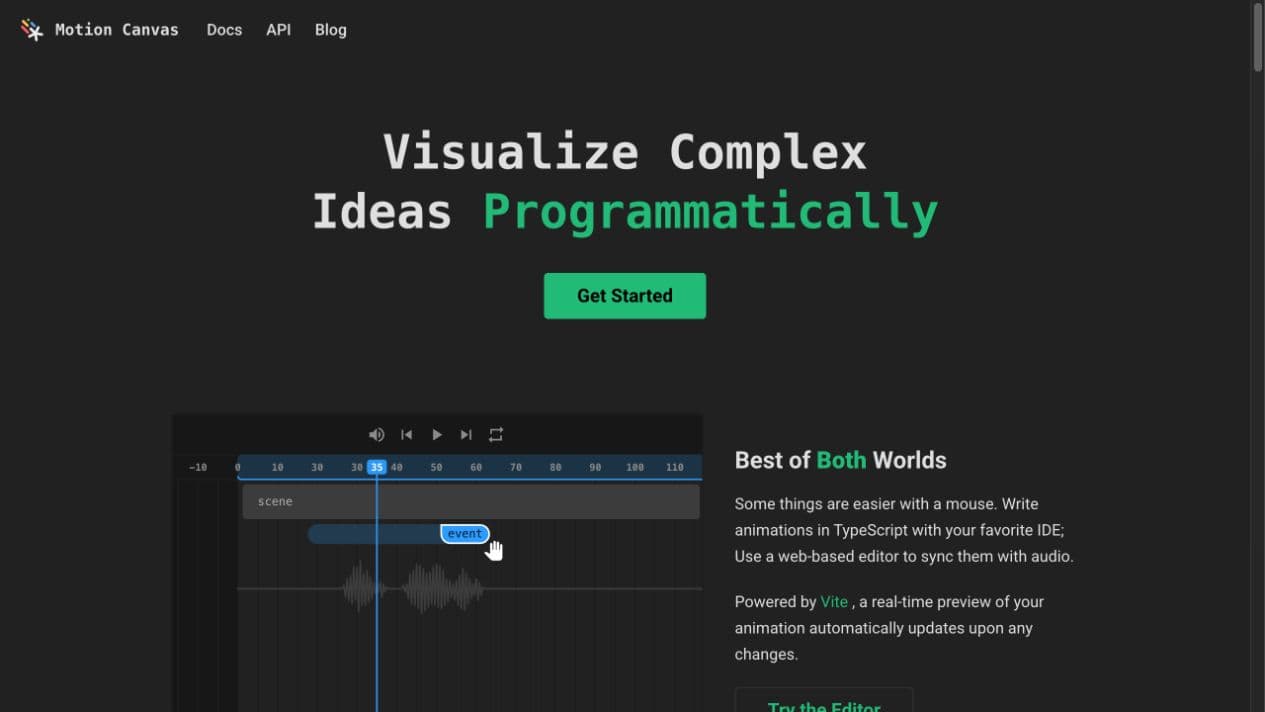 Motion Canvas homepage, captured September 5, 2026
Motion Canvas combines a TypeScript animation library with an editor for real-time preview and audio synchronization. Its own documentation describes it as a specialized tool for informative vector animations, not as a traditional video editor.
What remains: the user programs the animation and decides how it should look. That is useful when the animation itself must be original or tightly connected to narration. AutoAE avoids that authoring stage when a professionally designed scene already fits the message.
4. Creatomate: automate a reusable template through API or no-code tools
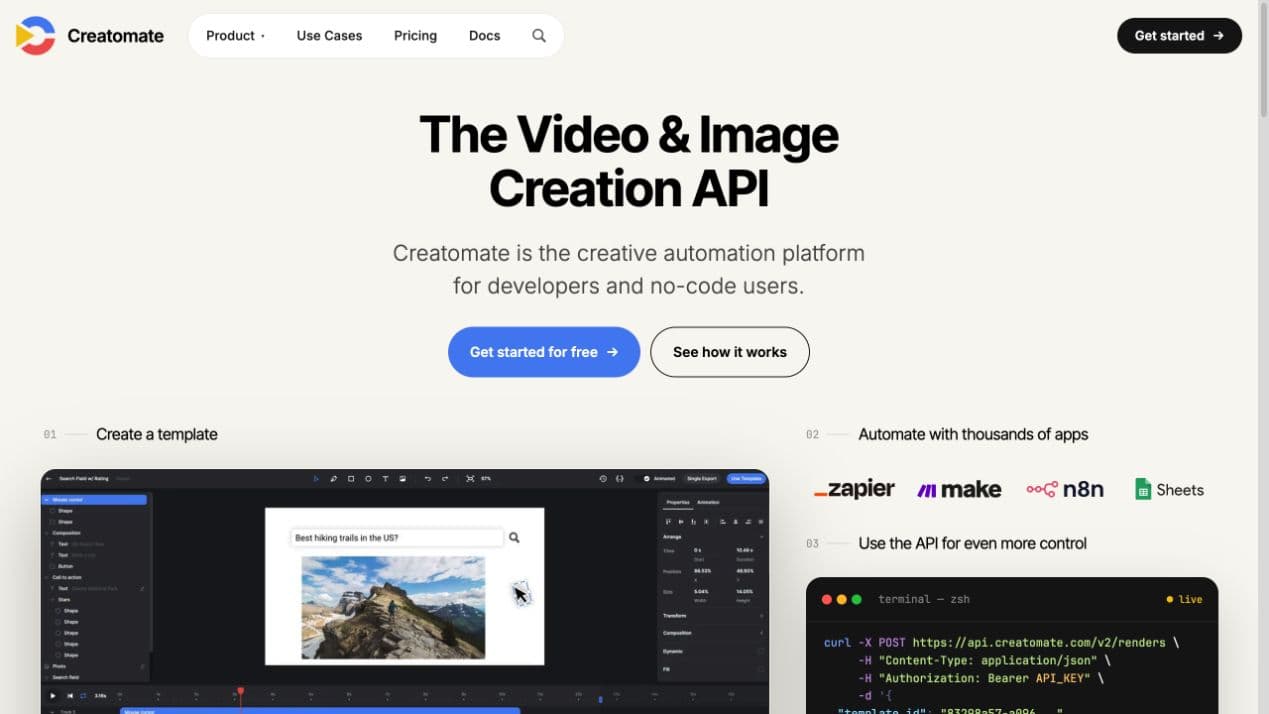 Creatomate homepage, captured September 5, 2026
Creatomate supports a browser template editor, REST API, JSON renders, spreadsheet bulk creation, a Preview SDK and no-code integrations. It can also connect an AI assistant through its published instructions and MCP integration.
What remains: automation begins after a reusable design has been selected, created or configured. Creatomate is relevant when the main requirement is producing many data-driven variations. AutoAE is stronger when the first requirement is the professionally designed Motion Graphics itself.
5. Plainly: automate an After Effects design
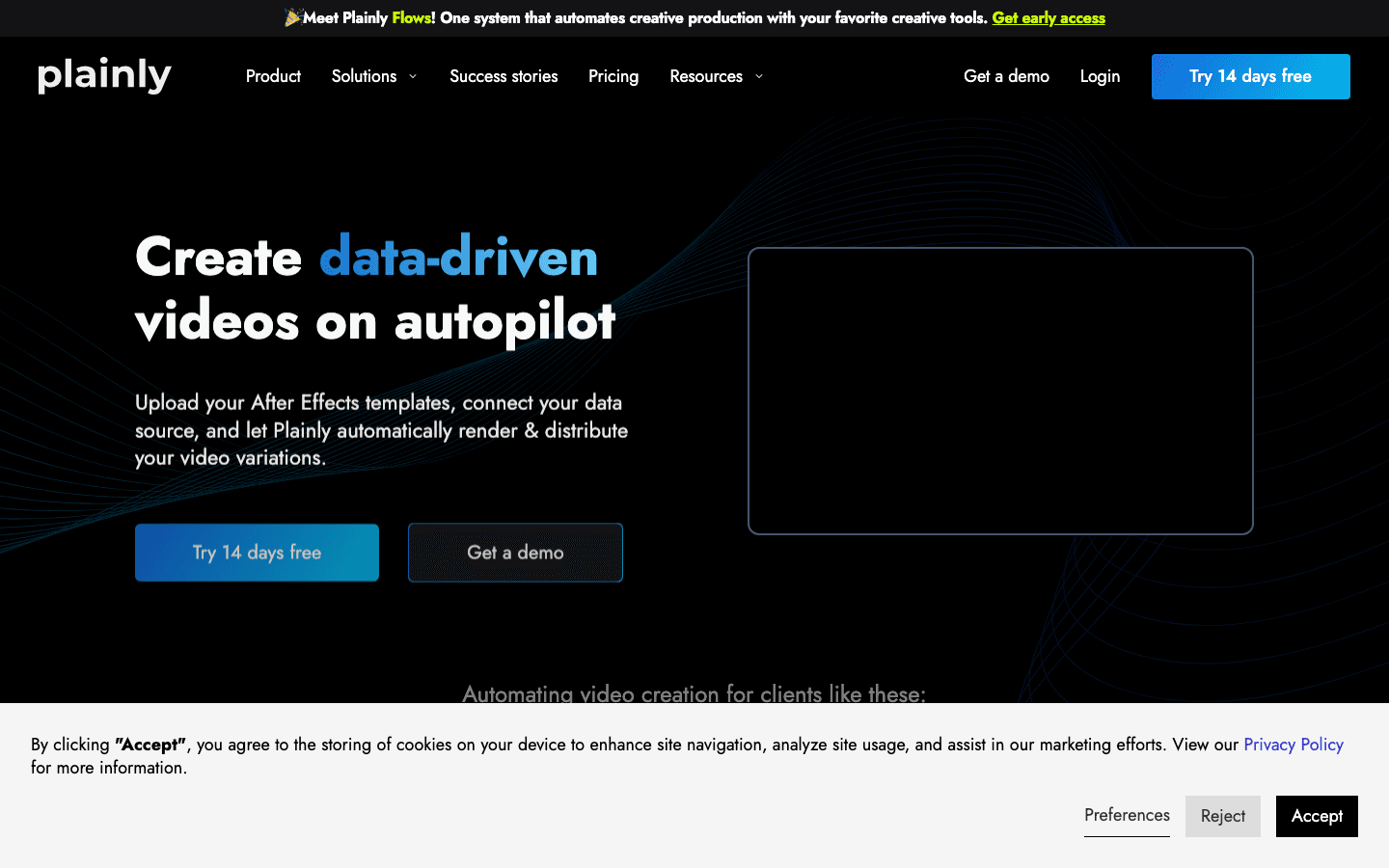 Plainly homepage, captured September 11, 2026
Plainly turns an After Effects project into a reusable template. Selected text, media, color and effect layers become parameters, and teams can render variations manually, from CSV data, through integrations or through a REST API.
What remains: the workflow still needs an AE-based design. Plainly is relevant when a team already has that design and wants to scale versions of it. AutoAE gives users access to finished professional designs without asking them to build or supply the original AE project.
6. Jitter: direct the motion in a visual browser workspace
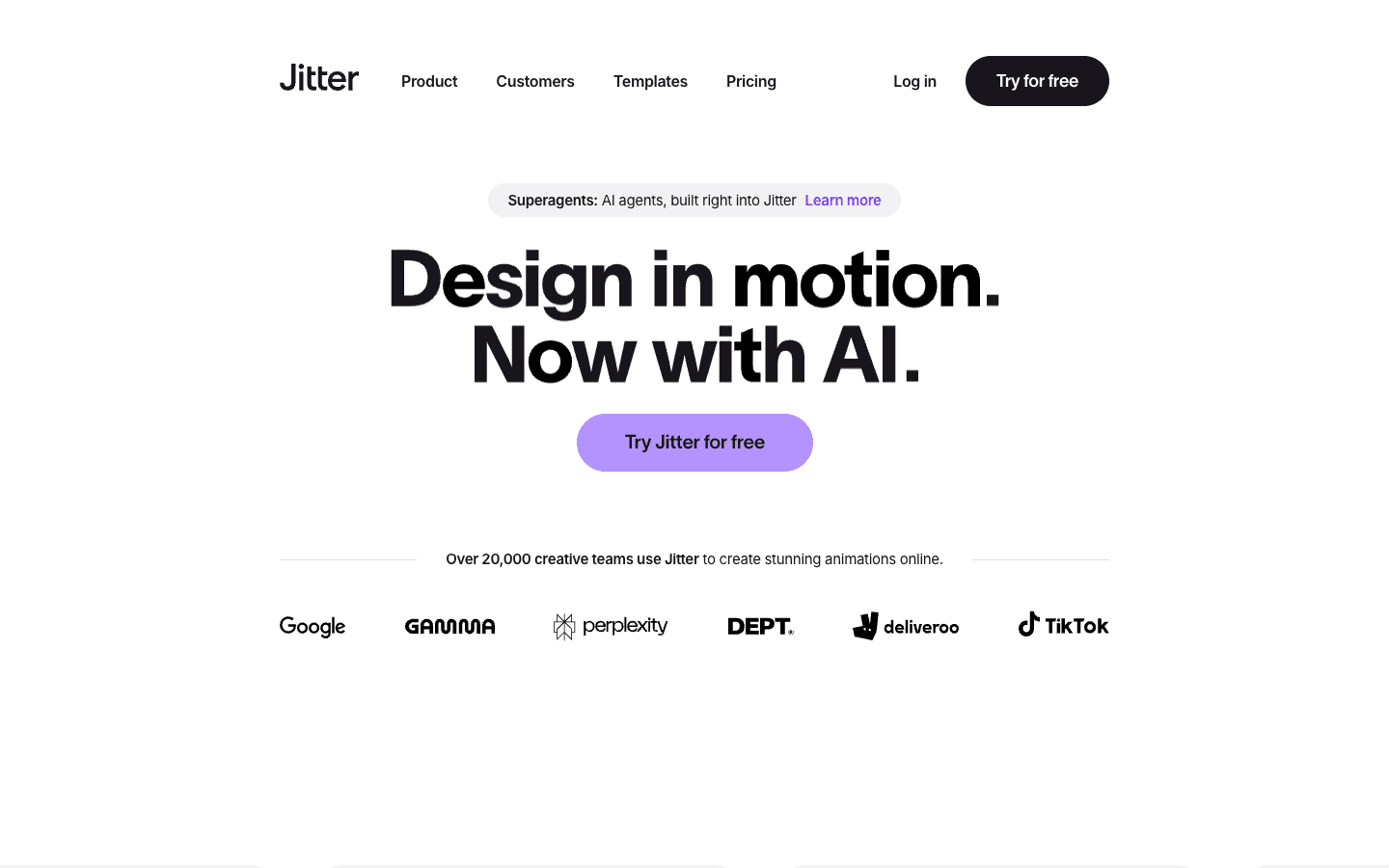 Jitter homepage, captured September 5, 2026
Jitter provides a visual canvas, timeline, Figma import, collaboration, reusable animations and video, GIF and Lottie exports. Its current AI tools can generate editable animations and effects from prompts, then leave the result open for visual refinement.
What remains: Jitter makes motion authoring accessible, but the user still directs and refines the design. AutoAE completes more of those visual decisions before the user begins, which is a different advantage from having a flexible canvas.
7. HyperFrames: ask an Agent to build an editable HTML video project
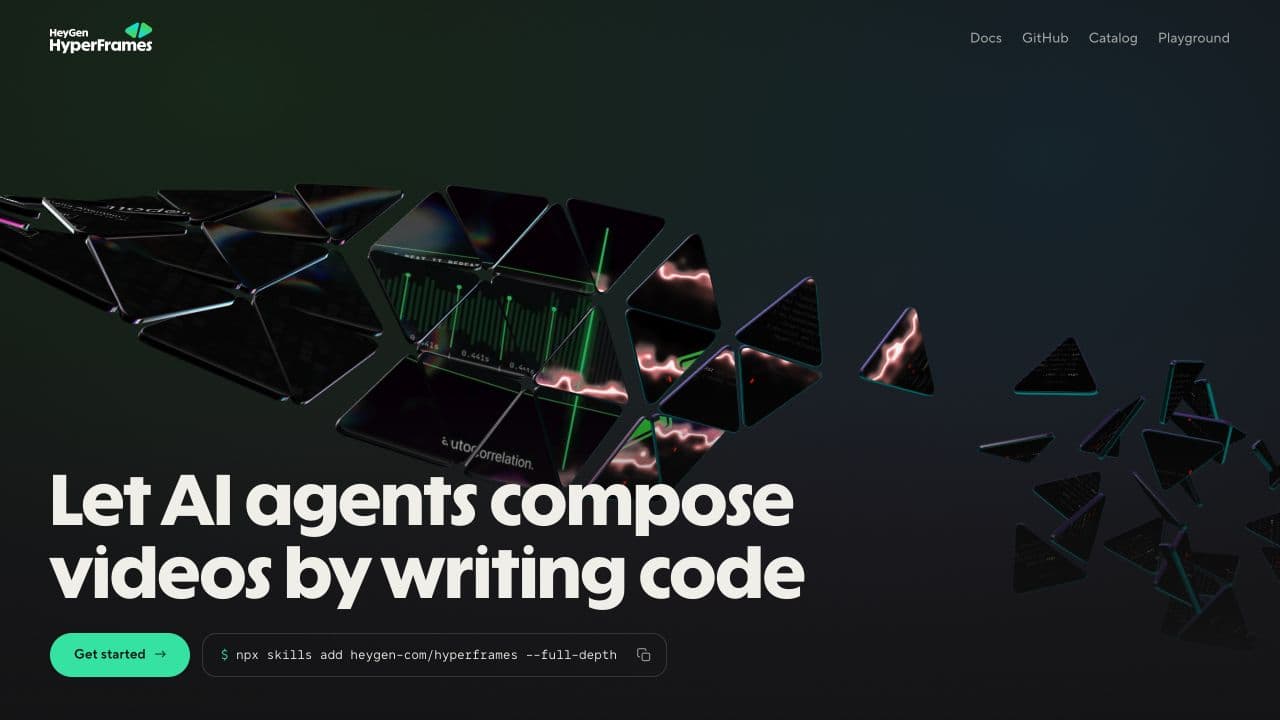 HyperFrames homepage, captured September 5, 2026
HyperFrames turns HTML, CSS and JavaScript into video and uses an editable project folder as the source of truth. Its current workflow is Agent-first, so the user can start with a request instead of hand-writing every scene. The framework is Apache-2.0 licensed and supports local or Docker rendering.
What remains: the first Agent-built version still needs review and direction, and the resulting project remains a code asset that someone maintains. AutoAE Skill gives an Agent a different starting point: professionally designed visual models whose composition and motion system already exist.
Questions people ask about Remotion alternatives
Direct answers about code, design work, automation and finished output.
What is the best Remotion alternative?
It depends on what you want to stop doing. AutoAE removes most Motion Design authoring. Revideo and Motion Canvas keep video in code. Creatomate and Plainly focus on reusable automation. Jitter provides visual authoring, while HyperFrames uses an Agent-built HTML project.
Can AutoAE replace Remotion?
AutoAE replaces the need to build Motion Graphics in Remotion when a suitable professional visual model exists. A team building a programmable video application is solving a different problem: Remotion can remain the application layer while AutoAE supplies the finished Motion Graphics.
Is there a no-code Remotion alternative?
AutoAE, Jitter and Creatomate can all be used without React, but they solve different problems. AutoAE starts with finished Motion Graphics, Jitter is a visual Motion Design workspace, and Creatomate automates reusable templates.
Does Remotion now work with coding agents?
Yes. Remotion currently presents coding agents, Studio editing and programmatic rendering as parts of the product. Code remains the source of truth, so the team still owns the design and project even when an Agent writes part of it.
Can Claude or Codex create a video without Remotion?
Yes. A coding Agent can work with HyperFrames, Revideo, Motion Canvas or another rendering system. AutoAE Skill lets a compatible Agent search and apply professionally designed Motion Graphics instead of inventing the composition from zero.
Is Remotion open source?
Remotion publishes its source under a custom license. It is free for individuals, nonprofits, evaluation and for-profit teams with up to three employees. Other organizations need a Company License. Check the current license before relying on eligibility.
Which Remotion alternatives are open source?
Revideo uses the MIT License, Motion Canvas is free and open source, and HyperFrames uses Apache 2.0. Their software license does not remove infrastructure, engineering or design work.
Is AutoAE another code animation tool?
No. AutoAE is a Motion Graphics creation platform built around professionally completed visual models. Its Agent and Skill apply content and supported brand changes to those designs. AutoAE is not becoming a blank code canvas.
Can AutoAE create a complete video?
AutoAE can create complete Viral Reels, pure-MG videos, short Product Showcase ads and coordinated SaaS Launch videos. Videos with continuous talking-head footage or B-roll usually use AutoAE at the important visual moments.
Can I use AutoAE output in another editor?
Yes. The rendered Motion Graphics can be used directly or placed in CapCut, Premiere Pro, DaVinci Resolve or any other editor for voice-over, music, B-roll and timeline assembly.
Which option is best for SaaS Launch videos?
AutoAE has coordinated professional scene sets for SaaS Launch videos, including designed UI interactions, product displays, typography and transitions. Code and visual-authoring alternatives can also build these scenes, but the user or Agent must create the design system first.
Which option is best for complete Viral Reels?
AutoAE includes complete Viral Reel formats with distinct contemporary visual models. Remotion and the other authoring tools can build a Reel, but they do not remove the need to design it.
Which tool fits batch personalized video?
Creatomate and Plainly are built around reusable templates connected to structured data and repeated rendering. AutoAE focuses on applying real content to professional Motion Graphics through its editor, AI matching and Skill workflow.
Which alternative requires the least Motion Design work?
AutoAE. Its visual models already contain the professional composition and animation. The user or Agent applies real content and supported brand inputs instead of creating the visual direction from an empty project.
Are AI video generators Remotion alternatives?
Usually not. Generative models create footage from prompts. Remotion defines repeatable compositions and renders them. The two categories may appear in the same production workflow, but they replace different work.
Does free software mean the workflow costs nothing?
No. A free license does not cover design time, engineering, rendering infrastructure, debugging or maintenance. Compare the full work required to reach a usable result.
How should I test a Remotion alternative?
Use the same script, assets, duration and output format. Record the time to the first usable result, the revisions required, the final visual quality and who had to perform the design and technical work.
Start with the Motion Graphics, not the framework
Describe the SaaS Launch scene, Viral Reel, YouTube segment or Product Showcase you need. AutoAE AI will recommend several professionally designed visual models that can be adapted with your content and supported brand inputs.
Sources
Capabilities and license descriptions were checked against first-party pages on September 11, 2026.
- Remotion: product, license
- AutoAE: AI, Skill, pricing, license
- Revideo: documentation, repository and license
- Motion Canvas: documentation, repository
- Creatomate: product, documentation
- Plainly: product, core concepts
- Jitter: product, AI animation guide
- HyperFrames: introduction, quickstart