Envato vs AutoAE: Why Generative Motion Graphics Are Replacing Template Libraries

Feature Breakdown: Envato vs. AutoAE at a Glance
|
Feature / Capability
| ||
|
Instant 3D Motion Generation
|
✅ Text-to-Motion: Instantly generate broadcast-quality 3D charts, flowcharts, and typography directly in the cloud.
|
❌ Requires downloading complex After Effects (
.aep) templates, manual keyframing, and local GPU rendering. |
|
Asset Volume & Diversity
|
❌ Focused strictly on motion graphics. Does not provide basic live-action B-roll, stock photos, or royalty-free music tracks.
|
✅ Massive library: Provides 27.1M+ digital assets, including 15.2M+ photos, 9M+ stock videos, and 330K+ music tracks.
|
|
Editing Friction & Workflow
|
✅ Zero-Friction Cloud Editor: No software required. Completely eliminates "Missing Fonts" and broken AE expression errors.
|
❌ High friction: Requires professional software (AE/PR) and frequent troubleshooting for missing 3rd-party plugins.
|
|
Advanced Creator Styles
|
✅ 1-Click Replication: Perfectly clones 11 top-tier creator styles natively (e.g., Vox storytelling, Alex Hormozi, Apple-style).
|
❌ Generic Aesthetics: Mostly cookie-cutter corporate templates; replicating viral creator styles requires heavy manual customization.
|
|
Data Visualization & Layouts
|
✅ Dynamic Scaling: Templates automatically adapt to support 1 to 12 core data points (perfect for B2B flowcharts or 12-month metrics).
|
❌ Static Layouts: Changing the number of data points requires manually duplicating pre-comps and adjusting layers in AE.
|
Intro
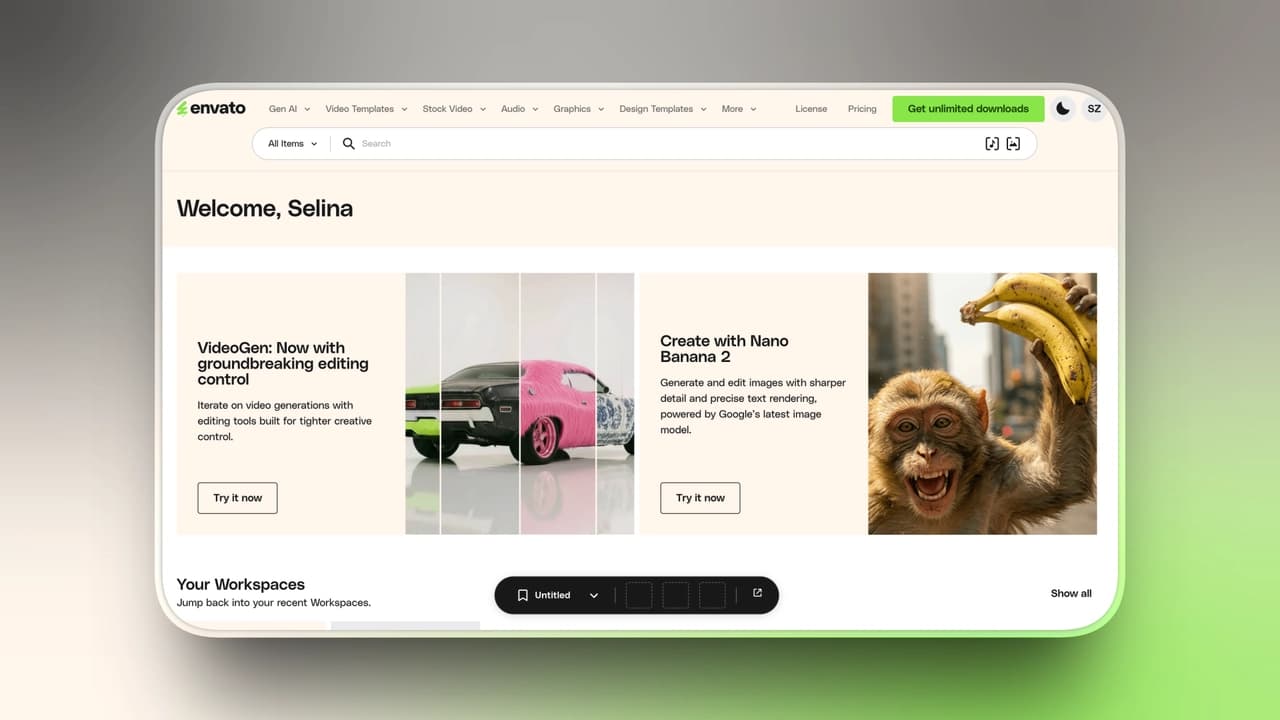
What Envato Elements Does (Strengths)
-
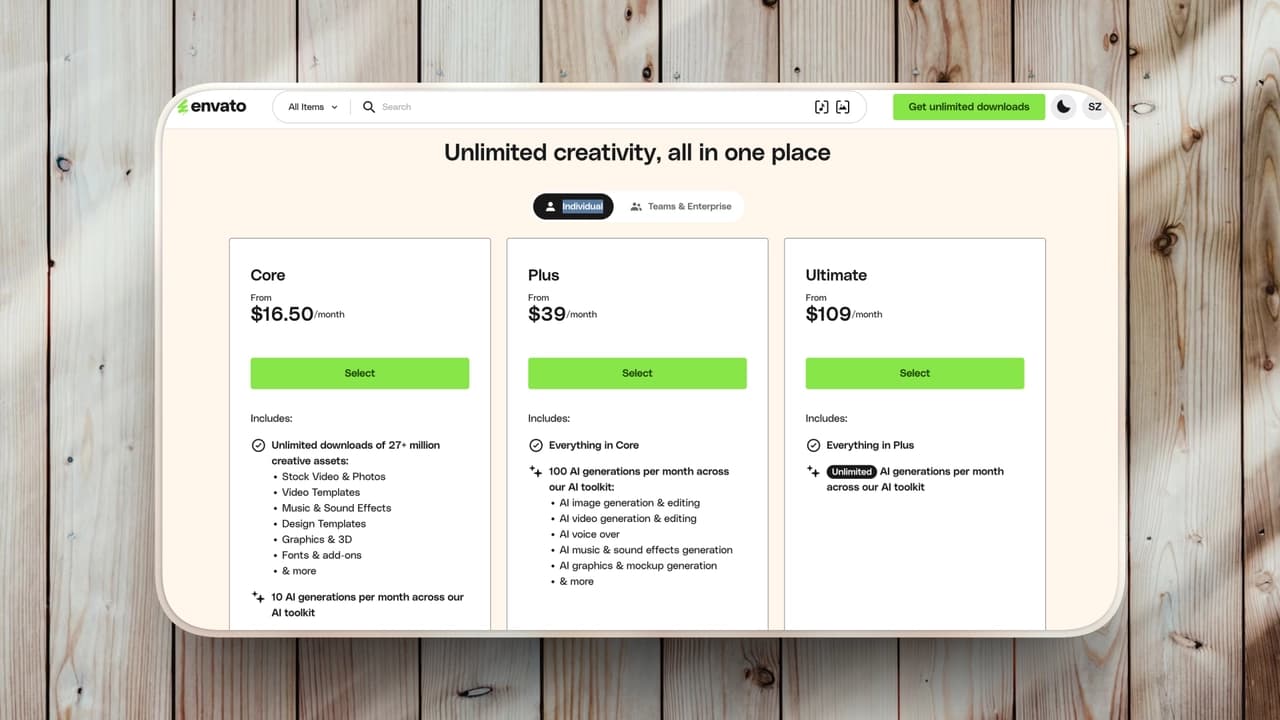
15.2M+ stock photos
-
9M+ stock videos
-
930K+ sound effects
-
330K+ royalty-free music tracks
-
410K+ graphic templates
-
150K+ video templates
-
Adobe After Effects
-
Premiere Pro
-
DaVinci Resolve
-
Photoshop
-
Figma
-
Blender
Limitations of Envato Elements
Despite its massive library, Envato comes with a hidden cost many teams underestimate: the Template Tax.
Downloading a template is only the start of the production process. From there, teams often run into a few common bottlenecks:
- The Troubleshooting Trap
Opening an .aep file often means dealing with missing fonts, broken expressions, or outdated plugins that need to be fixed manually.
- The Render Bottleneck
After updating brand colors, logos, and text, exporting even a 5-second motion sequence can still demand serious GPU power and valuable render time.
- Cookie-Cutter Aesthetics
Because thousands of agencies rely on the same trending templates, many finished videos end up looking almost identical.
In fast-moving social feeds, that lack of distinction can make it harder to capture attention.
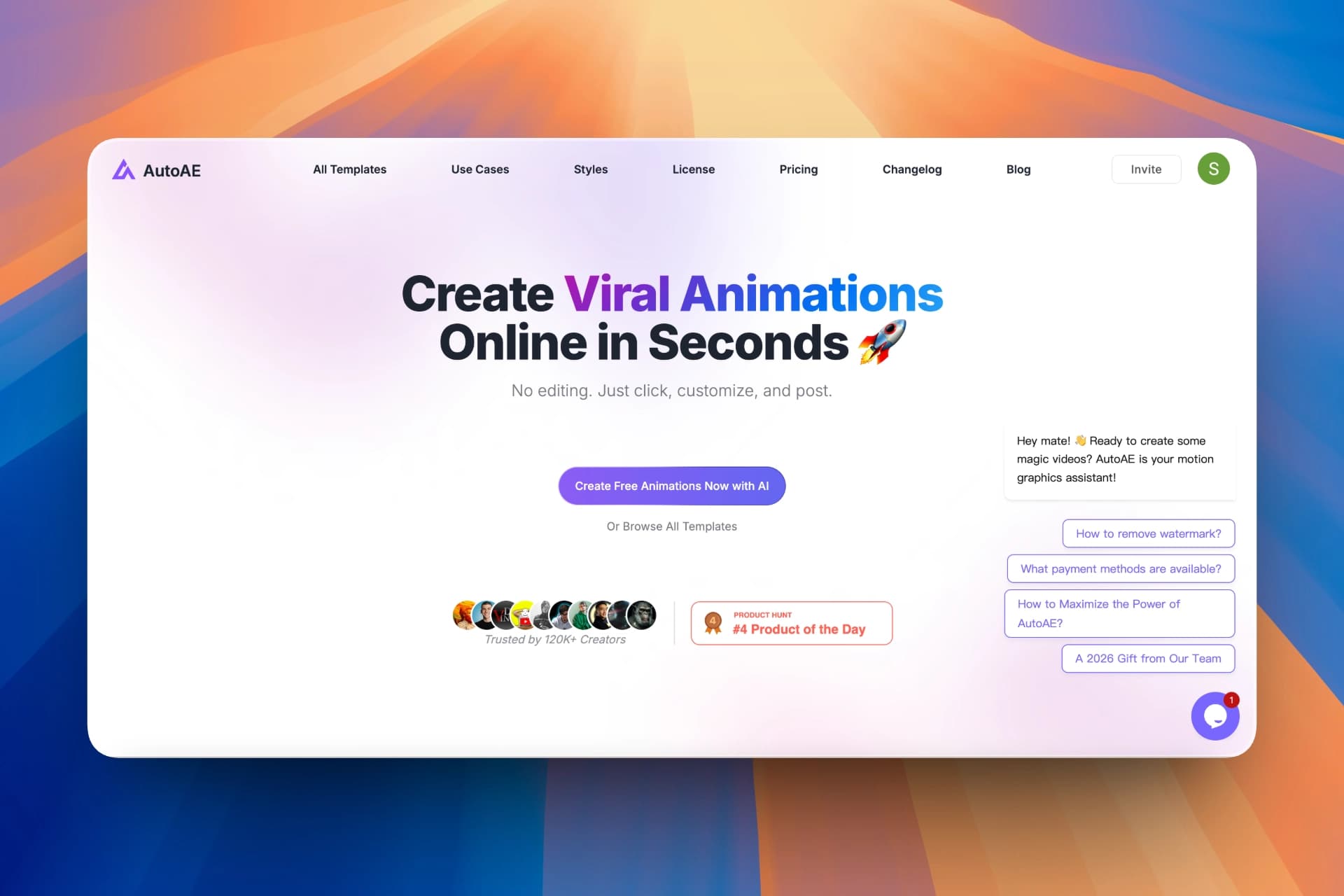
What AutoAE Does (Strengths)
-
No local project files
-
No complex editing software
-
No manual rendering process
Key Capabilities
Motion Categories & Visual Styles
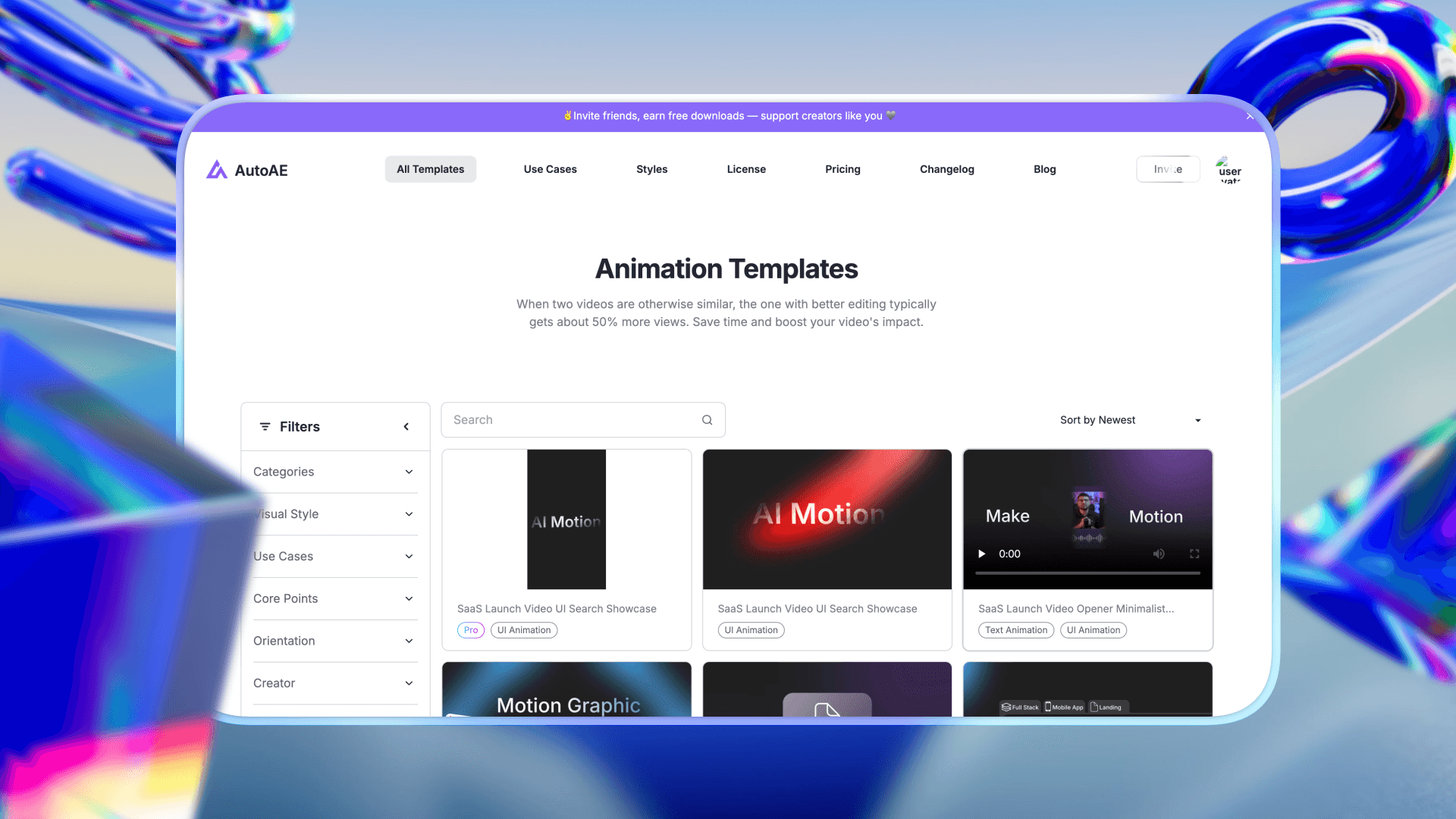
AutoAE offers a broad range of animation categories and visual styles, giving creators flexible options for different formats, tones, and content goals.
These assets span a wide variety of looks, including styles such as:
• Dark Mode
• Glitch
• Neon
• Tech UI
• Minimal Motion
Top YouTuber-Style Visual Hooks
AutoAE continuously releases new animation assets inspired by the editing patterns and visual hooks commonly seen in top YouTuber content.
That makes it easier for teams to recreate high-performing visual styles, including:
• Top YouTuber-style data visuals
• Top YouTuber-style highlight graphics
• Top YouTuber-style cinematic storytelling layouts
|
Plan
|
Price
|
Best for
|
|
Free
|
$0
|
Trying the platform or very small tests
|
|
Starter
|
$12 / month
|
Beginners or small projects
|
|
Creator
|
$39 / month
|
Regular content creators
|
|
Agency
|
$49.92 / month
|
Teams and agencies
|
|
Scale
|
$166.58 / month
|
High-volume or enterprise use
|
|
Single Video
|
$2.90 / video
|
Occasional one-off animations
|
Flexible Data & Orientation Support
-
YouTube videos
-
TikTok / Reels / Shorts
-
multi-step workflows
-
product comparisons
-
data breakdowns
Feature Comparison: Envato Elements vs AutoAE
|
Feature
|
Envato Elements
|
AutoAE
|
|
Asset Library
|
Massive (27M+ assets)
|
Focused motion templates
|
|
Motion Graphics
|
Requires manual editing
|
Generated automatically
|
|
Rendering
|
Local GPU rendering
|
Cloud generation
|
|
Customization
|
High but manual
|
Fast and automated
|
|
Learning Curve
|
Medium to high
|
Very low
|
|
Best For
|
Full creative production
|
Fast social video motion graphics
|
Workflow Efficiency: Templates vs Generative Motion
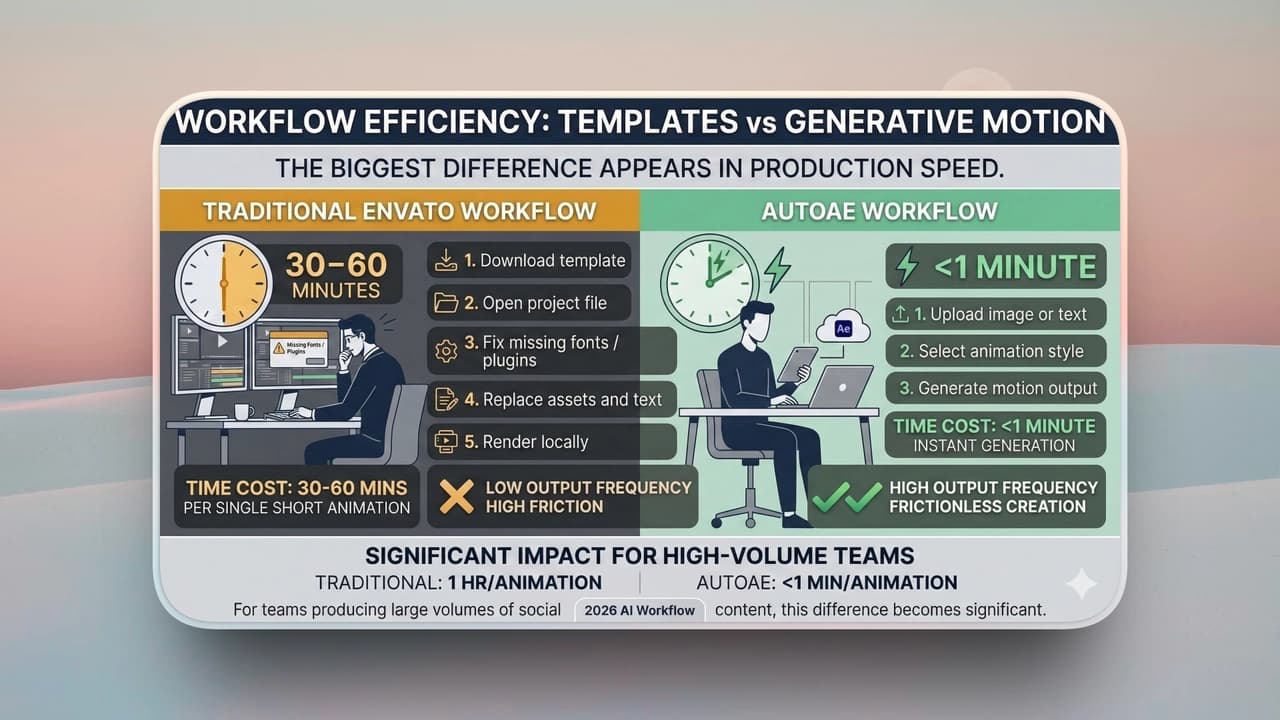
Traditional Envato Workflow
-
Download template
-
Open project file
-
Fix missing fonts / plugins
-
Replace assets and text
-
Render locally
AutoAE Workflow
-
Upload image or text
-
Select animation style
-
Generate motion output
Which Tool Should You Choose?
|
Creator Type
|
Recommended Tool
|
|
Traditional creative agencies
|
Envato Elements
|
|
Social media teams
|
AutoAE
|
|
YouTube creators
|
AutoAE
|
|
Designers building custom projects
|
Envato Elements
|
|
Marketing teams producing Shorts
|
AutoAE
|
Smart Tips: When to Use Envato vs AutoAE
-
Stock footage or B-roll
-
Website themes or graphic assets
-
Audio tracks or sound effects
-
Large creative asset libraries
-
High-impact motion graphics
-
Short-form video hooks
-
Data visualization animations
-
Fast motion production without After Effects