AI Tools Analysis
Opus Clip vs AutoAE: The Smart AI Workflow for High-Retention Shorts (2026)
April 5, 2026

Selina ZFocused on in-depth research in AI tools, AI video, and generative AI.
AutoAE vs OpusClip Comparison
|
Feature / Capability
| ||
|
Image / Text → 3D Animation
|
✅Turn images, text, or subtitles into complex 3D motion animations (e.g., Google-search style effects).
|
❌ Only supports basic image/text overlays, no advanced 3D motion graphics.
|
|
Data Visualization & Diagrams
|
✅ Create animated charts (1–12 data points), dynamic line charts, and 3D cause-effect diagrams.
|
❌ No templates for animated charts or workflow diagrams.
|
|
Advanced Visual Layouts
|
✅ Replicate complex creator styles like Vox storytelling visuals, Apple-style animations, or detective board layouts.
|
❌ Limited to basic brand templates (logo, colors, fonts).
|
|
AI Video Understanding & Auto Clipping
|
❌ Does not analyze long-form video content automatically.
|
✅ Multimodal AI analyzes video, audio, and emotional moments to auto-clip and reframe content.
|
|
Auto Subtitles & AI B-Roll
|
❌ No speech recognition or contextual B-roll generation.
|
✅ 99% subtitle accuracy + automatic AI B-roll insertion.
|
|
Social Scheduling & Publishing
|
❌ Focused on visual asset creation only.
|
✅ Schedule and publish to TikTok, YouTube, and other platforms.
|
Short-form growth in 2026 isn’t just about posting more videos — it’s about winning the first three seconds. Tools like Opus Clip have become popular because they can automatically turn long-form videos into multiple Shorts, making it much easier for creators to scale production. But as AI clipping becomes more common, a new question emerges:
if everyone can produce more Shorts, what actually makes a video stand out in a crowded feed?
In this guide, we’ll break down:
-
Where Opus Clip excels in the Shorts workflow
-
Where automated clipping starts to reach its limits
-
What creators focus on improving hooks, retention, and visual impact
What Opus Clip Does (Strengths)
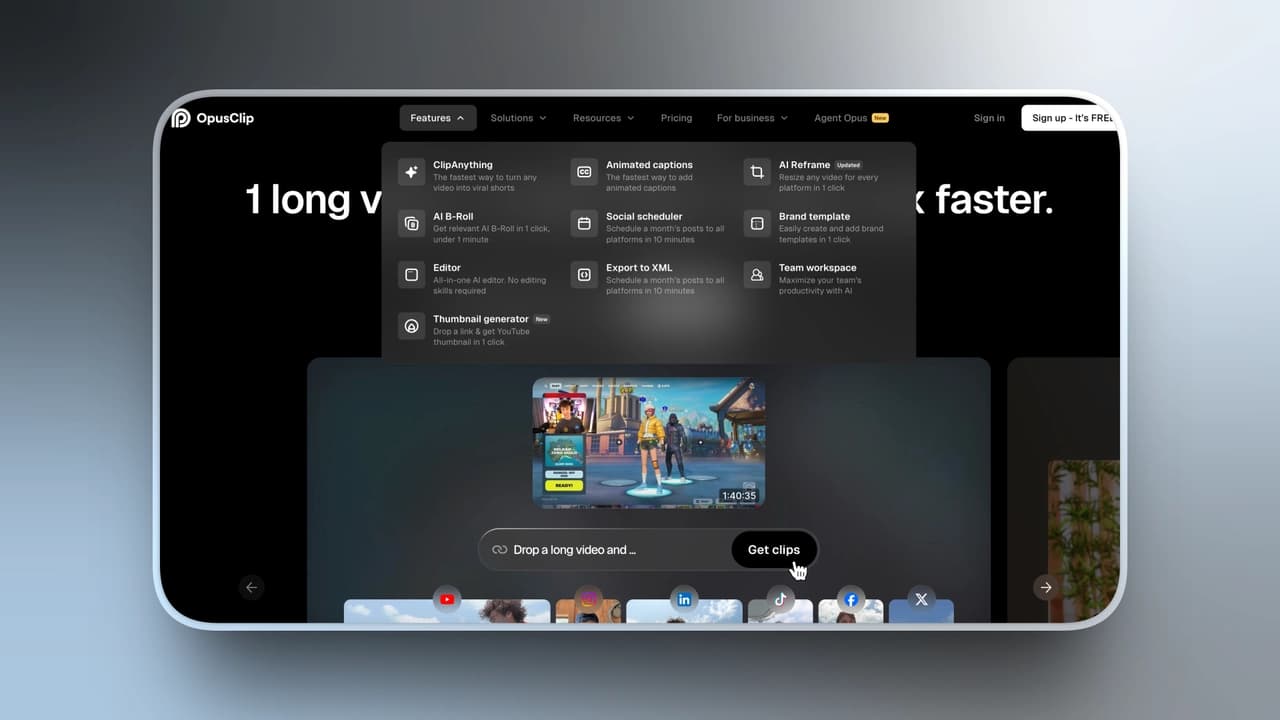
Opus Clip is designed to repurpose long-form content into short videos automatically.
Instead of manually reviewing a 40-minute podcast or YouTube video, the tool detects highlights and converts them into vertical clips.
For creators producing long content regularly, this dramatically reduces editing time.
Key capabilities include:
-
AI highlight detection (ClipAnything) Automatically extracts the most engaging moments from long videos.
-
Automatic reframing (ReframeAnything) Tracks subjects and converts clips into 9:16, 1:1, or 16:9 formats.
-
High-accuracy AI captions Subtitles generated within minutes with up to 99% speech recognition accuracy.
-
AI B-roll generation Automatically inserts contextual visuals that can increase watch time.
-
Batch clip generation Turns one long video into multiple short clips quickly.
For creators focused on publishing frequency and distribution, this removes one of the biggest bottlenecks in short-form productio
Limitations of Opus Clip
While Opus Clip dramatically improves editing speed, it doesn’t fundamentally improve visual storytelling.
Most AI-generated clips still rely on:
-
Standard captions
-
Basic vertical framing
-
Simple motion graphics
In highly competitive Shorts feeds, this often makes videos look visually similar to thousands of other clips.
In other words:
Opus solves the volume problem — but not the visual differentiation problem.
What AutoAE Does (Strengths)
AutoAE focuses on a different stage of the workflow: visual storytelling and motion impact.
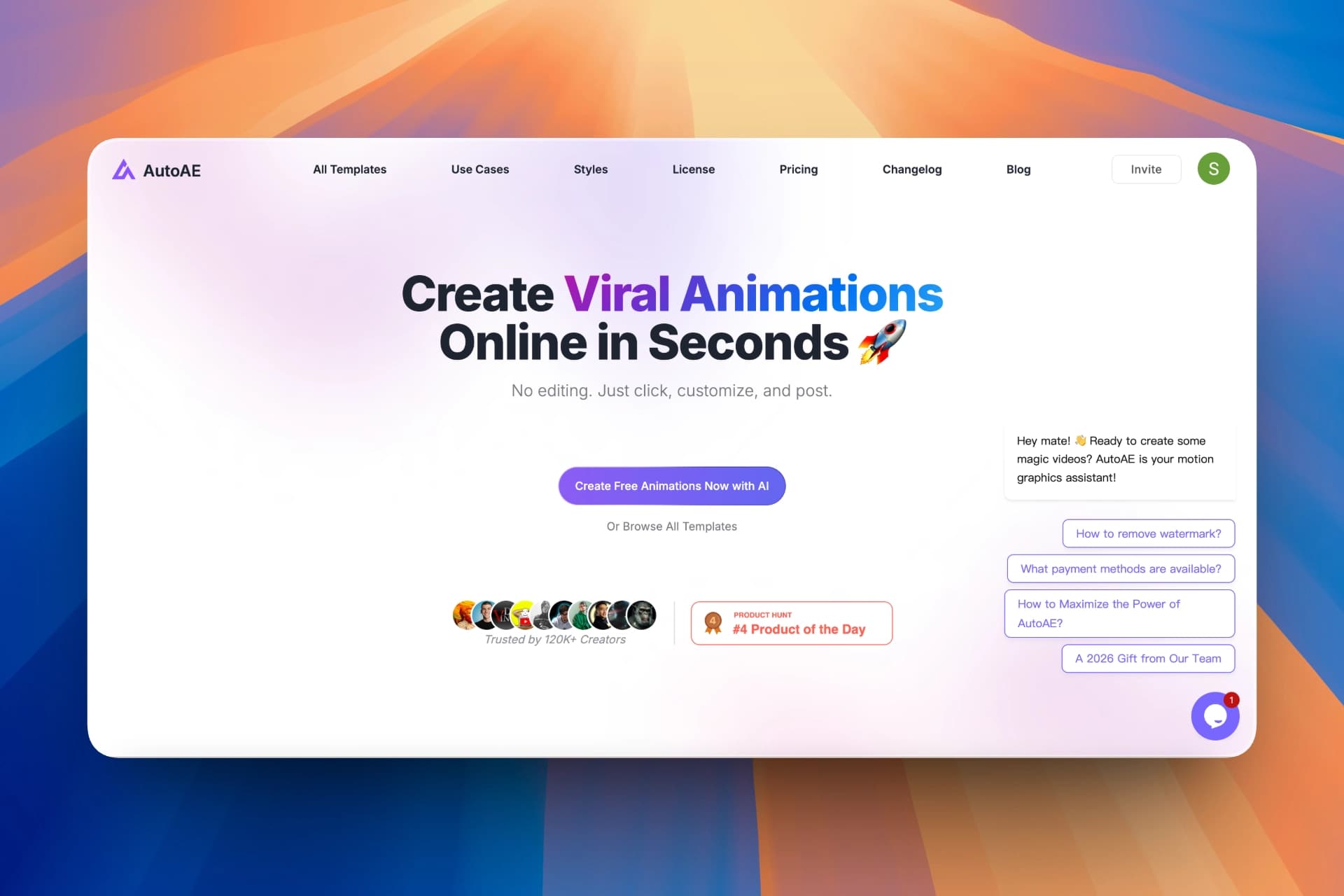
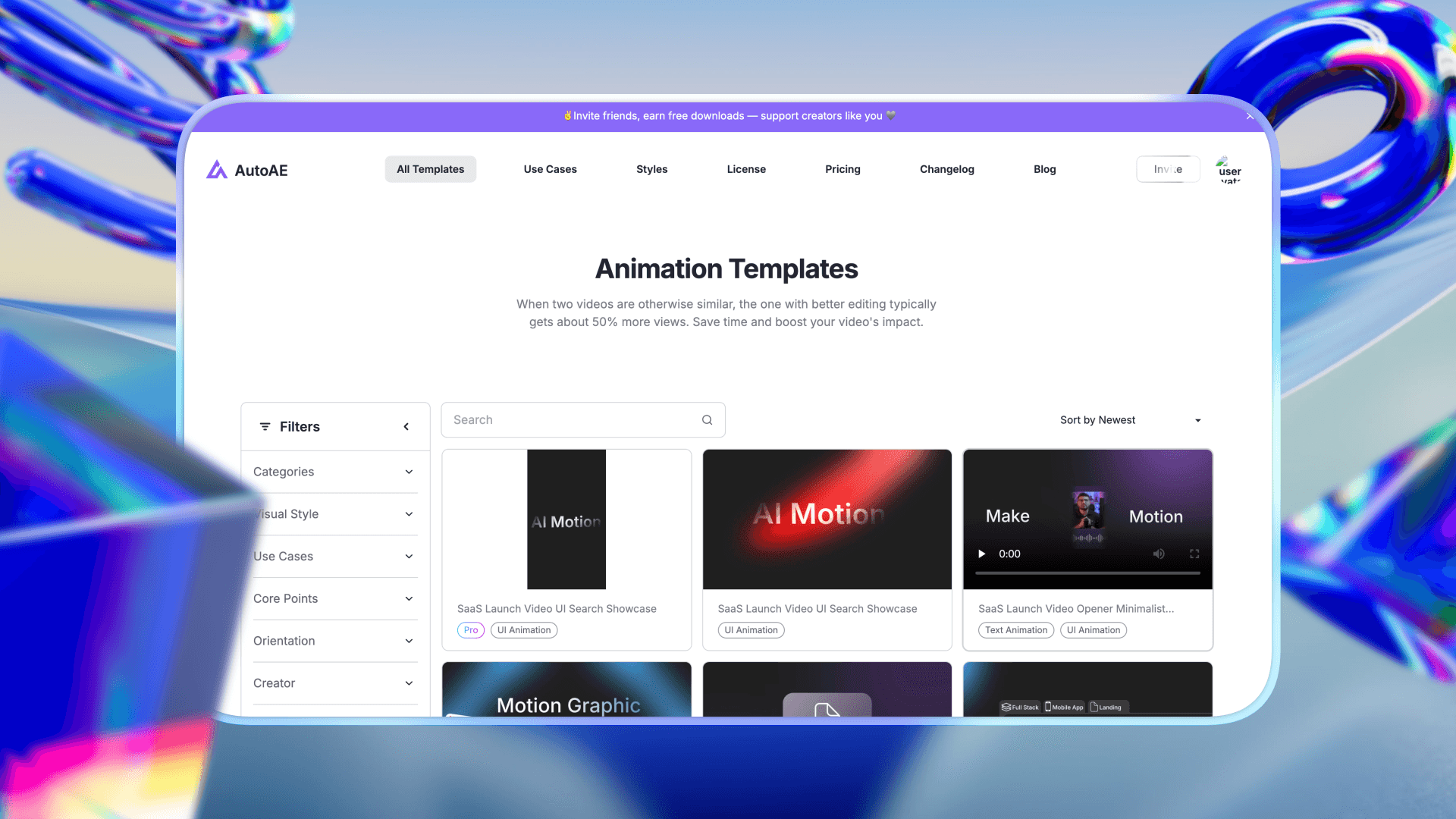
Instead of clipping videos, AutoAE helps creators generate high-impact motion graphics and animated visuals quickly.
The platform currently supports 1,000,000+ creators, allowing them to create professional-grade motion graphics without complex software.
Typical use cases include:
-
Animated hooks for the first 3 seconds
-
Motion titles and dynamic captions
-
Logo reveals and branded intros
-
3D motion typography
-
Animated charts and diagrams
On average, creators report saving around 60 minutes per video, while stronger visual hooks can increase engagement by 40% or more.
Key capabilities include:
-
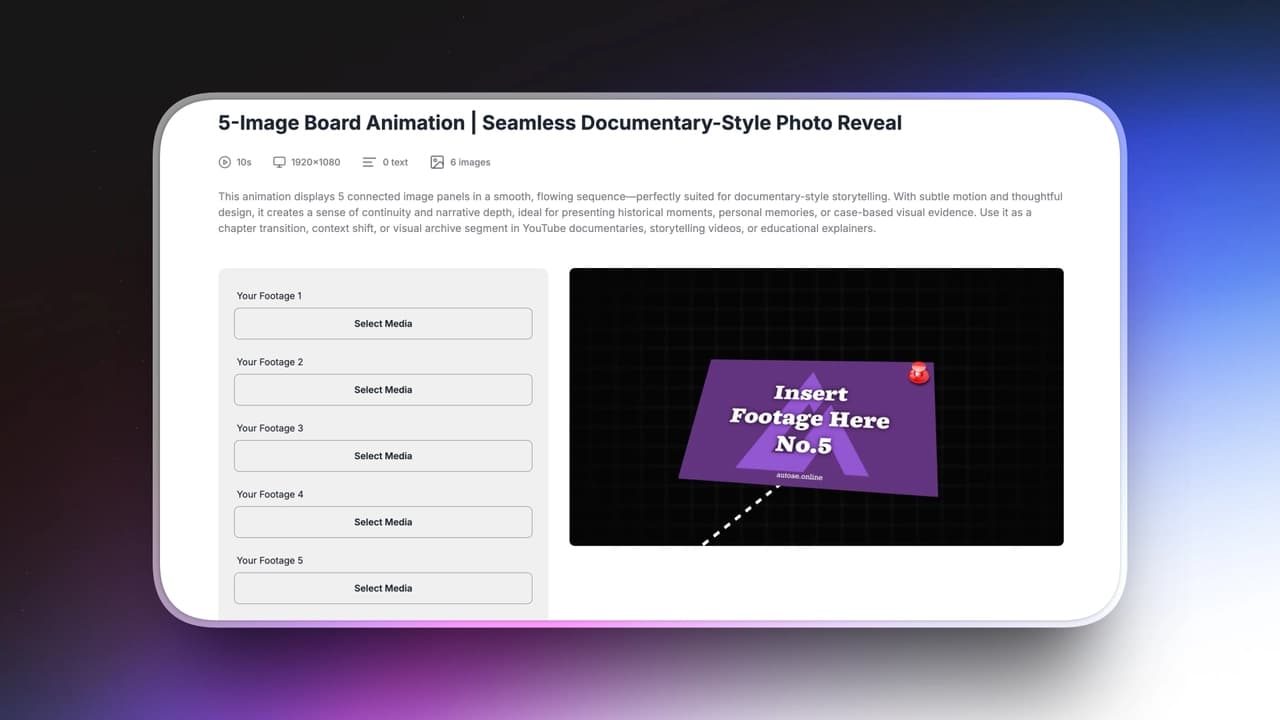
Image or Text → 3D Animation Turn simple assets into dynamic motion visuals.
-
Animated subtitles and hooks Transform captions into visual attention points.
-
Data visualizations and diagrams Create animated charts supporting multiple data points.
-
Multiple visual styles Including glitch, dark UI, and 3D motion aesthetics.
-
Creator-style templates Inspired by storytelling formats used by creators such as Vox-style explainers and Apple-style motion presentations.
These templates are produced by a team of professional motion designers, giving creators access to advanced visuals without learning complex tools.
Limitations of AutoAE
AutoAE focuses on visual assets rather than full video editing.
It does not:
-
analyze long-form videos
-
generate clips automatically
-
replace a full video editor
Creators typically use AutoAE alongside tools like Opus Clip or traditional editing software.
|
Tool
|
Core Strength
|
What It Solves
|
Impact on Growth
|
Best Use Case
|
Starting Price
|
|
AutoAE
|
Motion graphics & visual hooks
|
Makes Shorts visually engaging and scroll-stopping
|
Improves watch time, retention, and CTR through animated hooks
|
Creators who want stronger visual storytelling and brand identity
|
From $0
|
|
Opus Clip
|
AI video clipping & repurposing
|
Converts long videos into multiple shorts automatically
|
Increases content volume and publishing frequency
|
Repurposing podcasts, interviews, and long-form videos
|
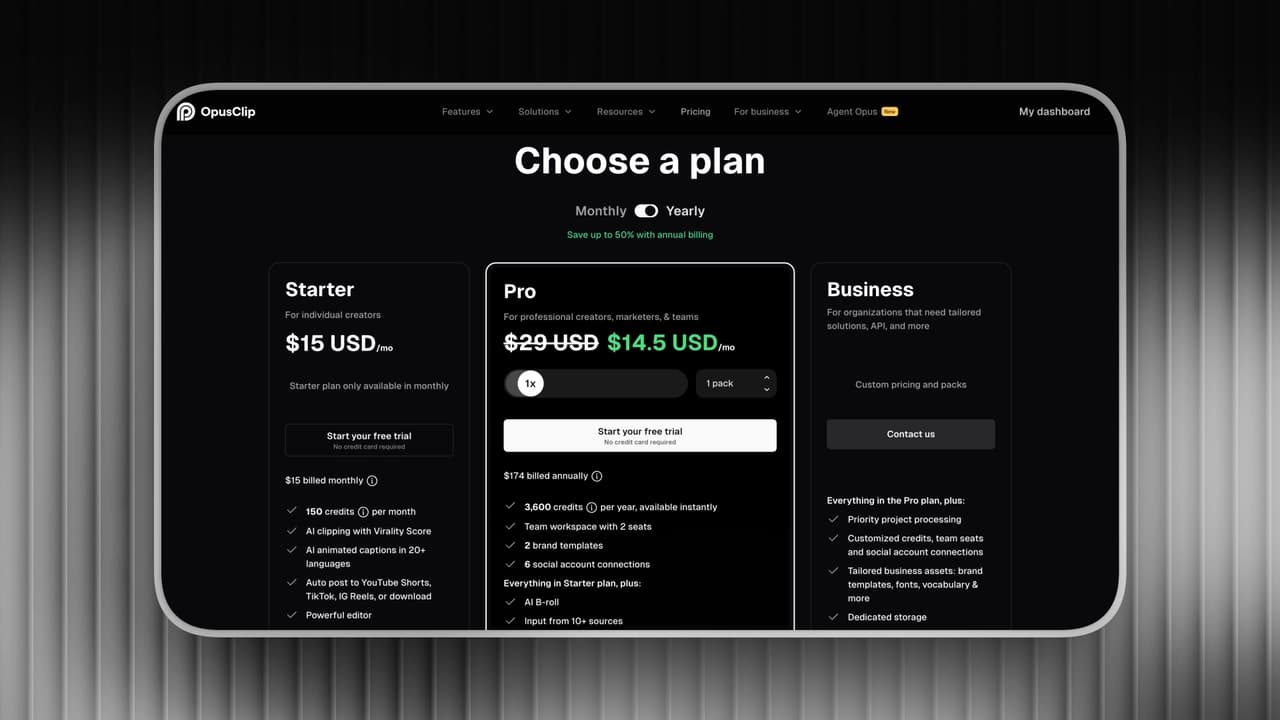
From $15/month
|
Growth Impact: Hooks vs Volume
|
Growth Factor
|
Opus Clip
|
AutoAE
|
|
Hook Retention (First 3 Seconds)
|
Limited impact — depends on the original footage
|
Strong improvement through animated hooks
|
|
Watch Time
|
More clips create more opportunities for views
|
Higher engagement through motion visuals
|
|
Scroll-Stopping Power
|
Standard captions and framing
|
Dynamic motion graphics
|
|
Brand Memorability
|
Focus on content extraction
|
Stronger visual identity
|
For creators selling products, courses, or services, perception directly impacts conversion.
Stronger visual storytelling can significantly improve how audiences perceive authority and professionalism.
Better visuals don’t just look good.
They change how audiences respond.
Time Cost Comparison
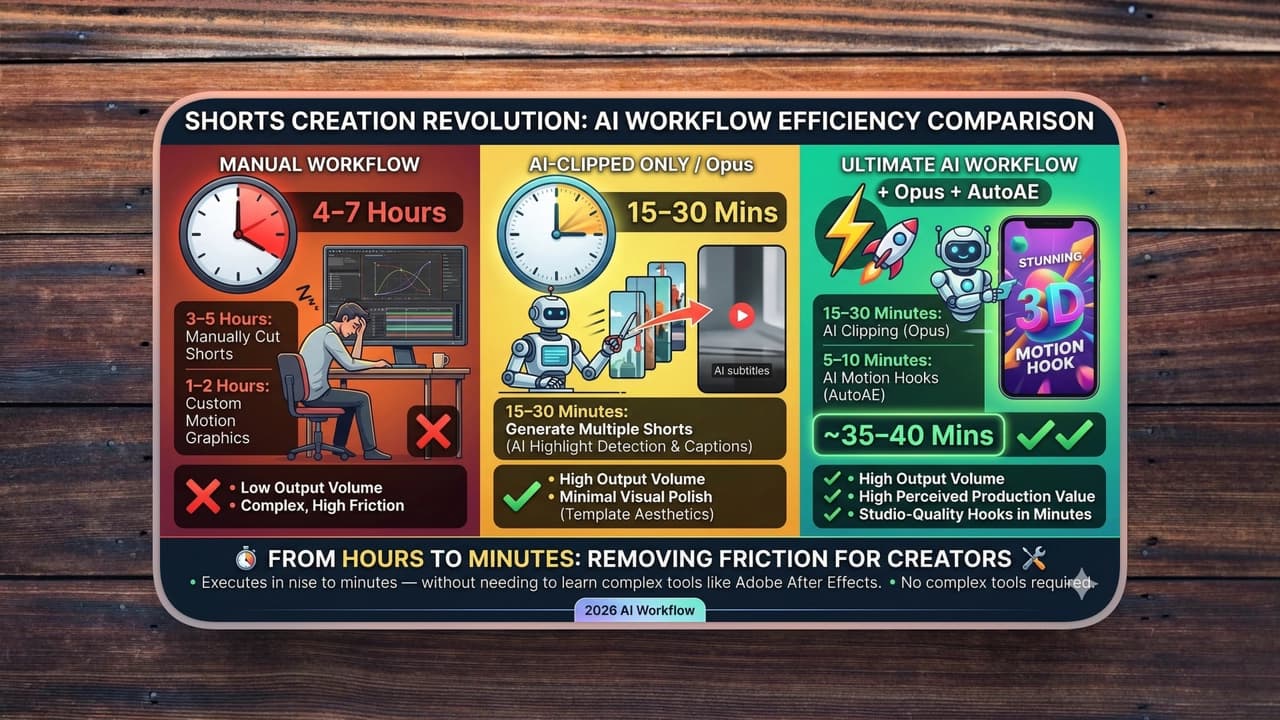
Let’s break this down practically.
Without AI Tools:
-
3–5 hours to manually cut Shorts
-
1–2 additional hours designing motion graphics in traditional software
With Opus Only:
-
15–30 minutes to generate multiple Shorts
-
Minimal visual enhancement
With Opus + AutoAE:
-
15–30 minutes clipping
-
5–10 minutes generating animated hooks
-
High perceived production value
What used to require advanced motion design software can now be executed in minutes — without needing to learn complex tools like Adobe After Effects.
That’s not about replacing professionals.
It’s about removing friction for creators.
Which Tool Should You Choose?
|
Creator Type
|
Priority
|
Recommended Workflow
|
|
Shorts / TikTok Creators
|
Speed & content volume
|
Use Opus Clip to rapidly generate multiple Shorts, then add quick motion hooks with AutoAE to improve retention.
|
|
YouTube Long-Form Teams
|
Content quality & workflow efficiency
|
Repurpose long videos with Opus Clip, then enhance key clips with AutoAEmotion titles to maintain a consistent visual identity.
|
|
Designers / Motion Artists
|
Creative control & visual quality
|
Use traditional tools for full control, but AutoAE can accelerate motion concept generation and rapid visual prototypes.
|
|
Small Teams / Solo Creators
|
Budget & commercial usage
|
Combine Opus Clip for fast clipping with AutoAE templates to produce professional-looking Shorts without heavy editing software.
|
The Smarter Workflow: Volume × Impact
Shorts growth can be simplified into a formula:
Growth = Output Volume × Attention Quality
Opus increases output volume.
AutoAE increases attention quality.
Here’s how the combined workflow looks:
Step 1 — Record Long-Form Content
Create your YouTube video or podcast.
Step 2 — Use Opus Clip
Upload your long video and let the AI generate multiple short clips automatically.
In many cases, a single long-form video can produce up to 10 highlight Shorts, complete with captions and automatic reframing.
Step 3 — Enhancing the Hook with AutoAE
Add:
-
A dynamic animated title
-
A motion intro
-
A bold visual statement
-
Branded typography
Step 4 — Publish
This combination creates a system where:
-
Production remains fast
-
Visual quality feels intentional
-
Brand identity becomes recognizable
Opus scales your output.
AutoAE upgrades your impact.