AI Tools Analysis
Top 10 Logo Reveal Makers (Fast Export + Commercial Use)
March 25, 2026

Selina ZFocused on in-depth research in AI tools, AI video, and generative AI.
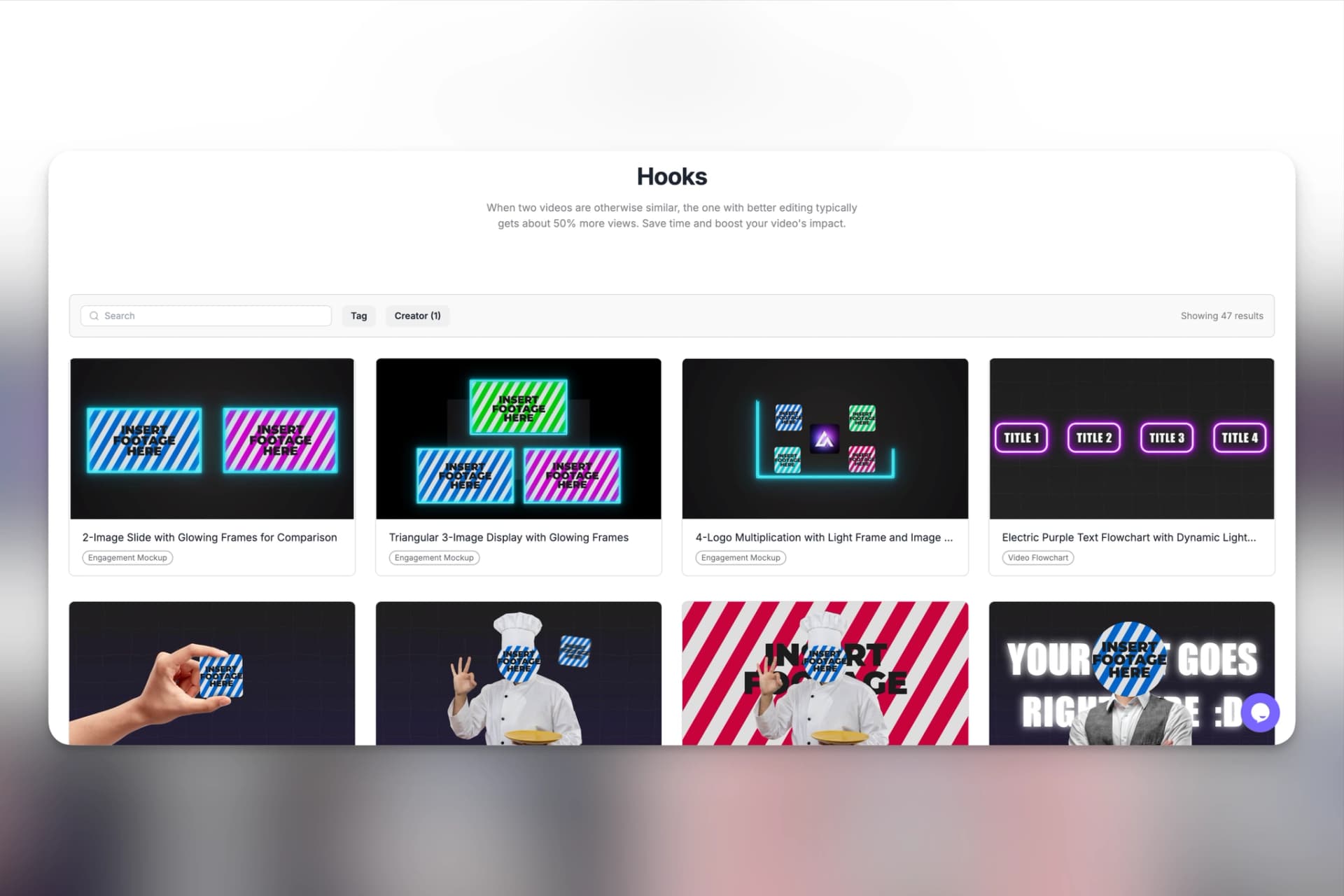
Best Logo Reveal Makers (2026): Stop Wasting Hours on Intros
Stop struggling with After Effects keyframes. We tested the 10 best online logo reveal makers and template libraries for YouTube creators based on export speed, transparent channels (Alpha), and commercial licensing.
|
Tool
|
Best For
|
Export Speed
|
Commercial License
|
Ease of Use
|
|
Envato Elements
|
Large template library
|
Medium (manual render)
|
Yes
|
Intermediate
|
|
Motion Array
|
Marketplace-style AE templates
|
Medium
|
Yes
|
Intermediate
|
|
AutoAE
|
Fast YouTube logo intros & hooks
|
Very Fast (cloud render)
|
Yes
|
Easy
|
|
Renderforest
|
Online brand intro videos
|
Fast
|
Yes
|
Easy
|
|
Placeit
|
Quick startup intros
|
Fast
|
Yes
|
Very Easy
|
|
Canva
|
Simple animated logos
|
Fast
|
Plan-dependent
|
Very Easy
|
|
VideoHive
|
One-off AE template purchase
|
Medium
|
Yes
|
Intermediate
|
|
Runway
|
AI-assisted motion
|
Fast
|
Yes
|
Easy
|
|
Looka
|
Logo creation (static)
|
|
Yes
|
Very Easy
|
|
Hatchful
|
Free logo generator
|
|
Yes
|
Very Easy
|
Intro
For YouTube creators and video editors, a logo reveal needs to be three things: fast, professional, and commercially safe. It should drop smoothly into your Premiere Pro or DaVinci Resolve timeline, export quickly, and not require a complicated After Effects setup just to produce a five-second intro.
The problem? Many articles recommend generic "logo makers" when you actually need a motion graphics reveal. You don't just need a static PNG; you need a dynamic animation with alpha channels, proper frame rate matching, and high-quality sound design.
To identify the most practical options in 2026, I evaluated the top logo reveal makers based on export speed, licensing clarity, and customization flexibility. Whether you need a cloud-based generator that renders an MP4 in seconds, or a structured project file for deep keyframe control, not all tools balance speed and control equally.
Below are the 10 best tools that make the most sense if your goal is to create clean, commercial-ready logo intros without slowing down your production pipeline.
AutoAE
Best for Fast, Professional YouTube Hooks
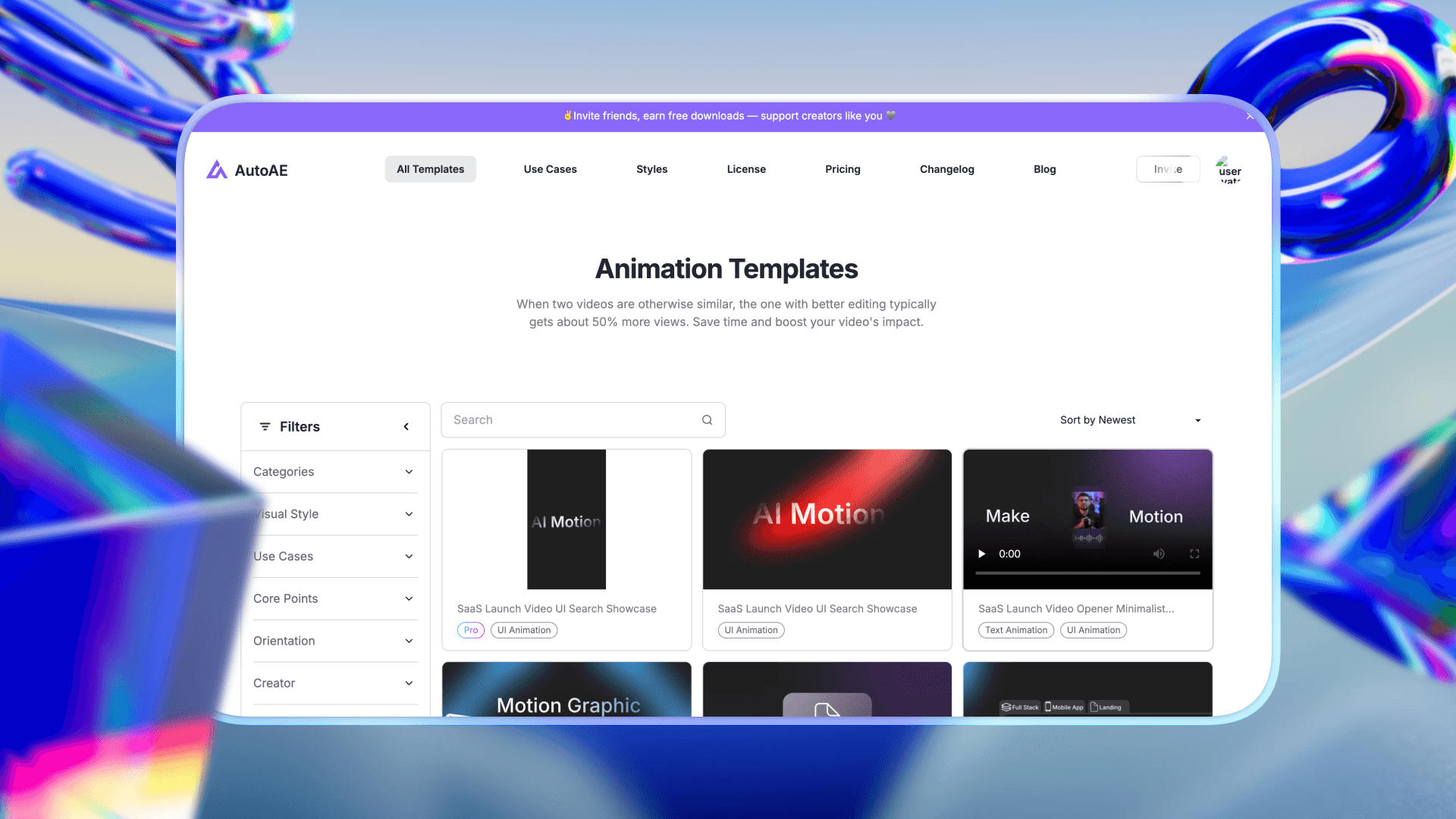
AutoAE positions itself between heavy motion software and lightweight intro makers. Instead of offering downloadable project files or generic drag-and-drop animations, it focuses on pre-structured motion templates that replicate professional motion design styles without requiring manual animation work.
It operates as a cloud-based motion snippet generator rather than a full video editor.
What Problem It Solves
Many YouTube creators want logo reveals that look intentional and polished, with layered typography, light streaks, depth transitions and timing control, but don’t want to build animations from scratch or manage complex project timelines.
AutoAE reduces that gap. Instead of adjusting dozens of keyframes, users upload their logo, modify text or color settings, and generate a finished animation without handling motion structure manually.
For a walkthrough of the actual upload-to-export flow, see how AutoAE generation works.
Key Features
Pre-built motion systems designed to mimic professional animation structure
Cloud-based generation with no local rendering required
Templates optimized for short intros, hooks, and branded segments
Pricing
|
Plan
|
Price
|
Best for
|
|
Free
|
$0
|
Trying the platform or very small tests
|
|
Starter
|
$12 / month
|
Beginners or small projects
|
|
Creator
|
$39 / month
|
Regular content creators
|
|
Agency
|
$99 / month
|
Teams and agencies
|
|
Scale
|
$299 / month
|
High-volume or enterprise use
|
|
Single Video
|
$2.90 / video
|
Occasional one-off animations
|
pros
-
Motion quality feels closer to custom design than basic intro makers
-
No need to manage timelines, layers, or keyframes
-
Suitable for creators who want consistency across multiple uploads
cons
-
Not a full video editor
-
Customization depth is template-dependent
-
Not designed for long-form animated sequences
Primary User Fit
-
A: Shorts / TikTok creators who prioritize speed
-
D: Small teams needing commercially safe intros without heavy production
-
Also suitable for B teams when used as a modular intro generator
Renderforest
Best for All-in-One Brand Videos
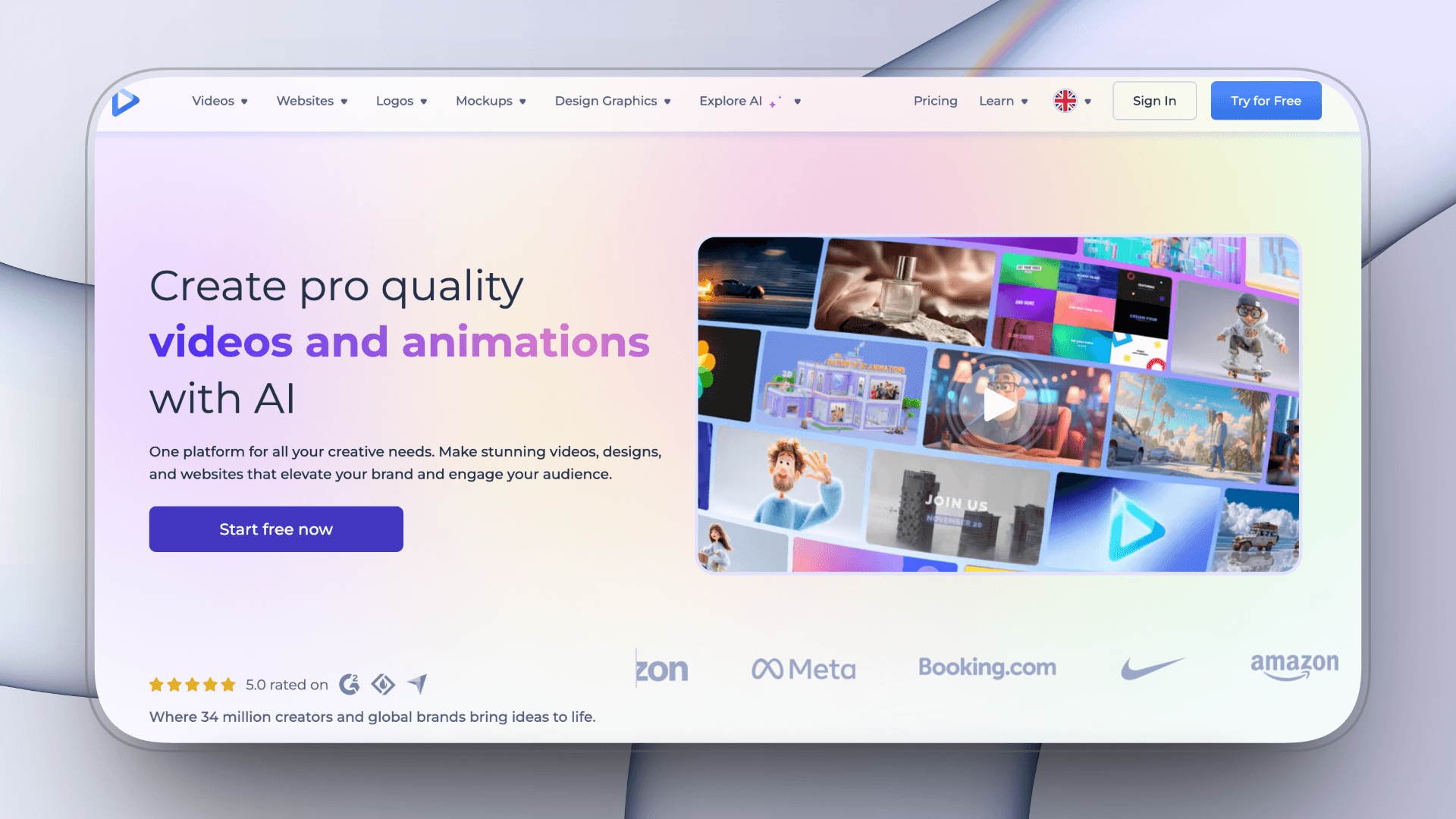
Renderforest is an all-in-one online branding and video creation platform that includes logo reveals, intro videos, promo clips, and brand mockups. Unlike template marketplaces, it operates fully in-browser, handling customization and export without requiring external software.
In the logo reveal space, it functions as a fast, structured intro generator rather than a downloadable motion template provider.
What Problem It Solves
Renderforest is built for creators who want a quick, ready-to-export logo animation without managing layers, timelines, or project files. Instead of adjusting motion parameters manually, users select a preset animation style, upload their logo, edit text, and render directly in the cloud.
It simplifies production at the cost of deep motion control.
Key Features
Browser-based logo reveal generator
Pre-designed animation styles across multiple industries
Built-in export and commercial usage options
Pricing
-
Monthly plans
-
Basic: $15 / mo
-
Standard: $30 / mo
-
Ultimate: $50 / mo
-
Creator: $250 / mo
-
-
Annual plans: ~30% discount
pros
-
No software installation required
-
Straightforward workflow for non-designers
-
Suitable for brand intros and startup content
cons
-
Customization options are relatively limited
-
Motion styles can feel generic if widely used
-
Higher-resolution exports may require premium tiers
Best For
Creators who prioritize simplicity and browser-based production over detailed motion control.
Placeit
Best for Quick Startup Intros
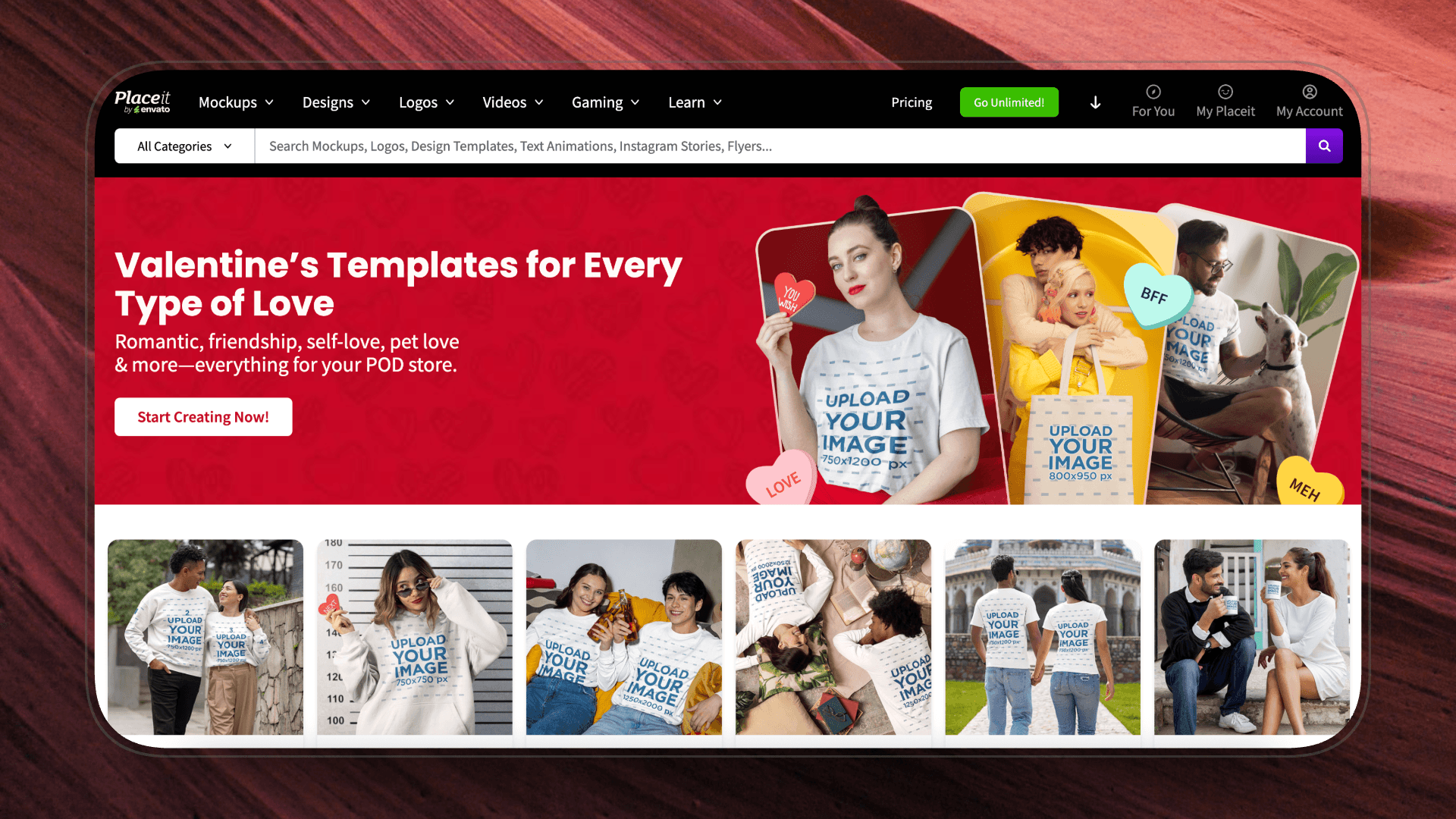
Placeit is widely known for mockups and branding assets, but it also offers a large collection of ready-made logo reveal animations. It positions itself as a beginner-friendly, browser-based creative tool designed for entrepreneurs, content creators, and small businesses.
In the logo reveal space, Placeit emphasizes speed and accessibility over deep motion customization.
What Problem It Solves
Placeit is built for creators who want a functional logo intro without learning animation tools or managing project files. The workflow is straightforward: choose a style, upload your logo, edit text if needed, and export.
There is no timeline editing or layer-based motion control, because the animation structure is fixed within each template. That trade is the whole difference between the two approaches, and we break it down in AutoAE versus After Effects for short-form motion graphics.
Key Features
Fully browser-based logo animation generator
Large collection of categorized intro styles
Commercial usage included under subscription
Pricing
-
Unlimited Subscription: $7.47 / month
pros
-
Extremely easy setup for beginners
-
Fast preview and export process
-
Good for startups or early-stage channels
cons
-
Motion depth is limited to preset structures
-
Visual styles can feel repetitive across niches
-
Minimal control over animation timing and sequencing
Canva
Best for Lightweight Brand Consistency
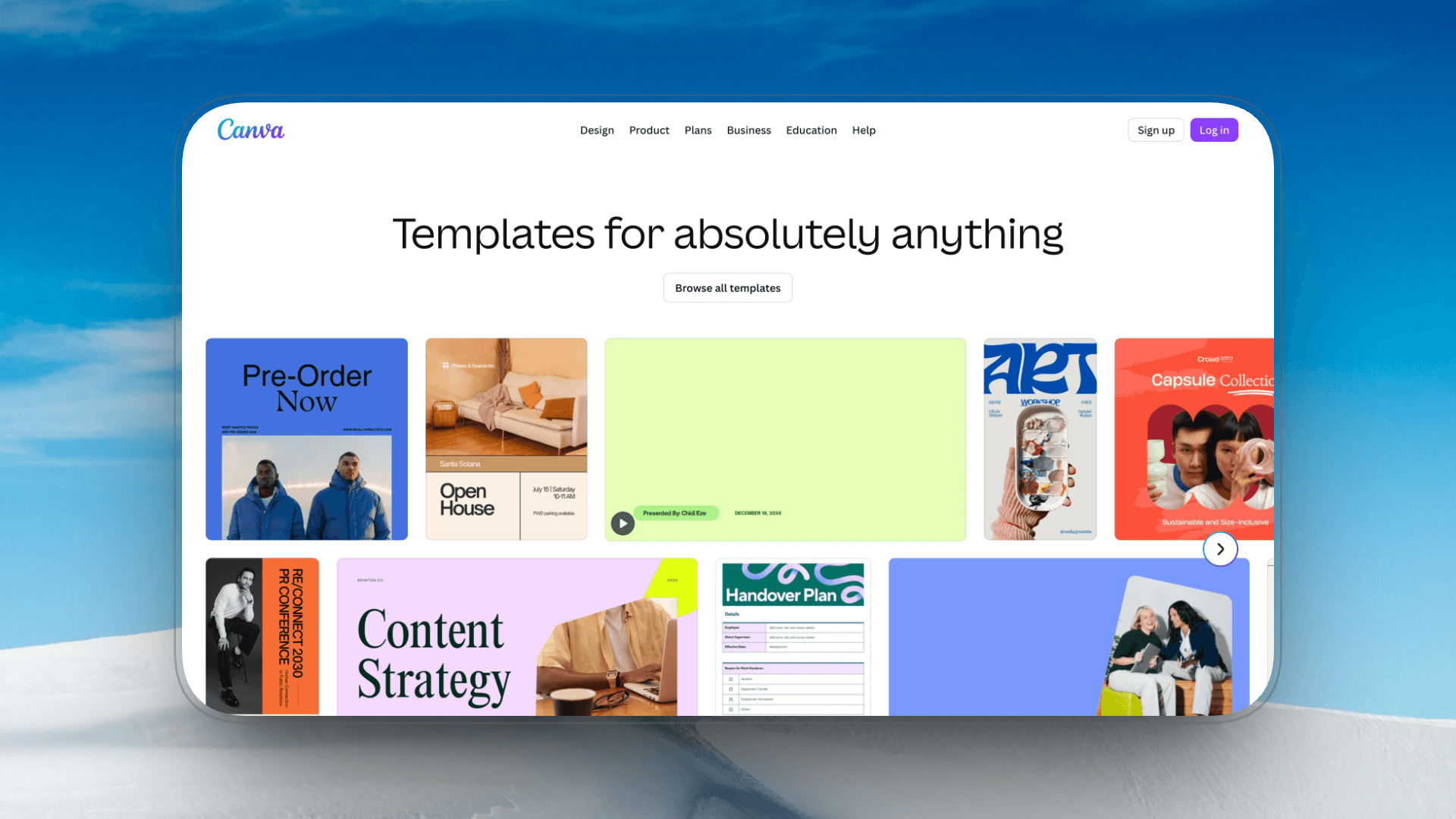
Canva is primarily a graphic design platform, but over the past few years it has expanded into light animation and short-form video creation. While it is not a dedicated logo reveal maker, it offers animated logo templates that can function as intro segments for YouTube or social media.
Its strength lies in accessibility and design simplicity rather than advanced motion graphics.
What Problem It Solves
Canva addresses the need for quick, lightweight animated branding without requiring motion design knowledge. For creators who already use Canva for thumbnails, channel art, or social posts, creating a simple animated logo within the same ecosystem can streamline production.
However, animation complexity is limited compared to motion-focused platforms.
Key Features
Animated logo and intro templates
Browser-based editor with drag-and-drop interface
Integrated brand kit for colors, fonts, and logo consistency
Pricing
Canva offers a free plan that includes the drag-and-drop editor, core templates, and basic assets.
For creators producing regular explainer content, Canva Pro ($120/year per user) unlocks brand kits, one-click resizing, premium assets, and tools, making it significantly more practical for consistent content production.
pros
-
Extremely beginner-friendly
-
Fast export for short animated clips
-
Useful for maintaining consistent brand identity across assets
cons
-
Motion depth is basic (fade, slide, scale, simple transitions)
-
Limited control over timing curves and animation layers
-
Advanced export options depend on subscription tier
Envato Elements
Best for High-Volume Creators
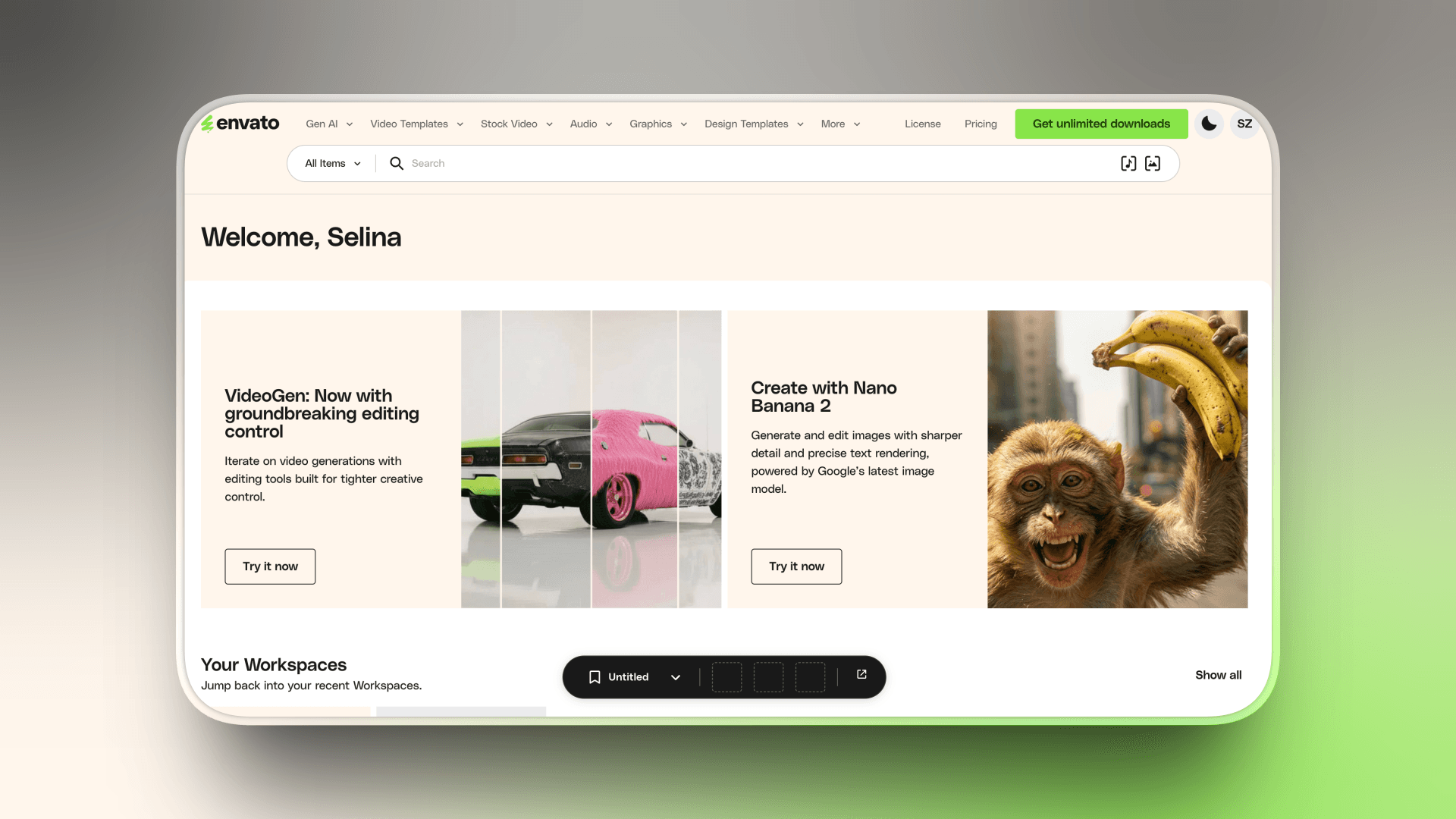
Envato Elements is one of the largest subscription-based asset libraries for creators, offering thousands of logo reveal templates across different visual styles. Within the motion graphics space, it is often treated as a go-to source for downloadable intro animations rather than a built-in logo animation generator.
It is not an online logo maker. It’s a template marketplace.
What Problem It Solves
Envato solves the problem of visual variety. If you already have editing software and want access to a wide range of professionally designed logo reveal templates, from minimal flat animations to high-end 3D cinematic reveals, it gives you scale and stylistic flexibility.
However, customization and rendering happen locally after download.
Key Features
Large library of downloadable logo reveal templates
Unlimited downloads under active subscription
Commercial license included for client and brand work
Pricing
Individual $16.5/mo Team $29/mo
pros
-
Broad aesthetic range (tech, glitch, corporate, cinematic, minimal)
-
Strong production quality across many templates
-
Cost-effective for creators producing multiple branded videos
cons
-
Requires separate editing software to customize
-
Export speed depends on your hardware
-
Some templates require time to adjust fonts, colors, and timing
Best For
Creators who prioritize design variety and already work comfortably with motion templates in their editing workflow.
Motion Array
Best for Integrated Asset Ecosystems
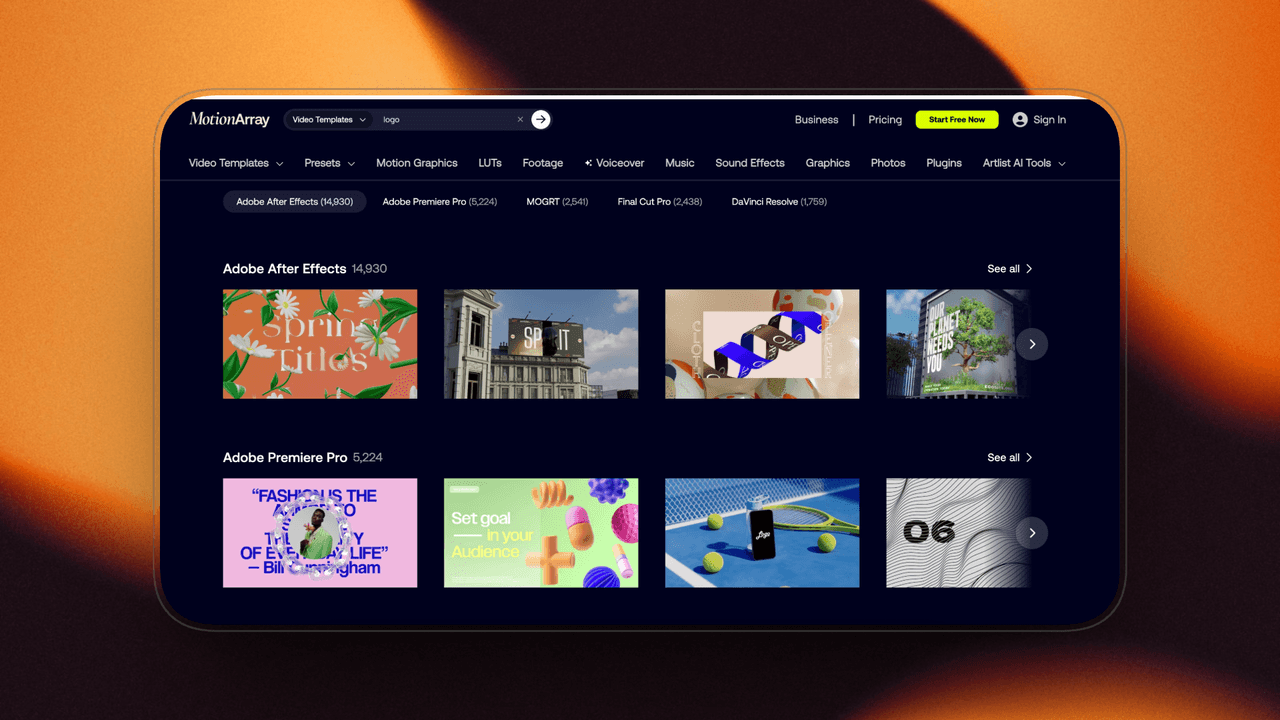
Motion Array is a subscription-based marketplace focused specifically on video creators. Compared to broader asset platforms, it positions itself closer to editors by combining templates, stock footage, presets, and plugins within one ecosystem.
For logo reveals, it functions primarily as a template distribution platform rather than a built-in animation tool.
If you're deciding between a template marketplace and a generator that renders directly in the cloud, our Motion Array vs AutoAE comparison breaks down the workflow difference in more detail.
What Problem It Solves
Motion Array addresses the need for ready-made, professionally structured logos reveal projects that can be quickly integrated into an editing workflow. For YouTube creators producing branded content regularly, it offers a steady supply of updated motion templates without requiring one-off purchases.
Like other marketplace-based solutions, customization and rendering are handled externally after download.
key Features
Curated logo reveal template library
Integrated ecosystem (stock, audio, presets in one subscription)
Commercial license included for client and monetized content
Pricing
|
Plan
|
Price (Monthly)
|
|
Video Templates
|
$15.99
|
|
AI Voiceover
|
$10.99
|
|
Everything
|
$24.99
|
|
Business
|
Custom Pricing
|
pros
-
Templates often optimized for modern YouTube branding styles
-
Subscription model avoids repeated single purchases
-
Useful for creators who rely on multiple asset types beyond logo reveals
cons
-
Requires external editing software for customization
-
Render time depends on project complexity and hardware
-
Visual differentiation can be limited if using popular templates
Best For
YouTube creators who already use motion templates regularly and want a consolidated asset subscription rather than a standalone logo animation tool.
VideoHive
Best for High-End, One-Off Projects
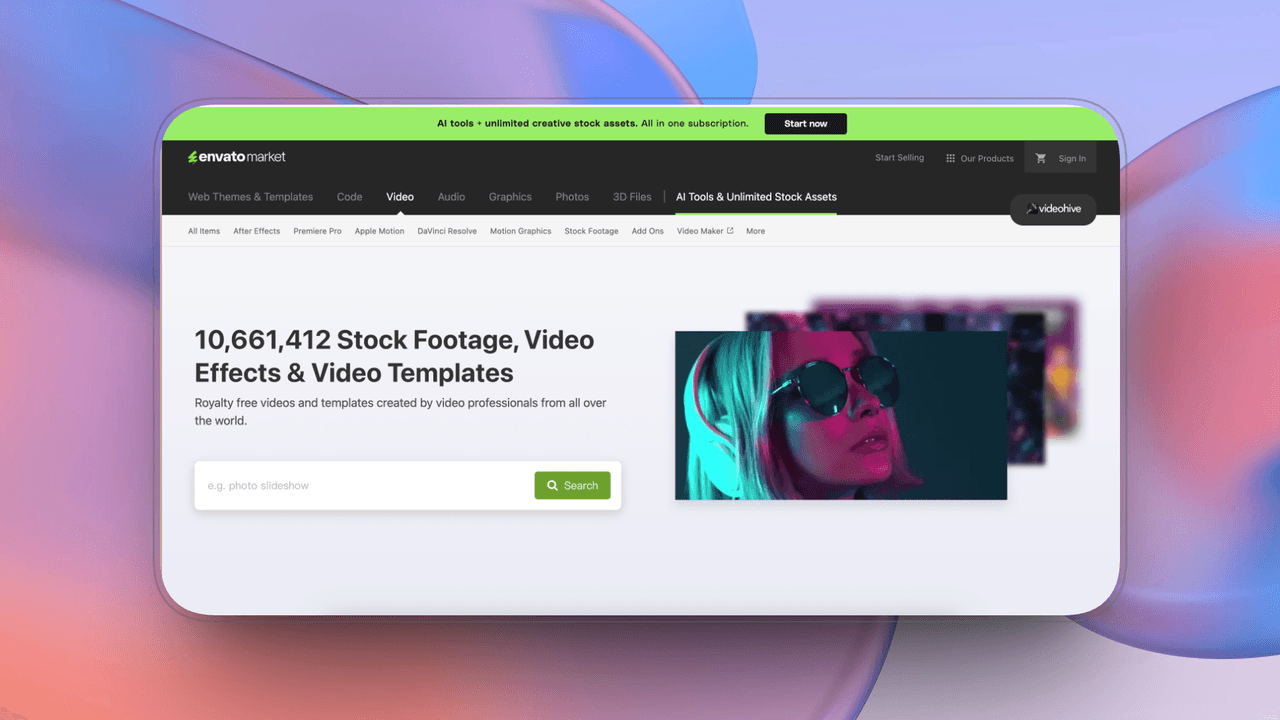
VideoHive is Envato’s individual template marketplace, where logo reveal projects are sold as one-time purchases rather than included in a subscription library. It is widely used by motion designers and freelance editors looking for specific, high-production-value animation projects.
In the logo reveal space, VideoHive is known for cinematic, 3D, and highly stylized project files.
What Problem It Solves
VideoHive is designed for creators who want a very specific visual style without committing to a recurring subscription. Instead of browsing a bundled library, users purchase a single template and customize it externally.
It gives access to more niche or premium-looking motion designs, but still requires editing software to complete the workflow.
Key Features
One-time purchase logo reveal templates
Wide range of advanced motion styles
Standard commercial licensing included
pros
-
Strong visual impact across many templates
-
Ideal for creators who need a distinct, polished intro
-
No recurring subscription required
Cons
-
Requires external editing software for customization
-
No integrated browser-based generation
-
Render time and setup depend on project complexity
Best For
Editors or motion-focused creators who want higher-end visual styles without subscribing to a full asset library.
Key Differences: Envato Elements vs VideoHive
|
Category
|
Envato Elements
|
VideoHive
|
|
Payment Model
|
Subscription-based
|
One-time purchase per template
|
|
Download Access
|
Unlimited downloads during active subscription
|
Each template must be purchased individually
|
|
Template Scope
|
Curated, high-quality selection
|
Broader marketplace with niche variations
|
|
Cost Structure
|
More cost-effective for ongoing production
|
More suitable for single-project needs
|
|
Update Frequency
|
Continuously updated library
|
New templates published by individual creators
|
In short, Envato Elements works better for creators producing content consistently, while VideoHive is more practical for one-off, high-impact projects.
Runway
Best for AI-Assisted Motion Concepting
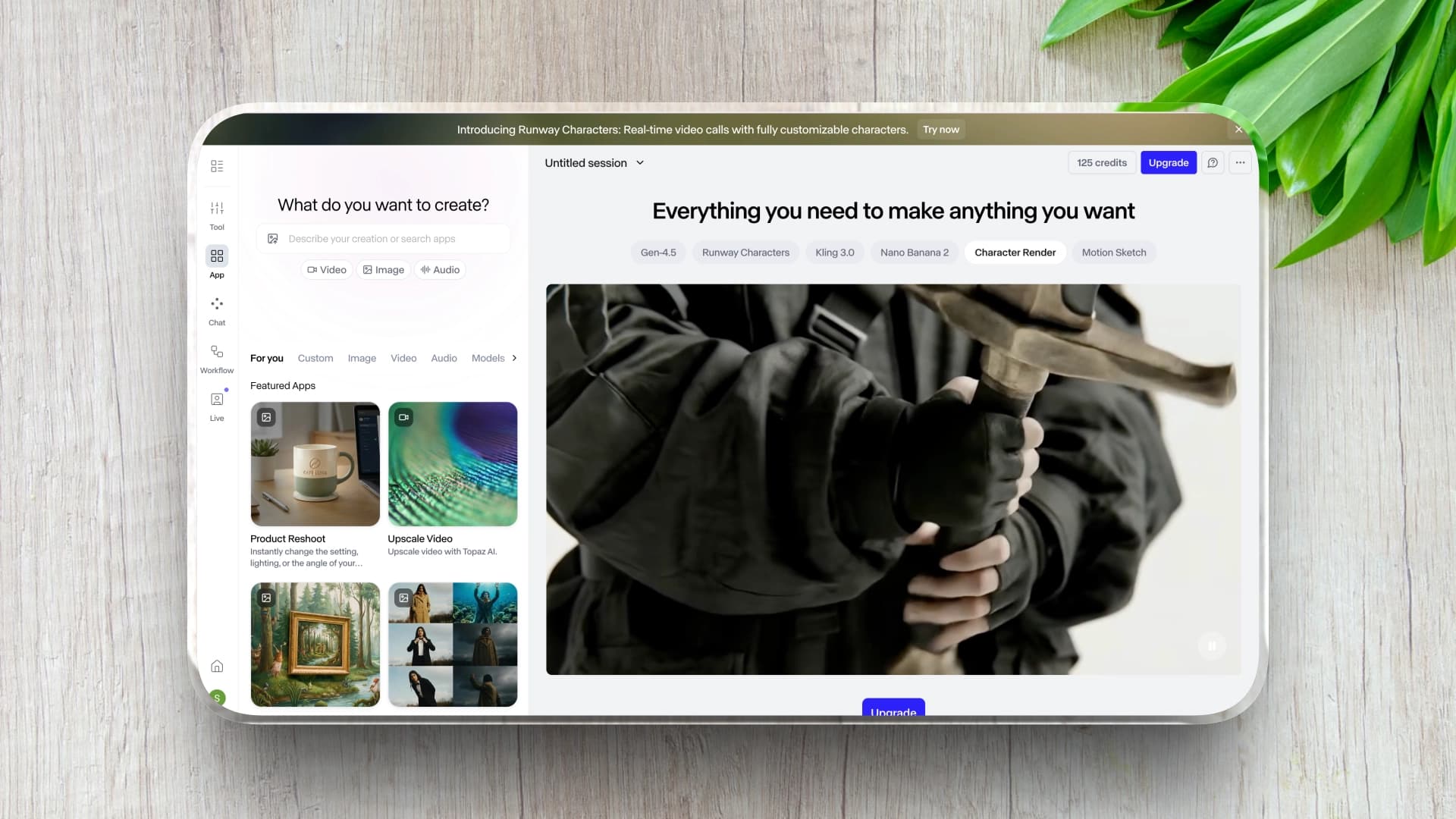
Runway is primarily known as an AI video generation and editing platform rather than a dedicated logo reveal maker. Its strength lies in AI-assisted visual creation, background removal, generative video, and automated editing tools.
In the context of logo reveals, Runway functions more as a creative experimentation tool than a structured intro template system.
What Problem It Solves
Runway is useful for creators who want to experiment with AI-generated motion, dynamic backgrounds, or stylized visual effects around a logo. Instead of choosing from fixed intro templates, users can generate or modify motion elements using AI-based tools.
However, it does not provide structured, ready-made logo reveal systems in the same way dedicated intro platforms do.
Key Features
AI-assisted video and motion generation
Cloud-based editing and export
Tools for compositing, masking, and visual manipulation
Pricing
-
Free Plan
-
Includes 125 one-time credits
-
Watermarked output
-
-
Standard: $12/month
-
Includes 625 credits
-
-
Pro: $28/month
-
Includes 2,250 credits
-
-
Unlimited: $76/month
-
Unlimited generations (subject to fair-use limits)
-
pros
-
Flexible AI-driven visual experimentation
-
No local rendering required
-
Suitable for creative, non-traditional logo animations
cons
-
Not purpose-built for logo reveal workflows
-
Results may require iterative refinement
-
Less predictable structure compared to template-based tools
Best For
Creators exploring AI-assisted visuals rather than structured, template-based logo intros.
Looka
Creators and new channels that need to solve the foundational branding problem quickly without hiring a designer.
Industry Position
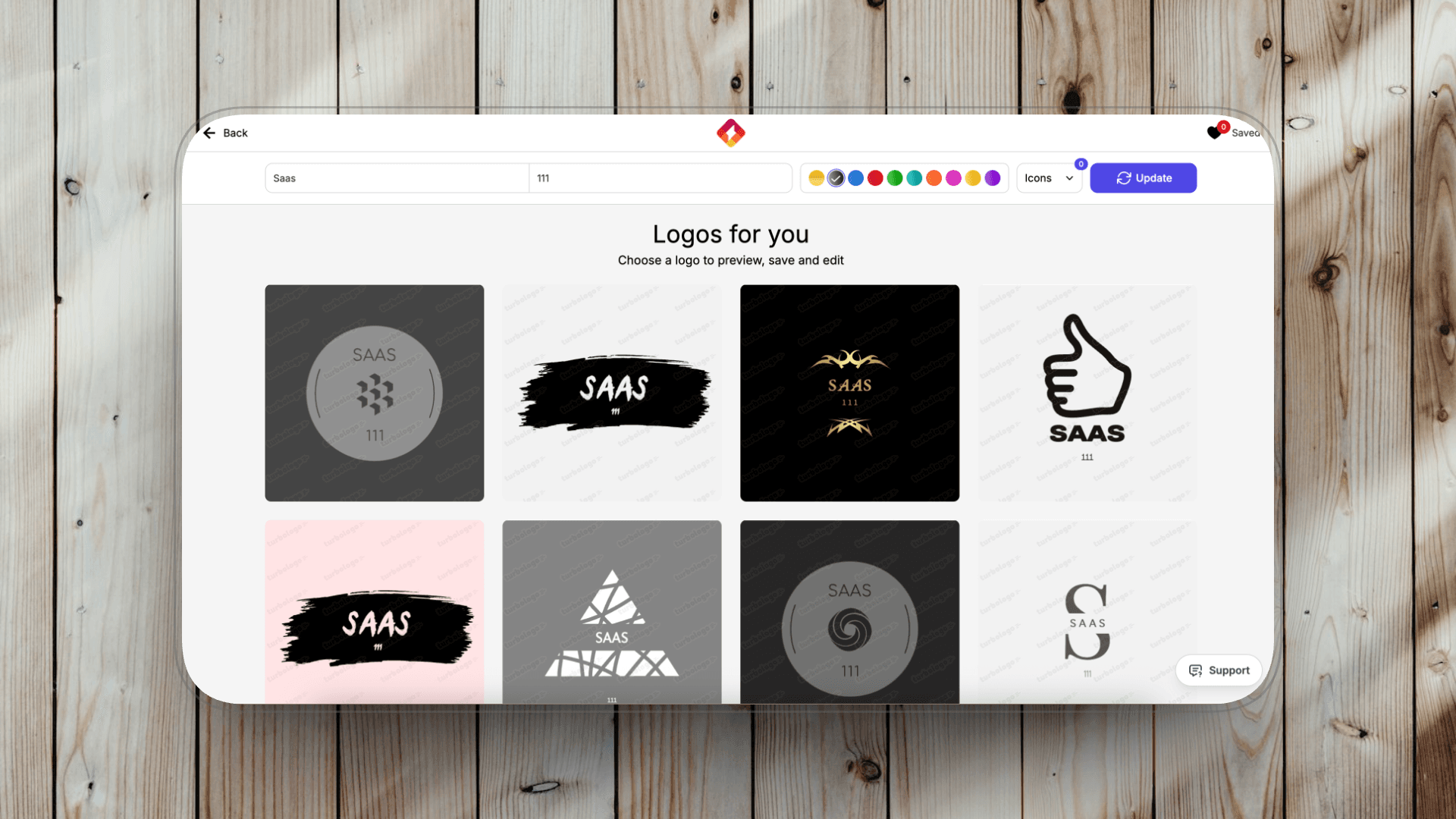
Looka is primarily an logo design platform rather than a motion animation tool. It focuses on helping users generate brand identities, including logos, color systems and brand kits, through automated design suggestions.
In the context of logo reveals, Looka serves as a starting point for creators who do not yet have a finalized logo asset.
What Problem It Solves
Looka solves the foundational branding problem: creating a usable logo quickly without hiring a designer. For new YouTube channels or small businesses, having a clean, scalable logo file is often the first step before considering animation.
However, Looka does not specialize in animated logo reveal generation.
Key Features
AI-driven logo creation process
Brand kit assets (colors, fonts, mockups)
Commercial usage rights included with purchase
Pricing
Three-month subscription plans:
-
Lite: $19.99/month
-
Standard: $39.99/month
-
Business: $79.99/month
Annual subscriptions offer approximately 70% savings compared to the three-month plan pricing.
pros
-
Fast logo generation for new brands
-
Structured brand identity assets beyond just the logo
-
Clear commercial licensing upon purchase
cons
-
No advanced motion or animation system
-
Logo styles can feel algorithmically similar
-
Requires exporting assets into another platform for animation
Hatchful
Early-stage creators or small teams operating on tight budgets who need a fast, no-cost logo creation tool.
Industry Position
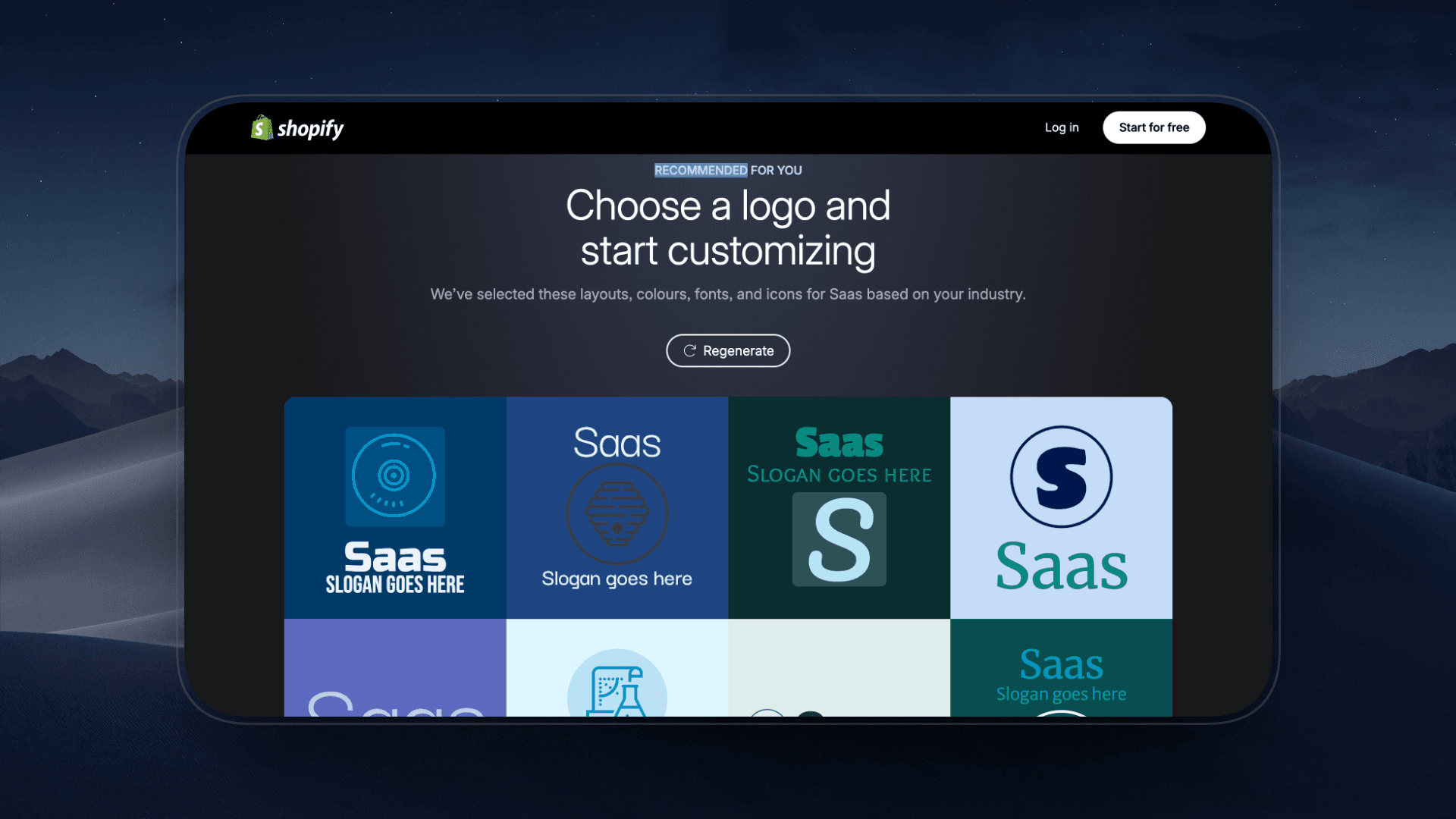
Hatchful is a free logo generator developed by Shopify, designed primarily for small businesses and entrepreneurs launching online stores. Like Looka, it focuses on static logo creation rather than motion design.
Within a logo reveal workflow, Hatchful serves as a quick starting point for users who need a basic logo asset before creating animated intros elsewhere.
What Problem It Solves
Hatchful addresses the need for a fast, no-cost logo creation tool. For new YouTube creators or small teams operating on tight budgets, it allows them to generate a usable logo file without hiring a designer or purchasing branding packages.
However, it does not provide animation functionality.
Key Features
Free logo generation tool
Industry-based design presets
Commercially usable logo files
Pricing
-
First 3 days: Free trial
-
Introductory offer: $1/month for the first three months
-
Standard pricing after promotional period: $39/month
pros
-
No cost barrier to entry
-
Extremely simple setup process
-
Suitable for early-stage creators
cons
-
No animation capabilities
-
Limited customization depth
-
Logo outputs may lack distinctiveness
Which Logo Reveal Tool Fits Your Workflow?
|
Creator Type
|
Priority
|
Recommended Tools
|
Why It Works
|
|
Shorts / TikTok Creators
|
Speed
|
AutoAE, Renderforest, Placeit
|
Fast export, no heavy editing required
|
|
YouTube Long-Form Teams
|
Quality + Pipeline
|
Envato Elements, Motion Array
|
Editable project files, structured workflow integration
|
|
Designers / Motion Artists
|
Full Control
|
VideoHive, Runway
|
Deep customization, layer-level control
|
|
Small Teams / Solo Creators
|
Budget + Commercial Use
|
AutoAE, Looka, Hatchful
|
Low barrier to entry, commercial-friendly
|
Final Thoughts
There’s no universal “best” logo reveal maker, only the one that fits your workflow.
If you publish frequently, prioritize speed and export efficiency.
If you manage a branded channel, prioritize structure and editability.
If you’re a motion designer, prioritize control.
Most creators don’t need maximum complexity. They need repeatable results.
Choose the tool that supports how you actually produce content.
FAQ
-
What is the fastest way to create a logo reveal for YouTube?
Cloud-based generators like AutoAE, Renderforest, or Placeit allow creators to generate animated logo intros without downloading project files. Export times are typically faster than traditional template editing workflows.
-
Can I use logo reveal templates for commercial YouTube videos?
Most platforms listed, including Envato Elements, Motion Array and VideoHive, provide commercial licenses under active subscription or per-purchase terms. Always review individual license agreements before publishing monetized content.
-
What’s the difference between AI logo reveal tools and downloadable templates?
AI-based platforms generate animations inside the browser with limited manual control. Downloadable templates provide full project files, allowing deeper customization but requiring editing software knowledge.
-
Do I need professional editing software to create a logo intro?
Not necessarily. Platforms like Canva, Looka, and Hatchful are designed for beginners. However, advanced animation control still requires professional tools.