Everything we have written about templates, motion and AI video.
This blog compares CapCut and AutoAE for short‑form video. CapCut, by ByteDance, is a fast, user‑friendly editor for trimming, captions, and basic edits, optimized for TikTok. AutoAE focuses on professional motion graphics and kinetic typography without manual keyframing. It creates polished, layered animation assets for overlay in other editors. The two serve different workflow stages: CapCut for editing speed, AutoAE for pro motion. They work best together for high‑quality short‑form content.

This guide compares AutoAE and After Effects (AE) for short-form video production. While AE remains the industry standard for bespoke, high-end motion graphics, it requires a steep learning curve, expensive hardware, and hours of manual work. In contrast, AutoAE is an AI-driven tool designed for speed and high-volume output. It allows creators to generate trendy, 3-second hooks in minutes using templates, bypassing the need for specialized skills or costly equipment. AutoAE is ideal for fast-turnaround platforms like TikTok and YouTube Shorts, significantly reducing labor costs with plans starting at $8.25/month. Ultimately, AE is best for custom commercial projects, while AutoAE maximizes ROI and daily output for social media creators.

The Google search animation hook is one of the most effective opening formats in short-form video — and most tutorials either require After Effects or produce mediocre results. This guide explains why it works, walks through the full process using AutoAE's browser-based template in under 5 minutes, and covers how to adapt it for YouTube Shorts, TikTok, and Reels.

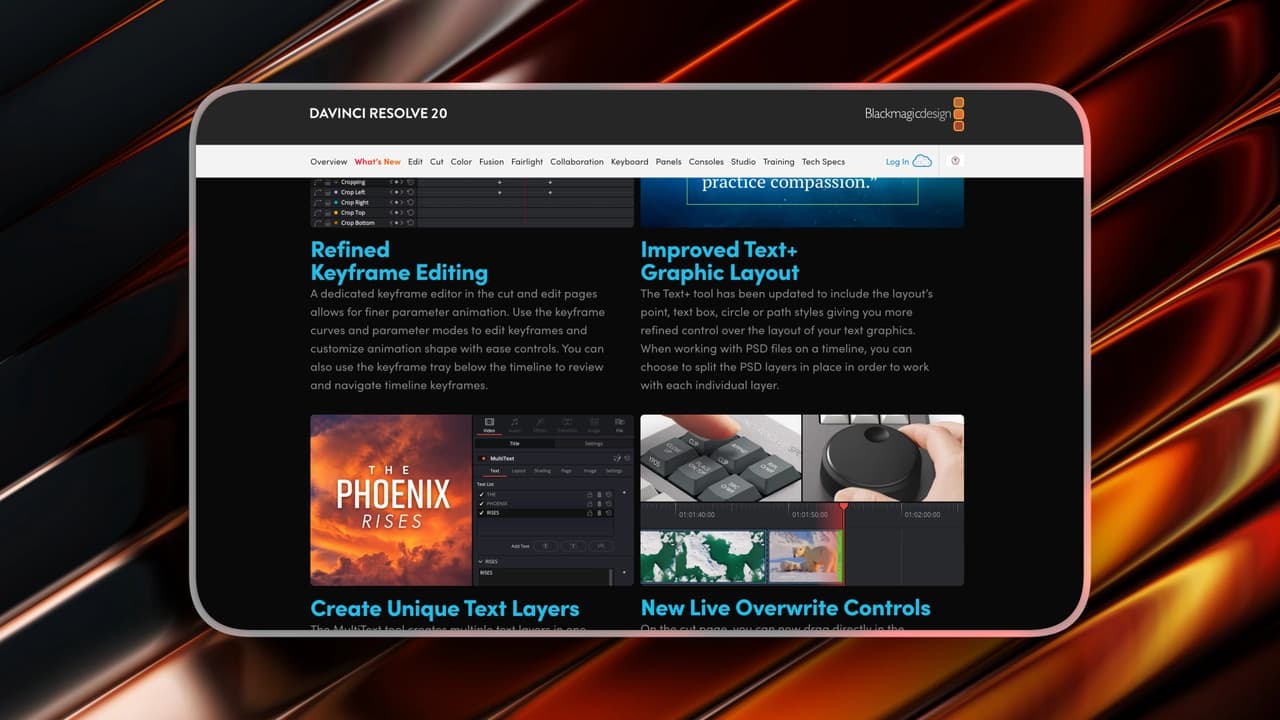
This article introduces 7 time‑saving AI features in DaVinci Resolve Studio 2026: Voice Isolation, AI Audio Remixer, Subtitle Generation, Magic Mask AI, AutoAE, AI Multiswitch, and AI Beat Markers. It explains their functions, pros, cons and suitable users. The Studio version costs $295 one‑time with free updates. It also gives tailored recommendations for short‑video creators, long‑form teams, designers and solo makers to boost editing efficiency.

This article introduces 9 time‑saving tools, plugins and workflows for After Effects to boost efficiency. It covers FX Console, Flow, MoBar, Motion 4, AutoAE, Ease and Wizz, Overlord, True Comp Duplicator and Duik, with their uses, pricing and strengths. It also recommends tool combinations for short‑video creators, long‑form teams, professional designers and solo makers, helping users pick tools to fix workflow bottlenecks.

Most "AI hook" tools either produce generic-looking AI slop or require a 20-minute workflow for a 3-second clip. This breakdown covers 5 tools — from AI-driven template generators to full generative AI platforms — with honest notes on quality ceiling, commercial licensing safety, and real template examples you can preview before you commit.

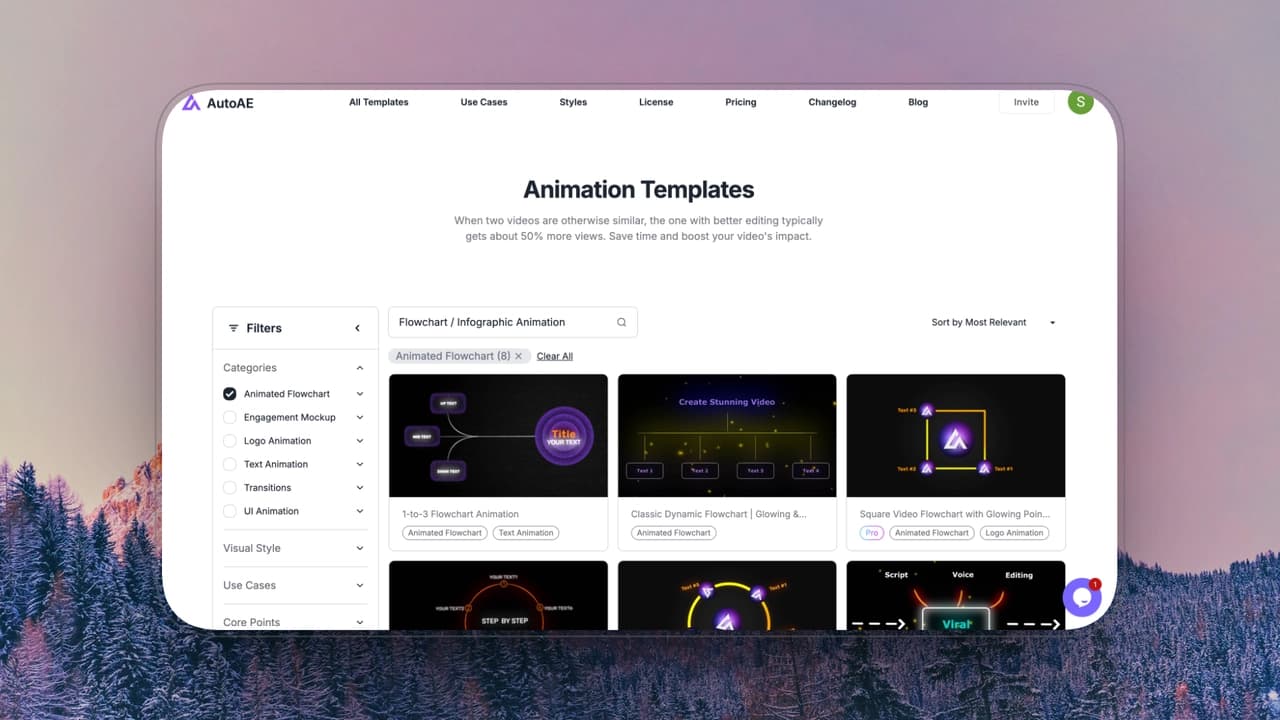
This article introduces 8 top flowchart and infographic animation tools, evaluating them by motion control, ease of use, production speed, scalability and value for money. It details each tool’s features, pricing, pros, cons and suitable users. Adobe After Effects suits pro designers, AutoAE and CapCut fit short‑video creators, Visme excels at data visuals, while Vyond and Powtoon target corporate and education users. It helps users pick tools based on control, speed and needs.

We tested the 10 best online logo reveal makers and template libraries for YouTube creators based on export speed, transparent channels, and commercial licensing.
This blog lists 6 top Seedance 2.0 alternatives in 2026: Sora, Veo, Kling, Runway Gen‑4.5, Pika Labs, Stable Video, plus AutoAE. It compares their features, pros, cons, pricing and best use cases. Seedance 2.0 leads in ByteDance ecosystem integration and cinematic AI, while each alternative suits different creators like enterprises, independents, developers and social media makers.

This article summarizes 7 Remotion alternatives for 2026, helping non-technical users automate video production without writing code. It includes open-source code Revideo, fast animation tools AutoAE and Hera, Plainly which integrates with AE, UI design tool Jitter, cinematic-quality Kling, and local deployment LTX-2. Users can choose based on their technical level.

This guide explores nine powerful CapCut alternatives for creators who need more advanced motion graphics, visual storytelling, and professional-level video production tools.

Creating a viral intro requires establishing momentum within the first 1–3 seconds. While this guide reviews 12 text animation tools for 2026, there is no single "best" option—only the tool that perfectly matches your workflow

This list focuses on AI motion graphics tools that are practical for YouTube Shorts hooks, not just impressive demos. Each tool is evaluated from a general production perspective — speed, control, quality, ease of use, pricing value, and commercial readiness — so you can choose tools that actually fit real workflows.

Tested and ranked: the best motion graphics tools for SaaS marketers in 2026. Real pricing, honest pros/cons, and a buying guide that actually tells you which one to pick.

Freelancing in video is a margin game — every tool you pay for needs to save more time than it costs. We tested the best AI video tools for freelance editors that actually fit under $25/month, evaluated against real client-work criteria: commercial licensing, output quality, and genuine workflow ROI. Here's what's worth the subscription.

Most SaaS teams realize on launch day that they needed a motion designer two weeks ago. We ranked the best motion graphics tools for SaaS launch videos in 2026 — organized by when you actually need them: pre-launch build, launch-day execution, and post-launch content. Honest commercial licensing notes included.

Your Reels intro is the 3 seconds that decide whether the algorithm pushes your content — or buries it. We tested 8 of the most popular video intro tools for Instagram Reels in 2026, from CapCut to After Effects, with honest pros, cons, and real pricing. Here's exactly which one fits your workflow.

Most roundups mix generative AI video tools and AI motion graphic tools into the same list — they work completely differently. This breakdown covers 7 tools across both categories, explains which type fits which workflow, and gives an honest assessment of quality, ease, and commercial licensing for each one.