Blog
Everything we have written about templates, motion and AI video.

How to Make a Google Search Animation for Your Videos (No After Effects)
Tutorial April 1, 2026
The Google search animation is one of the most recognized hook formats in short-form video: viewers see a question being typed and their brain involuntarily completes it. This guide explains why the format keeps performing, then walks through making one in the browser with AutoAE's template in under five minutes, no After Effects and no design skills required. It also covers adapting the same render for YouTube Shorts, TikTok, and Reels, plus the copy patterns that fit the search-bar format.
DaVinci Resolve AI: 7 Features That Save Editing Time (2026)
AI Tools Analysis March 31, 2026
This article introduces 7 time‑saving AI features in DaVinci Resolve Studio 2026: Voice Isolation, AI Audio Remixer, Subtitle Generation, Magic Mask AI, AutoAE, AI Multiswitch, and AI Beat Markers. It explains their functions, pros, cons and suitable users. The Studio version costs $295 one‑time with free updates. It also gives tailored recommendations for short‑video creators, long‑form teams, designers and solo makers to boost editing efficiency.
Best AI Hook Makers for YouTube Shorts in 2026 (That Don't Look Cheap)
AI Tools Analysis March 27, 2026
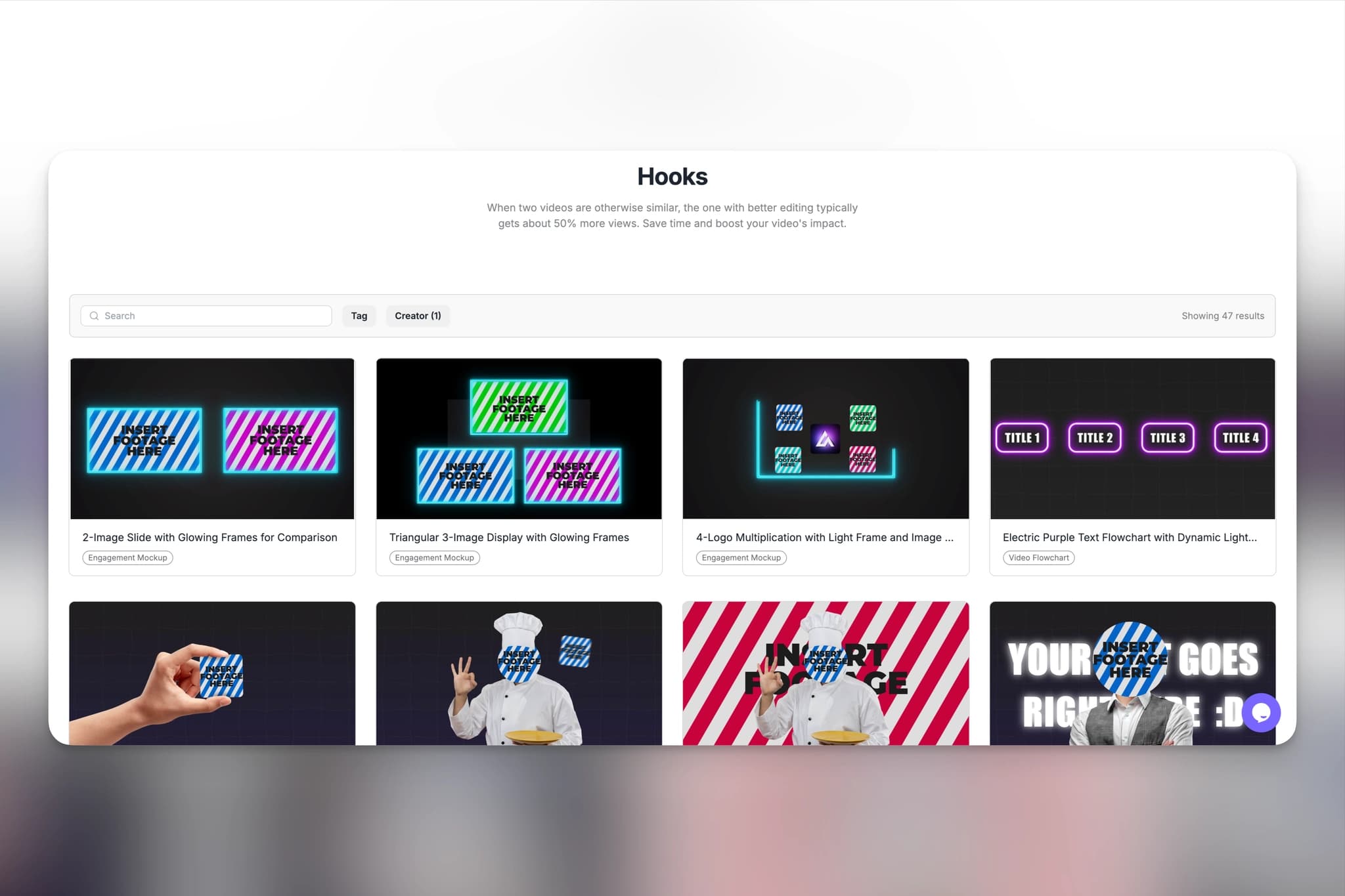
Most AI hook tools either produce generic-looking output or demand a 20-minute workflow for a three-second clip. This breakdown separates the two fundamentally different tool types first: generative AI platforms like Runway and Kling, where every render is a dice roll, and AI-driven template tools, where results repeat reliably. It then covers 5 tools with honest notes on quality ceiling, commercial licensing safety, and real template examples you can preview before committing to anything.
Top 10 Logo Reveal Makers (Fast Export + Commercial Use)
AI Tools Analysis March 25, 2026
We tested 10 logo reveal makers and template libraries for YouTube creators, scoring each on export speed, alpha-channel support, and commercial licensing. The list spans big template marketplaces like Envato Elements and Motion Array, fast online makers like AutoAE and Renderforest, and quick-start options like Placeit. A comparison table up front shows which tools render in the cloud, which need manual work, and which licenses actually let you use the intro in monetized videos.
Best Alternative of Seedance 2.0 in 2026
AI Tools Analysis March 23, 2026
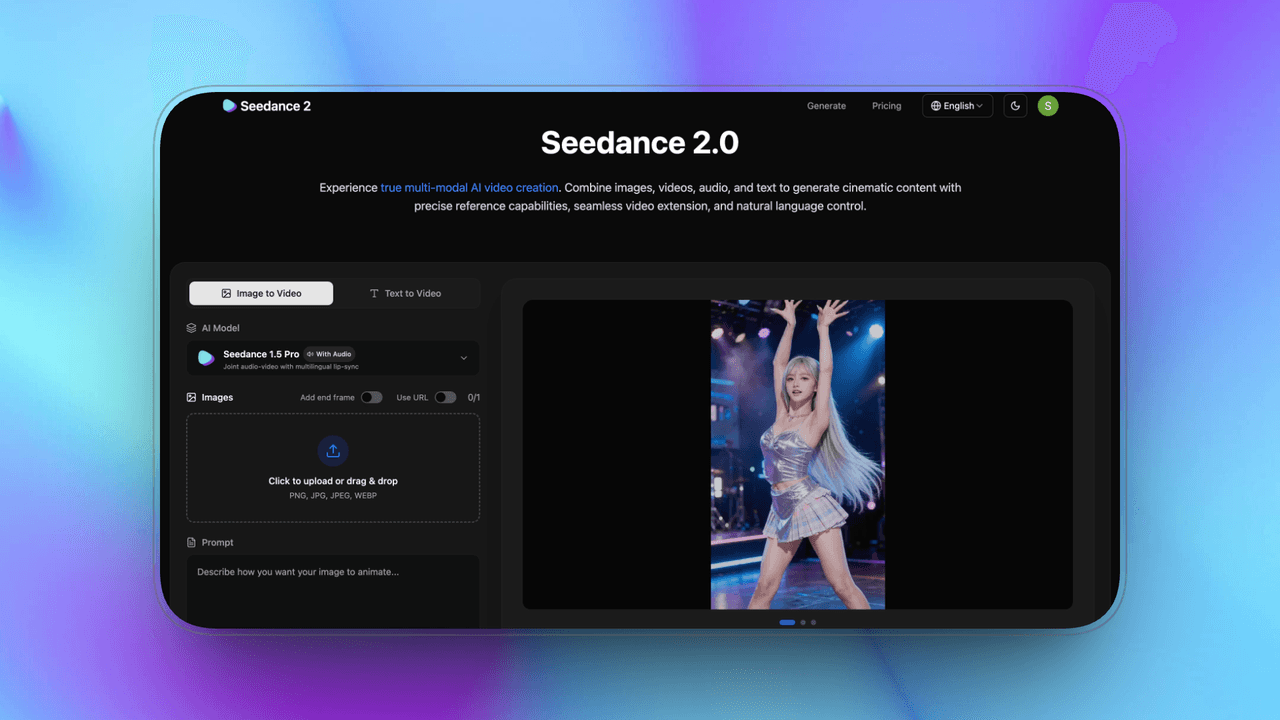
Seedance 2.0 leads on ByteDance ecosystem integration and cinematic AI continuity, but it is invite-only and computationally expensive, so most creators need an alternative. This guide compares six: Sora, Veo, Kling, Runway Gen-4.5, Pika Labs, and Stable Video, plus AutoAE for teams that need branded motion graphics rather than generated footage. Each entry covers strengths, weaknesses, pricing, and best-fit use cases, from enterprise narrative work to independent creators and social media makers.
Top 9 CapCut Alternatives for High-End Motion Graphics (2026)
AI Tools Analysis March 19, 2026
CapCut covers everyday edits, but its motion graphics ceiling shows up fast when you need premium intros or brand-level typography. This guide reviews nine alternatives for high-end motion graphics in 2026, spanning template platforms like AutoAE, professional compositing in After Effects, 3D suites like Cinema 4D and Blender, procedural systems like Cavalry, design-driven Jitter, and DaVinci Resolve. Each entry covers starting price, category, and the specific job it beats CapCut at, so you can pick by workflow instead of hype.

Top 12 Text Animation Tools for Viral Intros (2026)
AI Tools Analysis March 17, 2026
A viral intro has one to three seconds to establish momentum, and text animation usually does the heavy lifting. This guide compares 12 text animation tools for 2026, from full-control After Effects to fast template platforms like AutoAE, preset-based options like Renderforest and Placeit, and designer tools like Jitter. There is no single best option, so the comparison is organized around workflow fit: control, speed, pricing, and what each tool's intros are actually good at.

Top 10 AI Motion Graphics Tools for YouTube Shorts Hooks (2026)
AI Tools Analysis March 15, 2026
On YouTube Shorts, the first one to three seconds decide whether anyone stays, and strong hooks lean on fast, readable motion graphics more than on footage. This list reviews 10 AI motion graphics tools through a production lens: speed, control, output quality, ease of use, pricing value, and commercial readiness. It skips impressive-demo tools that fall apart in real workflows and focuses on what actually ships a usable hook, with a comparison table up front.
Best Motion Graphics Tools for SaaS Marketers in 2026: Skip the Designer, Keep the Quality
AI Tools Analysis March 13, 2026
Most SaaS teams don't have a motion designer, and launch week doesn't care: suddenly you need a demo clip, an animated ad, and an onboarding video by Thursday. This guide tests and ranks the best motion graphics tools for SaaS marketers in 2026, with real pricing, honest pros and cons per tool, and a buying guide that tells you which one to pick based on your team's actual skills rather than feature checklists.
Best AI Video Tools for Freelance Video Editors Under $25/Month in 2026: Real ROI, No Fluff
AI Tools Analysis March 7, 2026
Freelancing in video is a margin game: every subscription either saves more time than it costs or it is dead weight. We tested the AI video tools that genuinely fit under $25 a month, evaluated against real client-work criteria: commercial licensing, output quality, and workflow ROI per job. The list covers motion graphics, captioning, and editing tools, with honest notes on which cheap tiers hide watermarks or license traps that make them unusable for paid work.
Best Motion Graphics Tools for SaaS Launch Video in 2026: From Product Hunt Day to Website Hero
AI Tools Analysis March 7, 2026
Most SaaS teams realize on launch day that they needed a motion designer two weeks ago. This guide ranks the best motion graphics tools for SaaS launch videos in 2026, organized by when you actually need them: pre-launch brand assets, launch-day execution, and post-launch content production. Each tool gets real pricing, commercial licensing notes, and a launch-readiness rating, so the comparison answers the question that matters: what can ship by Thursday.
Best Video Intro Tools for Instagram Reels in 2026: What Actually Stops the Scroll in the First 3 Seconds
AI Tools Analysis March 6, 2026
On Instagram, the first three seconds of a Reel decide whether the algorithm distributes or buries it, which makes the intro the whole game. We tested 8 popular video intro tools for Reels in 2026, from CapCut and Canva through template platforms like AutoAE up to After Effects, with honest pros, cons, and real pricing for each. The verdict is organized by workflow: what to use when you post daily, weekly, or only around launches.
How to Get Free Credits by Inviting Friends to AutoAE
Tutorial March 6, 2025
AutoAE's invite program gives both you and your friend 3 free credits every time someone signs up through your personal invite link. This guide walks through where to find your link, how to share it so signups actually get attributed to you, and what the credits can be used for on the platform. It also covers the limit that matters most: free credits are for personal use only and cannot be used for commercial projects.
How to join AutoAE's Affiliate?
Tutorial March 1, 2025
A step-by-step walkthrough of joining AutoAE's affiliate program. It covers signing up through the affiliate link, setting your name, email, and password, and choosing a custom affiliate ID, the identifier that travels with your traffic so AutoAE can credit signups to you. Screenshots cover each stage of the process, from registration to finding your links, so you can start referring your audience and earning within a few minutes.
How to Use AutoAE Templates to Create Viral Animation Videos
Tutorial September 1, 2024
A step-by-step guide to creating animation videos with AutoAE templates, written for creators with no editing background. It walks through browsing the template library and picking a style that fits your video, customizing text and content online, previewing the result, and downloading the finished clip for use in any editing workflow, from CapCut to Premiere. Each step notes what to check so your first render comes out usable.