AI Tools Analysis
Honest takes on what is worth your money.
Motion Array vs AutoAE: Do You Still Need After Effects in 2026?
AI Tools Analysis April 11, 2026
Motion Array's templates are genuinely good, but most of them require After Effects, which quietly adds an Adobe subscription to your stack before you render anything. This breakdown compares the real total monthly cost of each route, explains when keeping AE genuinely earns its fee for template workflows, and when AutoAE at $12 a month in the browser makes more financial sense. It includes a realistic cost table and the honest cases where Motion Array plus AE still wins.
7 Best 3D Mockup Video Makers for Content Creators in 2026 (No After Effects)
AI Tools Analysis April 10, 2026
This article compares 7 3D mockup video-making tools, clarifying the workflow split between the mockup layer (Rotato/MockRocket) and the motion graphics layer (AutoAE). Core finding: Rotato delivers the highest-quality device mockups on Mac, MockRocket is the best cross-platform browser option, and AutoAE handles the motion layer that wraps mockup content with professional hooks and CTAs. Buying guide segmented by use case and budget.
Canva Video vs AutoAE: When "Good Enough" Stops Being Good Enough
AI Tools Analysis April 10, 2026
Canva is where most creators start, and for everyday branded posts it is genuinely enough. The gap shows up in motion: animated titles, text reveals, and hooks that make someone stop scrolling. This comparison pins down exactly where Canva's animation ceiling sits, when AutoAE's motion quality makes a measurable difference to performance, and the honest verdict on whether to switch or simply run both, Canva for layout speed and AutoAE for the moments that carry retention.
8 Best 3D Camera Movement Effects Tools for Social Media in 2026
AI Tools Analysis April 10, 2026
This article compares 8 tools for 3D camera movement video effects, introducing a framework that distinguishes the AI-generated approach (Luma/Kling/Runway — high creative ceiling, variable output) from the template-based approach (AutoAE — predictable, reliable for high-volume production). Core finding: high-frequency content producers should default to AutoAE for production stability; one-off creative projects can use Luma or Runway for maximum visual impact.
Klap vs AutoAE: The Smart AI Workflow for High-Retention Shorts (2026)
AI Tools Analysis April 8, 2026
Klap and AutoAE solve different parts of the short-form pipeline. Klap takes a long video such as a podcast, webinar, or YouTube long-form upload and cuts it into dozens of captioned 9:16 clips automatically. AutoAE adds the three-second motion graphics hook that decides whether those clips get watched at all. This comparison walks through the combined workflow creators actually run in 2026, what each tool costs, and why the pair stays under about $35 a month.
Envato vs AutoAE: Why Generative Motion Graphics Are Replacing Template Libraries
AI Tools Analysis April 6, 2026
This passage compares Envato Elements and AutoAE. Envato offers a huge library of stock assets but needs complex software, manual fixes, and local rendering, being slow and generic. AutoAE is a cloud generative tool for fast 3D motion graphics, data visuals, and creator-style animations with no software or rendering hassle. It greatly speeds up short‑form video production. The two serve different needs and work best together.
Opus Clip vs AutoAE: The Smart AI Workflow for High-Retention Shorts (2026)
AI Tools Analysis April 5, 2026
Opus Clip and AutoAE automate different stages of the short-form pipeline. Opus Clip turns long videos into Shorts at volume, with AI highlight detection, captions, and reframing. AutoAE builds the motion graphics layer: animated hooks, 3D text, data visualizations, and branded templates that lift retention and brand identity. This comparison maps the feature gap in a side-by-side table and explains when to use each, and why many creators end up running both in one workflow.
CapCut vs AutoAE: When You Need “Pro Motion” Not Basic Edits
AI Tools Analysis April 3, 2026
This blog compares CapCut and AutoAE for short‑form video. CapCut, by ByteDance, is a fast, user‑friendly editor for trimming, captions, and basic edits, optimized for TikTok. AutoAE focuses on professional motion graphics and kinetic typography without manual keyframing. It creates polished, layered animation assets for overlay in other editors. The two serve different workflow stages: CapCut for editing speed, AutoAE for pro motion. They work best together for high‑quality short‑form content.
DaVinci Resolve AI: 7 Features That Save Editing Time (2026)
AI Tools Analysis March 31, 2026
This article introduces 7 time‑saving AI features in DaVinci Resolve Studio 2026: Voice Isolation, AI Audio Remixer, Subtitle Generation, Magic Mask AI, AutoAE, AI Multiswitch, and AI Beat Markers. It explains their functions, pros, cons and suitable users. The Studio version costs $295 one‑time with free updates. It also gives tailored recommendations for short‑video creators, long‑form teams, designers and solo makers to boost editing efficiency.
Best AI Hook Makers for YouTube Shorts in 2026 (That Don't Look Cheap)
AI Tools Analysis March 27, 2026
Most AI hook tools either produce generic-looking output or demand a 20-minute workflow for a three-second clip. This breakdown separates the two fundamentally different tool types first: generative AI platforms like Runway and Kling, where every render is a dice roll, and AI-driven template tools, where results repeat reliably. It then covers 5 tools with honest notes on quality ceiling, commercial licensing safety, and real template examples you can preview before committing to anything.
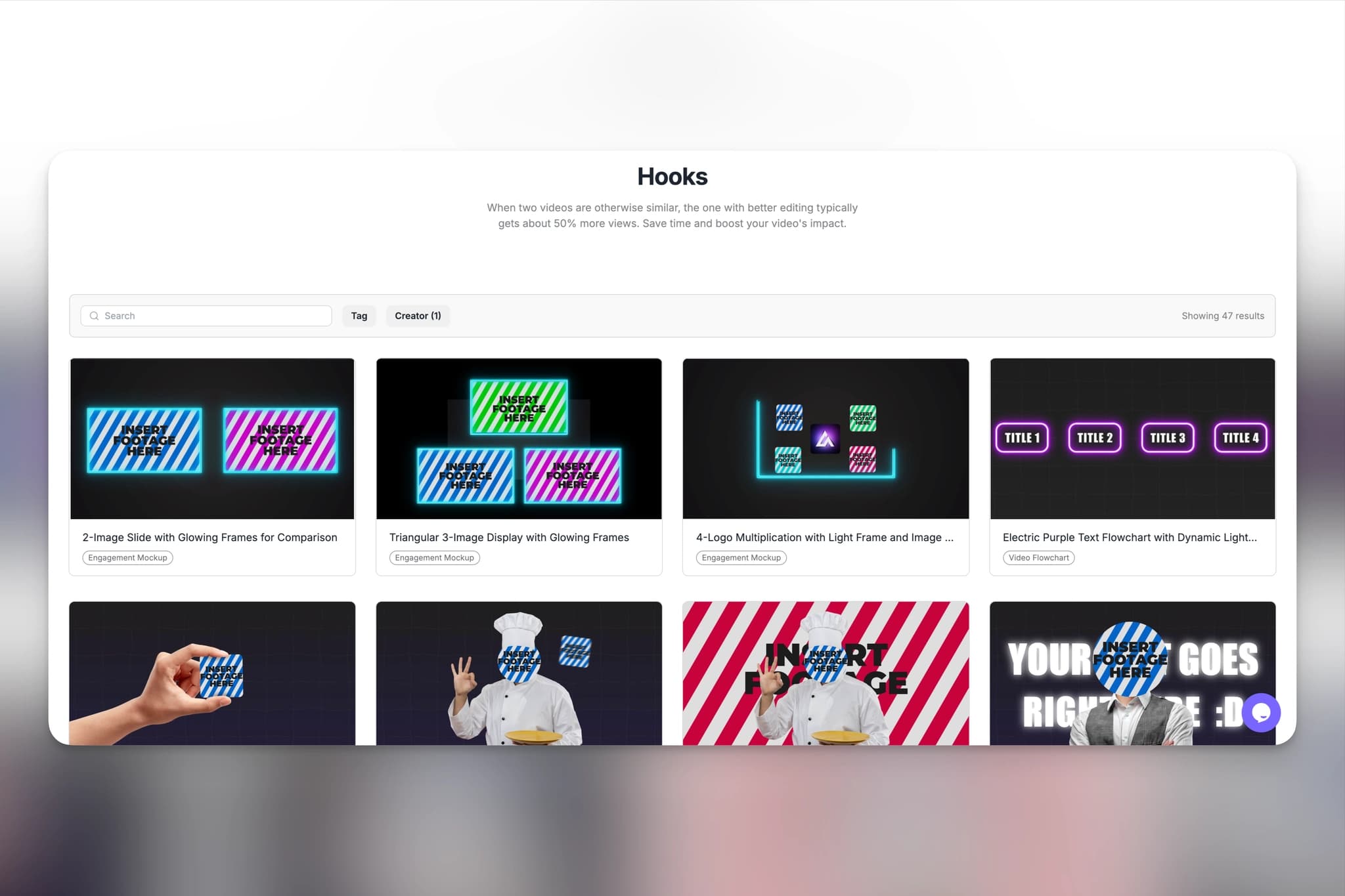
Top 10 Logo Reveal Makers (Fast Export + Commercial Use)
AI Tools Analysis March 25, 2026
We tested 10 logo reveal makers and template libraries for YouTube creators, scoring each on export speed, alpha-channel support, and commercial licensing. The list spans big template marketplaces like Envato Elements and Motion Array, fast online makers like AutoAE and Renderforest, and quick-start options like Placeit. A comparison table up front shows which tools render in the cloud, which need manual work, and which licenses actually let you use the intro in monetized videos.
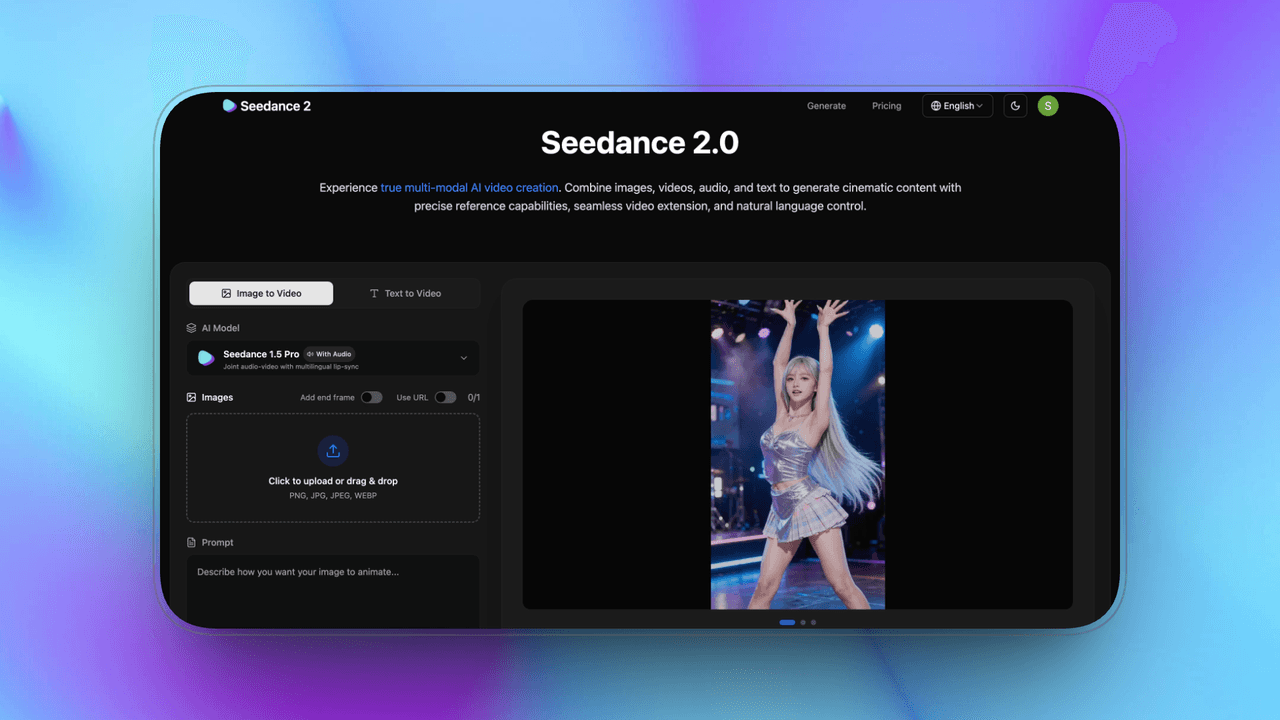
Best Alternative of Seedance 2.0 in 2026
AI Tools Analysis March 23, 2026
Seedance 2.0 leads on ByteDance ecosystem integration and cinematic AI continuity, but it is invite-only and computationally expensive, so most creators need an alternative. This guide compares six: Sora, Veo, Kling, Runway Gen-4.5, Pika Labs, and Stable Video, plus AutoAE for teams that need branded motion graphics rather than generated footage. Each entry covers strengths, weaknesses, pricing, and best-fit use cases, from enterprise narrative work to independent creators and social media makers.
Top 9 CapCut Alternatives for High-End Motion Graphics (2026)
AI Tools Analysis March 19, 2026
CapCut covers everyday edits, but its motion graphics ceiling shows up fast when you need premium intros or brand-level typography. This guide reviews nine alternatives for high-end motion graphics in 2026, spanning template platforms like AutoAE, professional compositing in After Effects, 3D suites like Cinema 4D and Blender, procedural systems like Cavalry, design-driven Jitter, and DaVinci Resolve. Each entry covers starting price, category, and the specific job it beats CapCut at, so you can pick by workflow instead of hype.

Top 12 Text Animation Tools for Viral Intros (2026)
AI Tools Analysis March 17, 2026
A viral intro has one to three seconds to establish momentum, and text animation usually does the heavy lifting. This guide compares 12 text animation tools for 2026, from full-control After Effects to fast template platforms like AutoAE, preset-based options like Renderforest and Placeit, and designer tools like Jitter. There is no single best option, so the comparison is organized around workflow fit: control, speed, pricing, and what each tool's intros are actually good at.

Top 10 AI Motion Graphics Tools for YouTube Shorts Hooks (2026)
AI Tools Analysis March 15, 2026
On YouTube Shorts, the first one to three seconds decide whether anyone stays, and strong hooks lean on fast, readable motion graphics more than on footage. This list reviews 10 AI motion graphics tools through a production lens: speed, control, output quality, ease of use, pricing value, and commercial readiness. It skips impressive-demo tools that fall apart in real workflows and focuses on what actually ships a usable hook, with a comparison table up front.
Best Motion Graphics Tools for SaaS Marketers in 2026: Skip the Designer, Keep the Quality
AI Tools Analysis March 13, 2026
Most SaaS teams don't have a motion designer, and launch week doesn't care: suddenly you need a demo clip, an animated ad, and an onboarding video by Thursday. This guide tests and ranks the best motion graphics tools for SaaS marketers in 2026, with real pricing, honest pros and cons per tool, and a buying guide that tells you which one to pick based on your team's actual skills rather than feature checklists.

Best AI Video Tools for Freelance Video Editors Under $25/Month in 2026: Real ROI, No Fluff
AI Tools Analysis March 7, 2026
Freelancing in video is a margin game: every subscription either saves more time than it costs or it is dead weight. We tested the AI video tools that genuinely fit under $25 a month, evaluated against real client-work criteria: commercial licensing, output quality, and workflow ROI per job. The list covers motion graphics, captioning, and editing tools, with honest notes on which cheap tiers hide watermarks or license traps that make them unusable for paid work.
Best Motion Graphics Tools for SaaS Launch Video in 2026: From Product Hunt Day to Website Hero
AI Tools Analysis March 7, 2026
Most SaaS teams realize on launch day that they needed a motion designer two weeks ago. This guide ranks the best motion graphics tools for SaaS launch videos in 2026, organized by when you actually need them: pre-launch brand assets, launch-day execution, and post-launch content production. Each tool gets real pricing, commercial licensing notes, and a launch-readiness rating, so the comparison answers the question that matters: what can ship by Thursday.